Introduction
Wedding website video ideas can make your site feel personal without making it hard to use. The best video has one clear job. It may welcome guests, share a short part of your story, explain a key plan, or save memories after the wedding. Start with what guests need most, then choose a short video that supports it. Your wedding website should still work when a guest cannot play sound, has a slow connection, or only needs the parking details.
What the video shows
The video opens with a dark globe centered on the Americas. That wide opening makes place feel important before the viewer meets any one person. For this article, it is a useful reminder that a wedding website video needs context first. A guest should quickly understand what the video is for before it asks for their time.
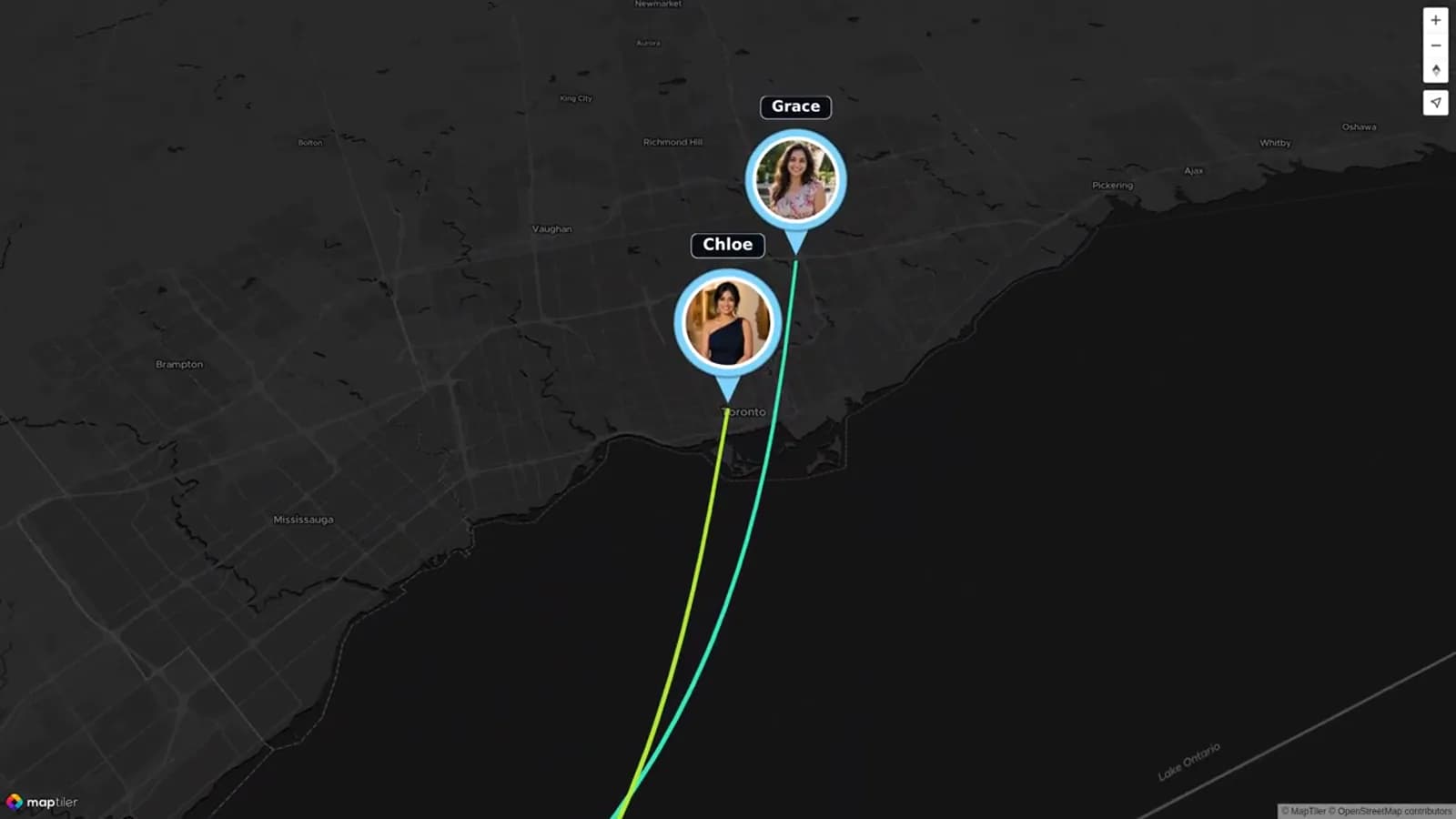
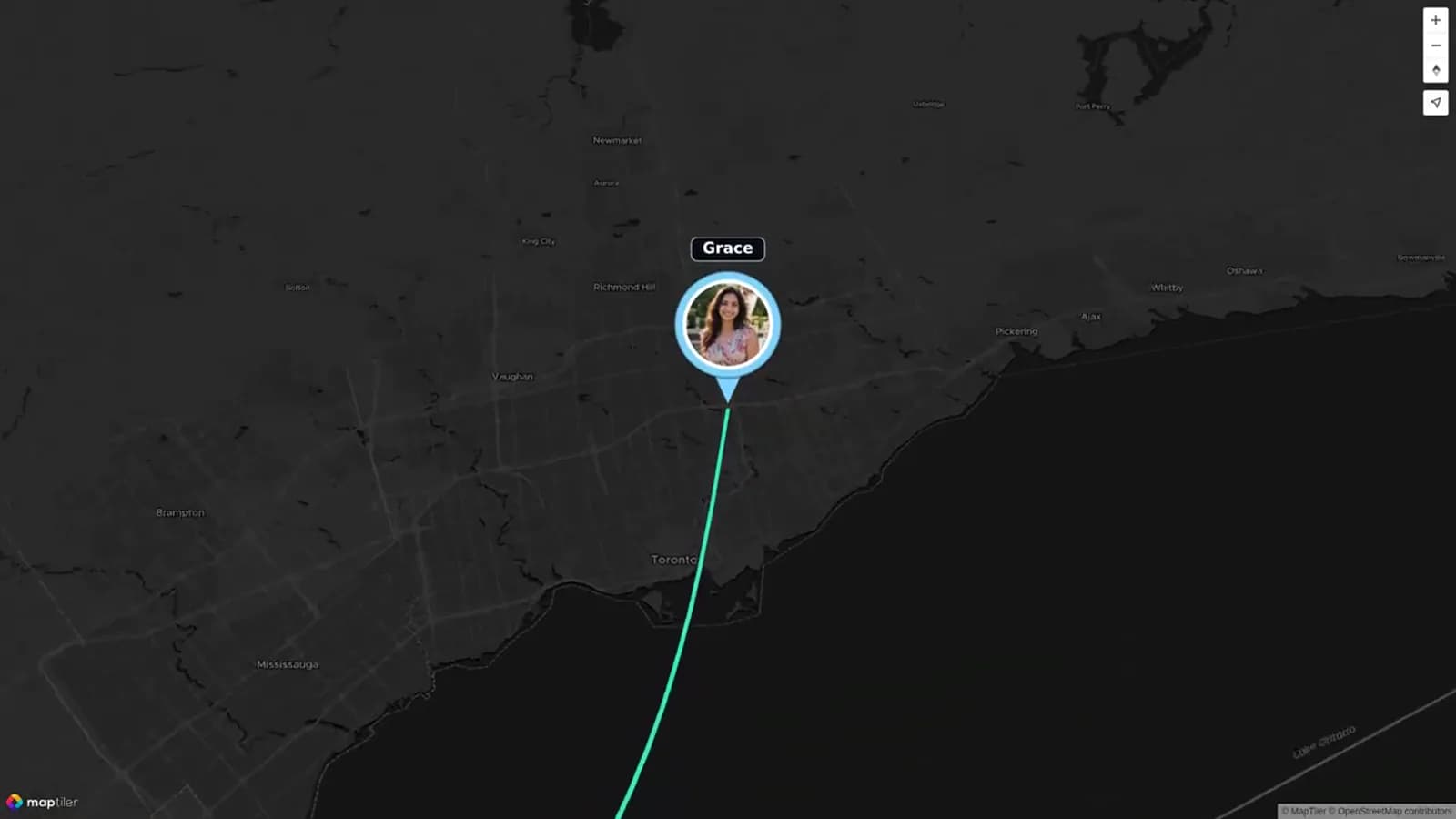
At 20 seconds, Olivia & Ben connect with Grace near the Great Lakes through a colored route. At 50 seconds, Grace and Chloe appear as named contributor markers in the same visual network. Those scenes show a simple way to move from a couple’s central story to the people who are part of it. A wedding story video can use the same idea with a few photos, a short caption, and one meaningful location.
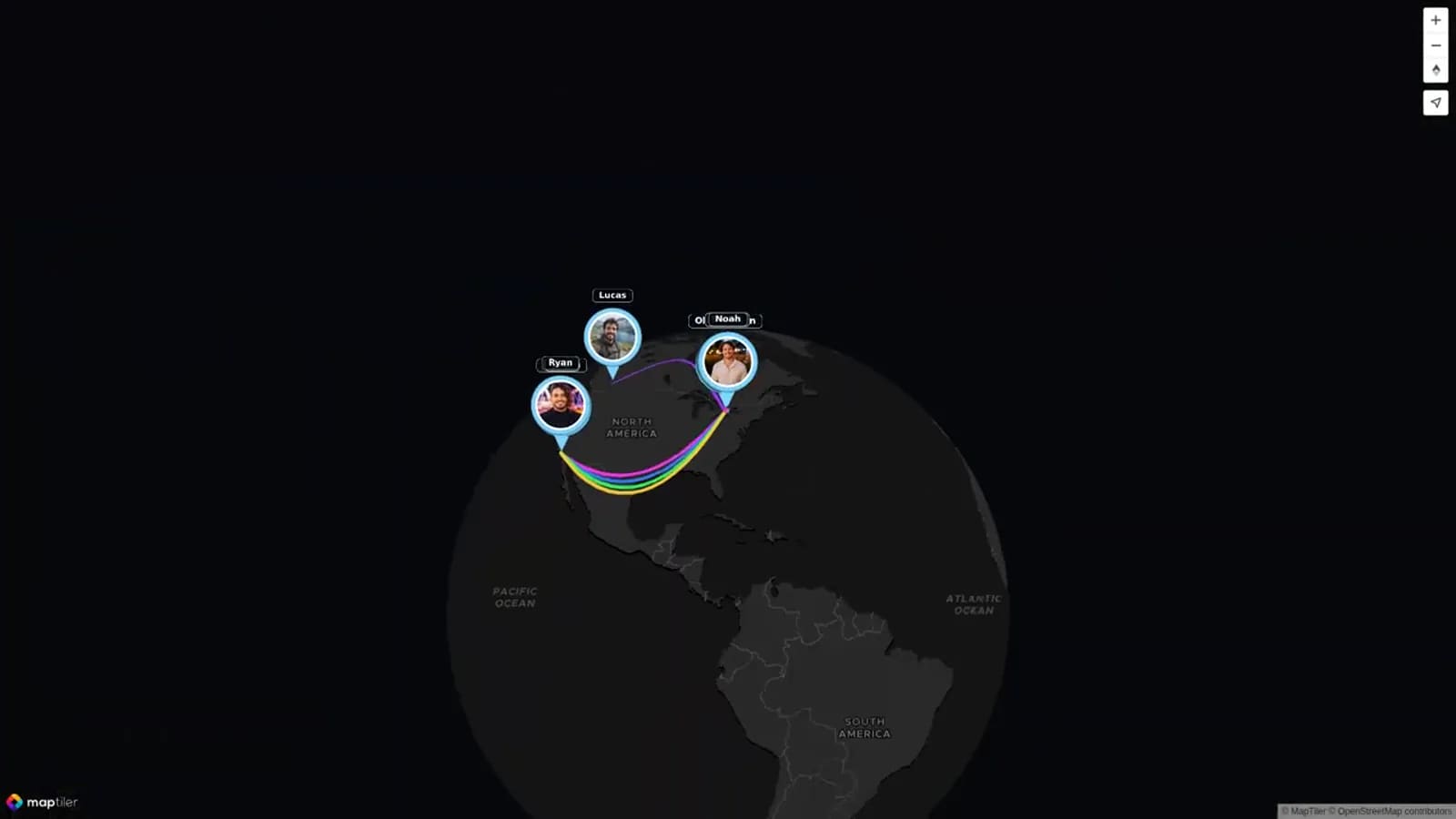
At 130 seconds, Ryan and Jake extend the contributor story to the West Coast. The change in location makes distance part of the story instead of a problem to hide. This is helpful for couples with long-distance friends, families in different cities, or a relationship that grew across several places. It also gives a post-wedding video a natural way to include people who could not attend.
The closing globe gathers the North American markers and routes into one overview. The structure moves from broad context, to individual connections, then back to a complete picture. That is a strong fit for a post-wedding keepsake. It is less suited to a logistics video, where guests need direct, short information. Use the embedded video as inspiration for a map-led memory story, while keeping current schedules, addresses, and RSVP instructions in written website sections.
Choose the job before you choose the video
A wedding website can hold more than one video, but it does not need to. One clear video is often enough before the wedding. Guests visit the site to find dates, times, travel notes, dress code, and RSVP information. A long video at the top can slow them down.
Decide what you need the video to do. A welcome video sets a friendly tone. A relationship story gives context to people who know only one partner. A logistics video helps guests prepare. A post-wedding video lets the site become a memory page later.
Keep each pre-wedding video short. Thirty to 60 seconds is enough for a welcome. A story video can run one to two minutes if the photos change often. A logistics clip should be brief, then point people to written details.
Wedding website video ideas: four types that work
A welcome video belongs near the top of the home page. It should greet guests, share excitement, and point them toward the schedule or RSVP button. Use it when you want a warmer first impression than a paragraph alone can give.
A relationship story video works best on an “Our Story” page or just below a short written version of your story. Use a few photos, simple captions, and one or two lines spoken by the couple. Do not try to cover every year. Pick three moments that explain the shape of your relationship.
A logistics video is useful only when it solves a real guest question. It can explain a multi-day event, a shuttle plan, a venue change, or a phone-free ceremony. Keep it practical. Put the same information in text below the video so guests can scan it later.
A post-wedding video is for the page after the celebration. It can hold guest clips, photos, messages, and the places that mattered to the couple. This version can be more emotional because guests are not trying to find directions while they watch.
Where to place each video on the site
Put a wedding welcome video near the top of the home page, after the names and date. Do not place it above the RSVP link if that pushes the main action out of view on a phone. Add a short text welcome below it for guests who do not press play.
Put the wedding story video on the “Our Story” page. A short written story should appear above or below it. This helps guests who want the quick version and makes the page useful without video.
Put a logistics video on the page where the details already live. A travel video belongs with travel notes. A weekend overview belongs with the schedule. Add headings, dates, links, and addresses in text. A video should never be the only place a guest can find important instructions.
Save the post-wedding video for a thank-you page, private gallery, or a section added after the event. This protects the pre-wedding site from becoming too busy and gives the finished memory its own space.
Video type and placement comparison
Use this comparison to match the video to the page and to the guest need. If two types seem useful, publish the welcome first and save the other one for a separate page.
| Video type | Best placement | Best use | Keep in text too |
|---|---|---|---|
| Welcome video | Home page, below names and date | Warm greeting and a pointer to the key pages | RSVP, schedule link, and main details |
| Relationship story video | Our Story page | A short introduction for guests who know only one partner | A written summary and photo captions |
| Logistics video | Schedule, Travel, or Weekend Details page | A multi-day overview, shuttle note, or venue change | Times, addresses, maps, dress code, and contact details |
| Post-wedding video | Thank-you page or private gallery | A keepsake with guest clips, photos, messages, and places | Sharing permissions and any download instructions |
Keep guest instructions clear
A short video can make a complicated plan feel calmer, but it cannot replace a clear page. Write the essentials in plain text: where to be, when to arrive, what to bring, and where to get help. Link to live maps or venue pages for current directions.
If your celebration has several events, use simple headings such as “Friday Welcome Dinner,” “Saturday Ceremony,” and “Sunday Brunch.” Add one short video only if it helps guests understand the flow. A fast slideshow with no clear point may create more questions.
Test the website as a guest would. Open it on a phone, turn the sound off, and look for the RSVP and schedule. Ask one person who was not involved in planning to find the venue, dress code, and hotel details. Fix anything that takes more than a few taps.
Three short scripts you can copy
Use these scripts as a starting point. Change the names, date, and details until the words sound like you. Read them aloud once before recording. A warm, natural take is better than a perfect one.
For each script, record facing a window or soft light. Keep the phone steady. Speak slowly and leave a short pause at the beginning and end.
Make a relationship story more useful with places
A wedding story video does not need a full timeline. Three places can say enough: where you met, where you spent an important season together, and where you are getting married. Add a photo or clip for each one and one sentence about why it matters.
AlbumMap is helpful when the story includes many people or locations. Friends and family can contribute photos, short videos, written messages, and places to a shared project. The finished map video can connect the cities, homes, schools, trips, or proposal spot behind the relationship.
That approach fits best as an “Our Story” feature or a post-wedding keepsake. It should not replace practical site information. Guests still need a written schedule, RSVP link, travel details, and a direct way to ask questions.
Simple production tips
Choose one speaker or use captions. A video with several voices can feel lively, but too many quick cuts can make it hard to follow. For a welcome, both partners can say one sentence each. For logistics, use one calm voice and clear on-screen text.
Avoid autoplay with sound. Many guests open a wedding website at work, while traveling, or late at night. Let them decide when to play the video. Add captions when possible, especially for instructions.
Use photos and music only when you have permission. Keep names, home addresses, travel plans, and private stories out of a public video unless everyone involved is comfortable with sharing them.
Examples You Can Copy
Welcome video script
Hi, we are [Name] and [Name]. We are so happy you will be part of our wedding on [date]. This site has the schedule, travel notes, and RSVP details. We cannot wait to celebrate with you.
Relationship story video script
Our story began in [place], where we first met through [simple detail]. Since then, we have built a life shaped by [place or shared interest]. We are grateful that you will be with us as we begin this next chapter.
Guest instructions video script
A quick note for Saturday: please arrive at [time] for a [time] ceremony at [venue]. The reception follows at [location]. You can find parking, shuttle, and dress-code details on the Schedule and Travel pages.
Final Thoughts
The best wedding website video is the one that makes the next step easier. Welcome guests warmly, tell a short piece of your story, and keep every important instruction in text. After the wedding, you can turn shared photos, videos, messages, and meaningful places into a deeper memory story with AlbumMap.
Helpful answers
Frequently asked questions
Should I put a video on my wedding website home page?
Yes, if it has a clear job. A 30- to 60-second welcome video can make the home page warmer. Keep the RSVP and key details easy to find without playing the video.
How long should a wedding welcome video be?
Aim for 30 to 60 seconds. Say hello, share the date or feeling of the day, and point guests to the schedule, travel notes, and RSVP page.
Where should a wedding story video go?
Put it on an Our Story page or below a short written story. Keep it to one or two minutes and choose only a few meaningful moments.
Can a video replace written wedding instructions?
No. Put times, addresses, parking, travel information, dress code, and RSVP details in text. Videos are helpful support, but guests need information they can scan and revisit.
What should a post-wedding website video include?
Use selected photos, short clips, guest messages, and a few meaningful locations. Ask permission before sharing people or private moments on a public page.