
One photo.Made from all the rest.
- Free preview
- Photos and video clips
- Up to 50 tile sources
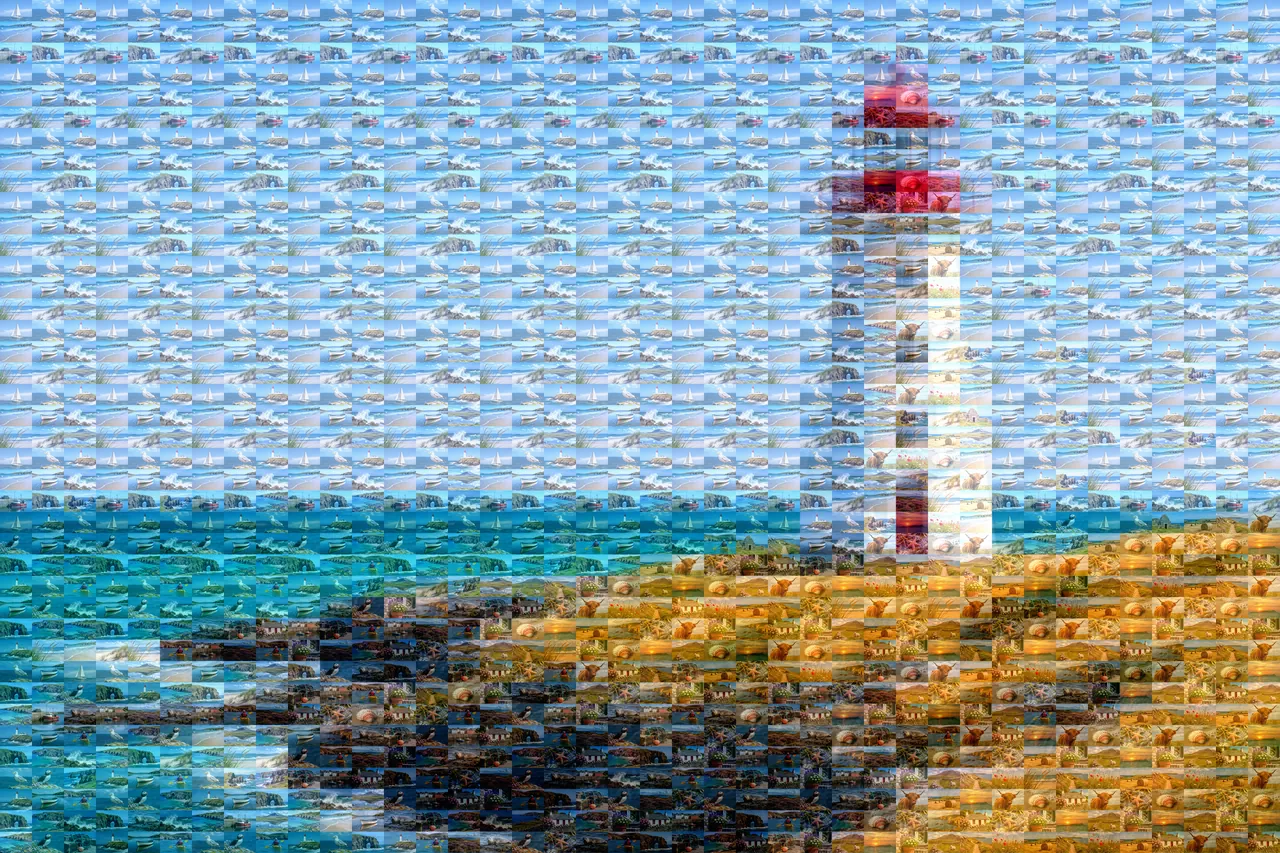
From one photo and a few dozen more
The studio asks for four things, in this order. Most mosaics take a few minutes to set up.
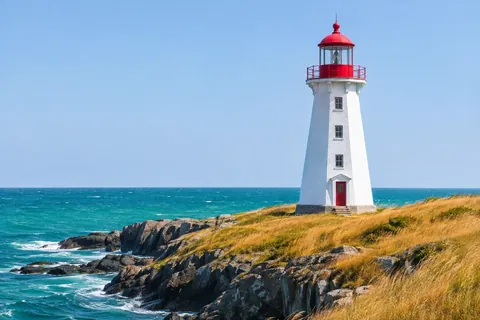
Pick the main photo
This is the big picture people see from across the room.
Add your photos and clips
Up to 50 photos or videos. Each video gives five frames to use as tiles.
Choose how the tiles look
Shape, size, spacing and how strongly each tile takes on the colour beneath it.
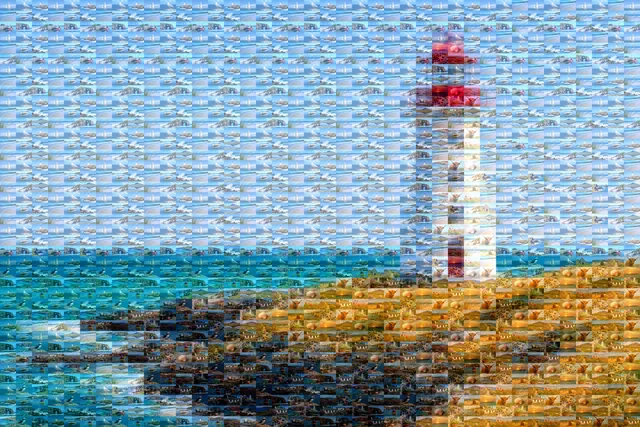
Export a picture or a video
Save a large PNG, JPEG or WebP, or an MP4 where the tiles fly in.
Choose how the tiles look
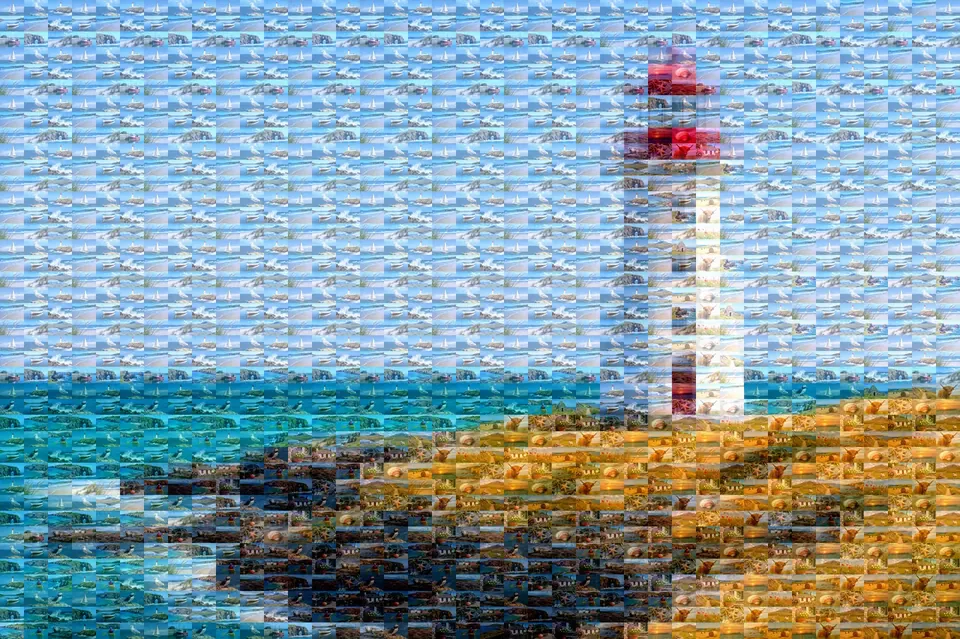
Every picture here is the same mosaic with one setting changed, exactly as the studio makes it.
Six tile shapes. Circles and hexagons leave a background colour between tiles.
Keep the important part clear
Paint over a face, a couple or a building with the focus brush. The main photo shows through there, and the tiles stay everywhere else.
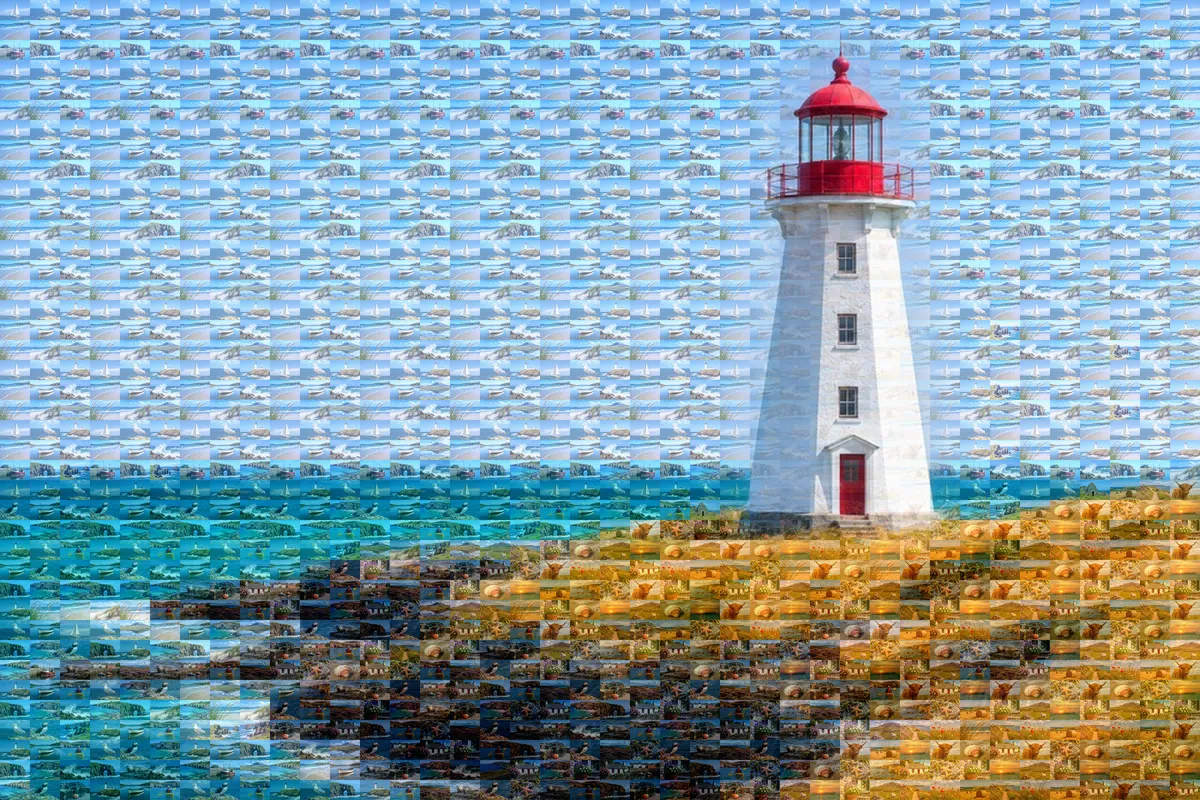
Save it as a print or a moving mosaic
Export the same mosaic as a picture for the wall or a video for the screen.
Tiles fly in from the edges and settle into the picture.
- Picture
- PNG or JPEG up to 40,000 pixels on the long side, saved at 300 DPI. The studio shows the print size before you export.
- Video
- MP4 up to 4K and 30 seconds. Video clips you add can keep playing inside their tiles.
Photo mosaic gift ideas
A mosaic works best when the main photo is simple and the tile photos share a story.
Birthday portrait
Their photo, rebuilt from a year of moments with them.
Birthday videosAnniversary print
A favorite photo of the two of you, made of every trip and dinner since.
Anniversary videosWedding guest mosaic
The couple's portrait, made from the photos guests took on the day.
Wedding videosGraduation keepsake
A cap-and-gown photo built from school years, teams and friends.
Graduation videosTrip poster
One view from the trip, made from every stop along the way.
Travel videosTeam or class photo
A group photo made from each person's own pictures and clips.
How does the photo mosaic maker work?
You choose one main photo and up to 50 photos or video clips for the tiles. Album Map cuts the main photo into a grid, finds the tile that fits each cell best, and can shift each tile towards the colour beneath it so the big picture stays clear.
How many photos do I need?
One is enough to start, because tiles can repeat. Around 30 to 50 different photos gives the best variety. Each video clip gives five frames, so ten clips add 50 tiles to choose from.
Can I use videos in a photo mosaic?
Yes. Add MP4, MOV or WebM clips next to your photos. In a picture export each clip shows as five still frames. In an MP4 export the clips can keep playing inside their tiles.
How big can I print it?
PNG and JPEG exports can be up to 40,000 pixels on the longest side and are saved at 300 DPI, so a 20,000 pixel square prints at about 66 inches wide. For a sharp print, use clear tile photos and a tile size of at least 20 pixels.
Is the photo mosaic maker free?
Making and previewing a mosaic is free with an Album Map account. Free downloads carry a Preview watermark. Still previews are JPEGs up to 1,600 pixels, and video previews are MP4s. An active subscription or one credit per mosaic unlocks the clean download.
How long are my mosaics kept?
Finished mosaics stay in Your mosaics for 48 hours, so download the ones you want to keep. Your uploaded photos stay private to your account.
Make the photo they will look at twice
Once from across the room, and again up close to find every memory inside it.
- Free preview
- Photos and video clips
- Up to 50 tile sources