Memory Map Video Maker
Some memories are tied to places.
Maybe it was the city where you met. Maybe it was the house where your family grew up. Maybe it was the school, park, restaurant, or beach where something special happened.
A memory map video maker helps you turn those places into a story.
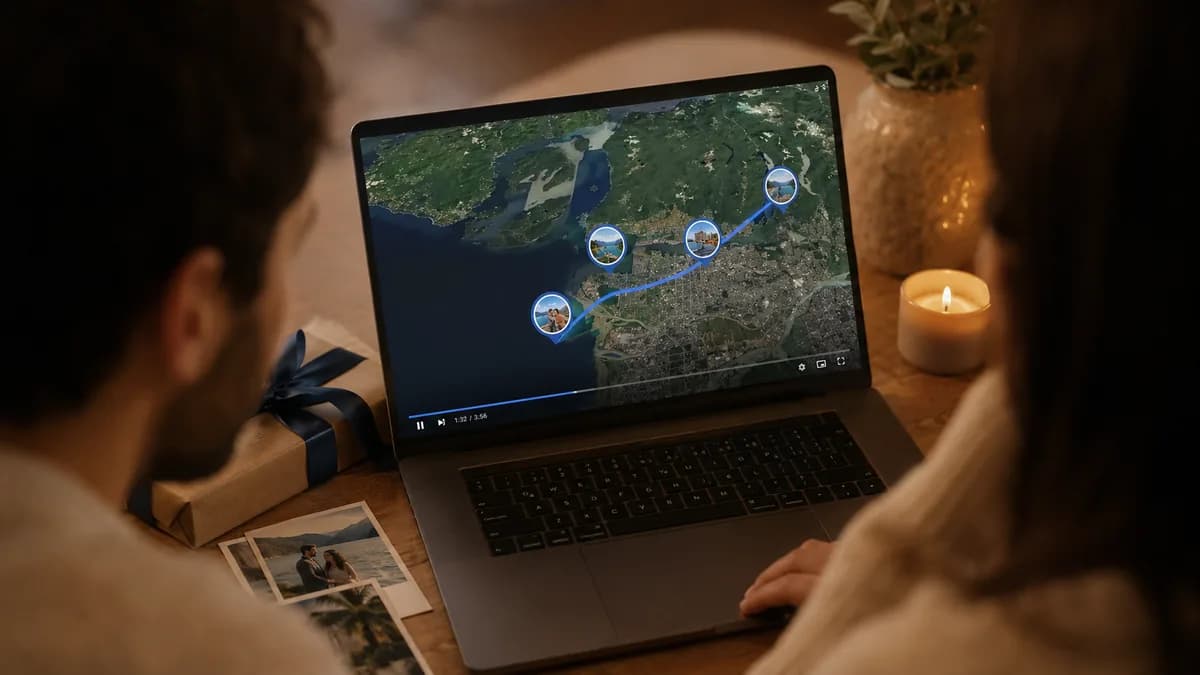
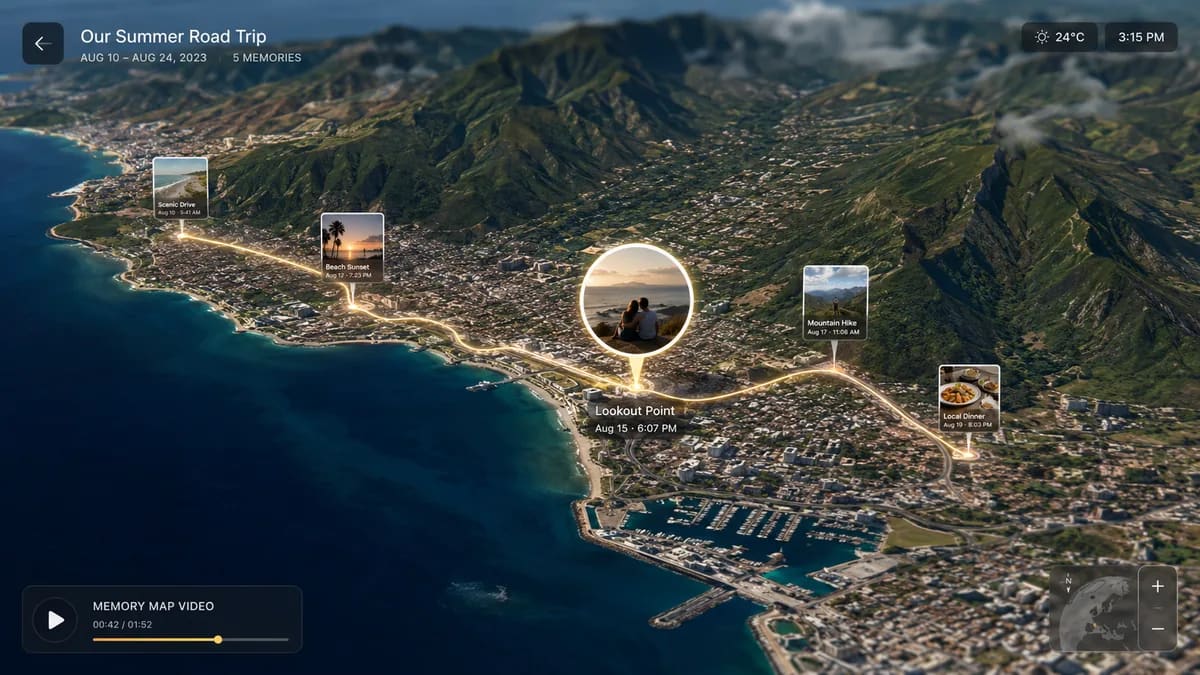
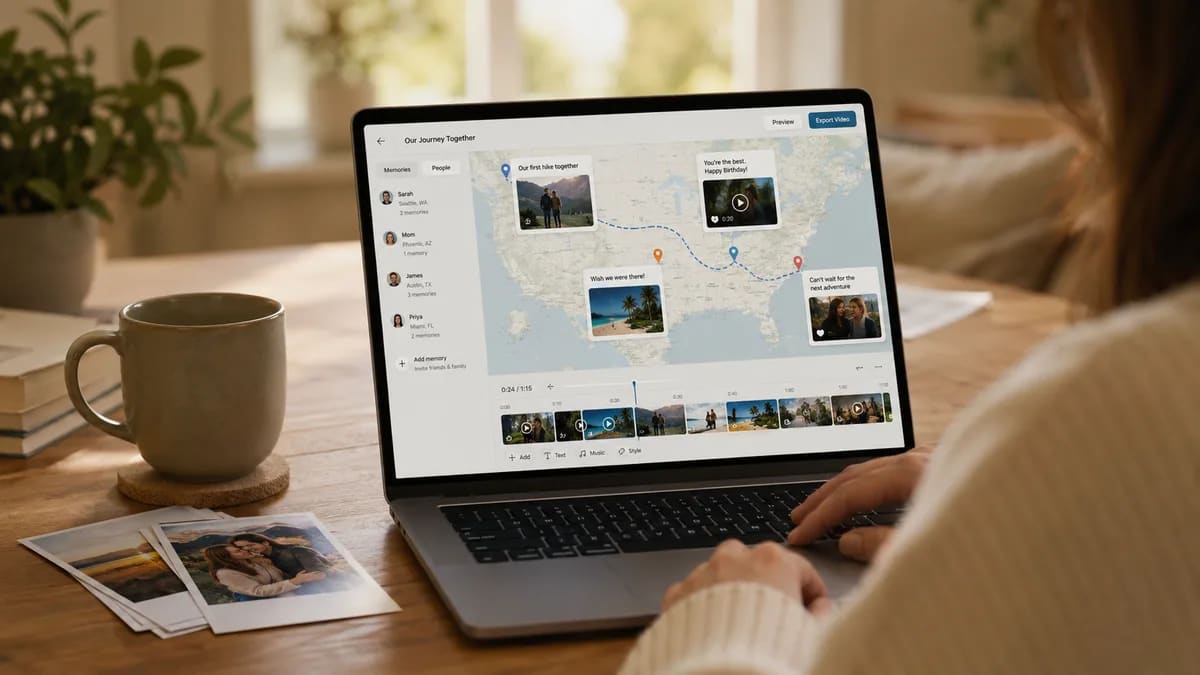
Instead of making a normal photo slideshow, you can make a video that moves from place to place on a map. Each stop can show a photo, a video, or a message. This makes the memory feel more real.
It is not just a video. It is a map-based video album.
What Is a Memory Map Video?
A memory map video is a video that shows memories on a map.
Each person or memory can have a location. The video can move between those places. At each stop, you can show photos, short videos, written messages, names, cities, or special places.
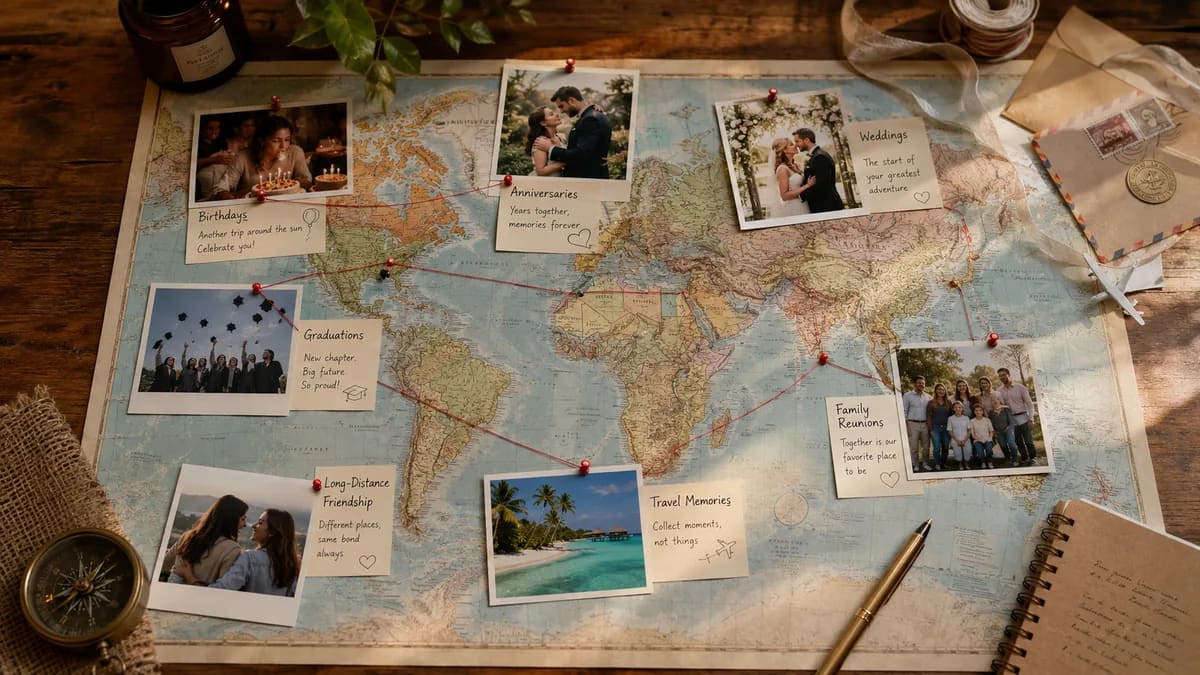
This can be used for birthdays, anniversaries, weddings, graduations, trips, or family gifts.
A memory map video is great when people are in different places. Friends and family can send memories from their own city. Then all the memories come together in one video.
Why Use a Map-Based Video Album?
A map makes the story easy to follow.
A normal album shows photos one after another. That can still be nice. But a map adds a new feeling. It shows where the memories came from.
For example, you can show a birthday message from Toronto, a family photo from New York, a college memory from Boston, and a wedding story from Chicago.
The map helps people see the full story. It can also make the gift feel bigger. It shows that love can come from many places.
When Should You Make a Memory Map Video?
You can make a memory map video for many events.
- A birthday gift
- An anniversary gift
- A wedding surprise
- A graduation video
- A goodbye gift
- A family reunion
- A travel memory album
- A long-distance friendship gift
It is also a good choice when many people want to help with the gift. Each person can send one photo, one video, or one message.
What Should You Add to the Video?
You do not need a lot to make a good memory map video.
- A photo of the person or couple
- A list of friends or family
- A special place for each person
- A short message from each person
- A few photos or video clips
The best videos are not always the longest ones. A short, clear, kind message can mean a lot.
Ask people simple questions like: Where did you meet this person? What is one funny memory? What is one thing you love about them? What place reminds you of them?
Tips for Making a Good Memory Map Video
Keep it simple.
Ask each person for one or two things. If you ask for too much, people may not send anything.
Use clear instructions. Tell people what to send and when to send it.
Pick places that matter. A city is enough. You do not always need a full address.
Use short clips. A short video message is easier to watch than a very long one.
Put the memories in a good order. You can order them by time, by place, or by the people who matter most.
A Gift That Feels Personal
A memory map video works because it shows more than photos.
It shows the people. It shows the places. It shows the story.
That is why it can feel more personal than a normal video gift.
It is a simple way to say, Look at all the places where you are loved.
Try Making One
You do not need to be a video editor to start.
With AlbumMap, you can collect photos, videos, messages, and locations from friends and family. Then you can turn them into a map-based video album.
If you want to make a memory map video for a birthday, anniversary, wedding, or special gift, try albummap.com. AlbumMap is free to try, and it can help you turn special places into a keepsake video.