1,000+media items

Shared in the first few months after launch.
Graduation video maker
No app for guests · No credit card · Free basic export
Trusted for graduation celebrations
Families, friends, teachers, and classmates use Album Map to collect congratulations, photos, milestone moments, and meaningful places in one graduation keepsake.

Why Album Map
A montage gathers congratulations. Album Map also connects the schools, homes, and places behind the milestone.
1,000+media items
Shared in the first few months after launch.
95%+of users choose free

More than 95% of users use Album Map for free.
1and only one web

Create the invitation and export the final video for free.
1and only one place to

Add locations, photos, and clips to one slideshow.
Three simple steps
Invite the people who matter, collect their favorite moments, and bring everything together in one meaningful surprise.

Personalize a beautiful invitation card, then share one private link with friends and family.

Everyone adds photos and video messages. Arrange the moments and turn them into one polished story.

Play it together or send the finished video as a surprise they can keep and replay.
Every screen, your way
Your graduation story is ready for phones, tablets, laptops, and the places you choose to share it.
Portrait 9:16
Landscape 16:9
Feed 4:5
Graduation wishes from everyone
Family, friends, and mentors send graduation congratulations from wherever they are. Album Map connects each message to its place, then brings it all into one shared graduation slideshow.
Graduation video gift ideas
The ceremony marks one day, but the graduation story includes years of learning, support, friendships, and change. Choose one clear angle and collect the moments that show how the graduate reached this point.
Explore more graduation video ideasIdea 1
Bring together the family members, classmates, teachers, coaches, and friends who helped along the way. Their voices can show the graduate how many people noticed the effort behind the achievement.
Ask contributors: When did you know this graduate would make it here, and what are you proudest of now?
Reveal tip: Play it at the graduation party after guests arrive, or share it privately before the ceremony begins.

Idea 2
Graduation is a useful moment to collect guidance from people the graduate trusts. Short, specific advice from mentors and loved ones can become a keepsake they return to when the next chapter feels unfamiliar.
Ask contributors: Which strength will carry this graduate forward, and what advice would you give for what comes next?
Reveal tip: Send the video privately after the celebration so the graduate can revisit the advice without an audience.

Idea 3
Show how the graduate changed from their earliest school days to the final ceremony. A few turning points, meaningful places, and voices from each chapter will say more than a long slideshow of every available photo.
Ask contributors: Which chapter best shows how this graduate grew, and what changed during that time?
Reveal tip: Keep the route chronological and finish with the graduation photo, final campus stop, and next destination.

Idea 4
Shape the story around the milestone the graduate actually reached, whether it is high school, college, university, a professional program, or another hard-earned qualification. Specific details keep the tribute from feeling interchangeable.
Ask contributors: What should this graduate remember about this chapter, and what are you excited to see them do next?
Reveal tip: Watch it at a family gathering, then keep the private link ready for relatives who could not attend the ceremony.

Graduation video guides
Find graduation video ideas, montage tips, and message prompts for students, families, teachers, and schools.
 graduation video ideas
Try first-day-to-graduation timelines, class messages, achievement maps, and future wishes. Use the checklist to plan a clear result.
Read guide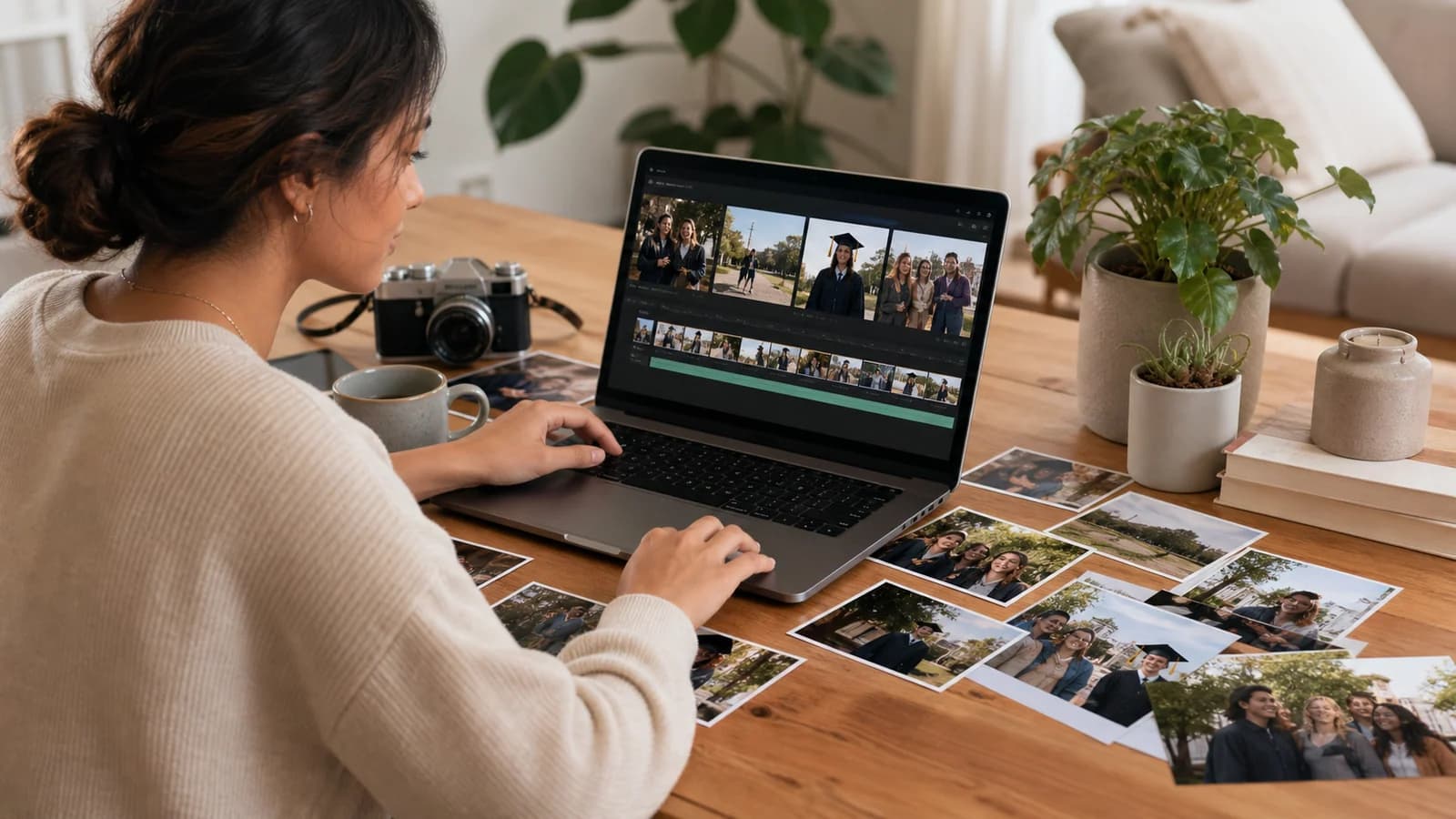 graduation video maker
Arrange academic milestones, friendships, locations, achievements, and congratulatory messages. Use the checklist to plan a clear result.
Read guide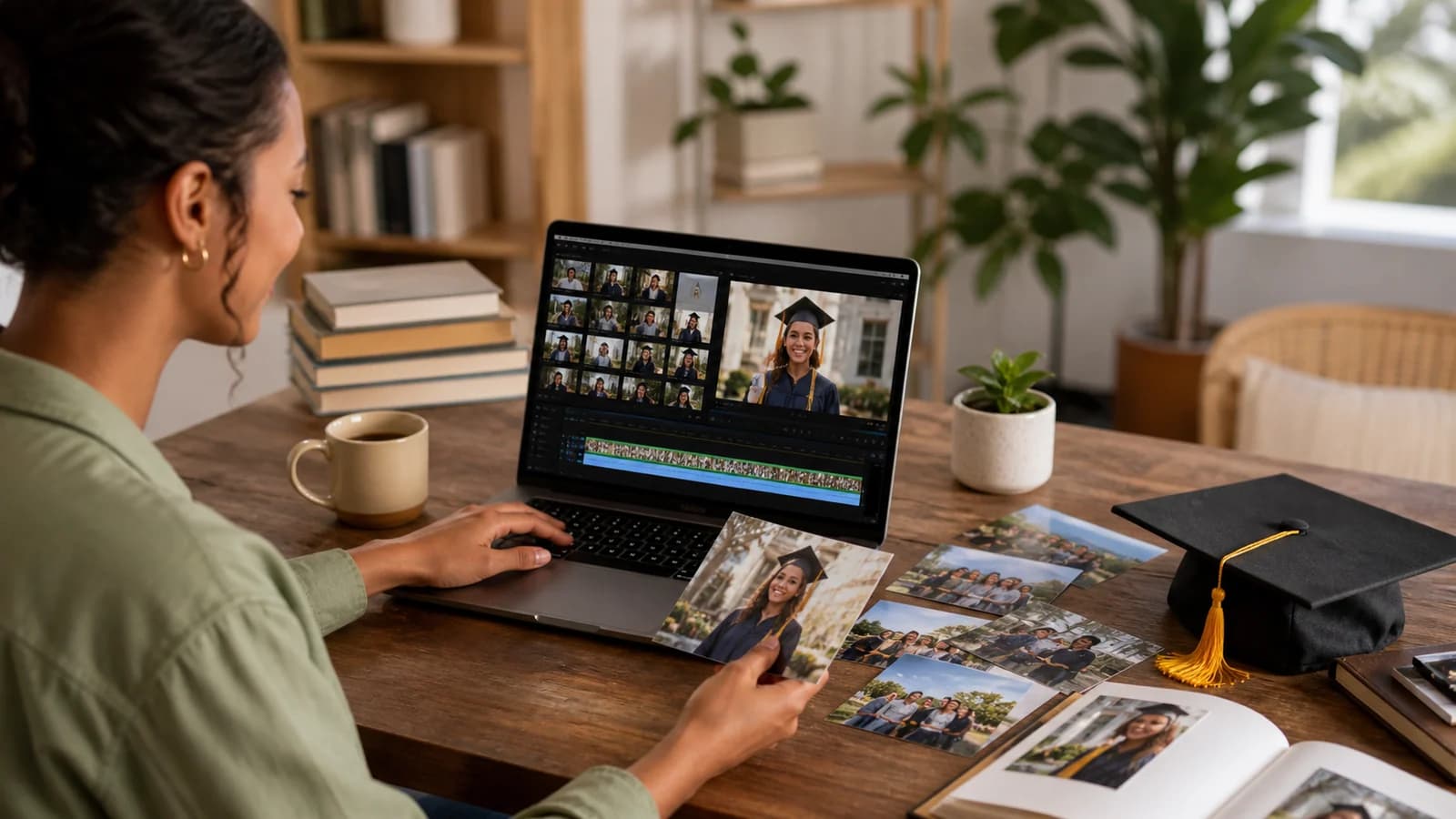 graduation video montage
Combine school photos, family clips, teacher messages, achievements, and ceremony moments. Use the checklist to plan a clear result.
Read guideFamily pride and school-year memories, in one video.
The questions people usually ask before collecting graduation messages.
Read the full FAQStart free, pick Graduation as the occasion, then add photos, clips, congratulations, and places from the school years — or share one link so family, friends, and mentors add theirs. Choose the music and style, preview the graduation video, and export at 720p for free or choose premium quality up to 4K.
They can add photos, short video clips, written congratulations, advice, and meaningful locations from school, home, or other important places.
No. They can open the private link or scan the QR code and contribute in the browser.
Yes. Anyone with the private link can add a message, note, photo, or place for the graduate.
Yes. Set a due date, collect contributions ahead of time, preview the video, and export it before the party or ceremony.
Download the finished video at 720p for free, or choose premium export options up to 4K. Play it at the party, send it to family, or share it with the graduate.
Start the celebration
Set up the project, send one link, and collect the messages, photos, clips, and places that celebrate what they achieved.
No app for guests · No credit card · Free basic export