Introduction
A wedding weekend timeline video can hold more than the main ceremony. It can begin when guests reach the hotel on Friday and end with Sunday hugs. The route gives each photo, clip, and message a clear place in the story. This guide shows you how to plan seven useful stops without making the project feel large or hard.
What the video shows
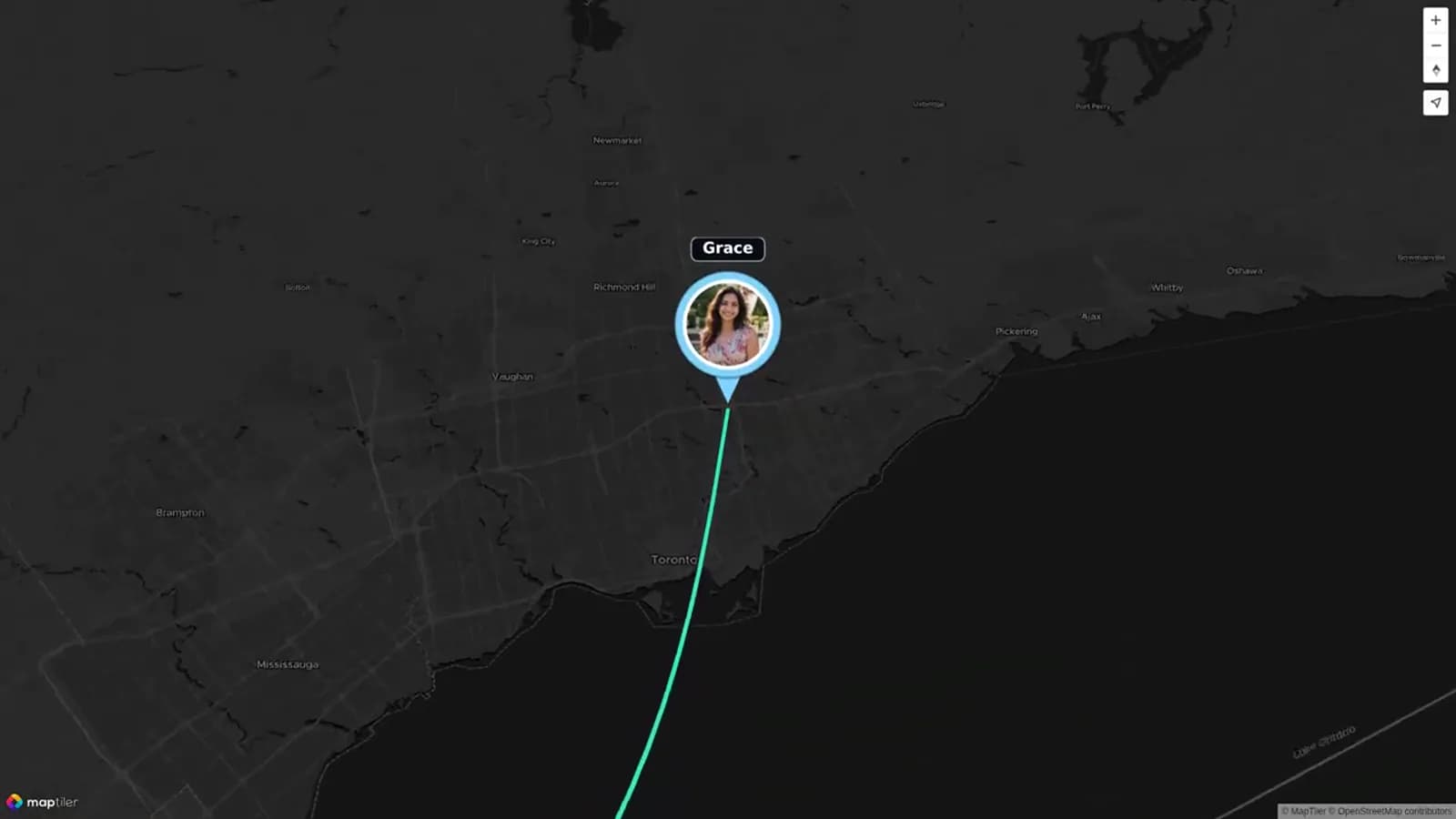
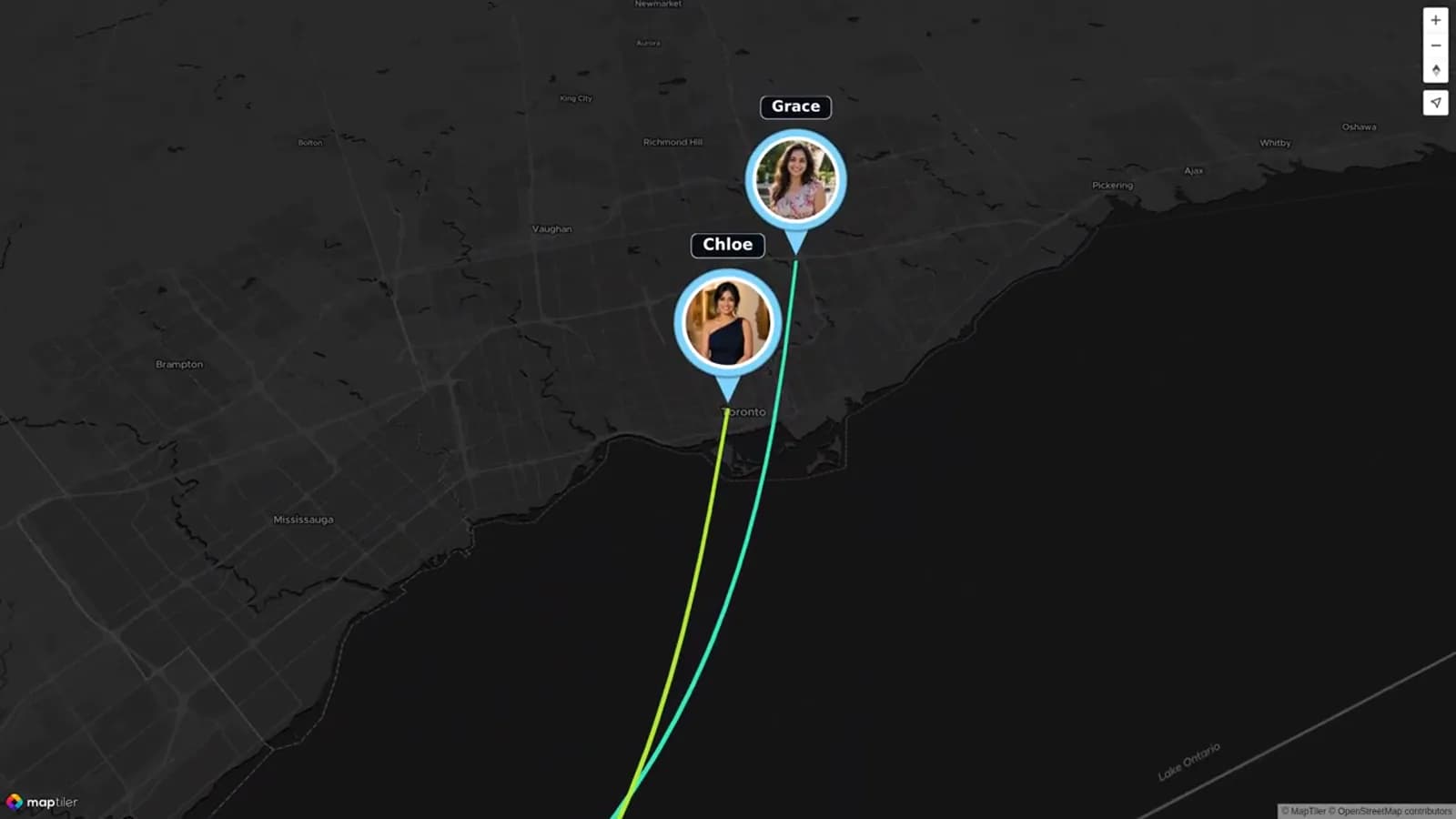
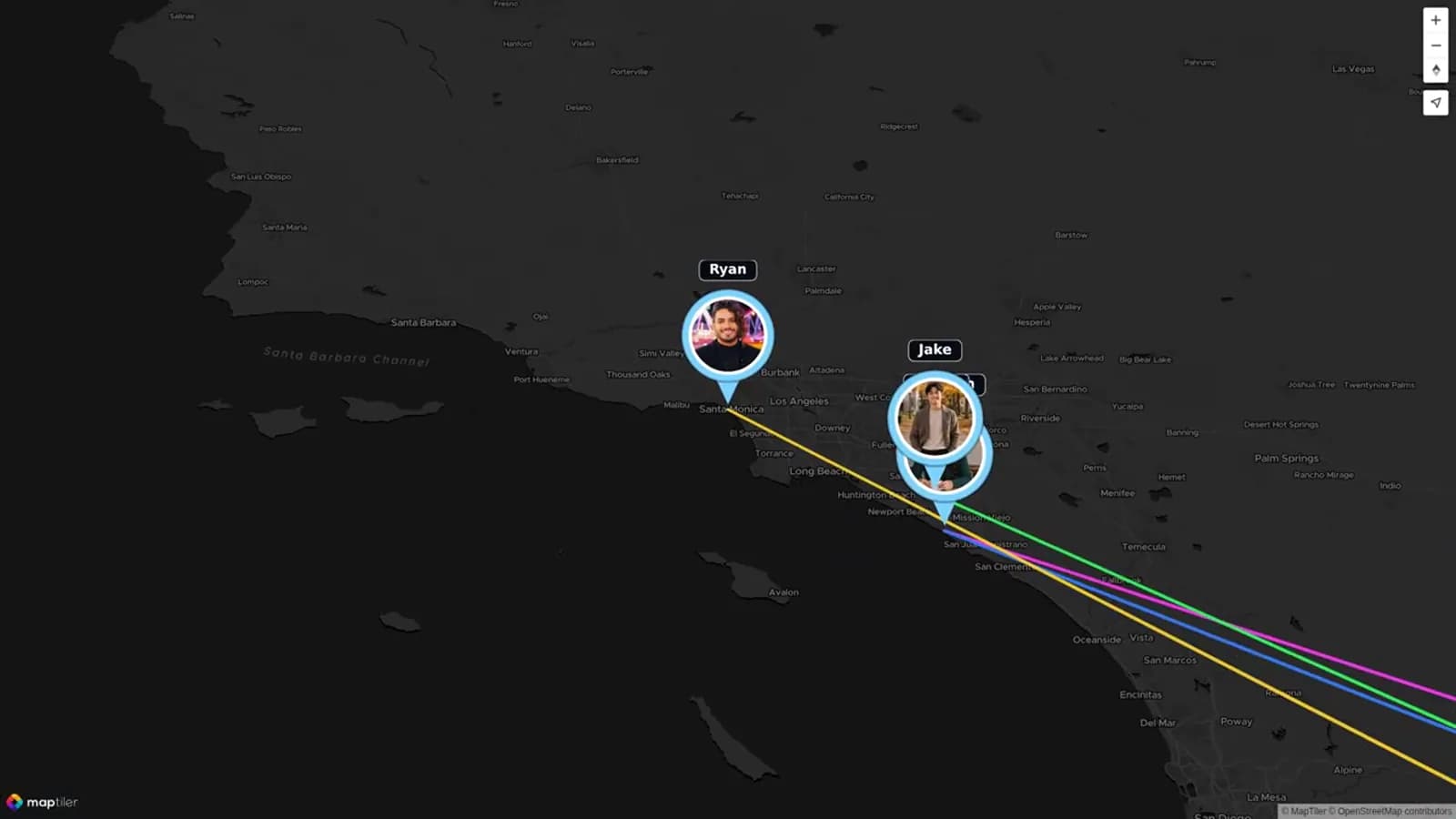
The reference video is an AlbumMap wedding video named “Wedding Memories Made with AlbumMap.” AlbumMap’s current wedding maker page also shows the main format behind the example. Wedding photos, short clips, guest wishes, advice, and places can be collected in one project. A map then moves between the locations that hold those memories.
That structure matters for this guide. A weekend recap needs more than a pile of files in time order. Each move should help the viewer understand where the next part took place. A hotel can open the weekend. The rehearsal can introduce close family. The ceremony and reception can form the heart of the story. A portrait site or city landmark can provide a calm break between major events. The route can then end at brunch or the farewell hotel lobby.
A useful map transition does two jobs. It shows that time has moved forward, and it prepares the viewer for a new setting. Short title cards can add the day, place, or event name. Photos can establish each stop. Brief clips can then add sound and motion. Written notes work best when they add context that the image cannot show.
A publisher should compare this analysis with the video before posting and update it where needed. This safeguard keeps an unverified scene claim or guessed timestamp out of the final page.
Plan your wedding weekend timeline video around the route
Start with the route, not the camera roll. Write down every place that shaped the weekend. Include the hotel, rehearsal, ceremony, reception, and photo locations. Add brunch or a farewell stop if it helps close the story.
Next, choose seven stops that show a clear change. A new stop may mark a new day, venue, group, or mood. You do not need a pin for every small move. Too many stops can make the map feel busy.
Give each stop one main job. The hotel can welcome everyone. The rehearsal can show the people closest to the couple. The ceremony can hold the vows. The reception can carry the biggest burst of joy. Sunday brunch can give the story a soft ending.
This route is different from a wedding itinerary video sent before the event. An itinerary tells guests where to go. A recap looks back at what happened and why each place mattered. The same schedule can help plan both, but the recap should focus on memory.
Choose one strong memory for each stop
A stop does not need every photo taken there. Pick one clear lead image or clip. Then add one or two supporting pieces. This keeps the pace moving and makes each place easier to remember.
Use a simple mix. Start with a wide image that shows the setting. Follow it with a close photo, short clip, or written note. A five-second laugh can carry more feeling than a long speech.
Ask one question for each part of the route. What did guests first see at the hotel? Who made the rehearsal feel warm? What quiet moment happened before the ceremony? Which portrait shows the couple taking a breath? What small event changed the mood at the reception?
Save extra files in a separate folder. They can still be used in a photo album or longer edit. The map story will feel stronger when every item has a reason to be there.
Seven-stop wedding weekend storyboard
Use the table below as a first draft. Change the times and places to fit your plans. Keep the seven-stop shape if you want a short and clear wedding weekend recap.
| Stop | When and place | Story job | Media to collect | Transition |
|---|---|---|---|---|
| 1 | Friday — hotel arrival | Open the weekend and show guests coming together | Hotel sign, room key, arrivals, one welcome clip | Map move into the hotel |
| 2 | Friday — welcome gathering | Set the mood and introduce friends and family | Wide room photo, greetings, one written welcome | Short date card for Friday night |
| 3 | Friday — rehearsal location | Show the people and work behind the ceremony | Walk-through clip, family photo, dinner toast | Route line to Saturday |
| 4 | Saturday — ceremony location | Hold the main promise of the weekend | Venue view, processional, vows, rings, exit | Gentle map pause at the ceremony |
| 5 | Saturday — photo location | Give the story a calm visual break | Couple portrait, wedding party photo, candid clip | Map move toward the celebration |
| 6 | Saturday — reception location | Show dinner, speeches, dancing, and shared joy | Room reveal, toast, first dance, guest clips | Night card followed by Sunday route |
| 7 | Sunday — brunch or hotel farewell | Close with thanks, hugs, and the road home | Table photo, farewell message, final group clip | Wide map view and closing note |
Collect photos and clips without chasing guests
Assign one helper for each day. That person does not need to film everything. Their job is to remind people where to upload files and to note which location each file belongs to.
Share one link before the weekend. Put it in the wedding party chat and the welcome message. If guests can use a QR code, place it at the hotel welcome table and reception. Keep the request short.
Ask for small, useful pieces. A guest can send one photo, one clip under 20 seconds, and one line about the place. Clear limits make the task feel easy. They also reduce repeated shots.
AlbumMap can help when several people have media from different places. Contributors can add photos, short videos, messages, and locations to one project. The final wedding map video can follow the weekend instead of leaving the files in separate chats.
Set a deadline a few days after the event. People often find good photos once they reach home. One calm reminder can recover moments that were missed during the busy weekend.
Edit the weekend into a simple story
Sort everything by stop. Make seven folders or labels that match the storyboard. Remove duplicate, dark, or unclear files before you begin the edit.
Open with a short title. Add the couple’s names, the wedding weekend dates, and the first city or hotel. Keep the text large enough to read on a phone.
Use map moves between major places. Keep each move brief. The map should guide the viewer, not pull attention away from the people. A simple route line is often enough.
Within each stop, use the same pattern. Show the place, add the people, then end with one detail. At the ceremony, that detail may be joined hands. At the reception, it may be a toast, a dance, or a quiet table photo.
Do not use every speech in full. Choose one short line, or use a written note when the audio is poor. Captions can help viewers follow quiet clips and spoken messages.
End more slowly than you began. Sunday brunch, a hotel farewell, or an empty venue can give the viewer time to take in the weekend. Add one final message from the couple or their family.
Copy-ready requests for your contributors
Tell contributors what you need, where to send it, and when it is due. The examples below can be copied into a text, email, wedding website, or QR code sign.
Ask for the location with each upload. A place name helps the editor sort files and build the route. It also helps distant guests explain how their message connects to the couple.
Examples You Can Copy
Guest upload request
We are making a map-led recap of our wedding weekend. Please send one favorite photo or short clip by Tuesday. Add the place where it was taken, such as the hotel, rehearsal, ceremony, portrait stop, reception, or brunch: [link]
Wedding party request
Could you capture one short moment at your assigned stop? A wide view, one candid photo, and a clip under 20 seconds would be perfect. Please upload them here and add the location name: [link]
Remote guest message
We wish you could be with us this weekend. If you would like to join the story, record a short message from your city. Tell us where you are and share one warm wish for the couple: [link]
Sunday reminder
Thank you for sharing our weekend. If you took a favorite photo or short clip, please add it by Tuesday. Include the venue or location so we can place it in the right part of the route: [link]
Final Thoughts
A full wedding weekend has a natural path. Let the places guide the edit. Choose seven clear stops, collect a few strong memories at each one, and end with a calm farewell. If guests are sharing photos, clips, notes, and locations, AlbumMap can bring those pieces into one map-led keepsake. Start with the route, keep every request simple, and leave room for the small moments that made the weekend yours.
Helpful answers
Frequently asked questions
How long should a wedding weekend recap be?
A three-to-six-minute video works well for most couples. Use a shorter edit for brunch or a group screening. A longer private version can include more guest messages.
What is the difference between an itinerary video and a weekend recap?
An itinerary helps guests plan before the event. A recap tells the story after it happens. The recap should use real photos, clips, messages, and places from the weekend.
Do we need a separate location for every event?
No. Use a new stop only when the place, day, group, or mood changes. Seven clear stops are easier to follow than many small pins.
What should guests upload?
Ask for one favorite photo, one short clip, and the place where each item was made. They may also add a brief wish or note for the couple.
Can this replace a professional wedding film?
It is usually a companion to the formal film. A map-led recap can include phone clips, guest messages, travel, and Friday-to-Sunday moments that a wedding-day film may not cover.