Introduction
A wedding venue map video can make a multi-location day feel much easier for guests. It can connect the hotel, ceremony, photo site, and reception in one clear order. The useful version answers simple questions: where do we go next, how much time should we allow, and what should we look for? The keepsake version adds the feeling behind those places. Together, they can help guests arrive calmly and give the couple a story to revisit later.
What the video shows
The video begins with a dark globe centered on North America. That opening makes place feel like the frame for the story, not just a background. It is a useful choice for this article because a wedding route also starts with orientation. Guests need to understand how the day’s locations relate before they worry about the small details.
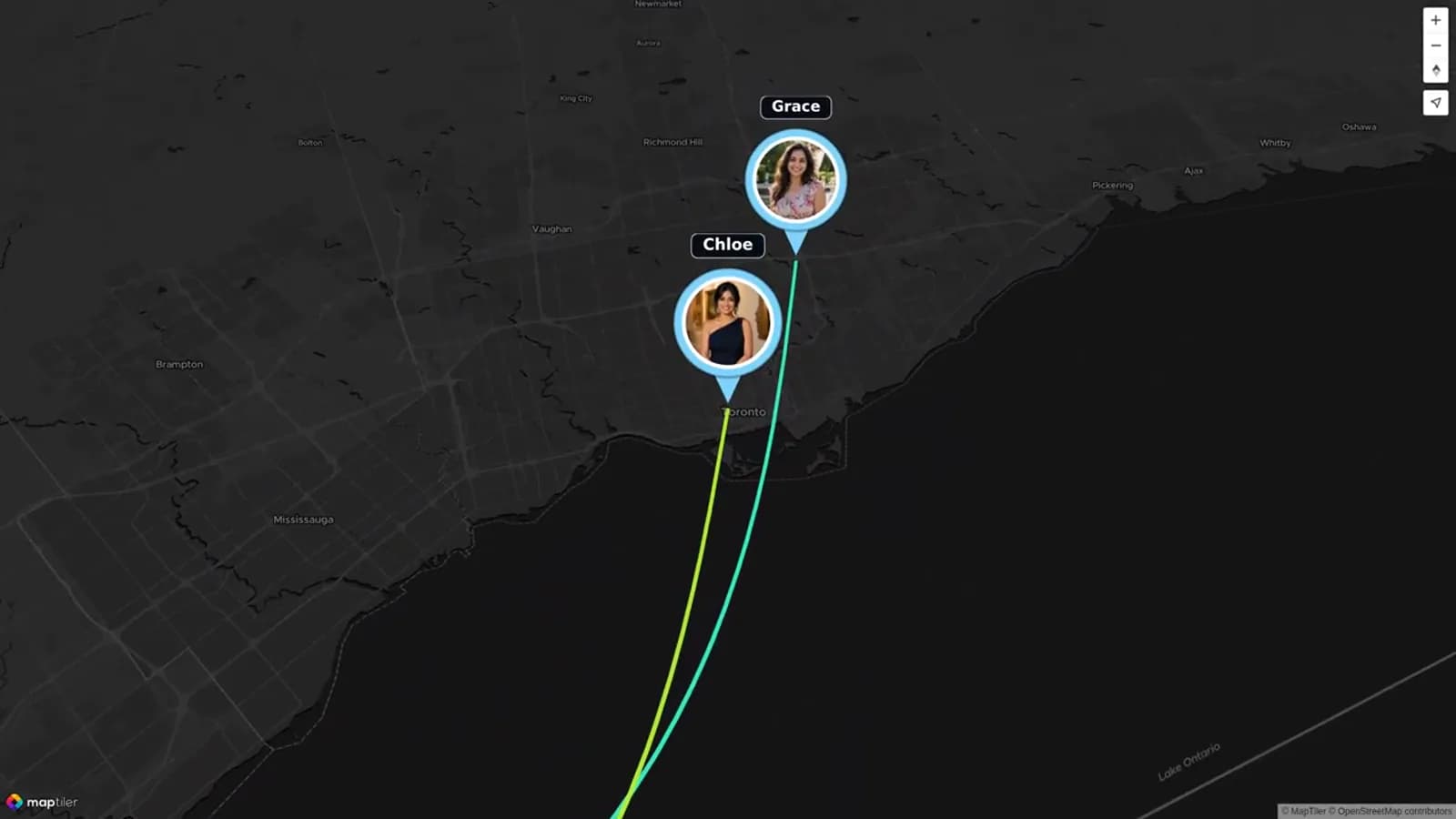
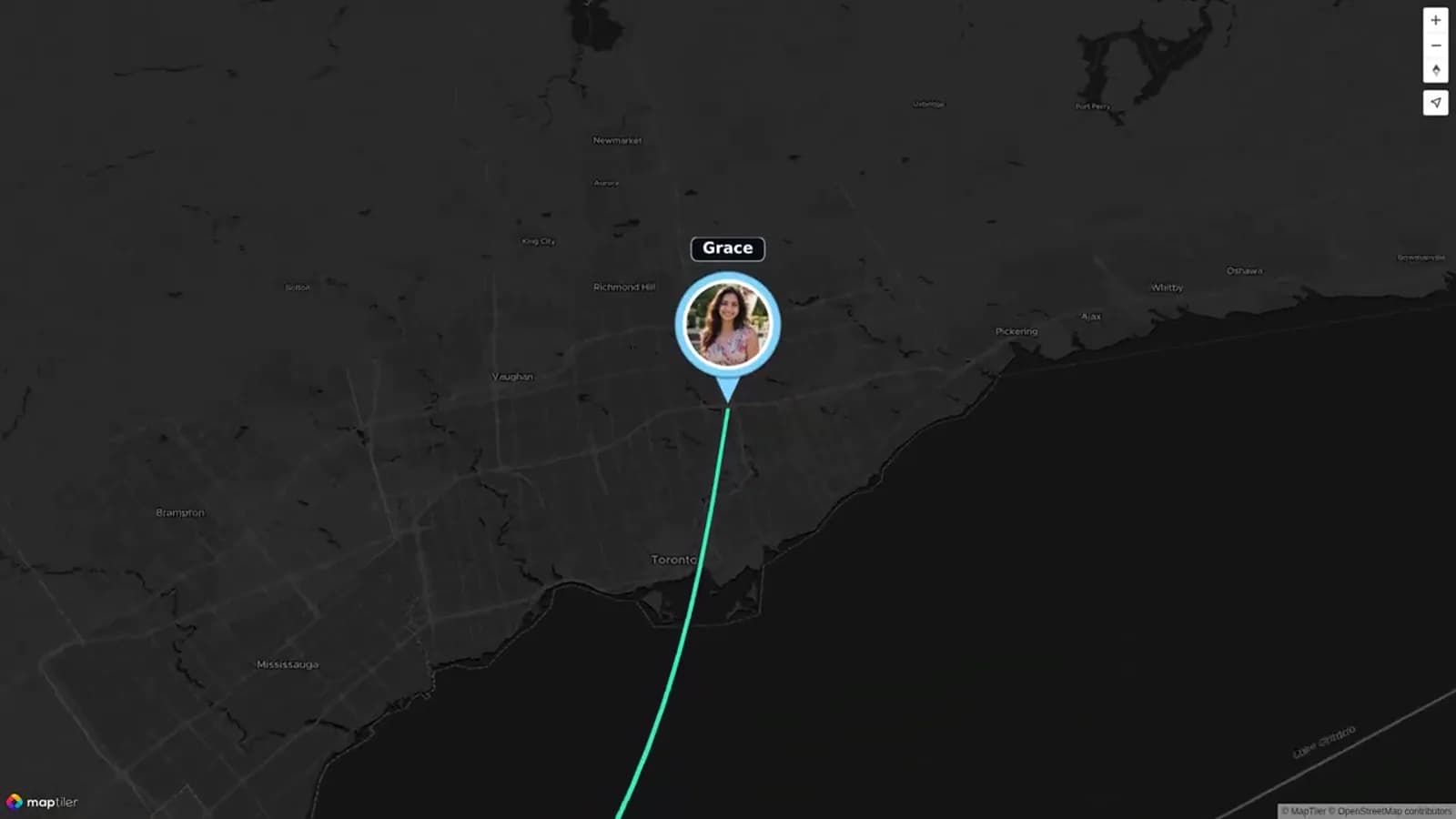
At 20 seconds, Olivia & Ben connect with Grace near the Great Lakes through a colored route. At 50 seconds, Grace and Chloe appear as named contributor markers in the same network. These moments show a gentle way to introduce separate people and places without making the screen feel crowded.
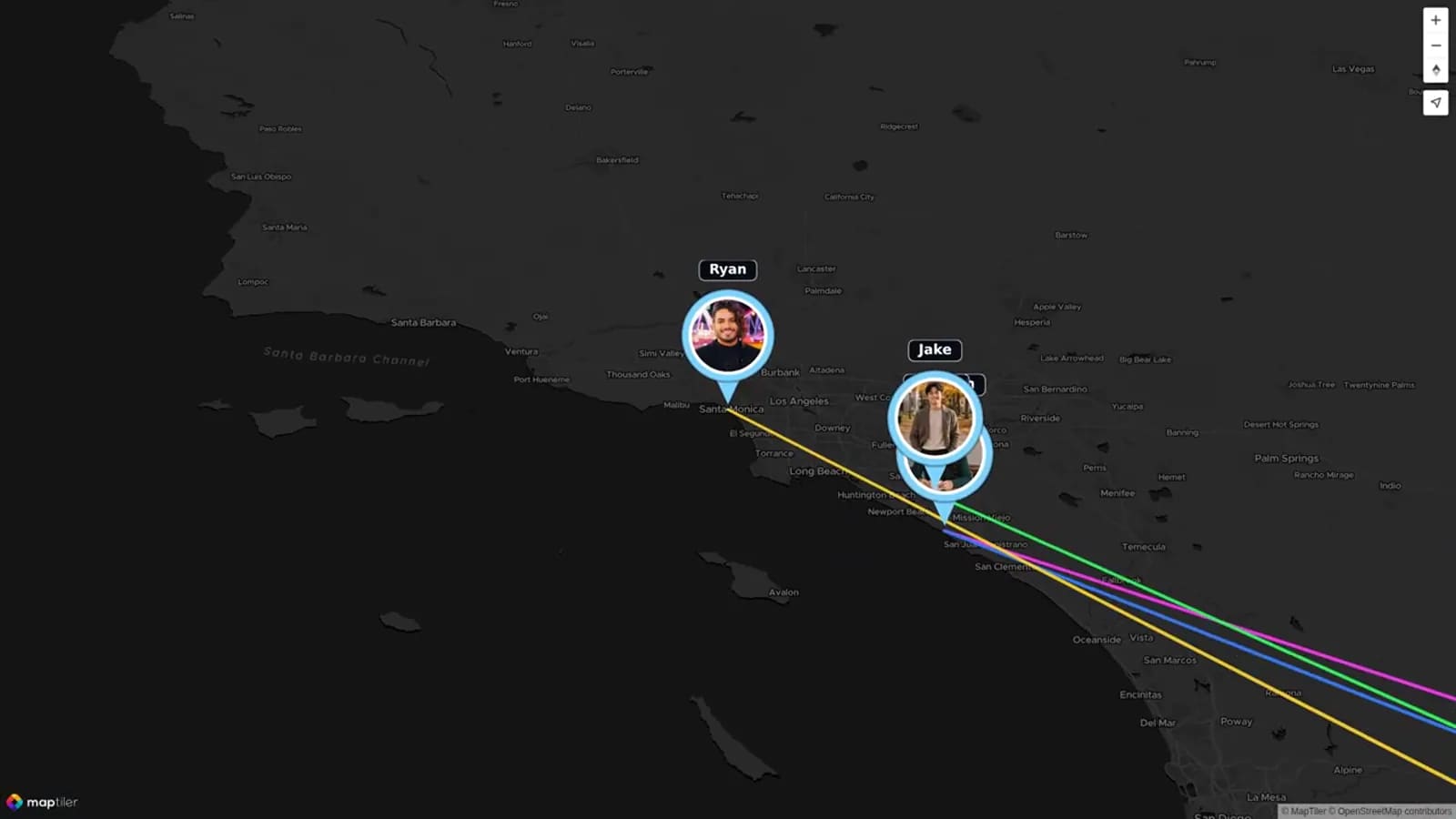
At 130 seconds, Ryan and Jake extend the contributor story to the West Coast. The map then zooms out at the close to gather the North American markers and routes into one overview. For a wedding, that structure can inspire a simple move from the hotel to the ceremony, then to portraits and the reception. The point is not to copy the video’s geography. It is to use its clear pattern: establish the wider setting, focus on one connection at a time, and close by showing how every stop belongs to one story.
This is also why a map video works best as a companion to a guest guide. A short route can make the day easier to picture. Later, the same locations can hold the photos, clips, and messages that explain why the day mattered. The visual shift from a close marker to a wider map gives both the practical and keepsake versions a calm, easy-to-follow rhythm.
Decide which job your map needs to do
Start by choosing the job. A practical guest guide helps people move through the day. It should be brief, factual, and easy to use on a phone. Include the order of stops, arrival windows, parking or shuttle notes, and a live directions link for each place.
A keepsake version has a different job. It helps the couple remember how the day moved through meaningful places. It can use the same four stops, but it should focus on a few strong photos, a short clip, or a written note at each one.
You can make both without doing the work twice. Build the practical plan first. Once the day is over, use that same route as the backbone for a shorter memory story. This prevents a beautiful video from becoming confusing directions, and it prevents a useful guide from feeling cold.
Plan your wedding venue map video around four stops
Four stops are enough for most wedding days. Begin with the hotel or getting-ready base. Then move to the ceremony. Add the photo site only if it affects guest timing or if it carries a real memory. End at the reception, where guests usually need the clearest arrival information.
Give every stop one purpose. The hotel stop can tell guests where to meet a shuttle. The ceremony stop can share the arrival time and entrance. The photo stop can explain whether guests should wait, travel on, or meet later. The reception stop can show parking, the welcome area, and the next event.
Keep the route in the order guests experience it. Do not add every nearby restaurant, shop, or landmark. A wedding location map is stronger when each marker answers a real question. If a guest does not need it to arrive, or the couple will not value it later, leave it out.
Four-Location Venue Plan
Use this table as your first draft. Replace the sample details with confirmed venue information. Keep a live directions button beside the published guide, especially if access roads, parking, or entrances can change.
For the keepsake version, choose one memory at each location. The hotel might hold a getting-ready photo. The ceremony might hold a short clip of guests arriving. The photo site might hold one favorite portrait. The reception might hold a toast, dance-floor clip, or written message.
| Stop | Guest-guide details | What guests should do next | Keepsake memory prompt |
|---|---|---|---|
| 1. Hotel or getting-ready base | Name the pickup point, shuttle time, lobby or entrance, and contact for transport. | Board the shuttle or leave for the ceremony by the stated time. | Add one getting-ready photo, a note from a friend, or a short clip of the morning. |
| 2. Ceremony | List the guest entrance, arrival window, parking or drop-off area, and accessibility note. | Follow the exit or shuttle instructions to the next guest stop. | Choose one arrival photo, vow detail, or message about the ceremony setting. |
| 3. Photo site | State whether it is wedding-party-only, guest-accessible, or simply a route marker. | Guests either wait, enjoy scheduled free time, or travel directly to the reception. | Use one favorite portrait or a short note about why the setting mattered. |
| 4. Reception | List the entrance, parking or shuttle drop-off, cocktail-hour time, and welcome point. | Enter through the stated guest entrance and follow the seating or welcome signs. | Add a toast clip, dance-floor photo, table message, or closing scene. |
Build the practical version first
Write the guest guide as if you are answering a text from someone who has never visited the area. Name the location. Give the arrival window. Say where to park or where the shuttle leaves. Add one short note about what happens next.
Use clear labels instead of clever captions. “Ceremony parking” is better than “Follow the love.” A guest should understand the guide in a few seconds, even while carrying a bag or helping a child out of the car.
A wedding directions video should point people toward the current source of truth. Add a button to a venue map, shuttle page, or live directions link. Do not put detailed turn-by-turn instructions only inside the video. Roads, entrances, and traffic conditions can change.
Make the ceremony and reception map easy to scan
A ceremony and reception map needs extra care when the locations are different. Make the transition obvious. State whether guests should drive, walk, ride a shuttle, or wait at the first venue. If there is downtime, say how long it is and where guests can go.
Include the guest entrance, not only the property address. Large estates, hotels, parks, and campuses may have several gates. If the ceremony and reception use different parking areas, name both plainly.
Ask one person who was not involved in planning to test the guide. They should open it on a phone and tell you what they would do after each stop. If they hesitate, shorten the wording or add a clearer label.
Turn the route into a keepsake after the wedding
After the wedding, choose a small set of memories rather than every file. A strong keepsake may use four to eight pieces of media per stop. Pick moments that show people, emotion, and place. A quiet hotel-room photo can matter as much as a formal portrait.
AlbumMap is useful here when friends and family have photos, short videos, messages, or location memories to add. The map can move through the hotel, ceremony, photo site, and reception while those contributions give each stop a human detail.
Keep the practical details out of the final keepsake unless they add meaning. A parking note belongs in the guest guide. A note from a sibling about helping with the veil belongs in the memory story. The two versions can share a route while telling different stories.
Copy-ready examples
Use these short lines on a wedding website, an email, or a route card. Change the bracketed details before publishing.
Keep your guest wording focused on the next action. Save the sentimental language for the keepsake invitation or the finished video. This gives people the information they need without making the schedule feel formal.
A few details that prevent confusion
Share the practical guide before the wedding. Add it to the wedding website, welcome email, and any shuttle message. Send a final version only after the venue details are confirmed.
If the photo site is private to the wedding party, say so. Guests do not need to follow the portrait route unless it affects where they go next. A simple line such as “Guests may head directly to the reception from the ceremony” can remove a lot of uncertainty.
Keep one contact person available on the day. Their number can be on a separate schedule or guest information page. The map video should stay simple, but guests should know where to ask for help if plans change.
Examples You Can Copy
Wedding website route note
Our wedding day moves through four nearby locations. Please check the map before you travel: [hotel] → [ceremony] → [reception]. The photo session is for the wedding party, so guests may head directly to the reception after the ceremony. Use the live directions link for each stop.
Shuttle reminder
The shuttle leaves [hotel entrance] at [time] for the ceremony. Please be ready ten minutes early. After the ceremony, it will take guests to [reception name].
Keepsake contribution request
We are saving the wedding as a four-stop story. If you have a favorite photo, short clip, or note from the hotel, ceremony, photo site, or reception, please share it with us. Tell us which location it belongs to and why you remember it.
Final Thoughts
The best wedding venue map video does not try to do everything. Give guests a short, useful route with links to current directions. Then let the same four locations become a quieter keepsake after the wedding. When photos, clips, messages, and places belong together, AlbumMap can help turn the route into a story the couple can revisit.
Helpful answers
Frequently asked questions
What should be in a wedding venue map video?
Include the locations guests need to understand, the order they happen, short arrival or transition notes, and links to current directions. For a keepsake, add only media and messages that make each place meaningful.
Can a map video replace live directions?
No. Use it to explain the flow of the day, then link guests to current venue, shuttle, or navigation information for the actual route.
Do we need to include a photo site?
Include it only when guests need to travel there or when it is an important part of the later memory story. Otherwise, focus the guest route on the hotel, ceremony, and reception.
What is the difference between a guest guide and a wedding keepsake?
A guest guide gives practical information before and during the event. A keepsake uses the same route after the event to connect selected photos, videos, messages, and memories.
When should we make the keepsake version?
Build the four-stop plan before the wedding. Then collect the best photos, clips, and messages after the celebration, when you know which moments are worth keeping.