1,000+media items

Shared in the first few months after launch.
Anniversary video maker
No app for guests · No credit card · Free basic export
Trusted for anniversary stories
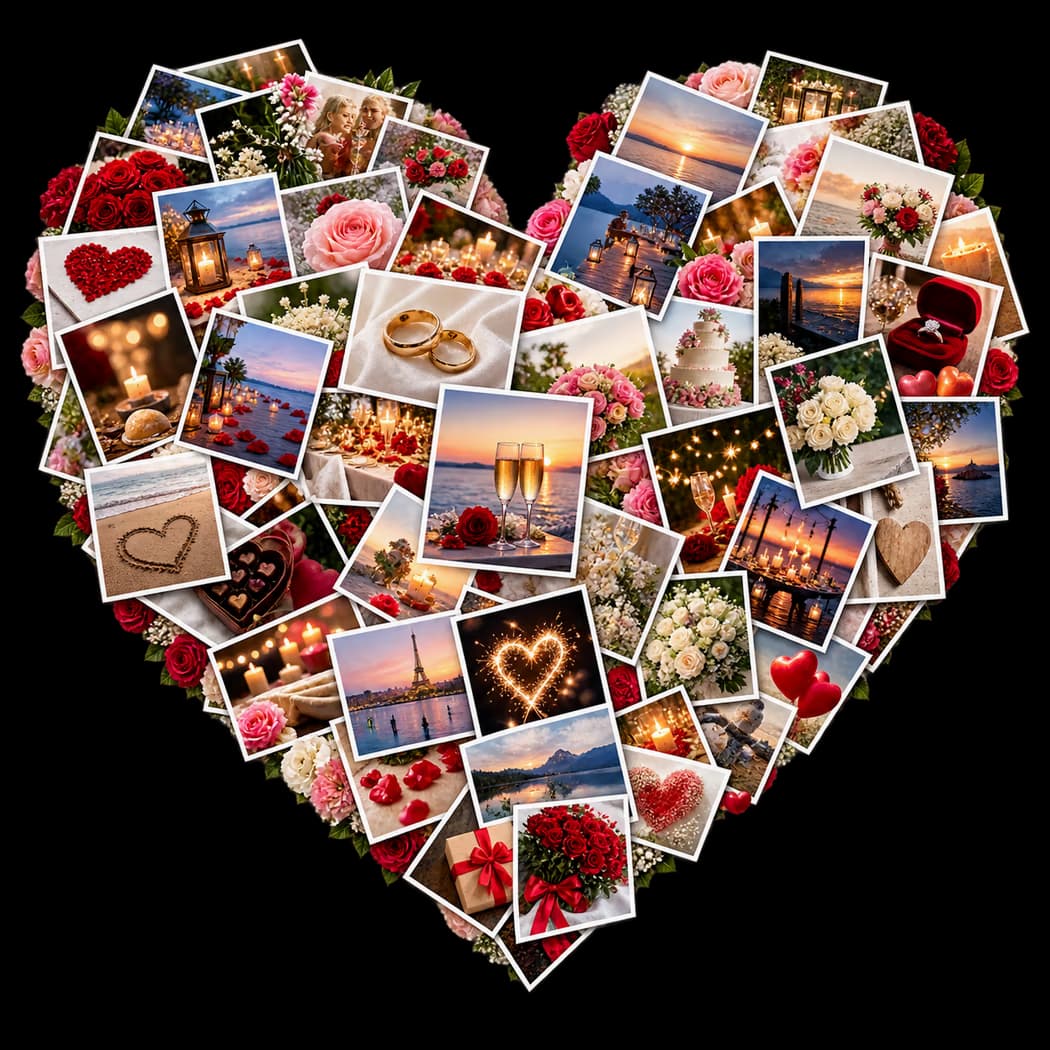
Couples, relatives, and friends use Album Map to gather anniversary wishes, favorite photos, shared journeys, and meaningful places in one keepsake video.
Why Album Map
A standard montage shows the messages. Album Map also follows the real places that shaped the couple's story.
1,000+media items
Shared in the first few months after launch.
95%+of users choose free

More than 95% of users use Album Map for free.
1and only one web

Create the invitation and export the final video for free.
1and only one place to

Add locations, photos, and clips to one slideshow.
Three simple steps
Invite the people who matter, collect their favorite moments, and bring everything together in one meaningful surprise.

Personalize a beautiful invitation card, then share one private link with friends and family.

Everyone adds photos and video messages. Arrange the moments and turn them into one polished story.

Play it together or send the finished video as a surprise they can keep and replay.
Every screen, your way
Your anniversary story is ready for phones, tablets, laptops, and the places you choose to share it.
Portrait 9:16
Landscape 16:9
Feed 4:5
Anniversary wishes from everyone
Family and friends send their anniversary wishes from wherever they are. Album Map connects each message to the places behind the couple's story, then brings everyone together in one shared wedding anniversary video.
Anniversary video gift ideas
The strongest anniversary videos focus on details only the couple and their people would recognize. Choose one angle, then collect the places, messages, and ordinary moments that make their relationship feel real.
Explore more anniversary video ideasIdea 1
Create an intimate video from the small moments that define your relationship: a first apartment, a familiar trip, an everyday ritual, or a note you still remember. Personal details will matter more than polished speeches.
Ask contributors: What ordinary moment with your partner would you happily relive, and why does it matter?
Reveal tip: Share it privately during a date night, then save the link so you can return to it on future anniversaries.

Idea 2
Invite the people who have watched the relationship grow. A mix of wedding-day memories, family stories, and recent observations can show the couple how their partnership has shaped the people around them.
Ask contributors: Which moment shows this couple at their best together, and what do you admire about them?
Reveal tip: Play it during an anniversary meal or family gathering, when the contributors can share the reaction.

Idea 3
Let meaningful places provide the structure. The first meeting, proposal, homes, favorite trips, and everyday destinations create a natural route through the relationship without needing a complicated script.
Ask contributors: Which place in their story means the most to you, and what happened there?
Reveal tip: Begin at the earliest shared place and let the final map stop point toward the life they are building now.
Idea 4
A first, tenth, twenty-fifth, or fiftieth anniversary deserves more than a list of dates. Show how the couple changed together, what they built, and which values remained steady across every chapter.
Ask contributors: What has this relationship taught you about building a life together?
Reveal tip: End with recent family photos and messages for the years still ahead, then watch it together at the celebration.
Anniversary video guides
Find anniversary video ideas, message examples, and thoughtful ways to turn shared photos and places into an anniversary gift.
 anniversary video ideas
Find anniversary video ideas, message prompts, and simple story plans for turning shared photos, clips, and places into a personal keepsake.
Read guide anniversary video message
Need an anniversary video message? Use simple prompts and copy-ready examples to share a warm, personal wish with your partner, parents, or friends.
Read guide anniversary video gift ideas
Explore anniversary video gift ideas with simple prompts, family message examples, and ways to turn photos and places into a keepsake.
Read guideEveryone adds a small piece of your story.
The questions people usually ask before collecting anniversary memories.
Read the full FAQStart free, pick Anniversary as the occasion, then add photos, clips, love notes, and the places behind the story — or send one link so family and friends add theirs. Choose the music and style, preview the anniversary video, and export at 720p for free or choose premium quality up to 4K.
Guests can add photos, short video clips, written notes, and meaningful locations. Those places help the video travel through the couple's story.
No. They open the private link or scan the QR code and add their part in the browser.
Yes. Milestone anniversaries work especially well because friends and family can send memories from every part of the couple's life.
Yes. You pick the soundtrack, theme, map style, and opening card, then preview the finished video before exporting.
Download the finished video at 720p for free, or choose premium export options up to 4K. Play it at a dinner, send it in the group chat, or upload it wherever you like.
Start the keepsake
Create the project, send one link, and collect the stories, places, and wishes that belong in their celebration.
No app for guests · No credit card · Free basic export