Introduction
A relationship timeline video gives your wedding guests a simple way to see how your story grew. Start with the first meeting, add the first trip and engagement, then arrive at the wedding day. The best version is not a long list of every date. It is a short, true path through the people and places that changed your life together. This guide shows how to make a relationship timeline video with photos, short clips, location prompts, captions, and a voice-over you can adapt.
Start with four milestones, not every memory
A love story video works best when viewers can follow it on the first watch. Choose four anchor points: how you met, a first trip or early adventure, the engagement, and the wedding. You can add one small in-between moment if it explains a change, such as moving in together or adopting a pet.
For each milestone, choose one main photo or clip, one location, and one sentence. This gives every scene a job. A funny first-date photo can open the story. A quiet engagement clip can slow the pace before the wedding. Leave out images that are lovely but do not move the story forward.
Aim for two to four minutes. Let a photo stay on screen long enough to be seen. If you use clips, keep only the strongest few seconds. A clear story will feel more personal than a fast montage.
Plan your relationship timeline video before you collect files
Open a note or spreadsheet before you search your camera roll. Write the milestone first. Then list the place, the best media, and the one feeling you want people to remember. This stops the project from turning into a pile of files.
Use a broad place when privacy matters. “Downtown Toronto” or “our favorite café neighborhood” is often enough. You do not need to publish a home address or a private location.
If friends or family will contribute, ask each person for one memory only. A college friend might send a photo from the first meeting. A sibling might share a short note about the proposal. Specific requests are easier to answer than “send anything you have.”
Relationship Milestone Planning Table
Use this table to plan the order before you edit. Replace the examples with details that feel true to your relationship.
| Milestone | Location prompt | Best media | Caption idea | Voice-over cue |
|---|---|---|---|---|
| First meeting | Where did your paths first cross? | One early photo, screenshot, or meaningful object | “Where it began” | “We met in [place] when…” |
| First trip | What was your first adventure together? | Travel photo, short clip, ticket, or map stop | “Our first adventure” | “That trip taught us…” |
| Everyday turning point | Where did the relationship begin to feel like home? | Candid photo from a favorite neighborhood, home, or tradition | “The little things became our life” | “Somewhere along the way…” |
| Engagement | Where did the proposal happen or where did you share the news? | Proposal photo, ring detail, or call-with-family clip | “The easiest yes” | “In [place], we knew…” |
| Wedding day | Where are you making your promise? | Venue image, portrait, or short ceremony clip | “Our next chapter” | “Today, we choose…” |
Choose locations that make the story easier to feel
Locations give a couple timeline video shape. They can be exact places, such as the restaurant where you met, or wider areas, such as the town where you took your first trip. Pick places that help someone understand why the moment mattered.
For the first meeting, use the campus, office, party venue, mutual friend's home, or city where your paths crossed. For the first trip, use the trailhead, beach, train station, or hotel town. For the engagement, use the proposal spot or the place where you called family afterward. End with the wedding venue or the city where you will make your promise.
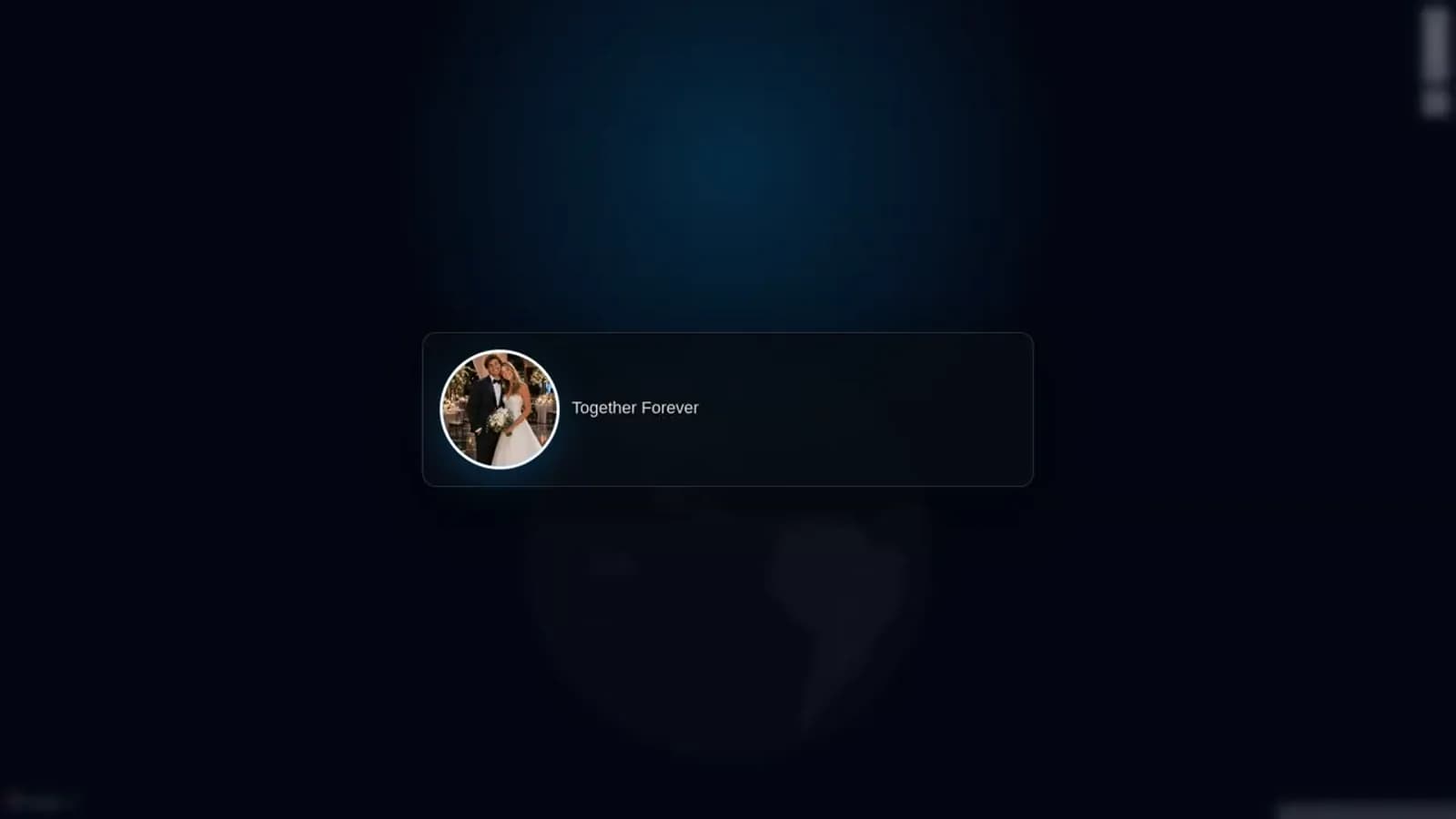
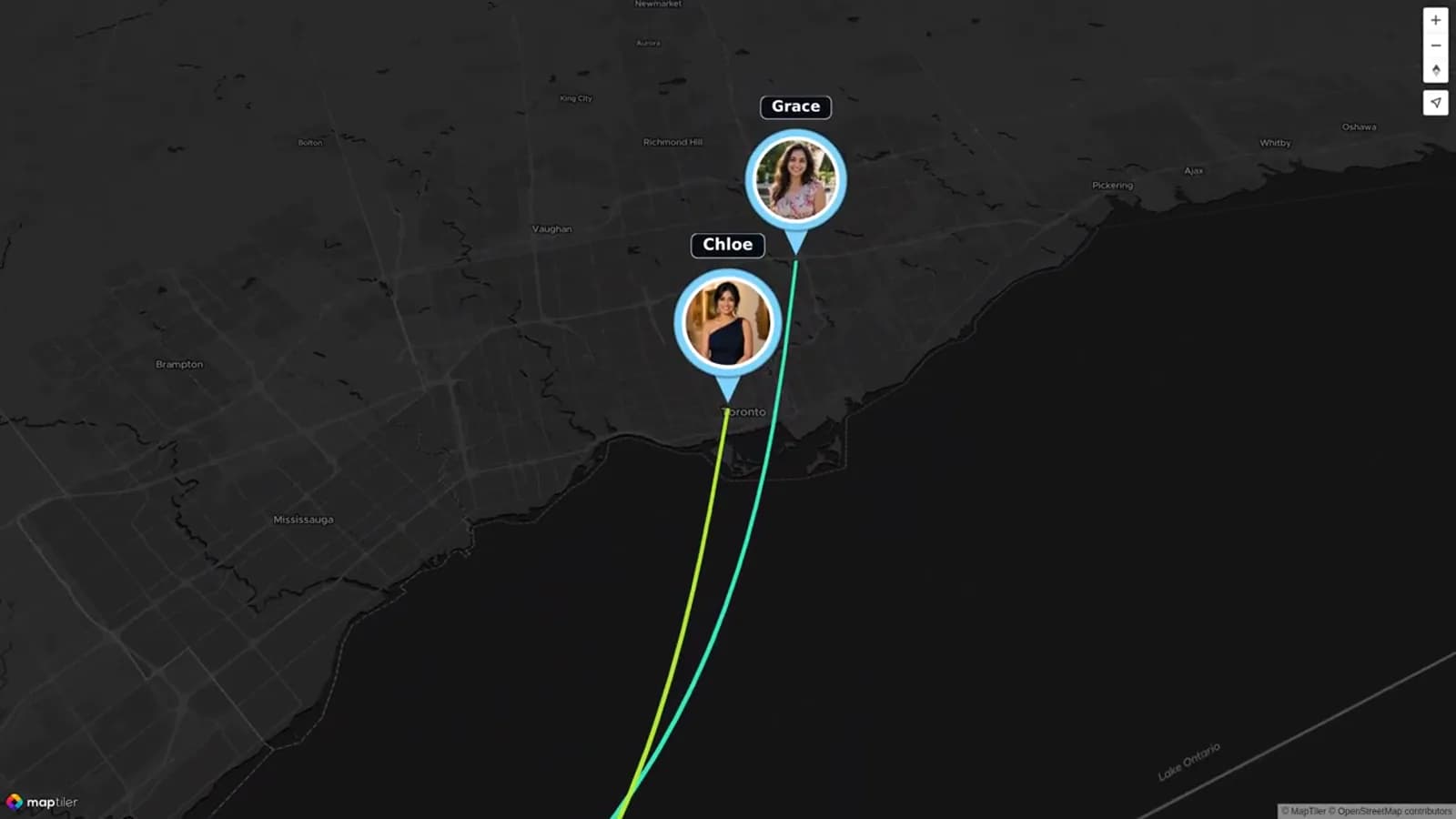
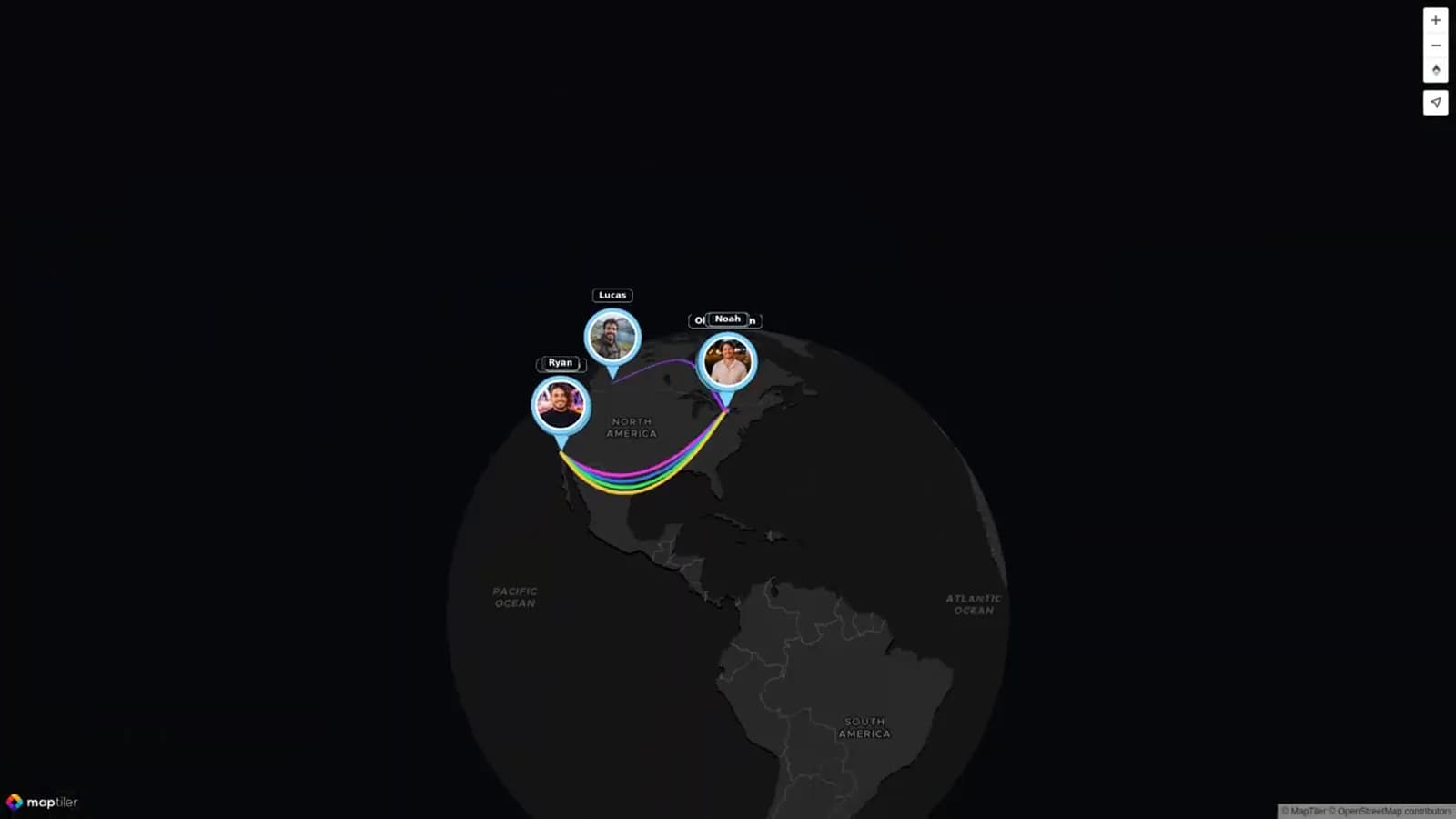
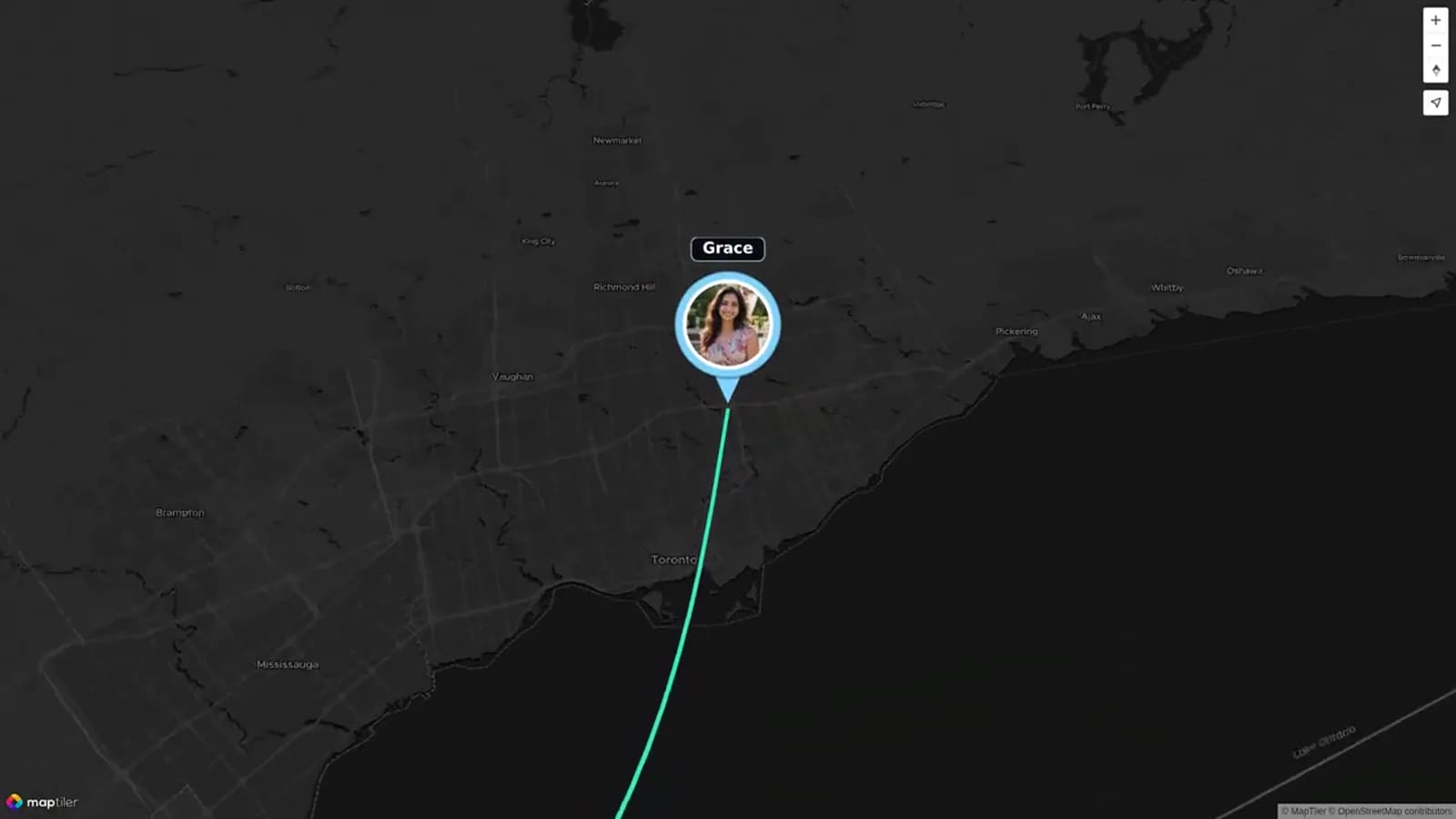
Do not force a map into the story if location is not meaningful to you. But when the relationship is spread across cities, schools, trips, or family homes, a map-led sequence can make the connection easy to see. AlbumMap can bring those locations together with photos, short clips, and written messages in one shared story.
Use short captions that add context
A caption should help the viewer understand the image without repeating what they can already see. Keep most captions to one line. Name the moment, place, or feeling, then move on.
Avoid captions that need a long explanation. “The coffee that became a four-hour conversation” says more than “Our first date at a coffee shop in 2019.” Save the deeper detail for the voice-over or a spoken message.
Use the same simple pattern throughout: moment first, then place. This keeps the timeline calm and easy to follow.
Add a simple voice-over to make it feel like your story
You do not need to record a perfect speech. Read slowly in a quiet room, one short section at a time. Your own voices will usually matter more than polished delivery. If recording feels too personal, use the text as on-screen cards instead.
Keep the voice-over focused on changes: how you met, what you learned, what the engagement meant, and what you are choosing on the wedding day. Let the images carry the smaller details.
Use quiet music under the voice-over, if you use music at all. Test it on a phone speaker. If the words are hard to hear, lower the music or remove it.
How to make the wedding ending feel complete
The wedding scene does not need to show the entire day. One portrait, a venue image, a short ceremony clip, or a photo of joined hands can be enough. Let it feel like an arrival, not a commercial for the event.
End with a line that looks forward. You might thank the people who helped you get there, name the promise you are making, or invite guests to celebrate the next chapter with you.
If loved ones have photos, clips, and messages from different places, give them a simple request and deadline. AlbumMap is useful here because it can collect those pieces alongside the locations that connect them. The result can show both the couple's path and the community around it.
Examples You Can Copy
Copy-ready captions
First meeting: “One ordinary Tuesday, one very long conversation.” First trip: “Our first wrong turn became our favorite view.” Engagement: “The easiest yes, in our favorite place.” Wedding: “Today, we choose the next chapter together.”
Short voice-over template
“We met in [place] and quickly found reasons to keep talking. Our first trip to [place] taught us that even a wrong turn can be a good memory. When we got engaged in [place], we knew the people and places that shaped us would always be part of our story. Today, surrounded by the people we love, we are so happy to begin our next chapter.”
Contributor request
“We are making a short love story video for [names]. Please send one photo, short clip, or written memory connected to a place you shared with them by [date]. A sentence about why that moment mattered is perfect: [link].”
Final Thoughts
A relationship timeline video does not need perfect footage or a dramatic script. It needs a few honest milestones, the places that hold meaning, and enough space for each memory to land. Begin with the first meeting, move through one early adventure and the engagement, then arrive at the wedding day. If you want to gather photos, clips, messages, and locations from the people who helped shape the story, create a map video gift with AlbumMap.
Helpful answers
Frequently asked questions
How long should a relationship timeline video be?
Two to four minutes works well for most wedding events. Use fewer scenes if you want each photo or clip to have more breathing room.
What milestones should a wedding love story video include?
Start with the first meeting, one early trip or turning point, the engagement, and the wedding. Add only milestones that help the story move forward.
What should we do if we do not have video from an early milestone?
Use a still photo, map stop, ticket, written caption, or short voice-over. The meaning of the memory matters more than having perfect footage.
Can family and friends contribute to the timeline?
Yes. Ask each person for one short memory, photo, or clip tied to a milestone or meaningful place. A focused prompt keeps the video clear.