Introduction
A wedding thank you video is a warm way to show guests that their presence mattered. It can hold the candid photos you missed, a few short clips, and the messages that made the day feel full. You do not need to use every file or make a long film. Choose a small group of moments that show the love around your wedding, add simple captions, and end with a direct thank-you. The result can feel like a personal wedding recap video made for the people who celebrated with you.
Start with one clear purpose
Before you collect anything, decide what you want guests to feel. Your purpose might be: “We want to thank everyone who helped make our day feel like us.” That is different from trying to document every part of the wedding.
A thank-you video for wedding guests works best when it is short and specific. Aim for a simple story: welcome everyone back to the day, show a few moments through their eyes, then tell them what their support meant to you.
Choose one person to gather files and make final choices. They can be one of you, a sibling, or a trusted friend. Give them a clear end date and one place to store the selected media.
Collect guest media without making it feel like homework
Send one warm request after the wedding. Ask guests for their favorite one or two photos, a short clip, or a written memory. A focused request is easier to answer than “send us everything.” Keep it open for a few days so people can look through their camera rolls.
Use one private upload link whenever possible. If you share a QR code, include the same link in a follow-up message. Tell guests that a photo, ten-second clip, or two-sentence note is enough. People are more likely to contribute when the task feels small.
Ask for context with each item. A guest can add a short note such as “first dance,” “your aunt’s toast,” or “the late-night pizza stop.” That note makes sorting easier later and can become a useful caption.
If you use a collection tool, test it first on a few phones. Check that guests can upload the file types you requested and that the organizer can download and save the originals. Review uploads before the final video, especially if it will be shared beyond close friends and family.
Guest Media Collection Checklist
Use this checklist before you begin editing. It keeps the collection simple while leaving space for the small details that make a thank-you feel personal.
| Task | What to request or do | Owner | Done |
|---|---|---|---|
| Choose one upload link | Set one private place for photos, clips, and notes; test it on a phone. | [Name] | [ ] |
| Write the request | Ask for one or two photos, a short clip, or a written memory; include a deadline. | [Name] | [ ] |
| Send a gentle reminder | Send one follow-up after a few days and thank guests for contributing. | [Name] | [ ] |
| Save the originals | Download files into a backed-up folder before editing. | [Name] | [ ] |
| Add context | Record the guest name, moment, and meaningful place for each selected item. | [Name] | [ ] |
| Review permissions | Confirm names, private stories, and photos are appropriate for the intended audience. | [Name] | [ ] |
| Build the final order | Use opening, shared moments, captions, closing thanks, and a final review. | [Name] | [ ] |
Organize the story by place, not only by time
A chronological order is fine, but a place-based order can make a wedding guest photo video feel more connected. Start with a place that sets the story: where you got ready, the ceremony venue, or the place where you first met. Then move to the reception and end with the people who helped carry the day.
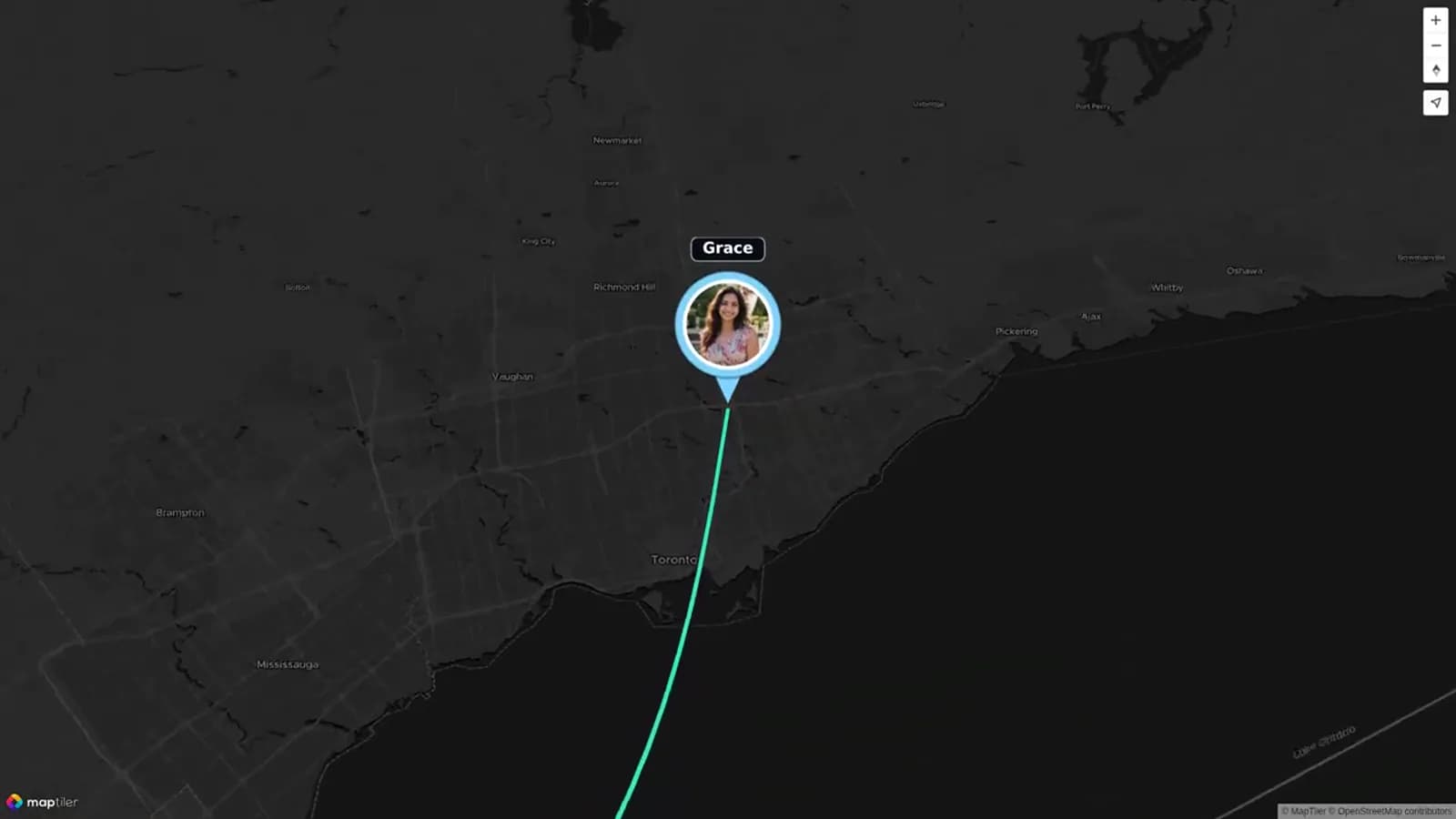
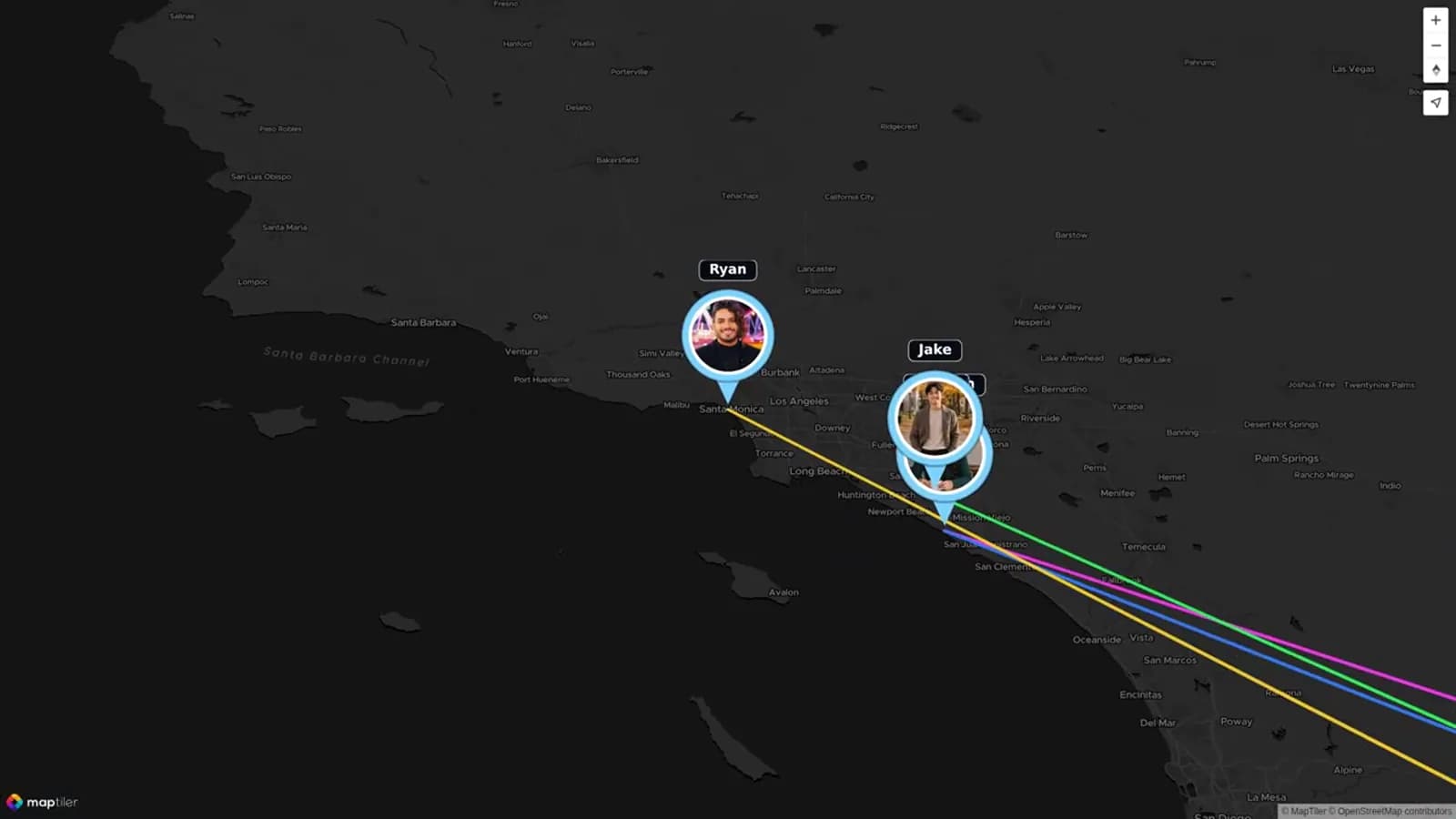
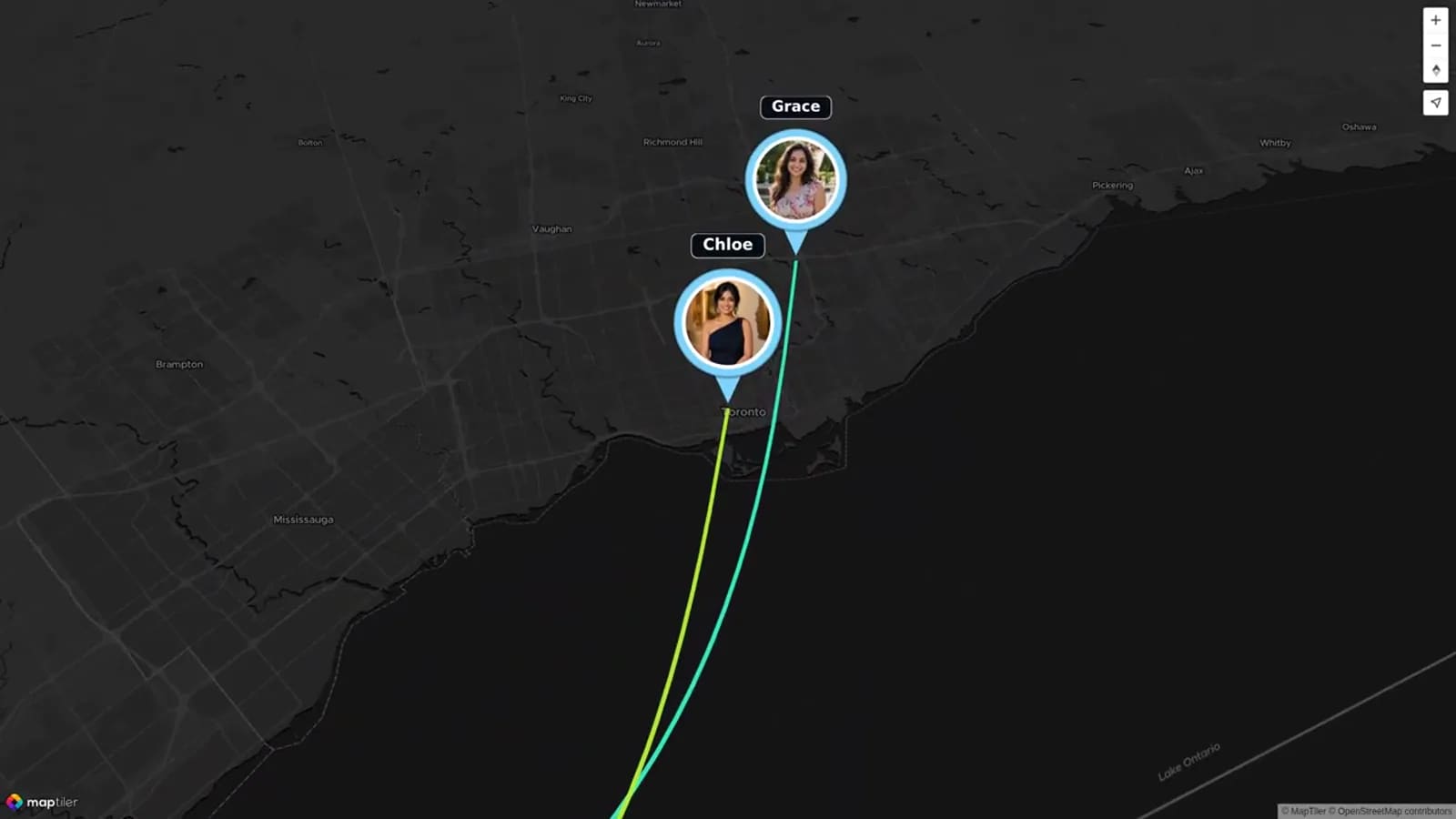
Only add locations that mean something. A route from a family home to the venue, then to a city where a remote guest sent a message, gives each stop a reason to be there. Do not add a location just to fill space.
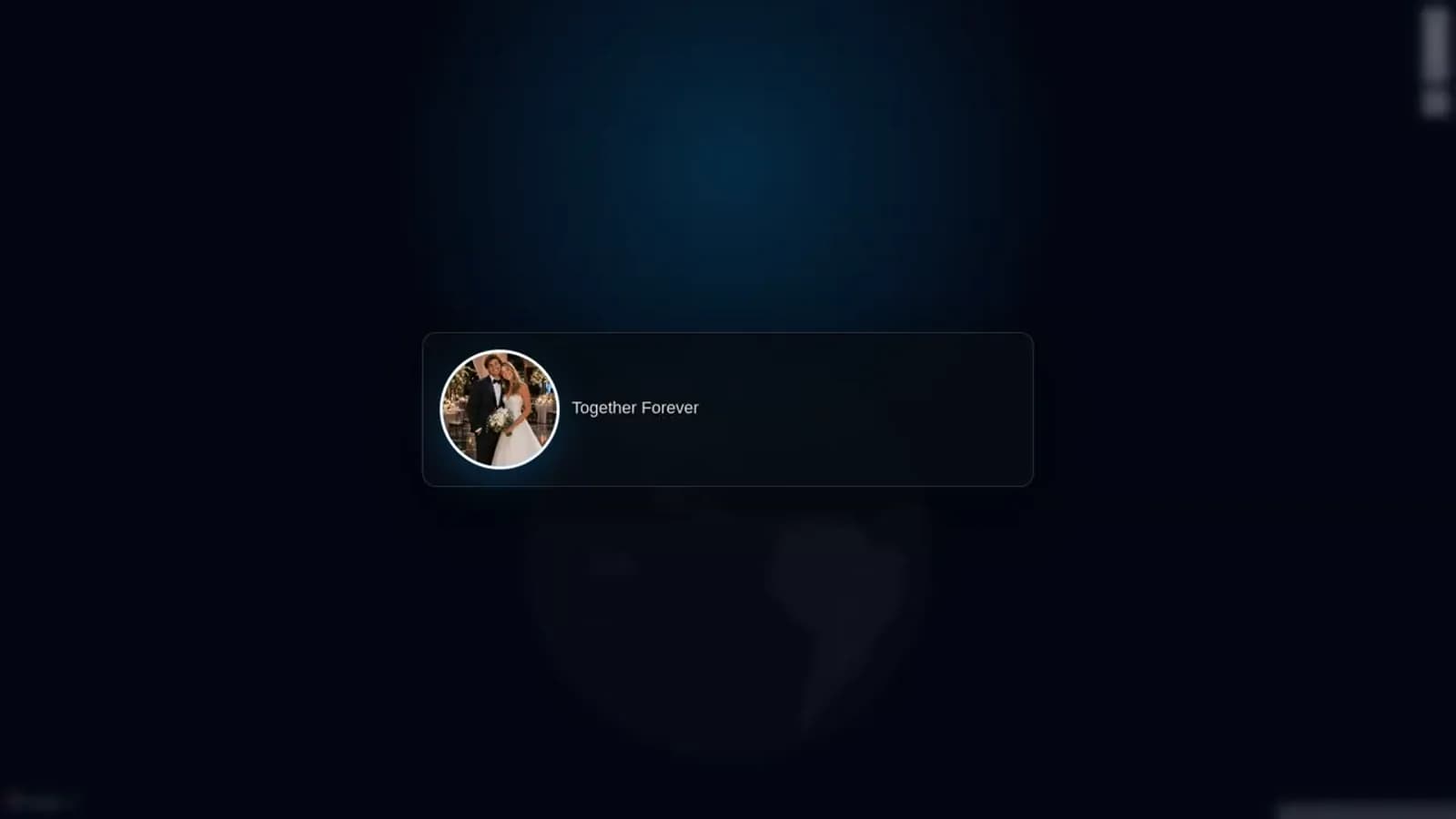
If your memories came from many cities, AlbumMap can help turn selected photos, clips, written notes, and locations into one map-led story. It is especially helpful when guests who could not attend still want to send love from afar.
Add captions that help guests recognize the moment
Captions should give context, not repeat what viewers can already see. A simple place name, date, or short memory is enough. For example: “Toronto — where we learned to dance together” or “The family table — still laughing after the speeches.”
Keep names accurate and use the names people prefer. If a guest shares a private story, ask before using it. Skip captions that might embarrass someone or need too much explanation.
Mix photos, short clips, and message cards. A photo can give viewers a pause after a longer video clip. A written note can include a guest who was not comfortable recording. This variety helps the thank-you feel like a shared story instead of a row of similar clips.
Use a simple structure for the wedding recap video
Start with an opening card and one short sentence from the two of you. Then show a few welcome moments, group photos, or small details from the venue. This gives viewers a gentle way back into the day.
In the middle, group media around two or three parts of the celebration. You might use “getting ready,” “ceremony and hugs,” and “the party.” If places are central to your story, use meaningful stops instead: home, ceremony, reception, and the cities of loved ones joining from afar.
Build toward the people. Let a few guest messages, funny candid photos, and quiet moments appear near the end. Close with a direct note from you both. The final thank-you should feel spoken to your guests, not written for an audience.
Keep only the media that adds something new. Two clear photos of the same dance moment are often better than ten near-duplicates. Save the full collection privately, then make the video from the strongest and kindest choices.
Plan the closing thank-you
Your closing does not need to be perfect. Say what you noticed: the travel people made, the help behind the scenes, the joy in the room, or the people who celebrated from a distance. Name the feeling you want to leave with them.
You can use one shared closing clip, a message card over photos, or a short sequence of both partners speaking. If you have many contributors, make the final frame simple. A calm photo, a place that matters, and a few honest lines will land better than a long list of names.
Examples you can copy
Use these examples as a starting point, then replace the details with words that sound like you.
Examples You Can Copy
Post-wedding media request
Thank you for celebrating with us. We are making a short thank-you video from the moments our guests saw. If you have one or two favorite photos, a quick clip, or a written memory, we would love to include it. Please add it here by [date]: [link].
Caption for a guest photo
The first song after dinner — surrounded by the people who made the room feel like home.
Sample closing script
To everyone who traveled, helped, danced, laughed, and sent love from afar: thank you. Looking back at these photos and messages reminds us that the best part of the day was sharing it with you. We are so grateful you were part of our story.
Final Thoughts
A thoughtful wedding thank you video does not need a huge edit. It needs a clear invitation, a small group of meaningful moments, and words that sound like you. Save the full guest collection, choose the pieces that tell the clearest story, and end by letting people know their presence mattered. If your memories connect different people and places, AlbumMap can help you bring selected photos, videos, messages, and locations into one map-led keepsake. Create a Map Video Gift.
Helpful answers
Frequently asked questions
Can a wedding thank you video replace thank-you notes?
No. A video is a warm shared thank-you, but it does not replace a personal note where one is appropriate, especially for a gift.
How long should a wedding thank-you video be?
Keep it focused. A short video can feel complete when each photo, clip, and message adds something new.
What should guests send for a wedding guest photo video?
Ask for one or two favorite photos, a short clip, or a written memory. A short note about the moment or place makes it easier to sort and caption.
Should we include guests who could not attend?
Yes, if it feels right for you. A short video wish, photo, or written note from afar can make the thank-you story more complete.