

Fastest setup
Make Map Videos for Social Content
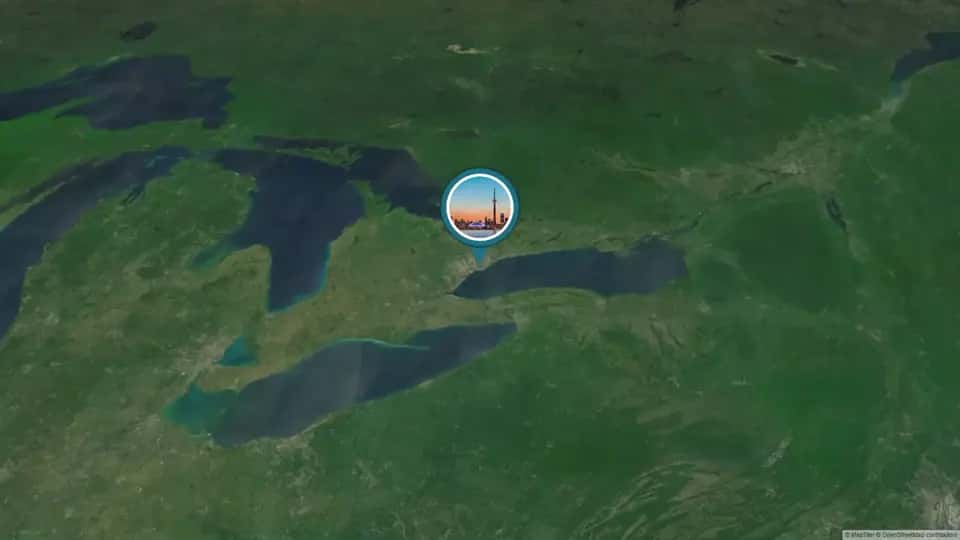


More control
- Free to start
- No credit card required
Trusted by visual storytellers
Creators everywhere are turning places into shareable stories
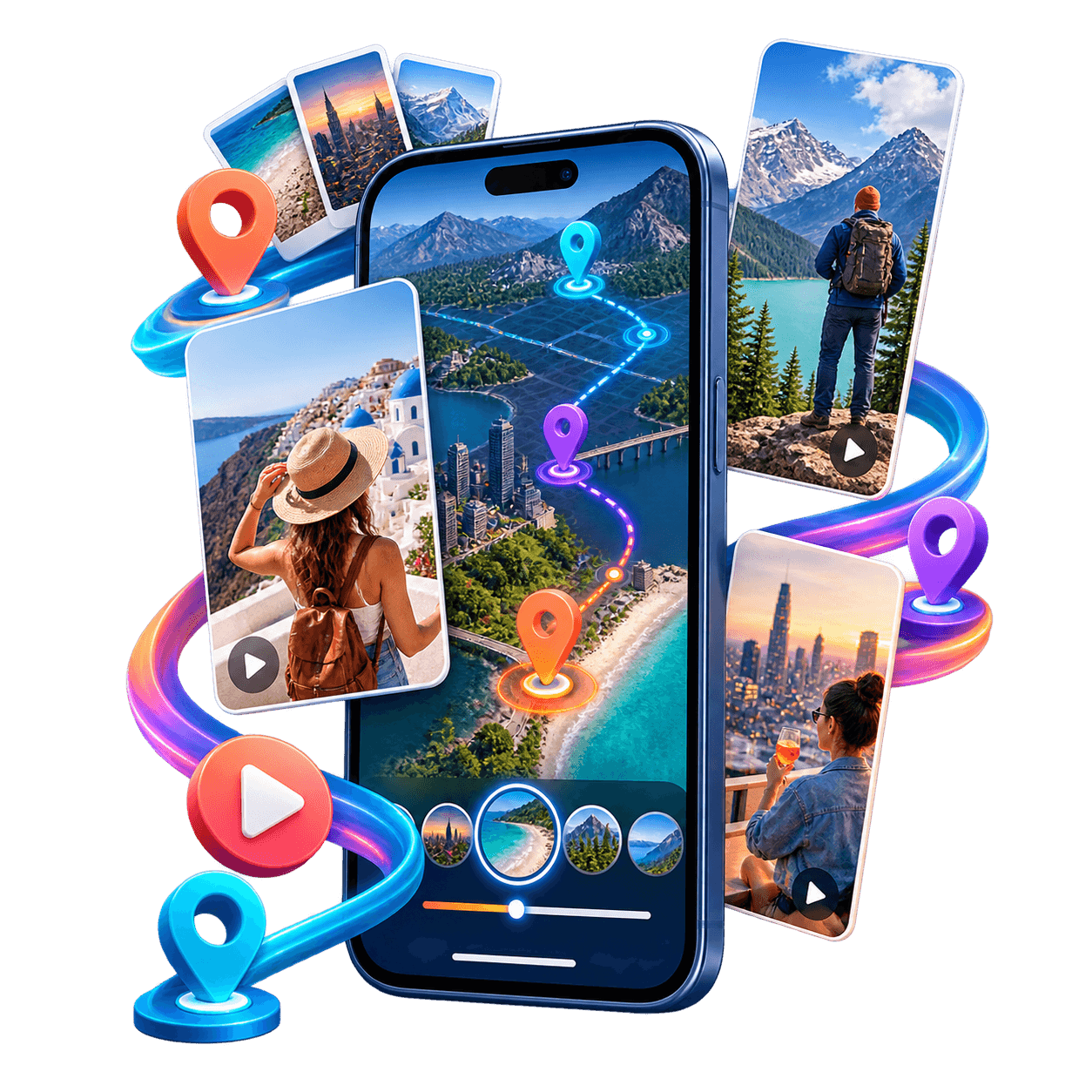
Creators and teams use Album Map to combine clips, photos, locations, and animated routes into social videos ready for Reels, Shorts, TikTok, and more.
Twenty-four lightweight, muted celebration videos circulate from row to row around the Earth.
Why Album Map
Why creators choose Album Map
Start free in your browser, keep every clip, photo, and location in one place, and export a map video ready for any feed.
1,000+media items

Shared in the first few months after launch.
95%+of users choose free

More than 95% of users use Album Map for free.
1and only one web

Build and preview a guided map video, then export for free with Examples page permission.
1and only one place to

Add locations, photos, and clips to one slideshow.
Every screen, your way
One story, beautifully framed for every device
Choose landscape, portrait, square, or social-friendly formats so the same map story feels at home on phones, tablets, laptops, and TVs.
Portrait 9:16
Landscape 16:9
Feed 4:5
Social media map video ideas
Four social media map video ideas for Reels, Shorts, travel, and brands
A strong social video gives every location a reason to be on screen. Pick one repeatable format, keep the route easy to follow, and use your own approved clips so the map helps tell the story instead of becoming background decoration.
Explore more video map ideas for brands and creatorsIdea 1
A travel route recap video
Turn trip photos and short clips into an animated travel map that moves from stop to stop. The route gives a road trip, city break, or multi-country itinerary a clear beginning, middle, and end.
How to build it
- Choose three to six stops that change the story instead of mapping every place you visited.
- Pair each destination with one strong clip, one short caption, and a map transition that shows where the journey goes next.
- Finish on a wide route view so viewers can see the complete trip before the video loops or ends.
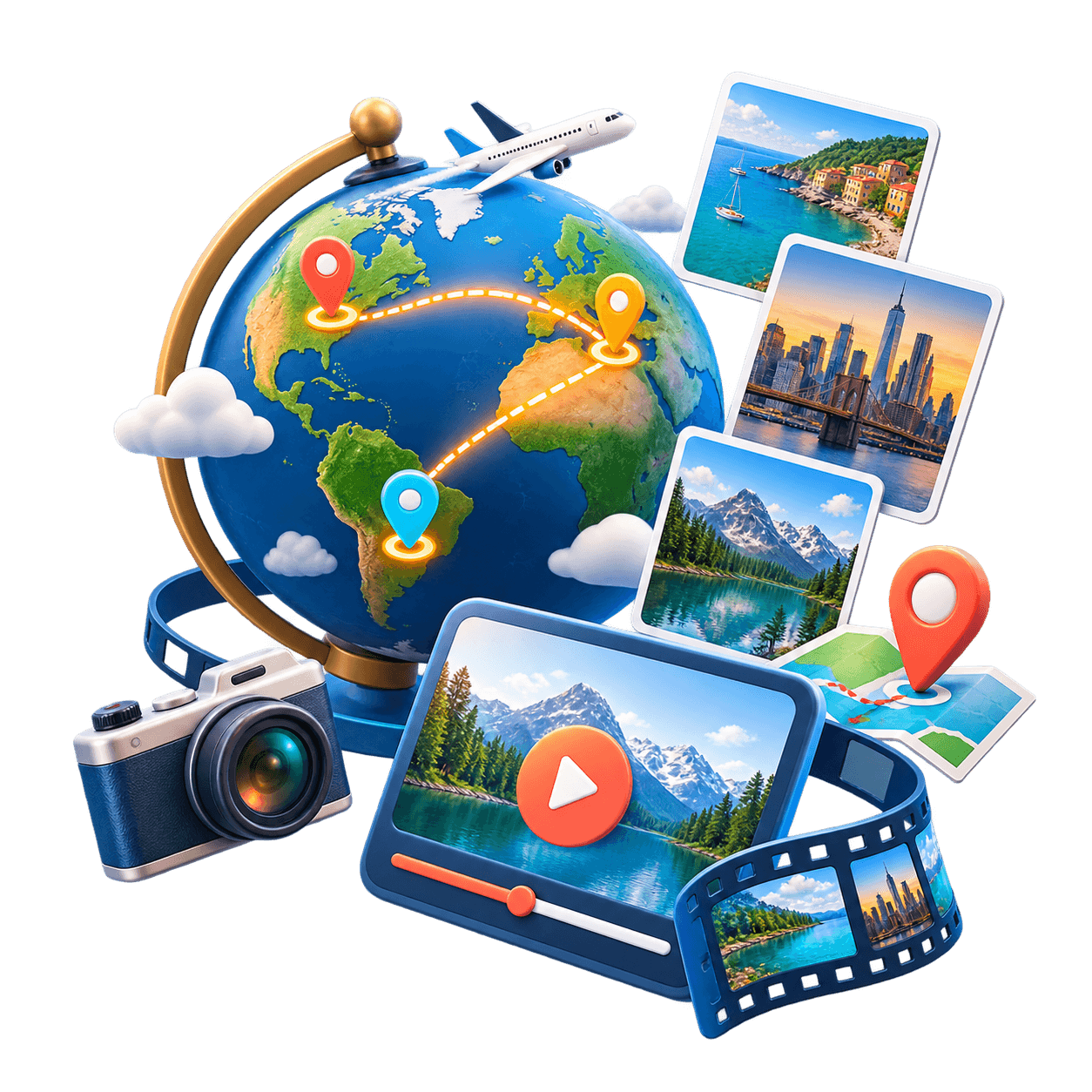
Hook idea: We crossed these places in one trip — here is the route and the moment worth remembering at every stop.
Publishing tip: Use a 9:16 export for Reels, TikTok, and YouTube Shorts, and keep location labels large enough to read on a phone.
Idea 2
A vertical location story for Reels and Shorts
Build a fast vertical map video around one clear theme: favorite cafés, a weekend itinerary, hidden viewpoints, or memorable places. Short scenes and visible movement help the story make sense with or without sound.
How to build it
- Open with the strongest place or result in the first seconds, then show the route that connects the remaining scenes.
- Crop every photo and clip for a vertical frame, keeping faces, products, and location labels away from interface overlays.
- Use one pacing pattern throughout: map move, short clip, useful caption, then the next location.
Hook idea: Three places, one quick route — save this map for the next time you are nearby.
Publishing tip: Preview the final 9:16 video on a real phone and check both muted playback and full sound before publishing.
Idea 3
A top-10 location countdown video
Give a ranking or roundup geographic context by revealing each entry on the map. This format works for destinations, restaurants, venues, regional trends, and any list where place helps explain the order.
How to build it
- Define one ranking rule and collect the source, permission, and verified location for every item before editing.
- Use a consistent segment for each entry: reveal the position, show the place, explain the reason, and move on.
- Add a final cluster map that brings all of the locations together without repeating the full countdown.

Hook idea: These locations made the list for one clear reason — follow the map as we count them down.
Publishing tip: Put your method and cutoff date in the caption, and link or credit original sources instead of downloading third-party clips.
Idea 4
A brand campaign or event reach video
Show how a launch, tour, community project, or live event moved across locations. A campaign map can connect local footage into one branded story while making scale and sequence easy to understand.
How to build it
- Choose the campaign question first: where it launched, where people joined, or how the event moved over time.
- Combine approved audience clips, event footage, product moments, and a small set of useful results at their real locations.
- Use restrained brand colors and keep the map legible so the story still works when viewers watch on a small screen.

Hook idea: One campaign, many places — watch how the idea travelled from its first stop to the wider community.
Publishing tip: Create a short vertical cut for social feeds and a landscape version for presentations, websites, or recap pages.


Social video guides
More Social Video Ideas and Guides
Create vertical videos, Instagram map stories, and TikTok countdowns from pictures, clips, and locations.
 turn pictures into video
Turn Pictures Into a Vertical Video: A Finished 30-Second Story
Watch a 1080 × 1920 photo video with a complete 30-second timeline, conservative text margins, four source pictures and a credited instrumental soundtrack.
Read guide Instagram post map
How to Make an Instagram Post Map Manually
Build a map manually from your own original files and checked post records. No Instagram scraping or automatic import; use a location and permission log.
Read guide TikTok countdown video
How to Make a Top-10 TikTok Countdown Video: A Credited Segment
Plan ten TikTok entries with a clear ranking rule and source log. Watch a finished 15-second source-card example with exact timing, attribution and a transcript.
Read guideWhat you can control
Everything you need to turn content and locations into a share-ready map video.
Photos and clips
Combine photos and short clips into a single visual story without an occasion intro or invitation flow.

Locations
Pin the places behind your content and order them into a route that viewers can follow.

Route animation
Animate travel between stops and make geographic movement part of the story.
Map and camera style
Select a map design and control how the camera frames and travels between locations.


Music and pacing
Set the soundtrack and pacing so the finished video feels native to your content.

Export format
Preview and export in a shape and quality suited to posts, Reels, Shorts, and other channels.
Social content map video FAQ
Quick answers about choosing a workflow and preparing a map video for social channels.
Read the full FAQWhich option should I choose?
Choose the guided map builder for the quickest workflow with map settings included. Choose Map Animator when you want more detailed control over routes, timing, and camera movement.
Can I use both photos and videos?
Yes. The guided builder can combine photos, short clips, and locations into one social content video.
Can I create vertical social videos?
Yes. You can choose a format that suits portrait channels such as Reels, TikTok, and Shorts, as well as landscape and feed layouts.
Do I need an invitation or an occasion?
No. Social content is designed for your own uploads and does not require an occasion, guest invitation, opening card, or ending.
What is Map Animator best for?
Map Animator is best when the animated route is the main part of the video and you want detailed control over the path, camera, and timing.
Why do free exports ask for Examples page permission?
By exporting on the Free plan, you give Album Map permission to feature your video on the public Examples page. The note below the export button explains this permission for slideshow, AlbumMap, and MapAnimator videos. Starting a free export accepts it; there is no separate checkbox or permission popup. We can review the video for publication later; exporting does not publish it automatically. For AlbumMap and slideshow exports, we save your permission with the export and email you when the video is ready for review, and again if we feature it. Exports with video credits, an active album video pass, or Premium do not require this permission.
Start creating
Turn your locations into social content
Choose the guided builder for a fast setup or open Map Animator to direct the route in detail.
- Free to start
- No credit card required