Introduction
A viral video map gives short clips a path. Instead of placing scenes in a random order, it moves from place to place and lets each stop introduce the next moment. It can support a city guide, a restaurant route, an event recap, a sports season, or a product story. It cannot promise reach. Its real value is simple: viewers can see why the clips belong together. Start with places that matter to your audience and media you have the right to share.
What the video shows
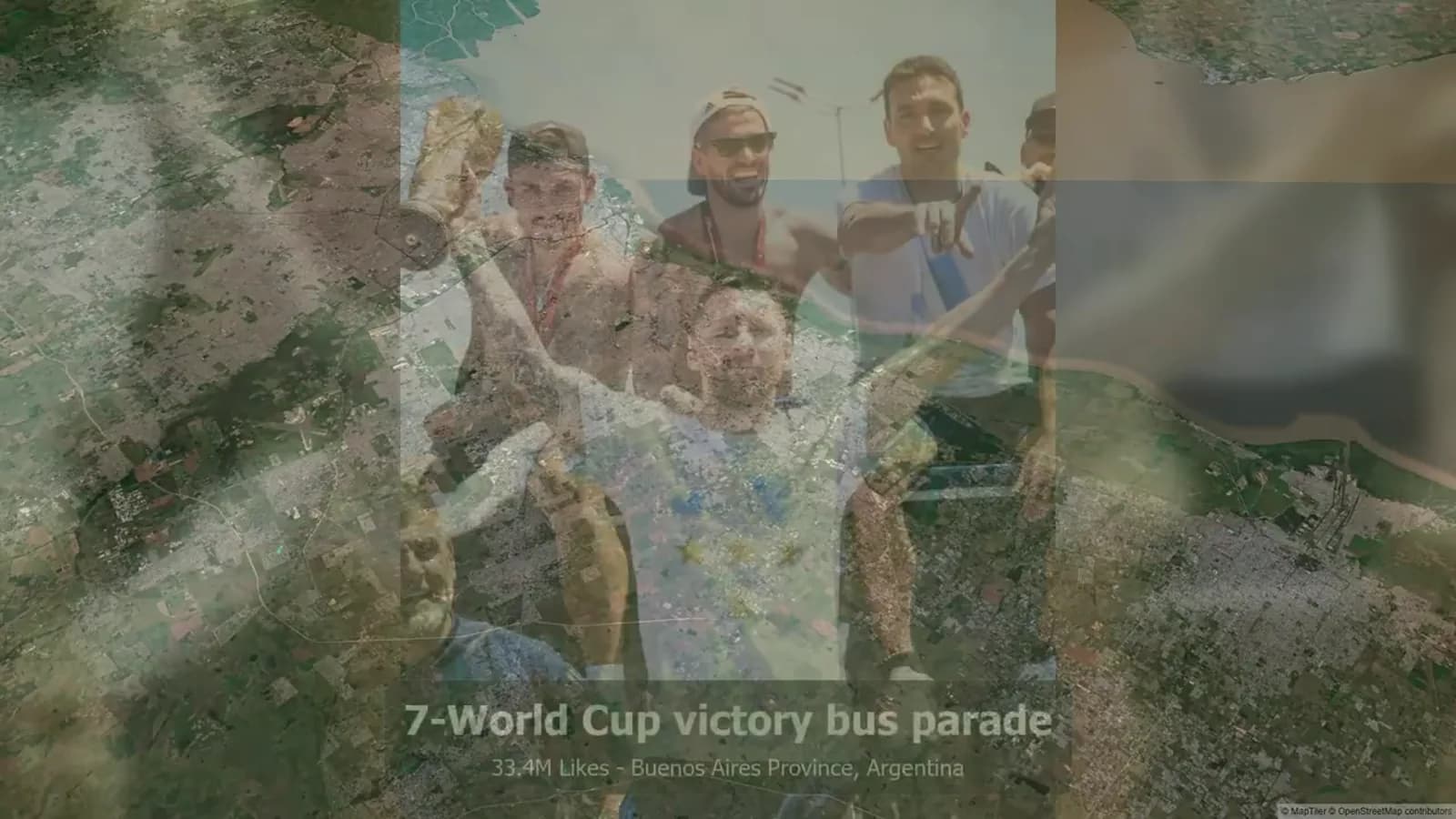
The reference uses a globe and map transitions to frame a ranked set of social posts by place. Named entries appear one at a time. The location views give each entry geographic context, then a wider cluster map gathers several locations before the closing globe.
That sequence offers a clear editing lesson. First, show one moment. Next, show where it fits. Then, after a few close views, pull back and show the pattern. The map has a job in each step. It is not just a moving background.
The video reflects a stated 2025 selection. Use it as an example of structure, not as proof of what is popular now. If you make a similar piece, use your own approved clips and explain the source of any date, ranking, or claim.
What a viral video map can do
Use this format when place adds meaning. A map can show distance, order, contrast, or a shared route. It can help a viewer understand how several clips connect in less time than a long voiceover.
Start with one clear question. For example: Which stops made this weekend worth the drive? Where did our launch team meet customers? Which fields shaped our season? If a pin does not help answer the question, leave it out.
This makes the article different from a trend roundup. The goal is not to collect outside posts or chase a format. The goal is to plan a useful story from media your team or partner may use.
Travel: show the route, not every stop
Travel works well when the trip itself is the story. Open with a wide view, move to the first stop, show one strong clip, and continue. Give each place one purpose: a view, a meal, a small tip, or a quiet moment.
A hotel, local guide, or travel creator can keep the pace quick by using three to five stops. Each clip should answer the same viewer question. A long list of pins can make a simple trip feel hard to follow.
Copy-ready example: “Three stops, one rainy Saturday: coffee in Kensington, a bookstore in the Annex, and sunset by the lake. Here is the route we would take again.”
Restaurants: make a neighborhood easy to read
A restaurant group can use a map to link several places without making every clip a full review. Try one dish at each stop, a market-to-table path, or a chef's nearby favorites. Say why each stop belongs in the route.
Use broad neighborhood labels when that is enough. Check with a venue before filming. Do not show a private address, staff member, or customer without a clear reason and permission.
Copy-ready example: “Our late-night noodle map starts downtown, heads east for dumplings, and ends with a warm dessert. Save this route for your next food walk.”
Events and sports: let the places show the day
For an event, a map can act like a simple timeline. Begin at arrival, move to the main activity, and end with a closing scene or next step. This suits festivals, pop-ups, conferences, charity runs, campus events, and community days.
Sports teams and clubs can map tournament stops, away games, training grounds, or a season's key moments. Let each pin answer a real question: what happened here, who helped, and why did it matter? The story should still work with sound off.
Copy-ready examples: “From check-in to the closing set, these were the places that carried our community day.” “Five away fields, one team story. Here are the moments that changed our season.”
Creator, product, and recap stories
A creator content map can link a repeat series that viewers have seen in parts. You might show a month of shoots, interviews around a city, thrift finds, or small businesses. State what viewers will see and why the places matter. Do not call the work viral because it has a fast rhythm.
For a product, use places to show a launch route, retail visit, field test, or community event. Describe what happened at each place. Avoid a broad result claim that one scene cannot prove.
For an annual recap, group media into a few place clusters: where you launched, visited, served, or learned. AlbumMap can help when several people need to add approved photos, short clips, messages, and locations to one map-based story.
Copy-ready example: “This year took us from our first workshop to our final customer event. Here are the places that shaped the work.”
Build the social-media map video in five steps
First, write the viewer question. Second, choose no more than six stops. Third, select the best approved clip, photo, or quote for each stop. Fourth, write the caption before you edit. Fifth, choose one calm ending, such as a full route, a question, or a note about the next episode.
Keep the first few seconds plain. Start with the clearest map view or location. Then switch between a place view and one proof point, such as a clip, photo, short quote, or product detail. If the location adds nothing, remove it.
Set rights checks early. Use media you own, have permission to share, or have licensed. Confirm that people, venues, logos, music, and location details may appear. When discussing a third-party social post, use the platform's official embed instead of downloading and reposting it.
Brand-and-Creator Planning Template
Use this template before filming or gathering clips. It gives the brand and creator one short brief for the story, permissions, and next step. Fill one row for each planned stop.
| Stop or cluster | Viewer question | Approved media | Map action | Caption or proof | Permission and next step |
|---|---|---|---|---|---|
| Opening map | What connects these places? | One wide map and a title card | Start wide; show the overall area | A short, honest series promise | Confirm the title makes no performance claim. |
| Stop 1 | Why should viewers care first? | Best owned clip or licensed image | Zoom to one pin | One useful detail or quote | Confirm the person, venue, and location can be shown. |
| Stop 2 | What changes or contrasts here? | A second clip, photo, or message | Move with the same transition | One sentence that adds context | Check music, logo, and third-party media rights. |
| Stop 3 | What completes the route? | A closing clip or approved still | Pull back to a cluster or route | A save prompt, question, or next episode hint | Link only to the relevant page or resource. |
| Final review | Does every pin earn its place? | Full preview with captions | Check pacing and mobile framing | Remove vague claims and repeated points | Get final brand and creator approval. |
Examples You Can Copy
Travel route caption
Three stops, one rainy Saturday: coffee in Kensington, a bookstore in the Annex, and sunset by the lake. Here is the route we would take again.
Restaurant neighborhood caption
Our late-night noodle map starts downtown, heads east for dumplings, and ends with a warm dessert. Save this route for your next food walk.
Event recap caption
From check-in to the closing set, these were the places that carried our community day.
Sports season caption
Five away fields, one team story. Here are the moments that changed our season.
Creator-series caption
I filmed one small business in each part of the city. This is the map of the people and places behind the series.
Annual-recap caption
This year took us from our first workshop to our final customer event. Here are the places that shaped the work.
Final Thoughts
A map gives short video clips a clear place in a larger story. Choose one honest question, use a few strong stops, and check rights before you post. When the story needs shared media and meaningful locations in one sequence, create a map video with AlbumMap.
Helpful answers
Frequently asked questions
What is a viral video map?
A viral video map is a location-led short-video format that uses pins, routes, or map clusters to connect clips. It is a creative structure, not a guarantee of reach or virality.
How many locations should a social-media map video include?
Start with three to six locations. Add a stop only when it helps answer the same viewer question or moves the story forward.
Can brands use a map video for products?
Yes. A map can show product use, a launch route, retail visits, field testing, or community events when each location adds honest context.
When is AlbumMap useful for creators and brands?
AlbumMap is useful when a story needs approved photos, short videos, written messages, and locations gathered into one map-based sequence.