Introduction
A strong countdown does more than put ten clips in reverse order. It gives viewers a reason to care, shows why each item earned its rank, and credits each creator. Start with a small, clear theme. Try “ten creator-approved garden makeovers from our group” or “ten official posts in our 2025 recap.” This guide gives you a TikTok countdown video workflow with one scoring rule, official embeds, ten short parts, and map moves only when a place adds useful context. Do not download or repost another person’s video.
For a separate story made from your group’s own photos, messages, clips, and places, AlbumMap can help you make an original map-led video.
What the video shows
The AlbumMap video is called “10 Viral TikTok Videos of 2025, Mapped Around the World (with AlbumMap).” It runs for 4 minutes and 48 seconds. At 0:00, it opens on a globe. The globe gives the countdown a clear frame by place. It also gives the viewer a visual reset before the ranked items begin.
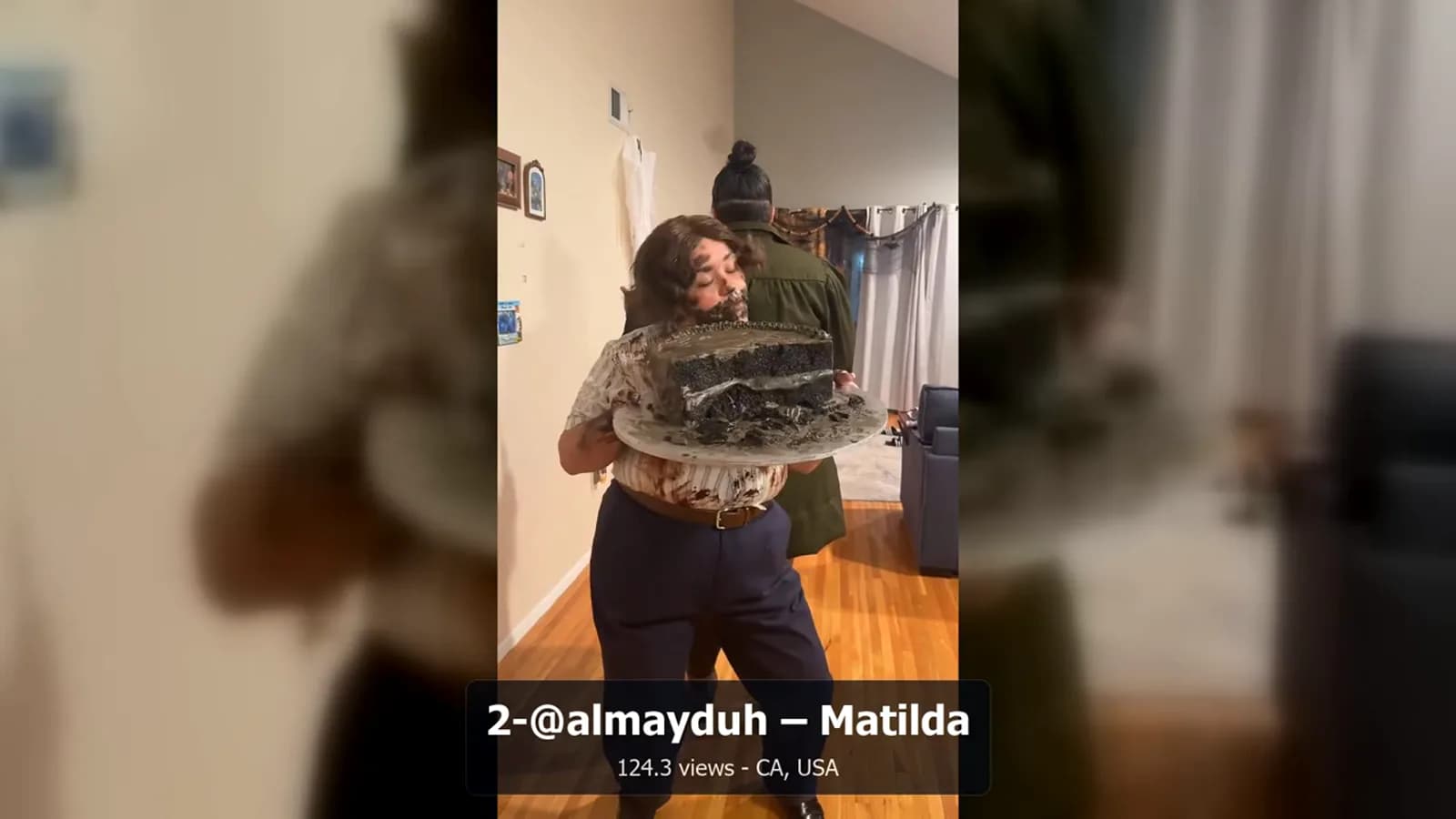
The named items arrive one at a time. The chapter list marks Erica Goldstein at Rank 9 at 0:48. It marks Jennifer Hudson Show at Rank 7 at 1:36. It marks Madelyn Cline at Rank 4 at 3:12, Amber and Adam at Rank 3 at 3:36, and @almayduh Matilda at Rank 2 at 4:00. These moments show a simple rhythm: reveal a rank, show its mapped setting, then move to the next item. This article does not add facts about those posts beyond the supplied scene notes.
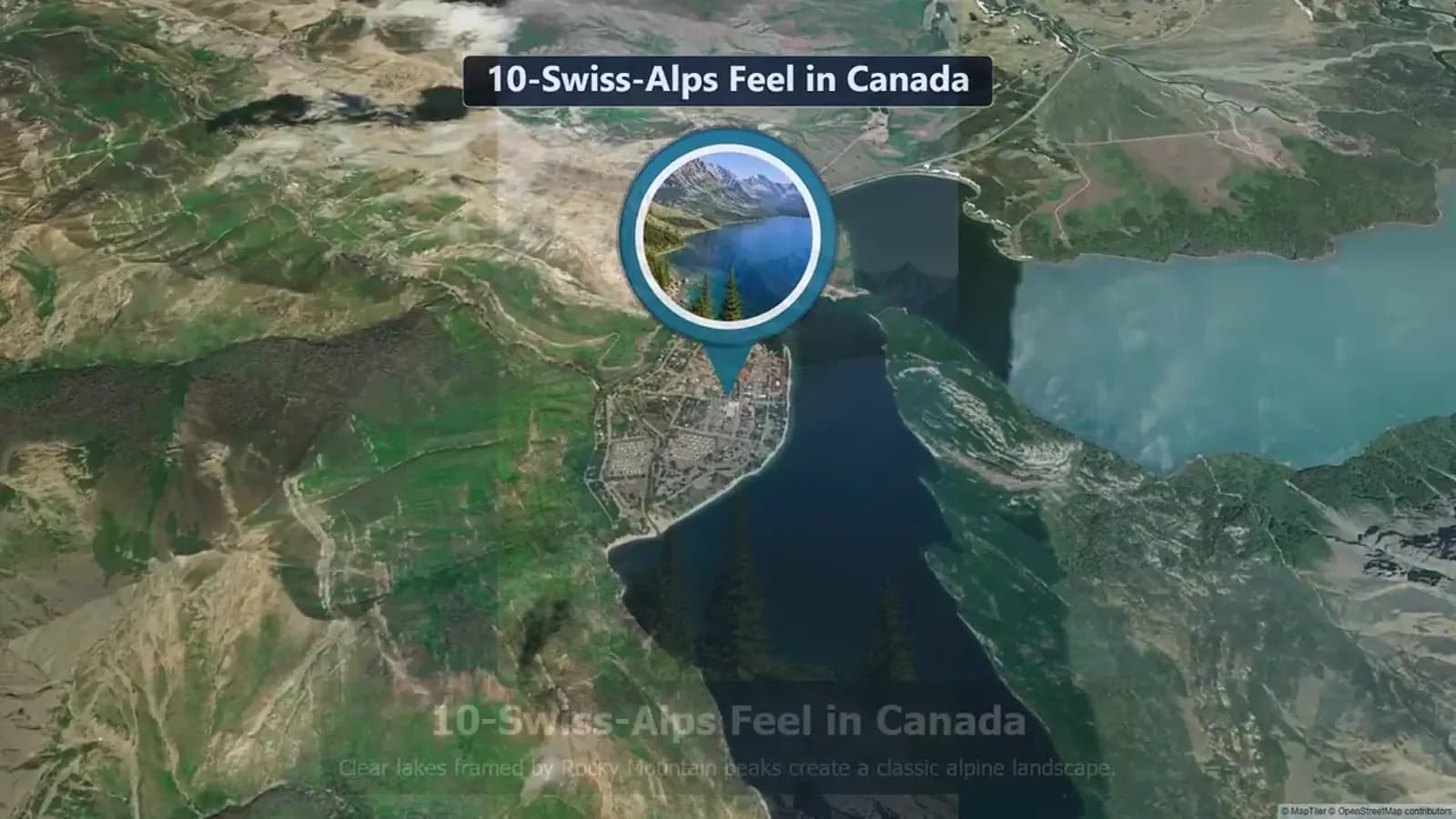
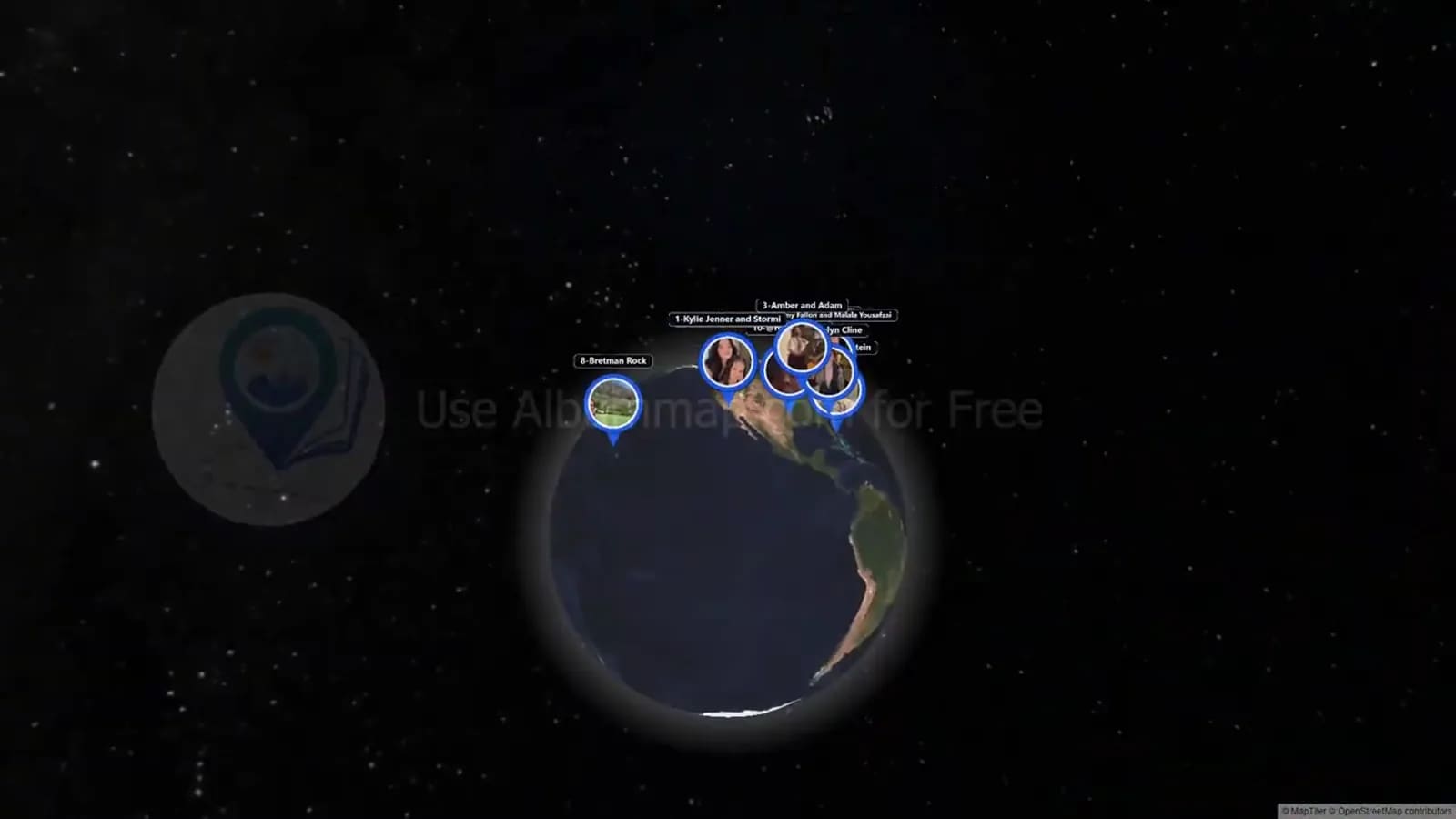
At 2:24, the Rank 6 Taylor Dinelli chapter uses a map move. That is a useful edit cue. Use a map to link two ranks or explain why a place matters. Do not use it as filler. At 4:24, a wider map groups several video locations. The video then returns to the globe for its closing call to action at 4:44.
This device works only when the place is known and useful. It can group examples and help viewers follow the list. If you cannot confirm a place, use a plain rank card instead. The video is a stated 2025 selection. Check all source posts, credits, and place notes again before you publish a new list.
1. Set fair criteria before you pick the ten
Do not start by gathering clips. First, write the rule that sets the rank. Your score can use public response, fit with the theme, source quality, and place context. Give each factor a small weight. Use the same rule for every item.
Public numbers can change. The word “viral” also has no one fixed meaning. State the date when you checked each post. If you cannot prove a claim, do not use it as a reason for the rank. A short, well-sourced list is better than a long list with weak facts.
2. Write a hook that explains the list
In the first five seconds, say what you rank, why these ten items are here, and what viewers will see. Do not call them the “best” TikToks. Say what your method covers instead.
Copy-ready hook: “These are ten creator-attributed TikTok posts in our 2025 recap. Each rank uses the same score, and every post stays linked to its original creator.”
If your list uses places, add this line: “We use a map only where a location is known and helps tell the story.” This keeps viewers from thinking every post has a confirmed place.
3. Plan your TikTok countdown video in ten parts
Make every rank easy to scan. Use a number card, one short reason for the rank, the official embed or source link, the creator credit, and a brief move to the next item. Give the top three a little more time. Do not rush the lower ranks.
Use a plain source card if an embed cannot appear in your video format. Show the rank, creator name, short post note, original URL, and reason for the rank. Do not screen-record, download, crop, or upload a third-party post as a stand-in.
4. Credit the creator and use official embeds
Credit belongs in the plan, not at the end. Save the post URL, creator handle, display name, date checked, and reason for use. Ask for permission when your use goes beyond an official embed or link. A credit line does not replace permission.
TikTok’s embed guide says its player links to the related TikTok post and shows creator details. Get the code from the original post or the official oEmbed path. Test it in your CMS. A private or removed post may no longer work. If that happens, remove the item rather than copying the clip.
5. Use map moves only when they add context
A map move should answer a real question. Where did this happen? How are two ranks linked? What pattern can viewers see across the list? Use a short map move when a known place helps answer one of those questions. Then return to the rank card.
AlbumMap fits an original project when people share their own photos, video notes, written messages, and meaningful places with you. Make that a companion story or an original ending. Keep it separate from a list of third-party TikTok embeds.
6. Plan times, title, description, and thumbnail
Make a time plan before you edit. A 60- to 90-second version can use five seconds for the hook, six seconds for ranks 10 through 4, eight seconds for ranks 3 through 1, and a short closing card. A longer video can leave more room for source notes.
Use a plain title with the topic and time frame. Example: “10 Creator-Attributed TikTok Posts in Our 2025 Community Recap.” In the description, explain the score, give the data cutoff, link each original post, and say that embeds stay on their source platform.
For the thumbnail, use large “Top 10” text, one topic phrase, and an original map or number image. Do not use a creator’s face or post frame without permission. Check the words on a phone.
A quick production pass before export
Watch the full edit with the sound off. You should still see the rank, creator credit, source, and reason for the choice. Then watch with sound on. Cut long pauses. Make sure the voice-over does not state an unknown place as fact.
Last, check each item against your source log. Check spelling, handles, post URLs, rank order, caption links, and times. This final pass can stop a good edit from carrying a bad credit or an old number.
Sources and verification
Last verified: 2026-08-09. Data cutoff: 2026-08-09. The AlbumMap example is a stated 2025 selection. TikTok posts, handles, public numbers, embeds, and place context can change. Check the original source and embed before you publish.
This guide uses TikTok developer material for embeds and TikTok help material for creator credit. It uses the AlbumMap video itself as first-party evidence for the title, date, length, chapter points, and scene facts.
Top-10 countdown production template
Copy this table into a production sheet. Fill each row before editing. If a source, credit, or location cannot be verified, replace the entry or remove the unsupported claim.
| Rank | Hook and ranking reason | Creator and official source | Map or transition | Edit time |
|---|---|---|---|---|
| 10 | Set the theme and give one score-based reason. | Creator handle, display name, original TikTok URL, date checked. | Neutral rank card or a verified location pin. | 0:05-0:11 |
| 9 | Use one short fact that matches your written criteria. | Creator handle, display name, original TikTok URL, date checked. | Map only if the location is documented. | 0:11-0:17 |
| 8 | Keep the language specific; avoid “best ever.” | Creator handle, display name, original TikTok URL, date checked. | Use a simple number transition if place adds nothing. | 0:17-0:23 |
| 7 | State the score reason in one sentence. | Creator handle, display name, original TikTok URL, date checked. | Bridge to the next verified place or use a neutral card. | 0:23-0:29 |
| 6 | Add one detail that helps viewers compare entries. | Creator handle, display name, original TikTok URL, date checked. | Use a short map move only with a reliable place source. | 0:29-0:35 |
| 5 | Mark the halfway point with a quick visual reset. | Creator handle, display name, original TikTok URL, date checked. | Show a cluster map only for confirmed locations. | 0:35-0:41 |
| 4 | Increase anticipation without making a false claim. | Creator handle, display name, original TikTok URL, date checked. | Return from a map to a clean rank card. | 0:41-0:47 |
| 3 | Give the ranking reason and source clearly. | Creator handle, display name, original TikTok URL, date checked. | Use a location transition only if it advances the story. | 0:47-0:55 |
| 2 | Leave room for the creator credit and source link. | Creator handle, display name, original TikTok URL, date checked. | Use a brief recap map or neutral card. | 0:55-1:03 |
| 1 | Reveal the top entry, then restate the method and cutoff. | Creator handle, display name, original TikTok URL, date checked. | Close on an original summary graphic or approved map story. | 1:03-1:15 |
Examples You Can Copy
Copy-ready ranking rule
“Each item gets up to 10 points: four for theme fit, three for a public signal checked on August 9, 2026, two for clear source notes, and one for useful, verified place context. A tie goes to the item with the clearest original source.”
Copy-ready rank card
“Rank 6 — [Creator handle]. Why it is here: [one clear, sourced reason]. Watch the original post: [official TikTok URL]. Location: [verified location] or ‘not used in this segment. ’”
Final Thoughts
A good top-10 list is clear about its method and careful with other people’s work. Keep the source trail easy to find. Keep every creator tied to the original post. Use maps only when a known place helps viewers understand the list. For an original piece built from your own footage and locations, create an animated map video.
Helpful answers
Frequently asked questions
Can I make a TikTok countdown video without reuploading other people’s posts?
Yes. Use the original post URL and TikTok’s official embed where your publishing format supports it. If an embed is unavailable, use a credited text card and link instead of a copied clip.
What should each of the ten countdown segments include?
Include the rank, a short ranking reason, creator credit, official source URL or embed, and a transition. Add a map only when the location is documented and useful.
How do I credit a TikTok creator?
Keep the creator handle, display name, original post URL, and date checked in your source log. Link or embed the original post and seek permission for uses beyond an official embed or link.
How do I choose a fair top-10 order?
Write the scoring rule before collecting entries. Apply it the same way to every candidate and state the date when you checked any changing public numbers.
When does AlbumMap fit this format?
AlbumMap fits an original, contributor-approved companion story that brings together your group’s own photos, short videos, written messages, and locations. It does not replace attribution or permission for third-party TikTok content.