If you are looking for Thanksgiving video ideas, start with the people and moments your family values. A gratitude video does not need polished speeches or complex editing. It can be a few short clips from the people at your table. It can also include relatives who live far away. The best version gives everyone one clear prompt and enough time to answer. This guide offers ten family-friendly formats, a simple plan, recording tips, and examples you can copy. You can use one idea or mix several into a short Thanksgiving keepsake.
Idea card 1 of 20
Choose a same-day capture or a pre-collected screening
| Version | What is ready at dinner | Complete timing |
|---|---|---|
| Same-day capture | A recording activity, followed by a later reviewed share | 5-second title + four 10-second voluntary memories + three 5-second detail images = 60 seconds. |
| Pre-collected distant-family video | An approved export prepared before the gathering | 10-second opening + six 15-second greetings + 20-second closing = 120 seconds. |
The same-day version cannot be the finished film before its dinner footage exists. If someone wants to assemble it that evening, allow separate time for permission review, editing, export and playback; send it later if any part is unfinished. A live round of optional gratitude needs no video production at all.
For the pre-collected version, set submissions at T−5 days, assemble at T−4 to T−3, review at T−2 and rehearse the final file at T−1. T is your actual gathering date; use full dates, clock times and named time zones in the invitation. Different families celebrate on different dates.
For a pre-collected screening, use the group-video time estimate to set the editing cutoff. For material gathered at the meal, use the holiday-photo collection checklist and agree a later delivery date. Do not promise to collect, review and finish a large family film during the same short event.
Idea card 2 of 20
A complete one-minute gratitude round and a same-day work plan
Watch the complete silent text-card example below. All names, messages and scenarios are fictional. It shows the pacing of the edit; it contains no real child, contributor, workplace approval or customer footage, and is not an AlbumMap export.
Download the complete example script and timings. The table and script also provide a text alternative to the silent video.
| Illustrative same-day schedule | Task and fallback |
|---|---|
| 16:00–16:10 | Ask four willing people for one ten-second memory. Agree the private audience first; a written card can replace speech. |
| 16:10–16:20 | Record in a quiet space, then select three non-identifying detail images. |
| 16:20–16:40 | Assemble the 60-second sequence and add captions. Keep titles and transitions inside the existing slots. |
| 16:40–16:50 | Each contributor reviews the exact selected message; check names, backgrounds and permission. |
| 16:50–17:00 | Export and test the whole file on the actual viewing device. If it is unfinished, enjoy dinner and send it on the agreed later date. |
This is a planning allowance for four short messages, not a render-speed promise. A larger family or a slow export needs more time. For distant relatives, use the separate pre-collected two-minute option above and close submissions five days before the gathering. Do not combine that six-speaker budget with this four-speaker cut.
Download the editable review worksheet (CSV). Fill in the blanks for your own project; the example is not an approval record.
Idea card 3 of 20
Choose one clear purpose before you record
Decide what the video should do. It might thank one person, capture the year, connect distant relatives, or preserve a family tradition. One purpose makes every other choice easier.
Next, choose the audience. A private video for your family can include personal stories. A video shared on social media should avoid private details and clips from people who did not agree to public sharing.
Keep the plan small enough to finish. A two-minute video made with care is better than a large project that becomes stressful.
Idea card 4 of 20
10 Thanksgiving video ideas families can make together
Start with the one-minute round below. If you want a different focus, the later ideas cover a recipe, distant relatives, a family year or a time capsule. Choose one format per short film instead of trying to include every idea.
Idea card 5 of 20
1. Make a one-sentence gratitude round
Ask each person to finish one sentence: This year, I am thankful for ____. Keep every answer short. The repeated format gives the video a clear rhythm.
Record people before dinner, when the room is quieter. Place the clips in age order, table order, or any sequence that feels natural.
Idea card 6 of 20
2. Thank one person who held the family together
Choose a parent, grandparent, sibling, host, or family friend. Ask everyone to name one thing that person did this year. Specific details will feel warmer than broad praise.
This idea also works for someone who cannot attend. Play the finished video during a call or send it with a short private note.
Idea card 7 of 20
3. Create a family year-in-review video
Collect a few photos and short clips from the past year. Include ordinary moments, not only major events. A new recipe, weekend visit, school day, or shared walk may carry the most feeling.
Add brief voice messages between the images. Ask each person to share one challenge, one bright moment, and one hope for the coming year.
Idea card 8 of 20
4. Bring far-away relatives to the table
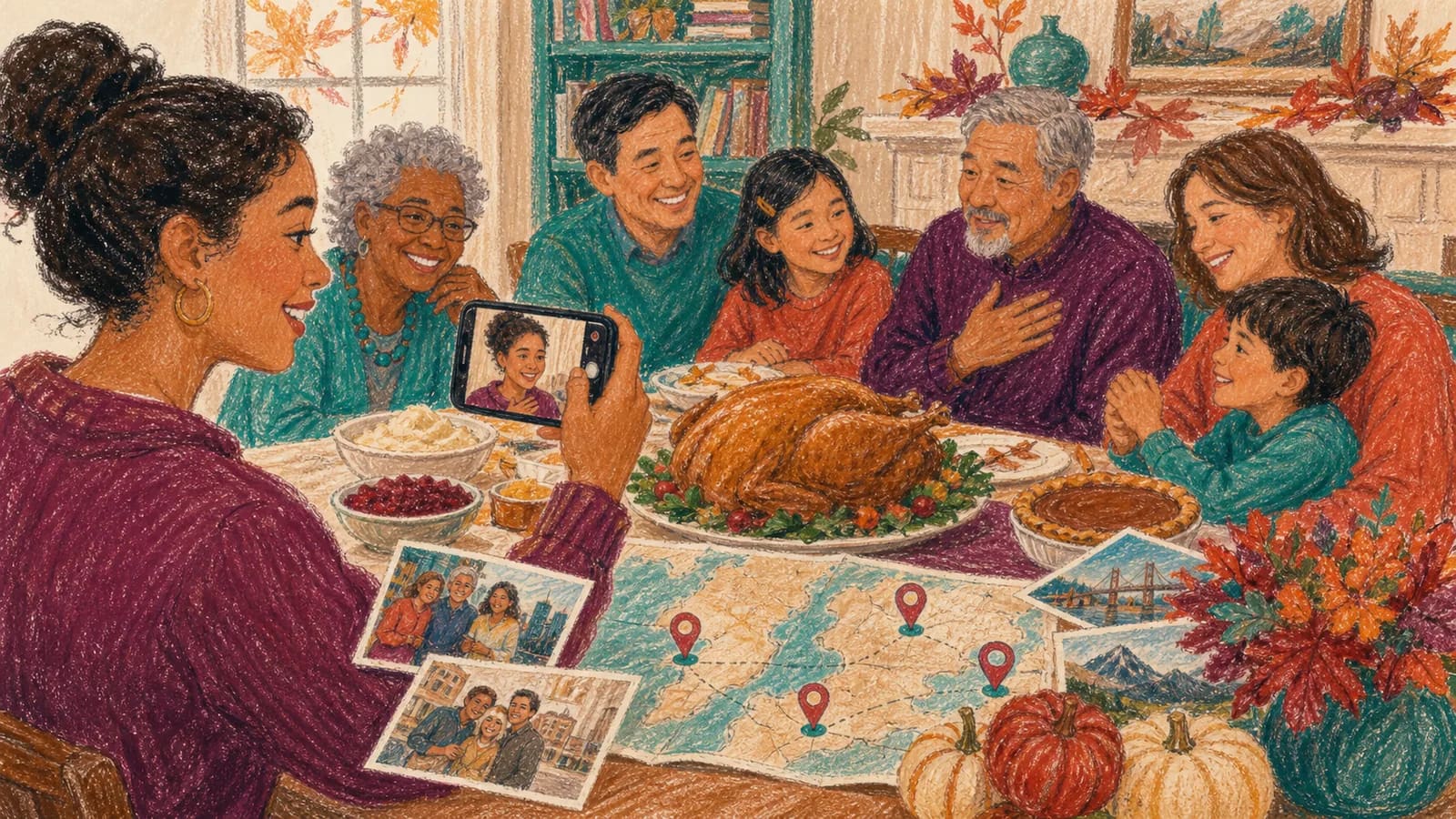
Invite relatives in other cities to record a short Thanksgiving video message. Ask them to say where they are, what they miss, and what they value about the family.
Place their clips near the start so they feel part of the gathering. You can then record a group reply from the table and send it back.
Idea card 9 of 20
5. Record a recipe with its family story
Film someone preparing a family dish while they explain where the recipe came from. Ask who taught them, when the family serves it, and which memory they connect with it.
Keep the cooking steps brief. The story is the focus. Add a photo of the person who first made the dish if the family has one.
Idea card 10 of 20
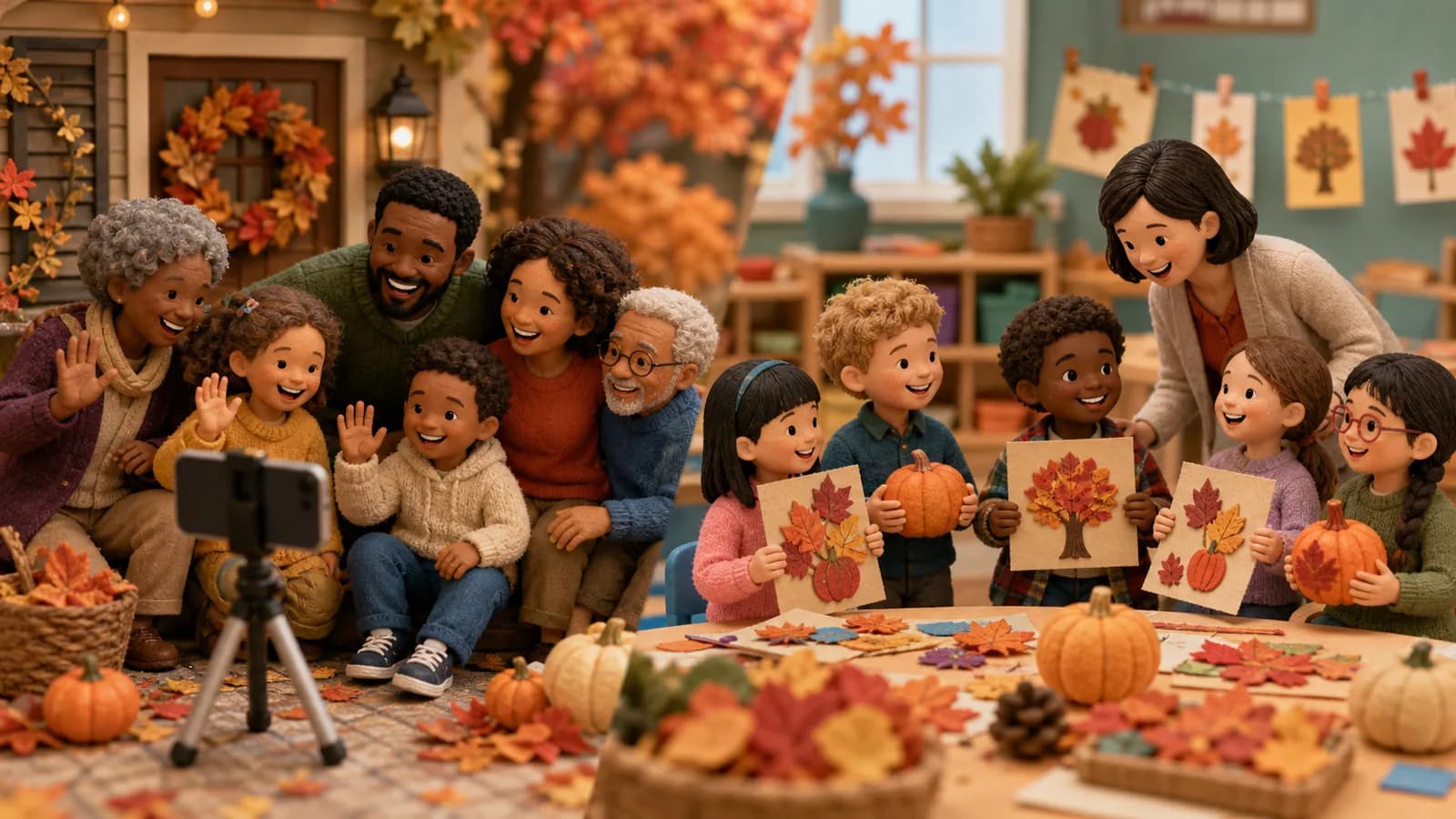
6. Interview children about gratitude
Give children one simple question at a time. Try: Who helped you this year? What family day made you happy? What small thing are you glad you have?
Let them hold a drawing, toy, or photo while they answer. Do not ask for a perfect take. A pause or unexpected answer can make the clip feel honest.
Idea card 11 of 20
7. Map the places your family is thankful for
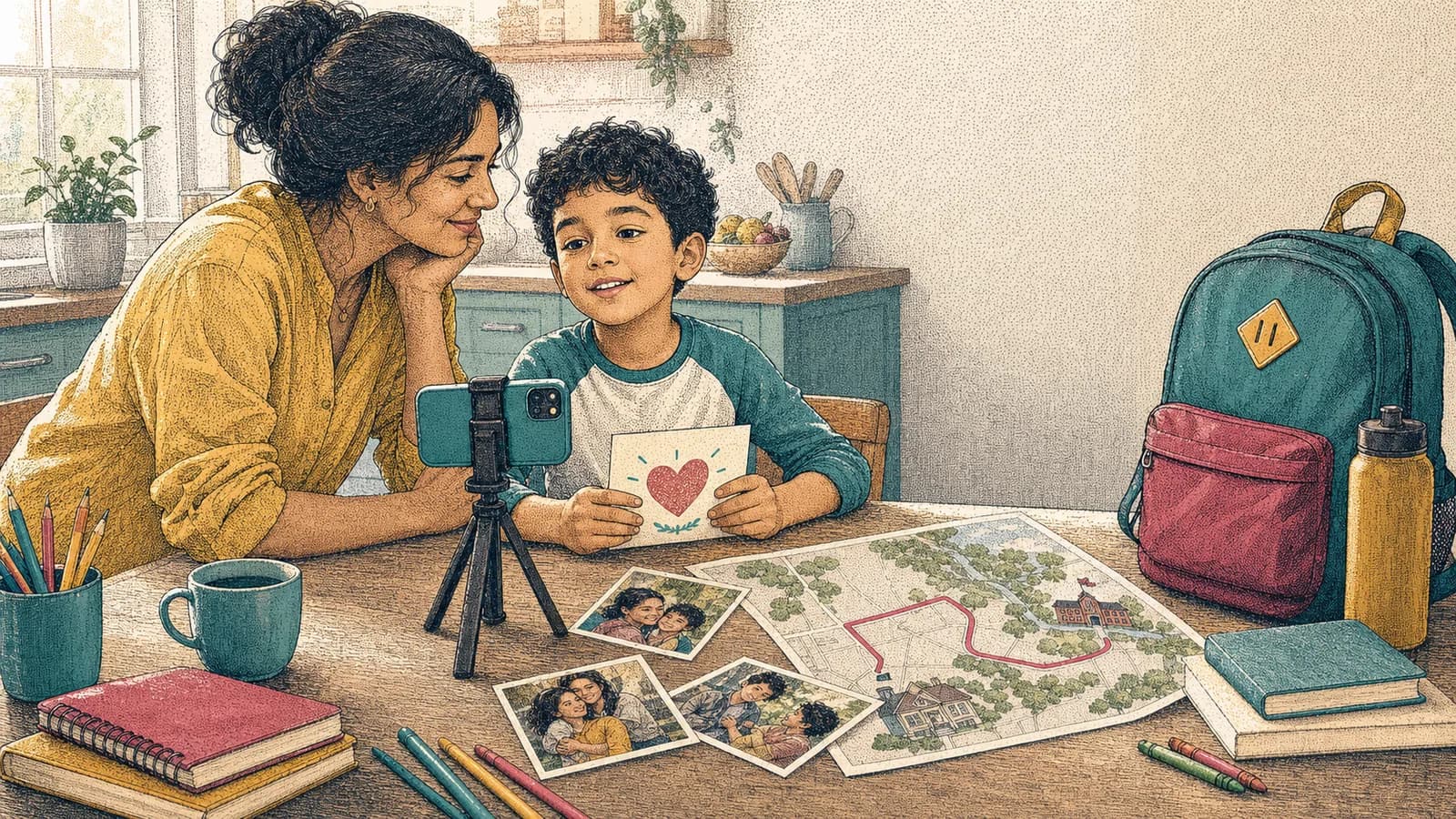
Ask each person to choose one meaningful place. It could be a family home, hometown, school, park, restaurant, hospital, place of worship, or vacation stop.
Pair every place with a photo and a short message. The finished story can show how one family is connected across many locations.
Idea card 12 of 20
8. Start a yearly Thanksgiving time capsule
Use the same three prompts each year. Ask what changed, what brought joy, and what each person hopes to remember. Add the date to the opening screen.
Save each finished video in one family folder. Over time, the collection will show changing voices, homes, traditions, and relationships.
Idea card 13 of 20
9. Thank people outside the family circle
Make a short video for a teacher, coach, caregiver, neighbor, volunteer, or community helper. Ask each family member to name one helpful act they noticed.
Keep the message focused on thanks. Before sharing any clip publicly, get permission from every person who appears in it.
Idea card 14 of 20
10. End with a one-word family message
Ask everyone to choose one word for the year, such as together, steady, hopeful, growing, or home. Record each word as a separate clip.
End with everyone saying Happy Thanksgiving together. This creates a simple closing even when the earlier clips use different formats.
Idea card 15 of 20
Use gratitude video prompts that lead to real stories
A broad request like say something nice can leave people stuck. Give each person one question instead. Clear prompts lead to more useful answers.
Try asking: What did someone in this family do for you this year? Which family moment would you like to relive? What place feels like home to you? What lesson from an older relative do you still use?
Invite people to name a person, place, or moment. Those details make a family gratitude video feel personal without requiring a long speech.
Idea card 16 of 20
When a map-based Thanksgiving story is useful
A normal montage works well when everyone is in one place. A map-based story can add meaning when relatives live far apart or memories belong to several homes and cities.
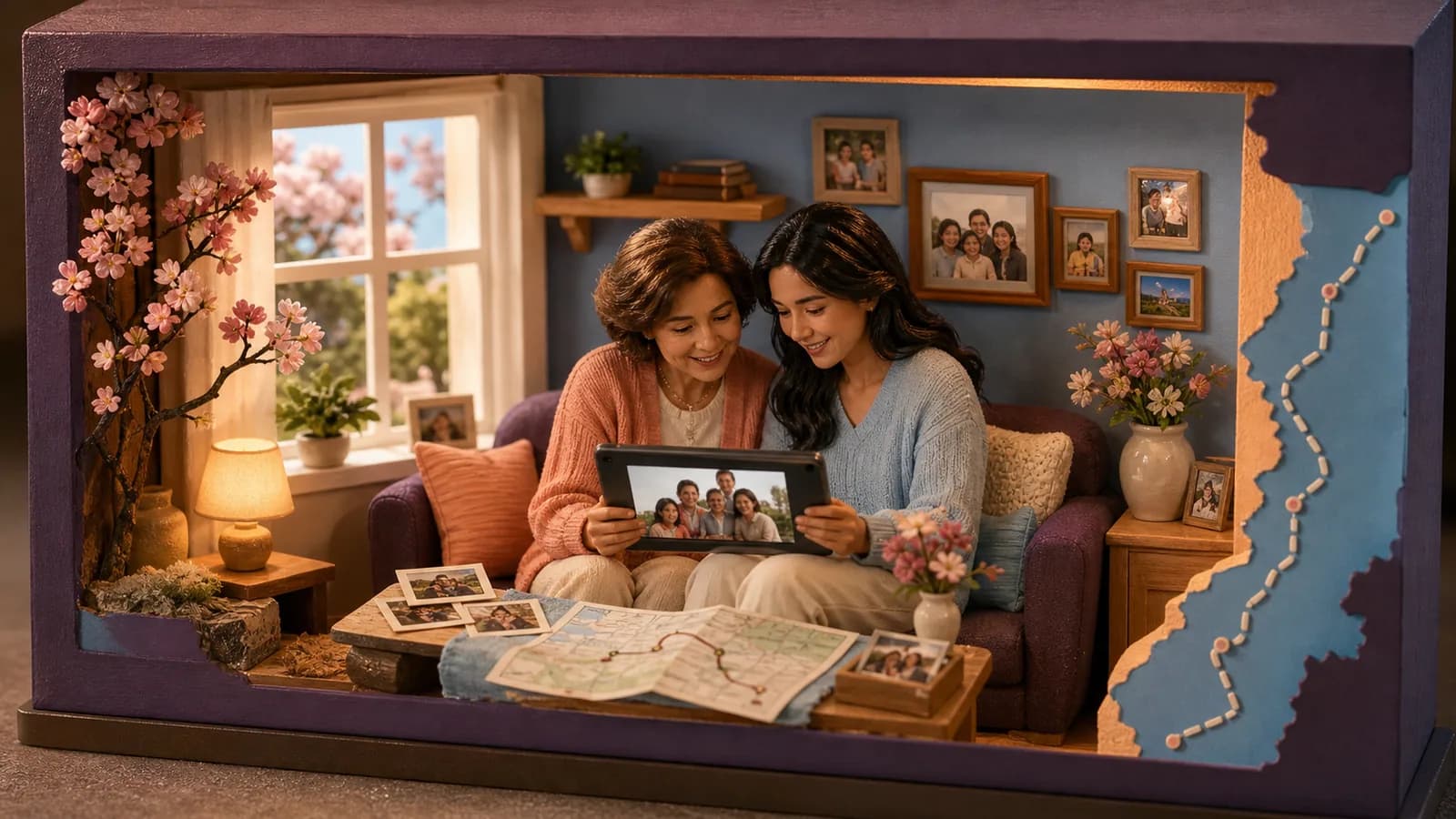
AlbumMap can collect photos, short videos, written messages, and locations from the group. The video can then move through the places connected to each memory. This is useful for a family that has moved, traveled, or grown across different regions.
For example, the route might begin at a grandparent's old home. It could continue to the city where a child now studies, a favorite family lake, and the homes where relatives are recording from today.
Do not add locations only for decoration. Use a map when each place helps explain the family story. A simple montage may be the better choice when location is not important.
Idea card 18 of 20
Make the video welcoming and easy to watch
Add captions for viewers who are deaf, hard of hearing, or watching without sound. Use large, high-contrast text and keep each caption on screen long enough to read.
Offer a written message option for anyone who dislikes recording. Their words can appear beside a photo or be read by the organizer with permission.
Avoid jokes that may embarrass someone during a group viewing. Check how names are spelled. Remove home addresses, school details, or other private information before sharing.
Idea card 19 of 20
Examples You Can Copy
Copy-ready invitation for family members
Hi everyone! I am making a private Thanksgiving gratitude video for our family. Please record a clip within [the ten-second capture or fifteen-second pre-collected slot we chose] by [date, time and named time zone]. Choose one prompt: What are you thankful for this year? Who in the family helped you? Which family moment would you like to remember? Upload your clip here: [link]. A simple phone video is perfect.
Copy-ready reminder
Quick reminder that Thanksgiving video clips are due on [date, time and named time zone]. One short answer is enough, and it does not need to be polished. Please upload your clip here: [link]. Thank you for helping us include everyone.
Copy-ready prompt for an adult
Start with your name. Then say: One moment I am thankful for this year is [moment]. It mattered to me because [reason]. I hope our family carries [lesson or feeling] into the next year.
Copy-ready prompt for a child
Tell us your name, show us something that makes you happy, and finish this sentence: I am thankful for my family because ____. You can draw your answer if you prefer.
Copy-ready opening script
Happy Thanksgiving from our family, near and far. We asked everyone to share one person, place, or moment that mattered this year. These are the small stories we want to remember.
Copy-ready closing card
Thank you for being part of our story this year. Wherever we celebrate, we are grateful for the people and places that help our family feel like home.
Idea card 20 of 20
Final Thoughts
The best Thanksgiving gratitude video is not the longest or most polished one. It is the video that helps people say something true. Choose one format, offer a clear prompt, and keep each clip short. Include distant relatives, written messages, photos, or meaningful places when they strengthen the story. A small video made this year can become a family record that feels more valuable with time.
For the story behind a dish, use the family recipe guide; for older memories, use the family-history questions. The recording checklist covers sound and framing. Let people pass, keep locations broad and ask before recording the dinner or later reactions.
Your shortlist
Ideas you saved
Tap “Save to shortlist” on any idea card and it lands here, ready to compare.
- Choose a same-day capture or a pre-collected screening
- A complete one-minute gratitude round and a same-day work plan
- Choose one clear purpose before you record
- 10 Thanksgiving video ideas families can make together
- 1. Make a one-sentence gratitude round
- 2. Thank one person who held the family together
- 3. Create a family year-in-review video
- 4. Bring far-away relatives to the table
- 5. Record a recipe with its family story
- 6. Interview children about gratitude
- 7. Map the places your family is thankful for
- 8. Start a yearly Thanksgiving time capsule
- 9. Thank people outside the family circle
- 10. End with a one-word family message
- Use gratitude video prompts that lead to real stories
- When a map-based Thanksgiving story is useful
- Share the finished video in a way that fits your family
- Make the video welcoming and easy to watch
- Examples You Can Copy
- Final Thoughts
Helpful answers
Frequently asked questions
How long should a family Thanksgiving gratitude video be?
Aim for two to five minutes for most family videos. Ask each person for a 10 to 30 second clip. A larger group may need shorter answers. Keep only the strongest part of each message so the finished video remains easy to watch.
What should family members say in a Thanksgiving video?
Give each person one prompt. They can name someone who helped them, share a favorite moment from the year, explain why a place matters, or say what they hope the family remembers. One specific detail is usually better than a long speech.
Can relatives who live far away take part?
Yes. Send them the same prompt, deadline, and upload link as everyone else. Ask them to mention where they are recording. Their locations can become part of the story when distance is meaningful to the family.
Do we need video editing experience?
No. A basic version only needs a title, short clips in a clear order, a few photos, and a closing message. Keep transitions simple. Check sound and captions before sharing.
What if someone does not want to appear on camera?
Offer other ways to join. They can send a written note, photo, drawing, or short audio message. The organizer can place the words on screen or read them aloud with permission.
How can AlbumMap fit a Thanksgiving family video?
AlbumMap is useful when several people want to contribute photos, videos, written messages, and locations. It can connect those pieces through the places behind the memories. Use it when the family story spans homes, hometowns, trips, or different cities.