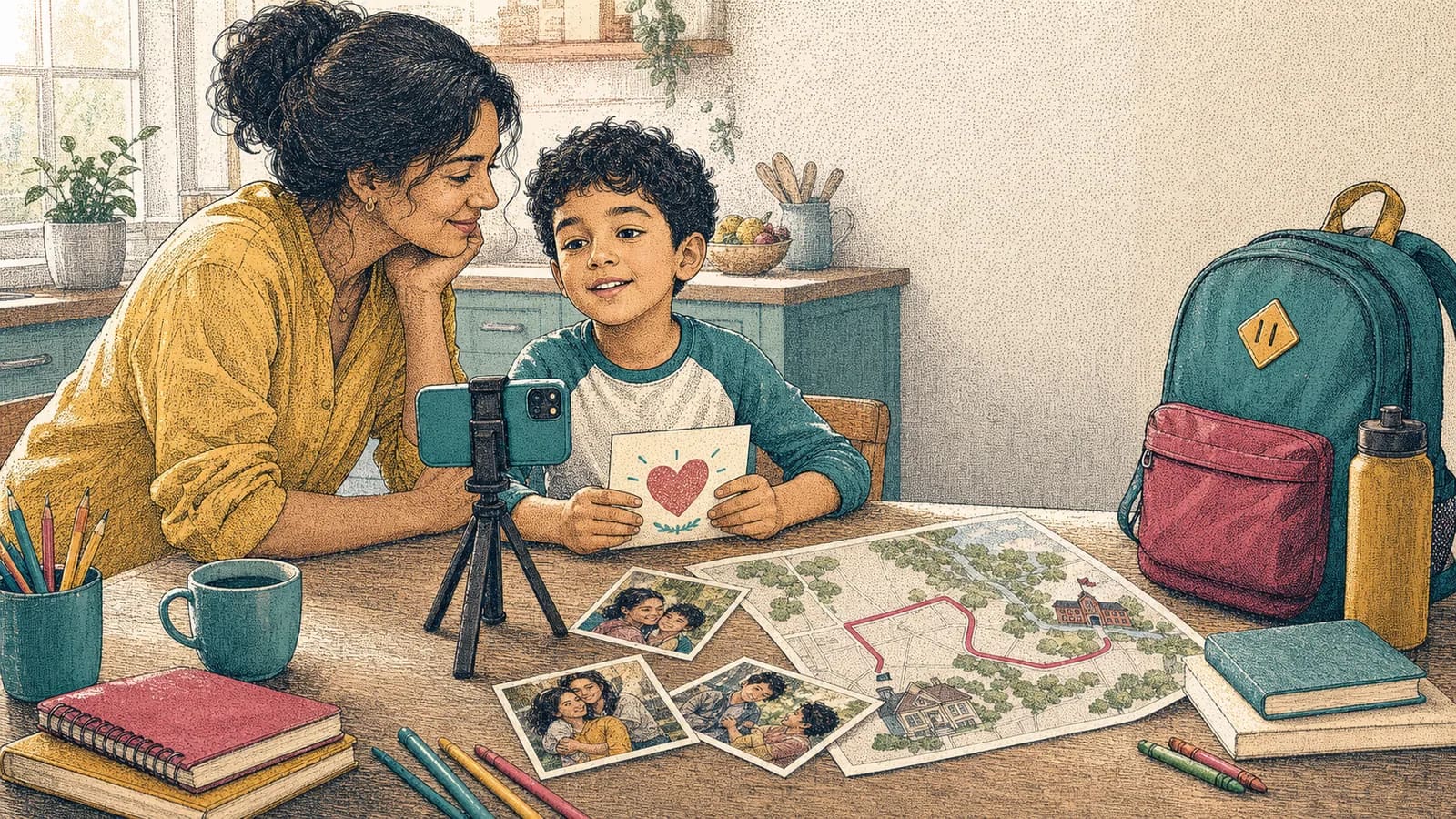
A back-to-school video can preserve the small details that disappear once a new routine begins. The nervous breakfast, new backpack, walk to school, and after-school stories may feel ordinary today. Months later, they can show how much changed. You do not need to film the whole day. A few short clips, honest answers, and clear photos are enough. This guide offers practical ideas for preschool, elementary school, high school, and college transitions. It also includes simple prompts and a plan you can finish without turning the first day into a production. Keep the experience comfortable for the student. Some children love the camera. Others would rather share a drawing, voice note, or written answer. The goal is to save a real memory, not create a perfect performance.
Idea card 1 of 11
Choose the Memory You Want to Save
Start with one clear purpose. You might want to remember a first school day, a move to a new building, or the start of college. You could also follow one family tradition that happens every September.
Think about what will feel meaningful later. A new lunchbox may be fun to see again. A short answer about hopes or worries may reveal even more. Choose three to five details instead of trying to record everything.
Ask the student what they want included. They may care about a friend, teacher, activity, or new independence. Their answer can shape the story and help the result feel like their memory.
Idea card 2 of 11
9 Back-to-School Video Ideas to Try
1. Record a first-morning time capsule. Capture breakfast, packing the bag, choosing an outfit, and one thought before leaving. Repeat the same questions on the final school day to show growth.
2. Make a then-and-now comparison. Place an older first-day photo beside a new one. Ask what has changed and what still feels the same.
3. Follow the journey. Film a few safe parts of the route, such as leaving home, reaching the school area, or arriving on campus. Avoid showing a house number, daily schedule, or security detail.
4. Ask three quick questions. Try: What are you excited about? What feels new? What do you hope to learn? Short answers usually sound more natural than a prepared speech.
5. Save the after-school reaction. Ask what was surprising, funny, difficult, or kind. This often captures details that the student could not predict that morning.
6. Build a school-supplies story. Let the student choose three items and explain why each one matters. Younger children can show a backpack, book, or drawing instead of speaking for long.
7. Invite family messages. Parents, siblings, grandparents, or distant relatives can add one short wish. Different voices can make a major transition feel supported.
8. Create a favorite-places chapter. Include approved photos from the school, library, sports field, campus, or study spot. Add one sentence about what the student hopes will happen there.
9. Record a message for the future. Ask the student to speak to their end-of-year self. Save the clip and watch it after the final school day.
For a later autumn class project, the Halloween and fall video ideas for families and schools include seasonal formats and a collection plan that can involve the whole class.
Idea card 3 of 11
Use a Short First-Day Shot List
Fictional family example: a 45-second first-day memory for one child, with their comfort and guardian approval. It is a small private keepsake, not a suggested public record of the child’s school or routine.
| Timeline | Safe detail shot and caption |
|---|---|
| 00:00–00:05 | Title card: “A new chapter.” Use an exact date or grade only within the agreed private audience. |
| 00:05–00:10 | An unlabelled notebook on a plain table; no name, timetable or address. |
| 00:10–00:15 | A chosen pencil, drawing or other object, with private labels out of frame. |
| 00:15–00:25 | Optional ten-second answer: “One thing I hope to try.” A written line or artwork can replace speech. |
| 00:25–00:35 | Two five-second approved details from the day, without other children, school logos or access information. |
| 00:35–00:45 | Closing image or card: “We are glad to remember this day with you.” |
5 + 5 + 5 + 10 + 10 + 10 = 45 seconds. Record at a calm time; the morning does not need to become a filming session. The child can decline a prompt or choose a different image.
Use the camera-free contribution choices if a child does not want to record, and save later clips for the school-year recap plan. A private first-day memory should not need an exact public school location, visible timetable or live travel route.
Idea card 4 of 11
Watch a complete 45-second first-day example
Watch the complete silent text-card example below. All names, messages and scenarios are fictional. It shows the pacing of the edit; it contains no real child, contributor, workplace approval or customer footage, and is not an AlbumMap export.
Download the complete example script and timings. The table and script also provide a text alternative to the silent video.
| Review item | Private family copy | School or wider audience |
|---|---|---|
| Student choice | Ask which answer and images the child wants saved. | Ask again for this specific version and audience. |
| Who appears | Review every recognizable face, voice and name. | Use the school-approved permission process before collecting; family permission alone is not school clearance. |
| Background | Remove addresses, schedules, badges and readable labels. | Remove school identification and other students unless expressly cleared. |
| Location | No daily route or pickup point is needed. | Use no exact school or regular child location. |
| Final decision | Guardian and child review the exact file. | Named school reviewer confirms the file and approved viewing service; unresolved rows mean do not share. |
Download the editable review worksheet (CSV). Fill in the blanks for your own project; the example is not an approval record.
Idea card 5 of 11
Help Students Speak Without Making It Feel Rehearsed
Ask one question at a time. Give the student a moment to think before recording. Do not correct every pause or imperfect word. Those details often make the memory feel honest.
Offer choices when a broad question feels difficult. Instead of asking, “How do you feel?” ask whether they feel excited, calm, curious, worried, or mixed. Then ask what caused that feeling.
A student can also answer away from the camera. Record a voice note over photos or let them write one line. Older students may prefer filming their own private reflection and choosing what to share.
Idea card 6 of 11
Invite Other People Without Making the Project Too Large
A family memory does not need dozens of contributors. Choose people who have a close connection to the transition. A grandparent could share encouragement. A sibling could recall their own first day. A friend could send a quick hello.
Give everyone the same limit and deadline. Ask for a clip of 10 to 20 seconds, one photo, or one written message. A clear request reduces repeated lines and missing files.
For a class or school group video, use one organizer and one approved collection method. Explain who will watch the result. Follow the school’s consent and safeguarding rules before collecting student media.
Idea card 7 of 11
Connect Memories to Meaningful Places
A location is optional. For a family memory, an unpinned home scene and a broad region can be enough. Avoid publishing the exact school, classroom, daily route, pickup point, start time or future schedule. An attractive map is not a reason to reveal a routine.
If a private family version includes an exact date, grade or school name, keep that detail within the specifically agreed audience. Make a separately reviewed version before any wider sharing. Do not assume a QR code or an unlisted URL provides access control.
Idea card 8 of 11
Protect Student Privacy and Comfort
Decide who will see the finished video before collecting anything. A private family keepsake has different needs from a public social post. Do not assume permission for one audience covers another.
Avoid readable student identification, class lists, schedules, badges, medical details, vehicle plates, and home addresses. Check the background of every clip. School signs and computer screens can reveal more than expected.
Get permission before including another child’s face, voice, artwork, or name. Follow school rules for photos taken on the grounds. When permission is unclear, crop the image or choose another memory.
Let the student change their mind. A child who agreed in the morning may dislike a clip later. Review the video together and remove anything that causes discomfort.
Idea card 9 of 11
Try This Easy Two-Day Plan
The evening before school, charge the phone and choose five shots. Write three questions and prepare the date card. Ask the student what they want recorded and what should stay private.
On the first morning, capture only the planned moments. Keep the camera away during stress or conflict. Record one thought before leaving, then put the phone down and support the routine.
After school, ask one or two reflection questions. Choose the best clips that evening or during the weekend. Add a title, captions, and a closing line. Save a private copy before deciding whether to share it.
Set a reminder for the final school week. Repeat the questions and compare the answers. The paired clips can turn one seasonal memory into a simple story about growth.
Idea card 10 of 11
Examples You Can Copy
Copy-ready morning questions
Today is [date], and you are starting [grade or program]. What are you most excited about? What feels new today? What is one thing you hope to learn or try?
Copy-ready after-school questions
What was the best part of today? What surprised you? Who helped you feel welcome? What is one thing you want to remember before tomorrow?
Copy-ready message for the end-of-year self
Hi, future me. Today I started [grade or program]. Right now, I feel [feeling]. I hope I learn [skill or subject], try [activity], and become more confident about [goal]. When I watch this later, I hope I remember [first-day detail].
Copy-ready request for relatives
We are making a short first-day memory video for [Name]. Please send a message of up to ten seconds if it will replace the speaking slot in the short example by [date, time and time zone]. You can share one kind wish for the school year or one memory from your own first day. The video will stay within [family or approved audience].
Copy-ready location prompt
Choose one safe, approved place connected to this school year. It could be the school, library, campus, sports field, or general hometown. Add one photo or short clip and finish this sentence: I hope this place becomes part of a good memory because [reason].
Copy-ready closing line
This was the start of [Name’s] [grade or program] year. The day brought [feeling], [new detail], and [favorite moment]. We cannot wait to see what changes by the final school day.
Idea card 11 of 11
Final Thoughts
The start of school can pass quickly, even when it feels important. Save a few honest details instead of trying to film every moment. One morning answer, one after-school reflection, and several thoughtful shots can become a lasting record of change. When the story includes family messages, photos, clips, and meaningful places, AlbumMap can bring those pieces together as a map-based keepsake. Keep the result simple, private when needed, and true to the student.
Your shortlist
Ideas you saved
Tap “Save to shortlist” on any idea card and it lands here, ready to compare.
- Choose the Memory You Want to Save
- 9 Back-to-School Video Ideas to Try
- Use a Short First-Day Shot List
- Watch a complete 45-second first-day example
- Help Students Speak Without Making It Feel Rehearsed
- Invite Other People Without Making the Project Too Large
- Connect Memories to Meaningful Places
- Protect Student Privacy and Comfort
- Try This Easy Two-Day Plan
- Examples You Can Copy
- Final Thoughts
Helpful answers
Frequently asked questions
How long should a first day of school video be?
Two to four minutes is enough for most family videos. Ask contributors for clips of 10 to 20 seconds. Keep only the moments that add a new feeling, detail, person, or place.
What should I record on the first day of school?
Choose a few calm details, such as breakfast, a backpack, shoes, a goodbye, and an after-school reaction. Add one or two short answers about hopes, worries, and favorite moments.
What if my child does not want to be on camera?
Respect that choice. Record a voice note, written message, drawing, school supplies, or other details instead. The student can also choose which photos and clips are included.
Can I include classmates in the video?
Only when you have the required permission and the school allows it. Do not rely on general event attendance as consent. Crop or replace media when another child’s permission is unclear.
Should I post a school memory video on social media?
A private family link is often safer. Before public sharing, review every face, name, badge, sign, location, and conversation. Confirm that all permissions cover public use.
How can I turn the video into a yearly tradition?
Use the same three questions and several matching shots each year. Label every video with the date and grade. Over time, the clips will show changes in interests, confidence, routines, and goals.
When is AlbumMap useful for a school memory?
AlbumMap is useful when memories connect to several people and places. It can combine approved photos, short clips, written messages, and locations in a map-based story. Use general locations whenever privacy makes an exact place unsuitable.