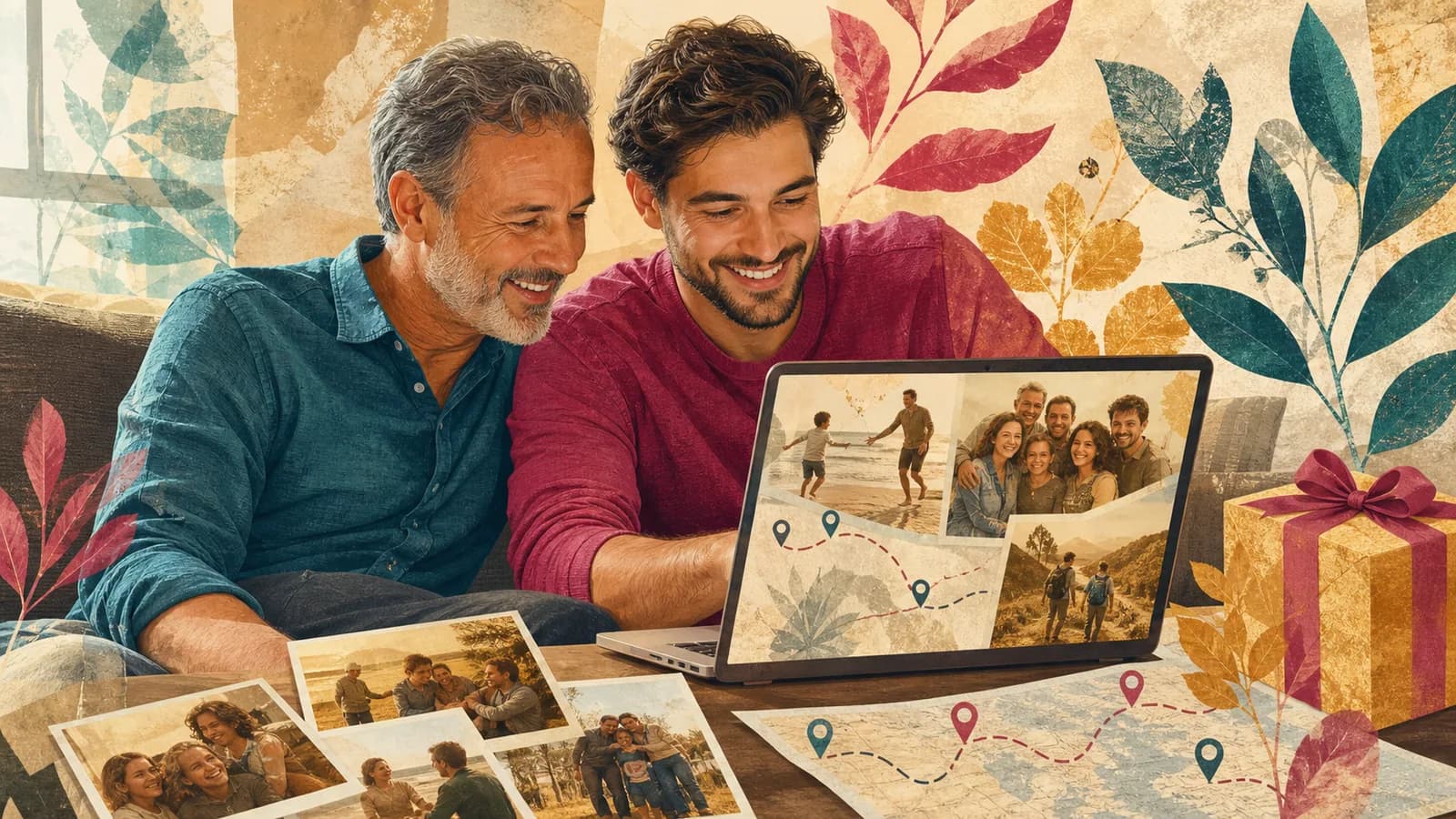
A Mother’s Day video can hold far more than a short greeting. It can bring together her favorite faces, family stories, old photos, and the places that shaped her life. The result feels personal because it is built from real moments. You do not need advanced editing skills or costly gear. A phone, a simple plan, and a few thoughtful messages can be enough. This guide walks you through the full process, from choosing an idea to sharing the finished gift.
If your family lives in different places, you can also make the video as a group. Ask each person to send one short clip, photo, memory, or written note. AlbumMap can help when you want to connect those pieces through meaningful locations and turn them into one map-based story.
Examples You Can Copy
Copy-ready invitation for family contributors
With [recipient]’s preferences in mind, I’m making a Mother’s Day video for [agreed audience]. Please send a video of up to fifteen seconds, or a written note, by [date, time and time zone]. Share a favorite memory, something [recipient] taught you, or one specific act you appreciate. Please record in a quiet place with your phone held sideways. You can upload your clip and one favorite photo here: [link]. Thank you for helping!
Copy-ready message for your own clip
Happy Mother’s Day, Mom. I keep thinking about the day you [specific memory]. You made me feel [feeling], and I still carry that with me. Thank you for teaching me [lesson]. I love you, and I hope this video shows how much you mean to all of us.
Copy-ready location prompt
Choose one place that reminds you of her. Tell us the name of the place, what happened there, and why the memory still matters. If you have one photo or short clip from that place, please include it.
Copy-ready opening and closing lines
Opening: “[Preferred name], these memories come from people who appreciate the care you have shared.” Closing: “Thank you for the part you have played in our lives. We are glad to celebrate you today.”
A short complete example for the person you are celebrating
Fictional example: three contributors make a private greeting for Lee, the mother figure they choose to celebrate. Use the recipient’s name and relationship terms throughout. This does not assume a partner, children in every household or a single family structure.
| Timeline | Material |
|---|---|
| 00:00–00:08 | Opening: “Lee, these are a few memories from people who appreciate you.” |
| 00:08–00:53 | Three messages × 15 seconds, each about one true action or shared moment. |
| 00:53–01:13 | Four approved images or written notes × 5 seconds. |
| 01:13–01:30 | Closing: “Thank you for the care you have shared with us. We hope today gives you space for what you enjoy.” |
8 + 45 + 20 + 17 = 90 seconds. The three contributions determine this length; there is no required number of relatives. Add or remove a slot and recalculate when the actual group differs. A single personal message can also be a complete gift.
For a small family collection, adapt the parent-focused six-contributor plan. If someone would rather write than record, use the camera-free birthday contribution choices as format ideas and rewrite the occasion wording. A complete private greeting can be more appropriate than a surprise group screening.
Invite family contributions for Mother’s Day
We are making a Mother’s Day video for [Name]. Please send one memory, a thank-you or a short wish at [Link] by [Date]. A photo, drawing or written note is welcome too. [Organizer] will prepare the final gift for [Private viewing].
Use the family’s own relationships and language. Keep participation optional and avoid assumptions about motherhood, closeness or how someone should feel about the day.
Step 1 of 3
Choose a format that fits her
A personal message is the easiest format. Record yourself speaking to the camera, then add a few photos. This works well when the gift comes from one person.
A family montage works better when several people want to take part. Each person records a short message based on the same prompt. You can place the clips between family photos and home videos.
A memory timeline tells a story in order. It may begin with her childhood, move through family milestones, and end with recent moments. Keep the timeline selective. A few strong memories are better than a crowded history.
A map story is useful when places carry much of the meaning. You might move from her hometown to a first family home, favorite vacation spot, and the cities where her children now live. Photos, clips, and notes can appear as the story reaches each place.
Choose the format she will enjoy, not the one that looks most complex. A quiet two-minute message may mean more to her than a long production.
Step 3 of 3
Present the gift in a way she will enjoy
Choose a calm moment when she can watch without feeling rushed. You might play it after a meal, send a private link for a quiet viewing, or watch together on a family call.
A QR code inside a printed card can connect a physical gift to the video. Test the code on more than one phone before giving it to her. Keep the direct link as a backup.
Consider her comfort with attention. Some people enjoy watching a tribute with the whole family. Others would rather see it alone first. The kindest presentation is the one that suits her.
If relatives live far away, arrange a shared viewing. The video can become part of the visit instead of replacing it. Leave time afterward for people to talk about the memories.
Finish line
Route complete: 3 steps
Need to check something again? Jump straight back to any stop.
Mother’s Day video ideas for different families
For young children, ask simple questions and keep their natural answers. A drawing, song, wave, or short thank-you can be enough. Do not force a polished speech.
For adult siblings, give each person a different prompt. One can share a lesson, another a funny story, and another a hope for the future. This creates variety without making the video feel random.
For a grandmother, invite several generations. Old photos can lead into new clips from children and grandchildren. A map can connect the family’s earlier homes with the places everyone lives today.
For a mother figure, use language that fits the relationship. Focus on the care, time, and support she gave. The gift does not need to follow a standard family story.
For someone facing grief or a hard year, keep the tone gentle. Ask what she would find comforting. It may be better to honor one safe memory than to build a large surprise.
How AlbumMap can add a sense of place
Some family memories are tied to a kitchen, a street, a school, or a faraway city. A standard slideshow can show the photos. A map-based story can also show how those places connect.
AlbumMap is most useful when several people contribute photos, short videos, written messages, and locations. The finished map video can follow a family route and reveal a memory at each stop.
Choose only places that belong to the recipient’s actual story: an approved broad hometown, a shared visit or a place connected to a contribution. A partner or household history is optional, and home addresses stay private. An unpinned message works equally well.
Use this approach only when location adds meaning. If one direct message says everything you need, keep the gift simple.
A quick schedule for making the gift
Two weeks before Mother’s Day, choose the theme and invite contributors. Set the collection deadline several days before you need the final video.
One week before, follow up with anyone who has not replied. Sort the files and draft the order. Ask for replacements if a clip has poor sound.
Two or three days before, finish the edit and check it on another device. Create the private link or QR code. Keep a backup copy.
If you start late, reduce the scope. Use one message, five favorite photos, and a clear ending. A short finished gift is better than an ambitious project that never gets shared.
Final Thoughts
The most meaningful video is not always the longest or most polished. It is the one that feels true to the person receiving it. Choose a clear theme, ask for specific memories, and give every clip enough space to be heard. When places are part of the family story, AlbumMap can connect them with shared photos, videos, and messages. Whether you make a map video or a simple phone recording, focus on what she will value most: familiar faces, honest words, and memories chosen with care.
For the shared production steps, use the contribution requests and recording checklist. Keep every request clear about audience, deadline and the option to decline.
For a different family celebration, the Father’s Day lessons-and-sayings example offers another short script structure. Use the relationship language that fits the person you are celebrating.
Helpful answers
Frequently asked questions
How long should a Mother’s Day video be?
A video from one person can be two to four minutes. A group tribute may run five to ten minutes. There is no fixed rule. Keep each message focused, remove repeated ideas, and choose a length she will enjoy watching.
What should I say in a Mother’s Day video message?
Start with one specific memory or quality. Explain why it matters to you, thank her, and end with a direct wish. A real detail will feel warmer than a long list of general praise.
How can I make a group video when relatives live far away?
Send one upload link, a short recording guide, and a clear deadline. Ask each person for a brief clip and one photo. Collect everything in one place, then arrange the messages around a shared theme.
Can I make the video without editing experience?
Yes. Keep the structure simple: an opening photo, a few messages, supporting images, and a closing greeting. A basic editor or a video gift service can handle simple cuts and captions.
How can locations become part of the video?
Choose places connected to important memories, such as a hometown, family home, school, or vacation spot. Let each location introduce a photo, clip, or message. AlbumMap can help turn those stops into a map-based family story.
What if a family member does not want to appear on camera?
Invite them to send a written note, photo, drawing, or audio message. Their contribution can appear on screen or be read by the organizer. Participation should feel comfortable, not forced.