Good Halloween video ideas do not need costly props or advanced editing. A phone, one clear theme, and a few short clips can be enough. Families can save costume reveals and seasonal traditions. Schools can create a class greeting, fall showcase, or virtual costume parade. This guide offers simple choices for both groups, including non-Halloween fall themes. It also covers prompts, planning, privacy, and safe ways to share the finished video.
Idea card 1 of 13
Choose family fun or a school-approved class version
| Setting | Suitable scope | Approval boundary |
|---|---|---|
| Family group | Optional costumes, objects, drawings or a greeting | Agree who sees it and whether any child appears. |
| School class | A common object or artwork sequence with equal slots | Use the school’s permission process and viewing service before collecting. |
| A group that does not celebrate Halloween | A local-season detail or creative show-and-tell | Do not require a costume, face, voice or holiday statement. |
Use the class-recap representation sheet when school participation needs balancing, and the child-focused birthday review for family audience decisions. Keep the family and school versions separate; permission for one audience is not permission for the other.
Idea card 2 of 13
A short matching-action sequence with a complete class budget
Example action: pass a paper star from one clip to the next. Use screen direction, not the performer’s left/right: the object enters through the left edge of the frame, pauses near the center, then leaves through the right edge. The next clip begins with the same object type entering from its left edge. Hands-only, artwork, a still card or an organizer’s transition can occupy an equal slot with approval.
| Six-second contribution | Action |
|---|---|
| 00–02 seconds | Object enters from screen left. |
| 02–04 seconds | Hold the object or approved artwork steady near the center. |
| 04–06 seconds | Object exits through screen right. |
For twenty approved class contributions, use a six-second opening + twenty six-second slots + a fourteen-second closing = 140 seconds, or 2:20. A static artwork card can hold for the same six seconds; it is not a lesser contribution. Avoid fast flashes, startling audio and a requirement for children to speak.
This is a filming and edit plan, not a demonstrated automatic transition feature. Review one practice clip before inviting the whole class so people can see the intended screen direction.
Idea card 3 of 13
Two exact versions: a family greeting or an approved class sequence
Watch the complete silent text-card example below. All names, messages and scenarios are fictional. It shows the pacing of the edit; it contains no real child, contributor, workplace approval or customer footage, and is not an AlbumMap export.
Download the complete example script and timings. The table and script also provide a text alternative to the silent video.
The silent class example uses numbered text cards in place of student work. It demonstrates the full 2:20 running time, not live people passing a prop and not an automatic AlbumMap transition. For a filmed pass, use the existing six-second screen-direction instructions above and test a practice clip first.
| Version | Complete sequence | What to collect |
|---|---|---|
| Private family greeting: 40 seconds | 4-second title + four 6-second costume, drawing or object clips + 8-second closing = 40 seconds. | One comfortable choice per household. No jump scares, face or holiday statement required. |
| School art sequence: 140 seconds | 6-second title + twenty 6-second artwork slots + 14-second closing = 140 seconds. | Equal slots for cleared artwork or another permitted contribution; no student names required. |
For the family version, use one line per six-second clip: “A friendly leaf monster”; “A star that finds lost socks”; “A pumpkin that loves books”; “A drawing for our family.” Close with “Thanks for joining our little autumn show.” Use local-season wording if autumn or Halloween does not fit the group.
Download the editable review worksheet (CSV). Fill in the blanks for your own project; the example is not an approval record.
Idea card 4 of 13
Start with one clear purpose
First, decide what the video should do. It might entertain relatives, celebrate a class, thank school helpers, or save memories from the season. One purpose helps every contributor understand what to record.
Choose the audience before asking for clips. A private family keepsake can feel casual and personal. A school video may need shorter clips, neutral wording, and formal permission. A public social post needs an even stricter privacy review.
Pick one main format as well. A costume parade works best with quick clips in the same order. A fall memory story can mix photos, spoken messages, and places. A class comedy may need a basic script and a teacher directing each scene.
Keep the finished length realistic. One to three minutes works for many small groups. A larger class may need three to five minutes. If every person contributes, limit each clip so the video keeps moving.
Idea card 5 of 13
Halloween video ideas that work for a group
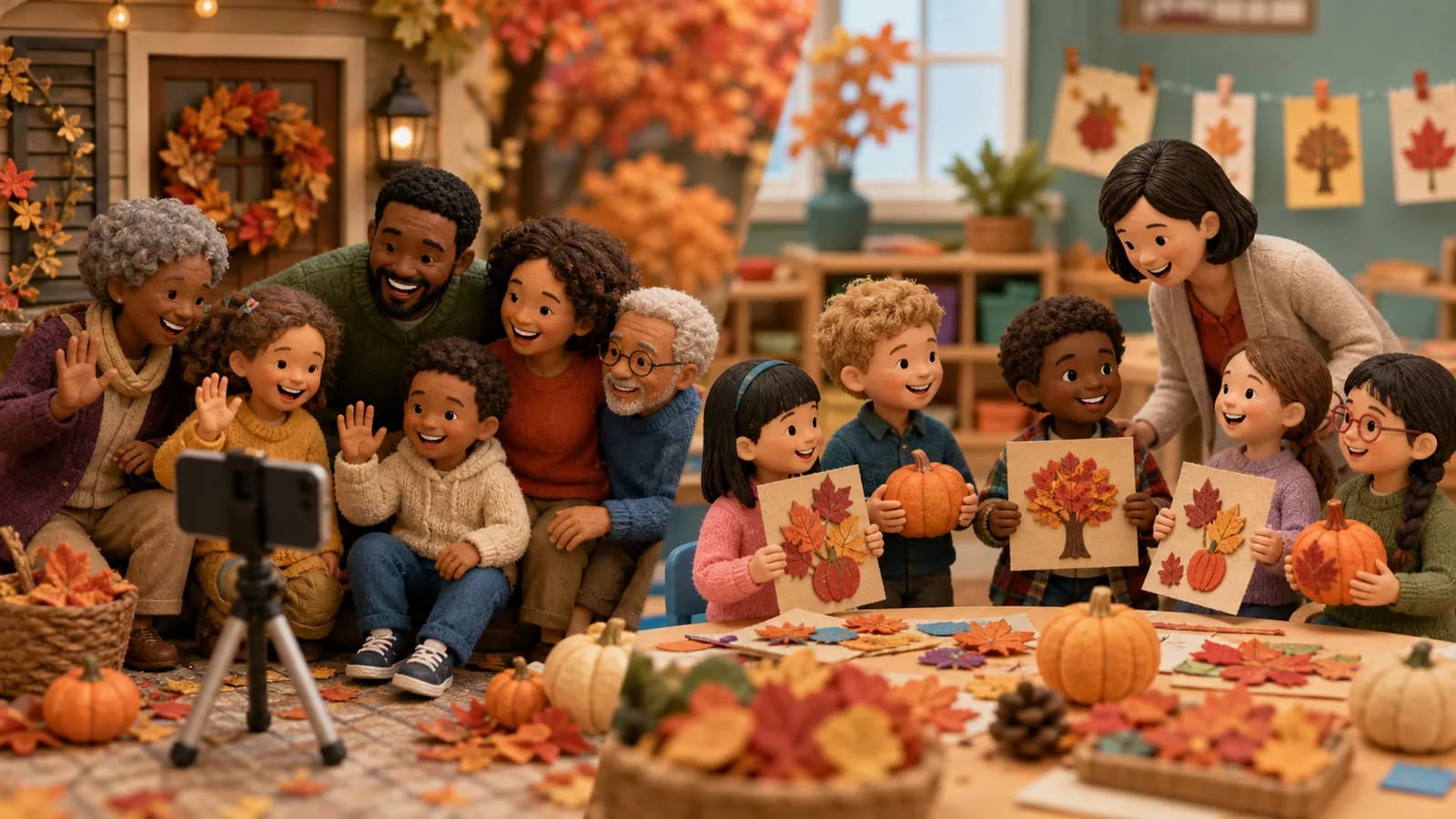
A virtual costume parade is an easy starting point. Each person records a full-body entrance, turns toward the camera, and gives one short line. Put the clips together by family, class, team, or costume type.
Try a friendly monster introduction. Each contributor invents a harmless monster and explains its funny skill. One monster may find lost socks. Another may make vegetables taste like candy. This format gives shy children a simple role to play.
Make a pass-the-pumpkin video. Each person receives a small pumpkin from one side of the frame and passes it out the other side. The editor joins the clips to make the pumpkin appear to travel between homes or classrooms.
A spooky sound story can include people who do not want to appear on camera. Contributors can record footsteps, rustling leaves, creaking doors, owl calls, or silly ghost sounds. Add drawings or close shots of decorations while the sounds play.
For a seasonal quiz, ask each person one short question. Mix easy questions with visual clues. A host can pause before each answer. Schools should check the facts and keep every question suitable for the age group.
A kindness cauldron offers a softer theme. Each person names one kind act and pretends to add it to a bowl or paper cauldron. This works well for younger classes and family groups that want less focus on scares.
Idea card 6 of 13
Easy family Halloween and fall videos
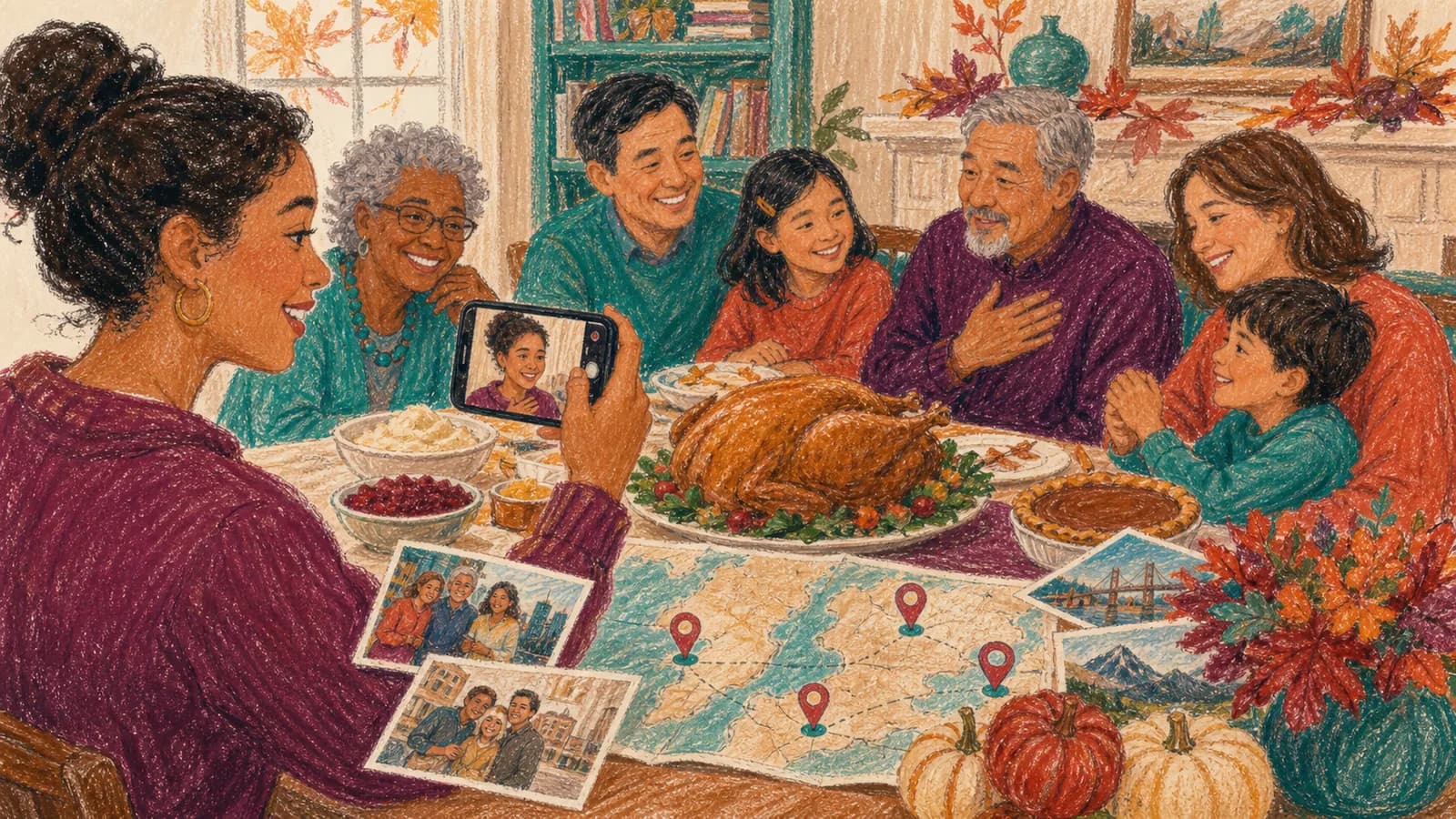
For a family greeting, use the 40-second sequence above. Pick costumes, drawings, objects or a sign of the local season. Relatives who live far apart can each send one six-second greeting; they do not need matching scenery.
If you prefer a longer keepsake, choose one family recipe or one outing and tell that story separately. Keep private location details out of a version meant for wider sharing.
Idea card 7 of 13
School video ideas for different ages
For younger students, try a leaf-color parade. Children can hold a red, yellow, orange, or brown paper leaf. Each child says the color or names one thing they enjoy about fall. A harvest theme can include students who do not celebrate Halloween.
Elementary classes can create a pumpkin character gallery. Each student draws a pumpkin character and gives it a name, voice, and friendly talent. Record the art instead of the child if face sharing is not allowed.
Older students can make a short mystery. Give groups a beginning, a clue, and a safe ending. A missing library book or a vanishing classroom decoration can replace frightening topics. Keep the story brief enough to film during a planned class period.
A school-wide thank-you video can feature short messages for crossing guards, office staff, custodians, volunteers, or cafeteria teams. Add fall art between the messages. This option has a clear purpose and does not require costumes.
A class time capsule can save short answers to the same prompt. Ask what students learned, what made them laugh, or what they hope to do in the next part of the school year. Set a future date for the class to watch the video again.
Idea card 8 of 13
Inclusive fall video ideas beyond Halloween
Not every family celebrates Halloween. Some children also dislike masks, loud sounds, dark scenes, or surprise scares. Offer a fall choice instead of assuming every person wants the same theme.
A nature change video can track one tree, garden, or schoolyard across several weeks. Students or relatives record the same view each time. The finished sequence shows color, weather, and light changing through the season.
Try a fall gratitude chain. Each person names someone, somewhere, or something they value. The answers can be warm without being tied to a religious or cultural event.
Other neutral options include a cozy reading list, a fall art gallery, an apple taste test, or a school spirit greeting. Let contributors choose between appearing on camera, showing an object, sharing art, or recording only their voice.
Idea card 9 of 13
Use simple prompts to get better clips
People record more useful clips when the request is specific. “Send something for our video” leaves too many choices. A prompt with one action and one sentence is easier.
Match the prompt to the age group. Young children may need a choice between two actions. Older students can answer a question or help plan a scene. Adults can share a memory, explain a tradition, or record a meaningful place.
Ask for natural delivery. Contributors do not need to memorize a speech. They can place the prompt near the camera, pause between lines, and try again if needed. Short, relaxed clips are often easier to edit.
Idea card 10 of 13
Protect privacy and keep school sharing safe
Ask permission before collecting or sharing a person’s image, voice, artwork, or name. For students, follow school policy and obtain the caregiver consent required by the school. Permission for an internal class viewing may not cover a public website or social post.
Give children a way to take part without showing their faces. They can film a drawing, hold a prop, record a sound, or help write a title card. Participation should not depend on public visibility.
Avoid full names, addresses, daily schedules, student numbers, and exact location details. Check the background for mail, street signs, name tags, uniforms, and computer screens.
Choose the sharing method before recording. A private family link, classroom screening, password-protected page, and public post have different risks. If the audience changes later, request fresh permission when required.
Idea card 11 of 13
A simple schedule for families and teachers
Start seven to fourteen days before you plan to share the video. Choose the theme and confirm permission first. Send the prompt after the audience and privacy level are clear.
Set the clip deadline a few days before the final viewing. This leaves time for reminders, editing, captions, and review. For a class project, allow extra time for absent students and school approval.
Do one full review on the device that will show the video. Test the classroom screen, family television, or private link. Keep a backup copy in an approved place, then enjoy the finished story together.
Idea card 12 of 13
Examples You Can Copy
Copy-ready family invitation
We are making a private fall video for the family. Please record a horizontal clip under 10 seconds. Show one sign of fall where you live, then say, “Sending warm fall wishes from [city or region].” Please send your clip by [date, time and named time zone]. The finished video will be shared only with invited relatives.
Copy-ready school contribution request
Our class is creating a short fall showcase for an approved classroom viewing. Students may share a drawing, craft, leaf, or spoken sentence. Clips should be 5 to 8 seconds and recorded horizontally in a quiet place. Participation is optional. Please return the required permission form and clip by the listed deadline.
Copy-ready prompt for younger children
Hold up your fall picture and finish this sentence: “My favorite thing about fall is…” You can show only your picture if you do not want to appear on camera.
Copy-ready costume parade script
Hi! I am dressed as [costume]. My character’s friendly superpower is [funny power]. Happy Halloween or happy fall!
Copy-ready fall memory prompt
Show a photo or object from a past fall day. In one or two sentences, tell us where you were and what made the moment special.
Copy-ready opening and ending
Opening: “Our families may be in different places, but we can still celebrate the season together.” Ending: “Thanks for joining our fall story. We hope your season is full of color, kindness, and good memories.”
Idea card 13 of 13
Final Thoughts
The best seasonal group video has a clear purpose and an easy way for everyone to join. Choose one idea, keep each clip short, and explain how the finished video will be shared. Families can preserve traditions across distance. Schools can celebrate creativity while offering safe, inclusive choices. When the story is linked to several meaningful places, photos, messages, and clips can also become a map-based journey that the group can revisit later.
Use the class privacy and representation plan before gathering children’s material. If a template promises family-only sharing, choose export and viewing terms that support that promise; AlbumMap’s Free export requires permission for possible public Examples use.
Your shortlist
Ideas you saved
Tap “Save to shortlist” on any idea card and it lands here, ready to compare.
- Choose family fun or a school-approved class version
- A short matching-action sequence with a complete class budget
- Two exact versions: a family greeting or an approved class sequence
- Start with one clear purpose
- Halloween video ideas that work for a group
- Easy family Halloween and fall videos
- School video ideas for different ages
- Inclusive fall video ideas beyond Halloween
- Use simple prompts to get better clips
- Protect privacy and keep school sharing safe
- A simple schedule for families and teachers
- Examples You Can Copy
- Final Thoughts
Helpful answers
Frequently asked questions
How long should a Halloween or fall group video be?
One to three minutes is often enough for a family or small group. A larger class may need three to five minutes. Ask for clips of about 5 to 10 seconds so every person has room to take part.
What can a child contribute without appearing on camera?
A child can show a drawing, craft, pumpkin, leaf collection, or other object. They can also record a sound, read a line off camera, help write the script, or choose the order of approved clips.
How can a school make a seasonal video more inclusive?
Offer a general fall theme alongside any Halloween option. Avoid required costumes, frightening images, and assumptions about family traditions. Give students several ways to participate, including choices that do not show their face or voice.
What permission does a school need before sharing the video?
The school should follow its own media and caregiver consent rules. Permission for classroom use may not allow public posting. Confirm the audience, platform, and use of names, voices, artwork, and faces before recording.
What is the easiest group video idea for beginners?
A prompt-based greeting or virtual costume parade is simple to organize. Give everyone the same camera direction, clip limit, and one-sentence prompt. Join the clips in order and use only a few basic transitions.
Can relatives in different places join the same fall video?
Yes. Send one clear recording prompt and submission deadline to everyone. Contributors can show local fall scenes or share a short greeting. A map-based story can connect those approved locations when distance is part of the meaning.
Should the video use music?
Music is optional. If you add it, choose original or properly licensed audio and keep it quiet under speech. For schools, use music approved under the school’s rules and intended sharing platform.