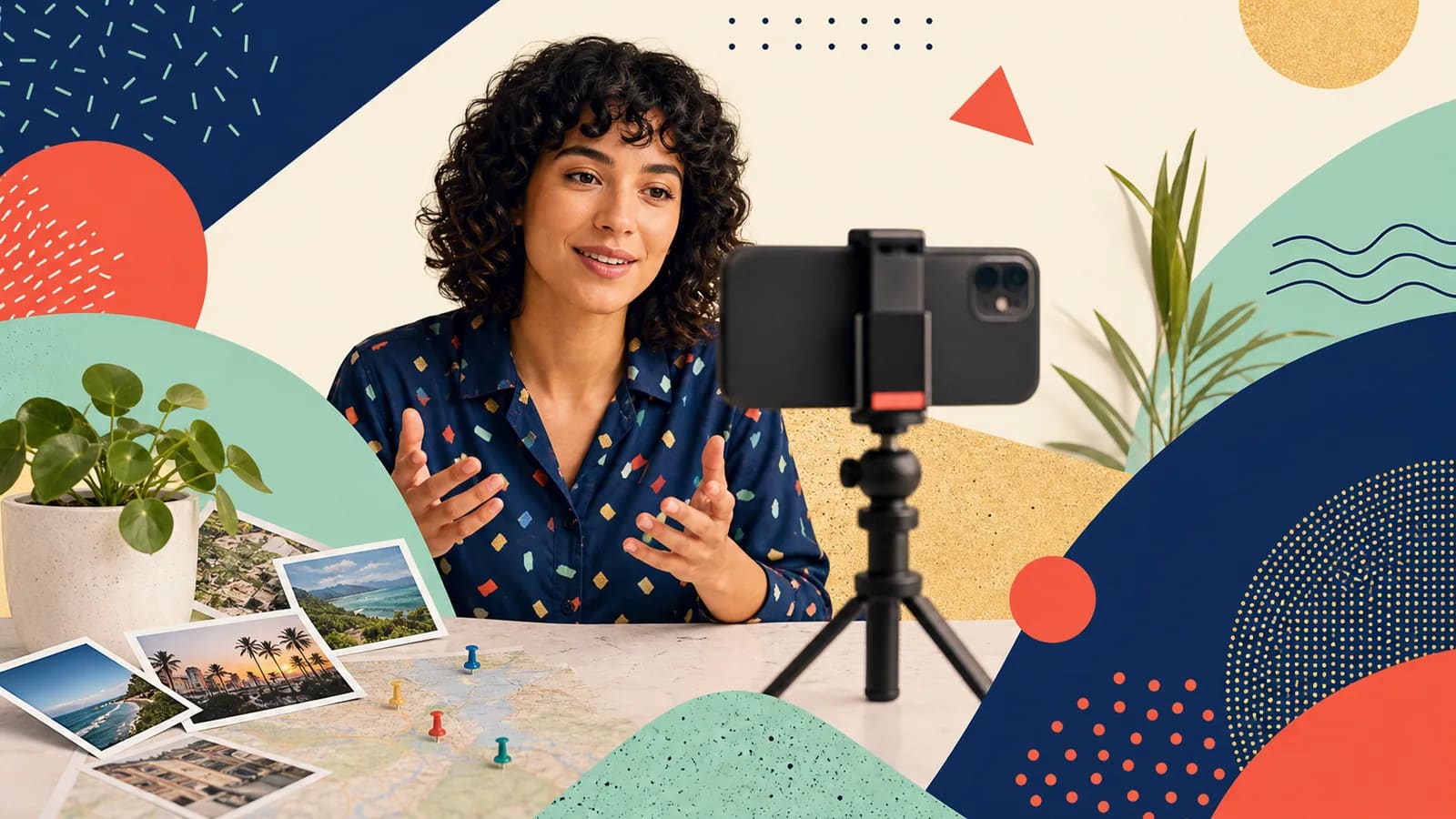
If you are wondering how to record a video message, start with the person who will watch it. Clear sound and good light matter, but your words matter more. A warm greeting, one true detail, and a clear ending can make a short phone video feel personal. You do not need a studio, an expensive camera, or a perfect script. Your phone, a quiet space, and a few notes are usually enough. This guide will help you choose what to say, set up your shot, sound natural, and review the clip before you send it. You will also find examples for birthdays, weddings, graduation, retirement, support, and travel memories.
Step 1 of 13
Start with a message you can make your own
These are invented wording examples. Replace the details with something true; do not imply that the named people supplied a testimonial.
Birthday video message
Happy birthday, Maya. I still think about the afternoon we missed our train and turned the delay into the best part of the trip. You make unexpected moments fun. I hope this year brings you more good surprises, great food, and time with the people you love.
Wedding video message
Congratulations, Lena and Chris. I love how you make room for each other in every plan, even when life gets busy. I hope your marriage holds many quiet mornings, big adventures, and reasons to laugh together. We are so happy to celebrate with you.
Graduation video message
Congratulations, Jordan. I saw how much work you put into this year, especially when the final project became difficult. You stayed patient and kept going. I hope you carry that strength into your next chapter. We are proud of you.
Retirement video message
Happy retirement, Priya. Thank you for being the person who could make a hard workday feel manageable. I will always remember how calmly you guided our team through the library move. I hope your next chapter brings rest, new places, and plenty of time for yourself.
Message of support
Hi, Alex. You do not need to reply to this. I just wanted you to hear a familiar voice and know that I am thinking of you. If it would help, I am available to bring dinner on Thursday; we can agree on the time and food first. There is no need to accept or reply now.
Travel memory message
Hi, Sam. I am recording this from the lookout above Cape Breton, where we watched the fog clear after that long hike. That day still reminds me how easily you turn a hard climb into a good story. I hope we find another road to explore together soon.
Step 2 of 13
Hear a shorter version of the same idea
These two clips use the same synthetic voice and level. The change is the script: a repeated greeting becomes one specific memory and one wish. The 28-second and 14-second files include brief silence after the natural reading. This is a wording comparison, not a human microphone, lighting or noise-repair test.
Download the MP4 · Read the complete transcript · Download English captions · See exact timings and creation details.
Download the MP4 · Read the complete transcript · Download English captions · See exact timings and creation details.
The shorter script keeps the delayed-train memory and the little café, removes three repeated birthday wishes, and gives the ending one job. Record your own version naturally rather than forcing your voice into the synthetic timing. Keep a meaningful pause or laugh when it belongs to the message.
Step 3 of 13
Plan What You Want the Person to Feel
Start with the result, not the camera. Ask what you want the viewer to feel after the clip ends. They may need to feel celebrated, encouraged, remembered, appreciated, or less alone.
Choose one detail that supports that feeling. It could be a memory, a quality you admire, a lesson they taught you, or a hope for what comes next. A real detail is usually stronger than a long list of compliments.
For example, replace “You are amazing” with a clear reason. You might say, “You always call when someone needs help,” or “I still laugh when I remember our rainy weekend in Halifax.” That detail makes the message sound like it could only come from you.
Step 4 of 13
Use a Simple Video Message Script
A full script can make some people feel calm. It can also make your voice sound stiff. Try writing three or four short notes instead: their name, your main memory, what it means, and your closing line.
Say the notes aloud once before recording. Change any phrase that feels formal or hard to speak. Use the words you would use in a real conversation.
If you need more support, write the first and last sentence in full. These are the moments when people often freeze. Keep the middle as bullet points so you can speak more freely.
Step 5 of 13
Choose a Quiet Recording Location
Good sound is more important than a fancy background. Pick a room away from traffic, fans, televisions, and loud appliances. Soft items such as curtains, rugs, and cushions can reduce echo.
Look behind you before recording. Remove private papers, family schedules, work information, or anything that could distract the viewer. A plain wall, tidy shelf, or meaningful location can work well.
A special place can add meaning when it supports the story. You might record near a school, sports field, family home, trail, or travel stop. Stay safe, respect property rules, and avoid sharing a private address without permission.
Step 6 of 13
Use Soft Light From the Front
Face a window when daylight is soft. If the window is behind you, your face may look dark. Turn around or move to the side until your eyes and expression are easy to see.
At night, place a lamp in front of you and a little above eye level. Avoid a bright ceiling light as your only source. It can create deep shadows under your eyes.
Direct sun can make you squint and can create sharp shadows. Move into open shade if you record outdoors. Record a five-second test whenever the light may change.
Step 7 of 13
Frame and Steady Your Phone
Clean the camera lens before you begin. A fingerprint can make a clear shot look foggy. Use the front camera if it helps you frame the scene, but look at the lens while speaking.
Place the phone at eye level. A small tripod is useful, but a stable shelf or stack of books can also work. Do not hold the phone in your hand unless a casual moving shot is part of the idea.
Frame yourself from about the chest up. Leave a little space above your head. If the organizer gave an orientation, follow it. Otherwise, portrait often suits a direct phone message, while landscape often works better on a television or in a wide group edit.
Step 8 of 13
Make Your Voice Easy to Hear
Put the phone close enough to capture your voice without making the frame too tight. A quiet room and a short distance usually sound better than speaking loudly from across the room.
Record a test sentence at your normal speaking level. Listen with headphones. Check for echo, wind, rubbing clothing, or a fan that seemed quiet before recording.
Speak a little slower than you would in a quick conversation. Pause between your main ideas. If you make a small mistake, stop for a moment and continue. The pause can often be trimmed, and a natural stumble may not need fixing.
Step 9 of 13
Look Natural Instead of Perfect
Imagine the recipient standing behind the camera. Look at the lens, use their name, and speak to them. Try not to watch your own face on the screen.
Take one slow breath before you start. Smile if the message is happy, but do not force a cheerful expression during a serious moment. Let your face match what you are saying.
Two takes are often enough. The first helps you settle in. The second may feel smoother. Choose the take that sounds honest, even if it contains a small pause or laugh.
Step 10 of 13
Review the Clip Before You Send It
Watch the whole clip once. Confirm that the sound is clear, your face is visible, and the message has a clear ending. Check that the first word was not cut off.
Listen for names, dates, titles, and place names. Correct them if needed. Also check that no private information appears in the background or is spoken by mistake.
Trim only empty time at the start or end unless the organizer asked you to edit more. Heavy filters, loud music, and quick effects can distract from a personal message. If possible, keep an original copy until delivery is confirmed.
Step 11 of 13
Make the Message Accessible and Respectful
Add accurate captions when the platform allows it. Captions help people who are deaf or hard of hearing. They also help anyone watching in a noisy room or without sound.
Use clear language and explain any detail that an audience may not understand. Avoid jokes about age, health, appearance, grief, relationships, or work performance unless you are sure they will be welcome.
Ask before sharing another person’s image, story, address, or sensitive news. If children appear, get permission from a parent or guardian. A video made for one person should not automatically become a public social post.
Step 12 of 13
When One Video Message Becomes a Group Story
A single clip may be all you need. A larger occasion may call for messages from relatives, friends, classmates, teammates, or coworkers. Give everyone the same short brief so the clips work together.
Ask for a name, one video, one optional photo, and one clear prompt. Set a real deadline. If places are part of the story, ask each person for a city or meaningful location rather than a private address.
AlbumMap can help when those contributions belong in one place-based story. Photos, short videos, written messages, and locations can become a cinematic map video gift. This is useful for long-distance groups, travel memories, retirements, weddings, graduations, and milestone celebrations.
Plan the next part of the project
When contributions have different sound levels, use the group video volume-balancing checklist.
Step 13 of 13
One final recording and delivery check
Offer practical help only when you can provide it and the recipient agrees to the details. A warm message does not need a promise, a reply request, a public post or a map.
Finish line
Route complete: 13 steps
Need to check something again? Jump straight back to any stop.
- 1Start with a message you can make your own
- 2Hear a shorter version of the same idea
- 3Plan What You Want the Person to Feel
- 4Use a Simple Video Message Script
- 5Choose a Quiet Recording Location
- 6Use Soft Light From the Front
- 7Frame and Steady Your Phone
- 8Make Your Voice Easy to Hear
- 9Look Natural Instead of Perfect
- 10Review the Clip Before You Send It
- 11Make the Message Accessible and Respectful
- 12When One Video Message Becomes a Group Story
- 13One final recording and delivery check
Helpful answers
Frequently asked questions
How long should a video message be?
A personal clip is often clear and meaningful at 30 to 90 seconds. Use a shorter length when many people will appear in one group video. Follow the organizer’s limit if one was provided.
Should I record a video message in portrait or landscape?
Use the direction requested by the organizer. Portrait works well for direct phone viewing. Landscape often suits televisions and wide video edits. If no direction was given, ask before recording.
What should I say if I do not know the person well?
Use their name, mention the occasion, and share one honest observation. A coworker could mention a helpful habit or a project. End with a simple wish that fits the moment.
How can I sound natural on camera?
Use short notes instead of reading every word. Look at the lens and imagine the recipient is there. Take one slow breath, speak at a calm pace, and limit yourself to two or three takes.
What should I do if my video sounds bad?
Move away from fans, traffic, and empty rooms with strong echo. Bring the phone closer and record another test. Listen with headphones before making the full clip.
How can several video messages become one gift?
Give contributors one prompt, a length limit, an orientation, a deadline, and one upload method. AlbumMap can connect their videos with photos, written notes, and meaningful locations when a map-based group story suits the occasion.