Introduction
A road trip video structure gives a long trip a shape. Without one, a three-week drive can turn into a long row of pretty clips with no clear point. You do not need to show every meal, highway, or hotel. You need a simple promise for the viewer: where the trip is going, what changes along the way, and why the moments matter. This guide compares three useful structures and shows how to build a ten-minute recap that feels complete.
What the video shows
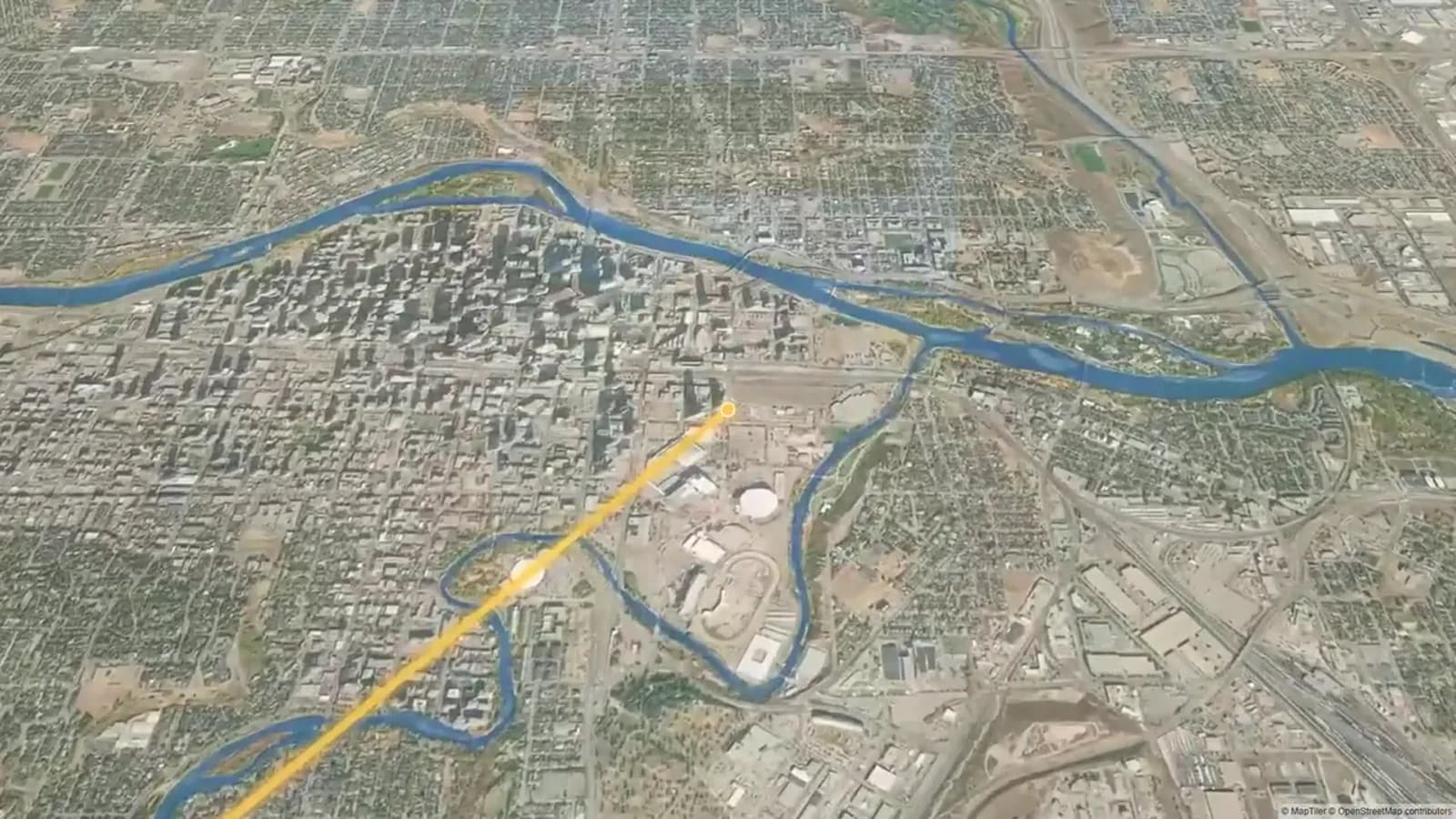
The AlbumMap video is Part 2 of a 30-day Canada journey. It opens by identifying the part of the trip, then moves through numbered days. Day 15 in Northern Ontario, Day 16 across the Prairies, Day 20 in Banff and the Rockies, and Day 30 in Calgary. It ends with a final road-trip recap.
That sequence is useful because it does not ask viewers to guess where they are. Each day label marks progress. The change from Northern Ontario to the Prairies, then to the Rockies, also gives the story natural visual chapters. A recap of your own trip can use the same idea with day cards, a map move, or a short location label.
Choose a road trip video structure before you open the timeline
Start with one sentence that explains what this trip was really about. It could be “We drove west until the landscape changed,” “Three friends kept finding water on a dry route,” or “We made it to a family reunion after a long drive.” That sentence helps you decide what stays and what goes.
Then sort your best material into small scenes. A scene needs a place, an action, and one detail. For example: arriving at a cabin, making coffee in the rain, and drying shoes by the door. This is easier to edit than thinking about hundreds of separate clips.
Pick one of the three structures in the table below. Do not force your trip into the most dramatic option. The best choice is the one that makes the material easiest to understand.
Three Road-Trip Story Structures
Chronological structure follows the route in order. It is the safest choice when the drive itself is the story, when the scenery changes often, or when you have useful location footage from most days. Keep it moving by grouping quiet days together rather than giving every day equal time.
Thematic structure groups moments by an idea instead of a date. You might build chapters around roadside food, rain, friends, small towns, or first views of each landscape. This works when your strongest clips come from scattered days. It is also a good fix when parts of the trip were barely filmed.
A three-act structure gives the trip a beginning, a middle with pressure or change, and an ending. The pressure can be simple: bad weather, a long final drive, missed plans, tired people, or the question of whether you will reach a special place. Do not invent drama. Use a real change the group remembers.
| Structure | Best when | Ten-minute flow | Editing reminder |
|---|---|---|---|
| Chronological | The route and changing places are the main story. | 0:45 hook; 1:45 early route; 2:00 middle route; 2:00 biggest stop; 1:30 final stretch; 2:00 arrival and recap. | Group similar days together. Use day cards or map moves at regional changes. |
| Thematic | Your best clips are spread across different days or the trip has timeline gaps. | 0:45 hook; 2:00 people; 2:00 landscapes; 2:00 small rituals; 1:30 surprises; 1:45 reflection. | Name each theme clearly. Use short labels so viewers know why the order changed. |
| Three-act | The trip has a real goal, change, setback, or emotional arrival. | 1:00 goal and departure; 3:30 progress; 2:00 challenge or change; 2:00 arrival; 1:30 recap. | Keep the middle honest. A small real obstacle is enough; do not manufacture drama. |
A ten-minute travel video outline
For a ten-minute recap, give the opening about 45 seconds. Start with one strong image, the route or destination, and a short line of narration or text that names the goal. Keep the first map move brief. It should orient viewers, not explain every mile.
Spend roughly seven minutes on the middle. Divide it into three or four chapters. Let each chapter have one wide shot for place, one people moment, and one close detail. A wide mountain view tells viewers where they are. A laugh at a fuel stop or a hand on a wet map tells them how the day felt.
Use the final two minutes for arrival, reflection, and a closing route view. Slow down slightly at the emotional peak. A long journey deserves a moment to land. End with the place, people, or thought that makes the trip worth remembering.
Keep the pace steady with B-roll
B-roll is the supporting footage that makes an edit breathe. For a road trip, it can be a road sign, packing a bag, a coffee cup at a lookout, a motel key, windshield rain, or boots on gravel. Use it to cut away from repeated talking or to bridge two locations.
Try a simple pattern: establish the place, show the people, then show one detail. You do not need every type of shot in every scene. But repeating this pattern across the video creates a calm rhythm.
If a clip does not change the place, feeling, or story, trim it. Beautiful scenery can still become repetitive. Keep the strongest view, then move on.
Use narration only where it adds meaning
Narration should answer a question the pictures cannot answer alone. It can explain why a stop mattered, what changed that day, or what the group was hoping for. One or two honest lines are often enough.
You can also use short text cards when no one wants to record a voiceover. Keep them specific. “Day 12: rain, sandwiches, and the wrong turn” is more memorable than “Another great day.”
Leave room for natural sound when you have it. A door closing, wind at a lookout, or friends reacting to a first view can make a transition feel real. Lower music under speech and do not fill every second with narration.
Make transitions show progress
A transition should tell viewers that time, place, or energy has changed. The easiest option is a map move or a location card. It is especially helpful after a long driving day or before a major landscape change.
You can also match actions. Close a car door in one place and open it in the next. Cut from a road line on a paper map to a road line outside the windshield. Use these ideas sparingly so the story stays more important than the effect.
For a multi-week trip, save your clearest transition for each new region. In the video, the labels move from Northern Ontario to the Prairies, then to Banff and the Rockies, before Calgary. That kind of visible progression makes a long route easy to follow.
Final thoughts
A long trip does not need a long video. Choose the structure that best fits what you captured, cut repeated moments, and use labels or maps to make progress clear. The result will feel like a story someone can follow, not a storage folder set to music. If the trip was shared, gather the photos, clips, messages, and locations first, then let the route connect the memories.
Examples You Can Copy
Copy-ready opening narration
“We had three weeks, one small car, and a plan to reach the mountains before the weather turned. These are the moments that made the drive feel like more than a line on a map.”
Copy-ready group request
“I am putting together our trip recap. Please send one photo or clip, the location, and one sentence about what you remember most. A short detail is perfect: a view, a joke, a meal, or the moment the day changed.”
Copy-ready chapter card
“Chapter 3: The Prairies — Big sky, two playlists, and a roadside pie stop.”
Final Thoughts
A long trip does not need a long video. Choose the structure that fits the footage, give every chapter a purpose, and let the route show progress. If the memories sit across several phones, AlbumMap can help bring together the photos, clips, messages, and locations that make the journey personal.
Helpful answers
Frequently asked questions
How do I choose between chronological and thematic travel videos?
Choose chronological when the route and changing places are the main story. Choose thematic when your best moments are scattered across the trip or when you have gaps in the timeline.
How much footage do I need for a ten-minute road-trip recap?
You need enough strong material for a clear opening, three or four short chapters, and an ending. A few varied scenes are more useful than hours of similar driving footage.
Should I use narration in a road-trip video?
Use narration when it gives a place or moment meaning that the picture cannot show. Keep it short, specific, and easy to hear.
What is the simplest transition for a multi-week trip video?
A short location label or map move is usually enough. Use it when the route enters a new region, a new day, or a new chapter of the story.