Short answer
Start with the time available for photographs
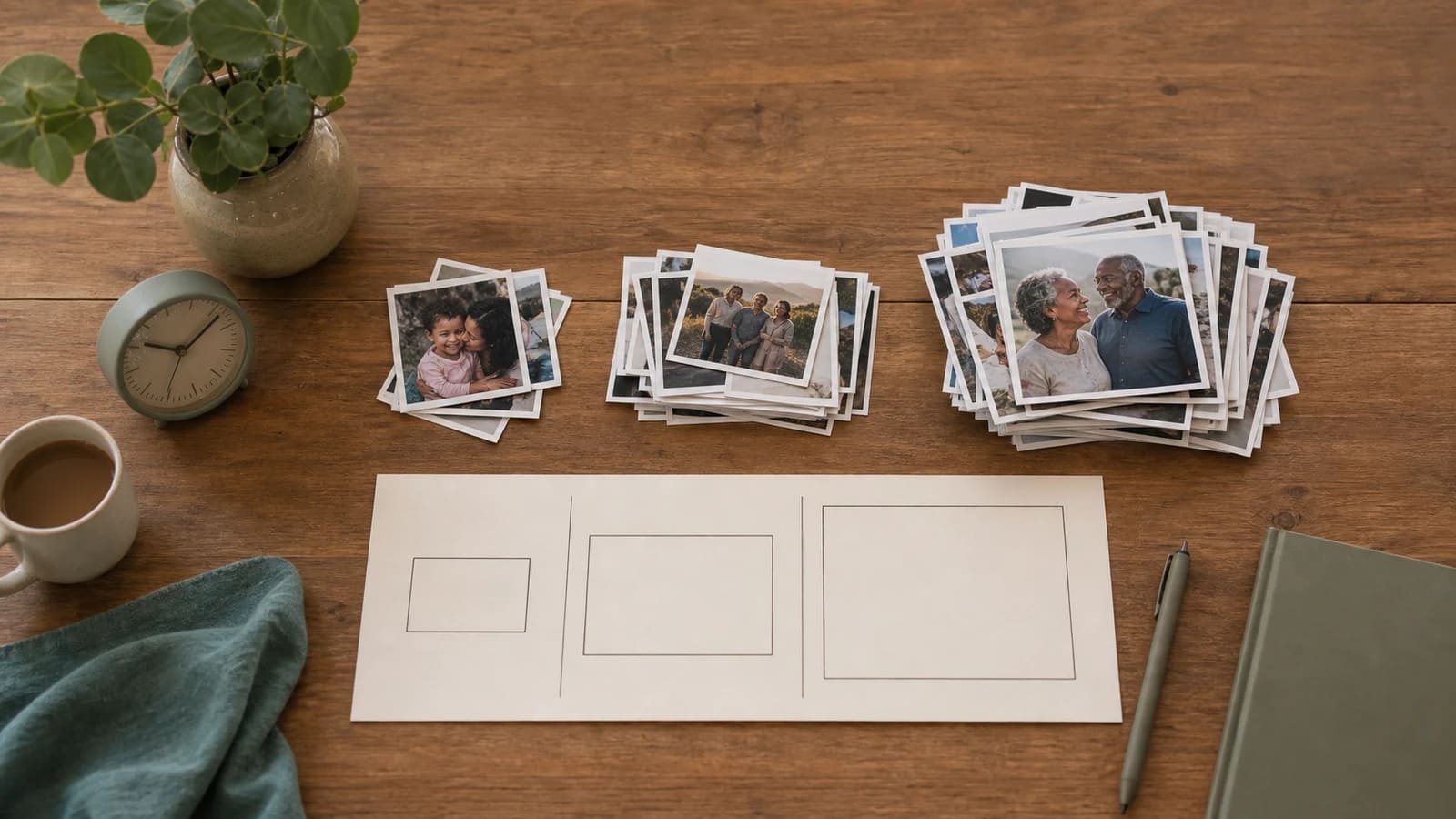
At four to six seconds per image, a photo-only video with hard cuts fits about 10–15 photos in one minute, 30–45 in three minutes, 50–75 in five minutes, or 100–150 in ten minutes. Reserve time for separate messages, clips and title cards before choosing the photos. On a phone, scroll the table sideways to compare the three image timings.
| Video length | Photos at 6 seconds each | Photos at 5 seconds each | Photos at 4 seconds each |
|---|---|---|---|
| 1 minute | 10 | 12 | 15 |
| 3 minutes | 30 | 36 | 45 |
| 5 minutes | 50 | 60 | 75 |
| 10 minutes | 100 | 120 | 150 |
Available photo time = finished running time − time used by other material. Divide the result by the average seconds per photo, then round down to a whole image. Keep all durations in seconds.
The table assumes that all the time belongs to photographs, with hard cuts and no overlapping crossfades. It does not reserve a separate opening, closing or guest messages. Use the mixed-video budgets below when those are part of the story.
Ticket #01
Reserve time for messages, titles and separate scenes
For example, a three-minute video has 180 seconds. If titles, messages and other material use 80 seconds, 100 seconds remain for photos. At five seconds each, that gives 20 photographs. Count every part of the timeline once: when a transition overlaps two pictures, do not also subtract its entire duration as though it were a separate scene.
Ticket #02
Three complete time budgets you can adapt
| Finished plan | Exact budget and photo count |
|---|---|
| 1 minute: short greeting | Opening 4 sec + closing 6 sec + one separate scene 5 sec = 15 sec. Photos: (60 − 15) ÷ 5 = 9. |
| 3 minutes: birthday with messages | Opening 6 sec + closing 4 sec + three messages at 20 sec each + two separate scenes at 5 sec each = 80 sec. Photos: (180 − 80) ÷ 5 = 20. |
| 5 minutes: slower family keepsake | Opening 6 sec + closing 9 sec + five messages at 21 sec each + three separate scenes at 10 sec each = 150 sec. Photos: (300 − 150) ÷ 6 = 25. |
These are illustrative editing budgets, not measured AlbumMap rendering times. If narration continues over a photograph, the photograph and speech occupy the same timeline interval. Measure that scene once instead of deducting the speech and counting the full photo duration again.
A useful way to plan a real project is to put the title and longest spoken clips on the timeline first. The remaining gaps make the photo budget visible. When the first draft runs long, shorten the story or remove weaker material before speeding every photograph up.
Ticket #03
Count overlapping crossfades once
A separate map or transition scene adds time. A crossfade between two image clips shares time. For example, four five-second image clips with three one-second overlaps make a 17-second sequence: (4 × 5) − (3 × 1) = 17. Adding the four full clip lengths would incorrectly give 20 seconds.
That calculation assumes the overlap lies inside the stated clip durations. If an editor instead adds handles or defines a hold as the fully visible interval between fades, its controls describe a different time budget. Read the resulting timeline and export duration. The first lookup table is a hard-cut planning reference, not a promise about every editor’s transition settings.
Ticket #04
Choose the hold time from what viewers need to see
- One familiar face with a short name can often be understood faster than an unfamiliar group photograph.
- A photograph with several people, a date or a story caption needs enough time for both looking and reading.
- A memorial or family-history image may deserve a longer pause when relationships and context matter.
- A rapid burst can add energy when viewers already understand the subject, but it should not become the pace of the whole film.
Use four to six seconds as a starting assumption, then watch the actual images and captions. A reviewer who has not edited the project can tell you where they needed more time. Music tempo should support that comprehension rather than dictate a change on every beat.
Ticket #05
Select photographs by story, not by filling every second
Write a short outline before browsing the entire camera roll. For a birthday, that might be early life, friendships, family, a recent chapter and a closing wish. For a trip, choose a small number of destinations and one revealing moment at each.
- Choose a few strong candidates for every chapter.
- Remove near-duplicates unless the change between them is the point.
- Check that different people and periods are represented fairly.
- Keep indispensable images even when they need a slower hold, then remove a weaker photo elsewhere.
- Save the unused photographs in the archive rather than forcing them into the finished film.
The photo-slideshow workflow explains selection and editing. For portraits that do not fit a horizontal screen, use the portrait-photo layout guide.
Ticket #06
Check the finished running time in the export
Play the complete exported file on the device the audience will use. Confirm that faces, captions and names remain readable, speech is clear, and the opening and ending have enough room. An editor’s timeline estimate is useful for planning, but the exported file is what the recipient will watch.
If a short version cannot hold every contribution comfortably, keep a focused main film and provide a separate extended keepsake. A smaller photo count with clear moments usually serves the recipient better than an unreadably fast archive.
Solved?
If not, try one of these
Helpful answers
Frequently asked questions
How many photos do I need for a one-minute video?
For a photo-only video, about 10–15 at four to six seconds each. Use fewer when you include titles, spoken clips or other scenes.
How many photos fit in a three-minute slideshow?
About 30–45 if all 180 seconds contain photos held for four to six seconds each. A mixed video needs a separate budget; 100 photo seconds at five seconds each gives 20 photos.
How many photos fit in a five-minute video?
A photo-only estimate is 50–75 at four to six seconds each. Subtract separate clips, titles and other material first when planning a mixed video.
How many photos fit in a ten-minute video?
For a photo-only sequence with hard cuts, about 100–150 at four to six seconds per image. At five seconds each, 600 seconds holds 120 photos. Reserve time for other material in a mixed video.
Do I subtract narration time from the photo budget?
Only when it occupies a separate part of the timeline. Speech playing over a photograph shares that photograph’s time, so do not count the interval twice.
Do crossfades add time to a slideshow?
An overlap can shorten the combined sequence. Four five-second clips with three one-second overlaps total 17 seconds when those overlaps are inside the clip durations. Check how your editor defines holds and transitions.