Introduction
A travel countdown video gives your favorite places a clear order and a reason to keep watching. This format works especially well when every stop has a familiar visual comparison. A mountain town with a Swiss-Alps feel, a canal scene that brings Venice to mind, or blue water that feels tropical. The goal is not to say places are the same. It is to show the detail that creates the feeling. With a simple ranking, quick map moves, and short captions, a travel countdown video can turn ten separate clips into one satisfying story.
Start with a hook that makes a promise
Your first line should tell viewers what they will get and why the list is worth staying for. Keep it specific. “Ten places that feel like a much bigger trip” is clearer than “My favorite travel spots.” It tells people that each stop will have a visual surprise.
Show two fast glimpses in the first few seconds. One can be a distant mountain view. The other can be a bright canal, street, or shoreline. Then put the number 10 on screen. This gives the viewer the pattern before the full list begins.
Do not spend the hook explaining every rule. A short voiceover is enough: “These ten places gave me a strong somewhere-else feeling. Here is the countdown.” Save the details for the reveals.
Choose ranking criteria before you edit
A ranked list feels fair when the viewer knows what the numbers mean. Pick one simple test and use it for every stop. You might rank places by how strong the resemblance looks on camera, how surprising the comparison is, or how well the setting supports a short visual story.
Write the criterion in one sentence before selecting clips. For example: “I ranked these stops by the strength of the visual comparison in a single frame.” That choice stops the edit from becoming a random travel list video.
Use proof that viewers can see. Mountains, old streets, color palettes, cliffs, water, islands, bays, and canals are strong visual details. Avoid ranking a place because of a fact that the video does not show. If a comparison is personal, say so: “This one gave me a Greek-island feeling.”
Give your travel countdown video a steady rhythm
A top-10 travel video is easier to follow when each stop follows the same small pattern. Start with the rank. Show the visual clue. Name the real place. Give the comparison. Then move on. Repetition is helpful here because it lets the viewer enjoy the differences instead of learning a new format each time.
Aim for about 10 to 14 seconds per stop when the video is short. Give the comparison enough time to land, but do not add a long history lesson. If one stop needs more context, use one clear sentence and a close-up detail instead of slowing the whole video.
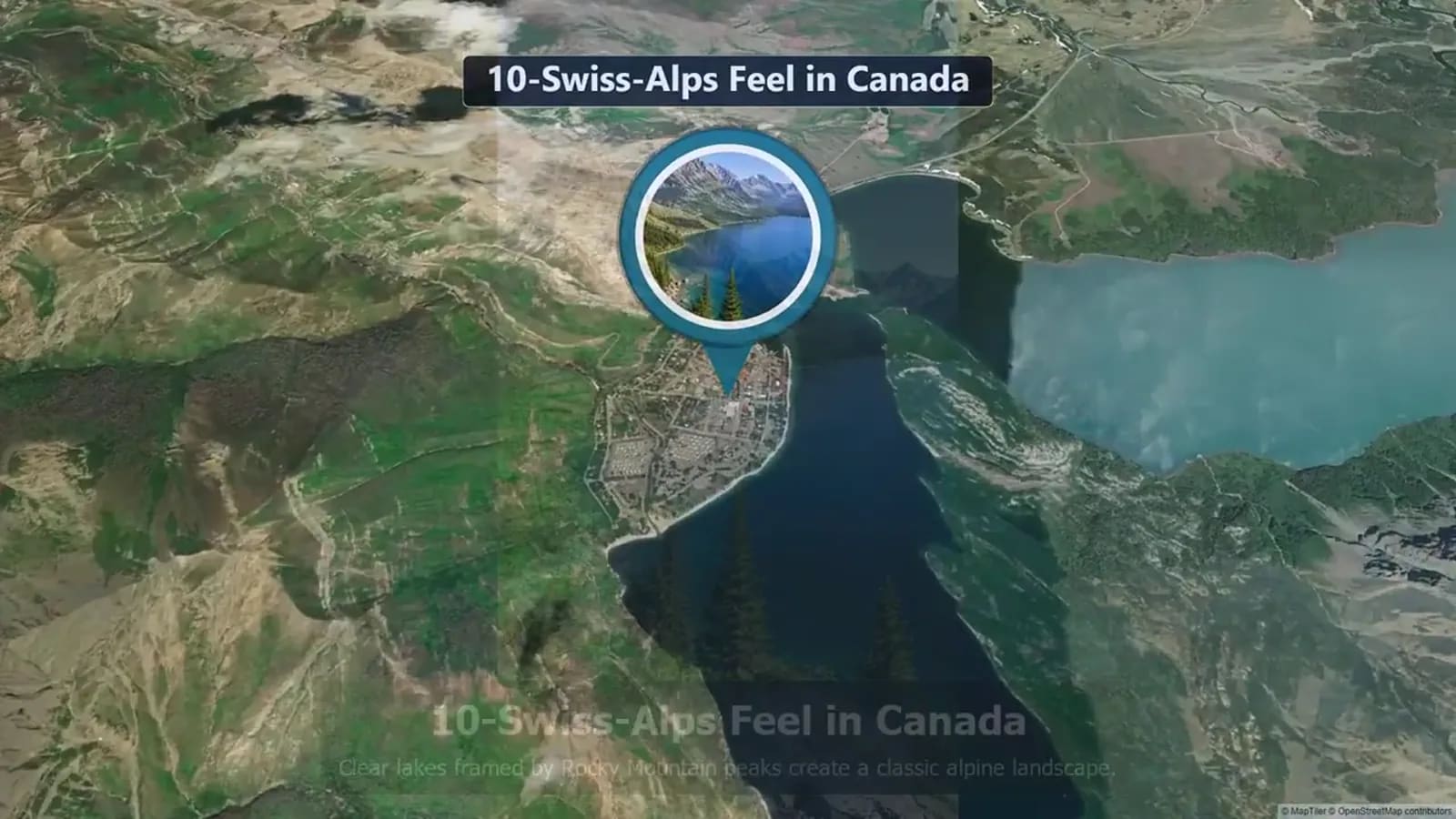
Use the map as a bridge, not as a pause. A quick map-led transition can show that the story is moving to a new location. Then cut straight into the next strongest image. This is what makes a map countdown video feel like one journey rather than ten disconnected clips.
Write captions that help the viewer see the comparison
Captions should point the viewer toward the feature that matters. A weak caption names only the place. A stronger caption names the visible idea: “White walls and blue accents,” “Cliffside layers,” or “Lantern-lit streets.” Keep most captions to four or five words.
Use a two-line label when needed. Put the real location first and the comparison second. For example: “Stop 6: Coastline viewpoint” and “Amalfi-style cliff drama.” This avoids a false claim while making the comparison easy to understand.
Keep the same caption style from stop to stop. Use one typeface, one position, and a readable contrast. Do not cover the key view with the text. On a phone screen, simple labels work better than clever but tiny ones.
Plan the reveal so number 1 feels earned
The last few stops should get more visually striking, more surprising, or more emotionally satisfying. You do not need a dramatic twist. You only need the ranking to feel like it moved somewhere. Save your clearest match, boldest color contrast, or most memorable route moment for number 1.
Build a little anticipation before the final stop. A two-second map move, a brief “#1” card, or a wide shot before the detail shot can do the job. Then state why it is first in plain language. “The canals made this my strongest comparison” is enough.
Finish with a simple question that invites a response: “Which stop would you rank first?” If the video is made from a shared trip, end with a short memory prompt instead: “Which place should we add next?”
Make the thumbnail tell the same story
A good thumbnail has one job: make the comparison clear before the viewer presses play. Choose one strong scene and pair it with a large number or a short phrase such as “10 lookalike places.” Keep the text brief. The image should do most of the work.
Avoid a collage of ten tiny photos. It is hard to read at a small size. One bold place image, a clear number, and a route or map detail are enough. Test it at phone size before publishing.
Match the thumbnail to the real video. If the video is about places that look like somewhere else, do not use a generic suitcase or airplane image. Let the first visual promise be honest.
Turn group travel memories into a map-led countdown
This format can also work after a group trip. Ask each traveler for one photo or short clip that made a place feel surprising, plus the location and one sentence about why it stood out. You can then rank the stops by visual impact, group vote, or story value.
AlbumMap is useful when the material is spread across several phones and several people. Gather photos, clips, messages, and locations in one place, then build a route that moves between the selected stops. A written note can become a caption when someone has no video to share.
Keep the ranking light. It does not need to declare the best destination in the world. It can simply be a shared top ten: ten places from your trip that made everyone pause, laugh, or say, “This does not look real.”
Copy-ready examples
Hook example: “These ten places gave me the feeling of traveling somewhere else without leaving the route. Let’s count them down.”
Caption example: “Stop 4 — blue walls, bright doors, and a totally different mood.”
Reveal example: “Number 1 takes it because the canals do all the storytelling before I say a word.”
Final thoughts
The best places-that-look-like countdown is not about proving that one destination is a copy of another. It is about noticing the shapes, colors, streets, water, and scenery that create a familiar feeling. Choose one ranking rule, keep every stop short, and let the map move the viewer through the list.
If your footage comes from a shared journey, collect the small details from everyone. A photo, a ten-second clip, and a location can be enough to make a stop feel personal. Build the list around what people can genuinely see and remember.
Ten-Stop Countdown Script Template
Use this template for a short places-that-look-like countdown. Replace the bracketed text with your real location and visible comparison. Keep the comparison careful: describe the feeling or feature, not an identical place claim.
| Rank | Visual to show | Caption | Voiceover | Map move |
|---|---|---|---|---|
| 10 | [Wide mountain, street, coast, or landmark shot] | 10: [Visible feature] | “At number 10, [real place] has a [comparison]-like feel because of [visible detail].” | Zoom from the title card to [real place]. |
| 9 | [Second strong image or short clip] | 9: [Visible feature] | “Number 9 is all about [color, shape, water, or street detail].” | Move along the route to [real place]. |
| 8 | [Establishing shot, then a close detail] | 8: [Visual clue] | “This stop reminded me of [comparison] when I saw [visible detail].” | Quick pin drop and cut to the close detail. |
| 7 | [Historic street, viewpoint, or shoreline] | 7: [Visible feature] | “At number 7, the feeling comes from [specific visual feature].” | Pan from the previous pin to this stop. |
| 6 | [Color-rich photo or clip] | 6: [Color or texture] | “Number 6 earns its spot for those [colors, textures, or shapes].” | Short line trace to the next location. |
| 5 | [Landscape with depth] | 5: [Landscape feature] | “Halfway through, [real place] gives a strong [comparison]-style view.” | Use a brief map zoom, then reveal the full frame. |
| 4 | [Water, cliffs, or island scene] | 4: [Water or cliff detail] | “Number 4 looks familiar because of [visible feature], not because it is the same place.” | Follow a route line over water or land. |
| 3 | [Most surprising visual match so far] | 3: [Big visual clue] | “At number 3, [real place] surprised me with [visible detail].” | Hold the number card for one beat, then cut. |
| 2 | [Strongest runner-up image] | 2: [Comparison feeling] | “Runner-up: [real place], where [visible detail] creates a [comparison]-like mood.” | Build anticipation with a short move toward the final pin. |
| 1 | [Clearest, most memorable scene] | 1: [Why it wins] | “Number 1 is [real place]. The [canals, colors, cliffs, streets, or water] made this the strongest comparison in the countdown.” | Land on the final pin, then hold the winning image for two seconds. |
Examples You Can Copy
Copy-ready opening voiceover
“I ranked these ten places by one thing: how strongly they made me think of somewhere else. The views are real, the comparisons are visual, and number 1 is my favorite reveal.”
Copy-ready group request
“Send one travel photo or clip, the place where you took it, and one sentence: What did this place remind you of? We are building a shared top-ten map video.”
Copy-ready closing line
“That is my number 1. Which stop would you move higher on the list?”
Final Thoughts
Pick scenes that make the comparison visible, not just scenes you personally love. A clear caption, a fair ranking rule, and a quick map move will do more for the story than extra effects.
Helpful answers
Frequently asked questions
What makes a travel countdown video work?
Use one clear ranking rule, a repeatable reveal for every stop, short captions, and a final location that feels worth the wait.
How long should each stop be in a top-10 travel video?
For a short video, about 10 to 14 seconds per stop is a practical pace. It gives viewers time to see the comparison without slowing the countdown.
Can I make a places-that-look-like video with photos?
Yes. Use two or three images per stop, a short caption that points to the visible detail, and a map move between locations.
How should I describe travel lookalikes accurately?
Say that a place has the feel of, looks like, or reminds you of another place. Do not say the destinations are identical.