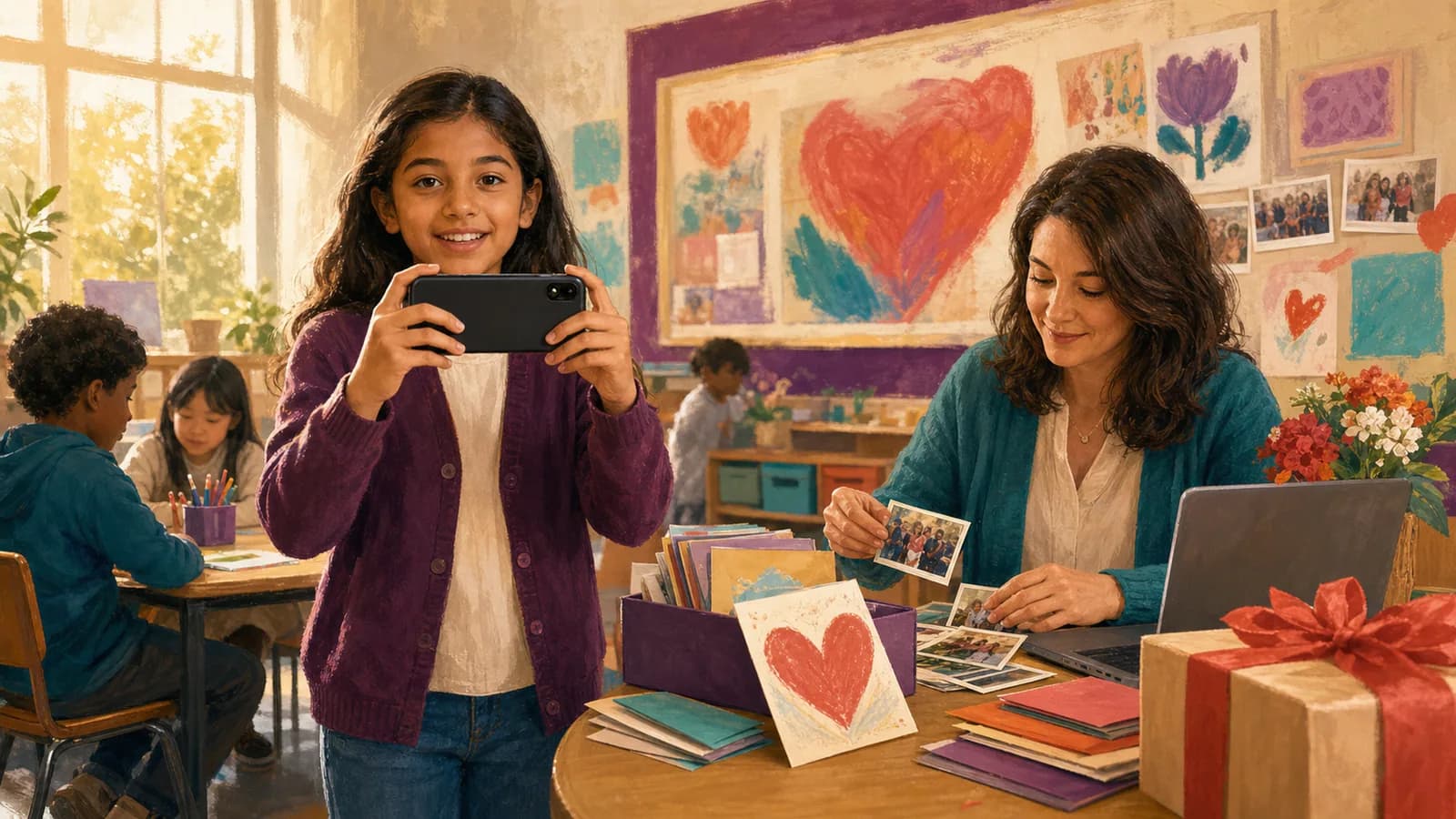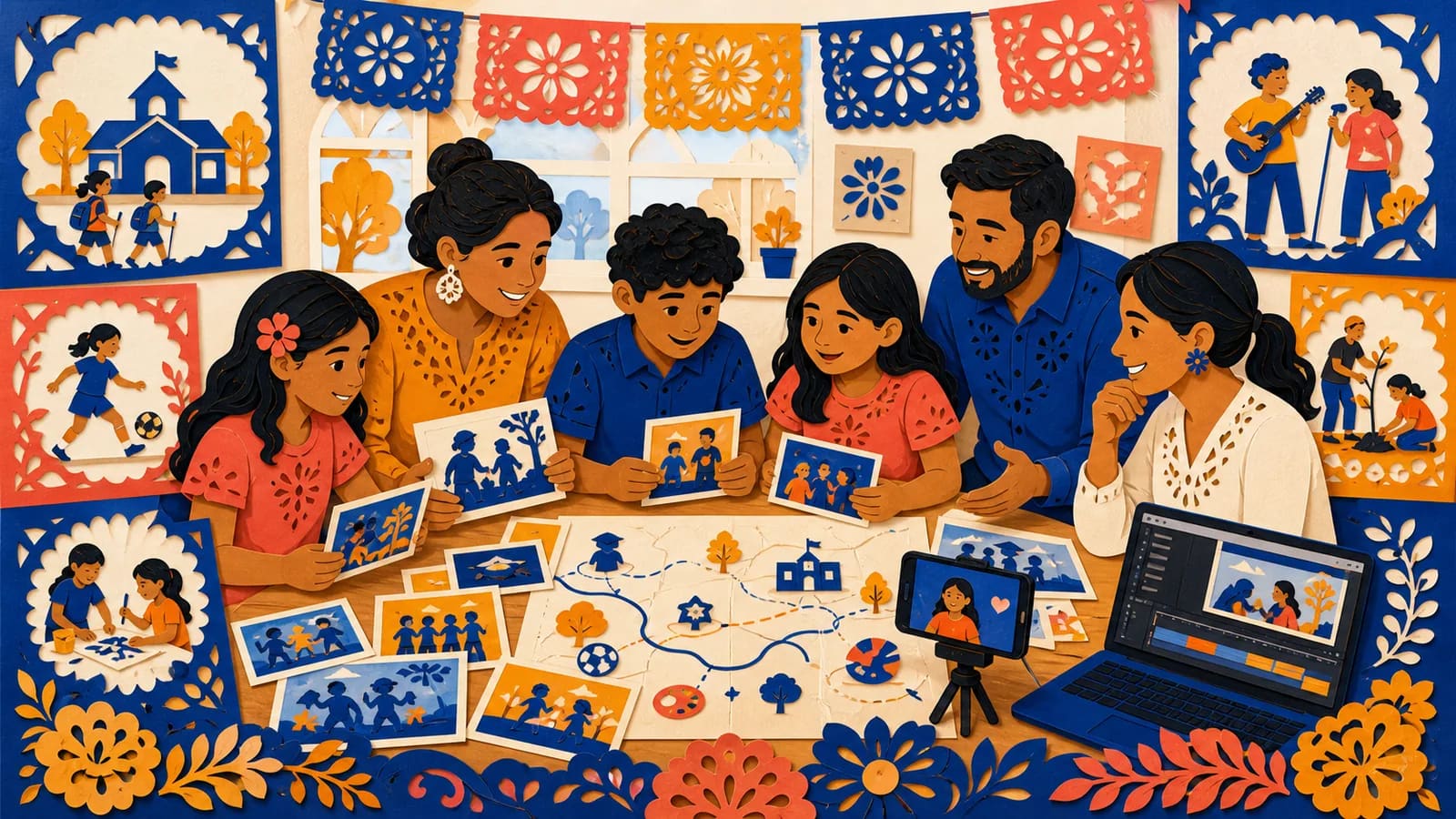
A school year recap video can preserve the moments that disappear between the first day and summer break. It may include new friendships, class projects, performances, sports, field trips, and small signs of growth. A family can make one for a single student. A teacher or school can create one for a class or wider community. The best recap does not need every photo from the year. It needs a clear focus, fair representation, and a simple story. This guide offers practical formats, planning steps, student prompts, and privacy checks. You will also find examples that you can copy and adapt.
Idea card 1 of 13
Choose a family, class or school-wide version
| Scope | Whose story | Suitable locations and review |
|---|---|---|
| One family | One child’s selected memories | An unpinned home memory may be appropriate with family approval; follow the child’s comfort. |
| One class | Shared learning with fair individual contributions | Use approved school/activity labels; omit homes, commutes and schedules. |
| Whole school | A representative selection across grades and activities | Assign each group a planned slot and have authorized staff check the selection. |
Idea card 2 of 13
A four-minute class recap with a representation sheet
For a hypothetical class with 24 approved contributions, reserve a six-second slot for each child’s short line, artwork or written reflection. This example favors a short sentence; a 15-second recording would need an agreed trim or a different overall budget.
| Timeline | Content |
|---|---|
| 00:00–00:12 | Opening title and audience-approved class image. |
| 00:12–01:24 | Four learning chapters × 18 seconds: first days, a project, a creative activity and a shared milestone. |
| 01:24–03:48 | Twenty-four individual contributions × 6 seconds. |
| 03:48–04:00 | Closing thanks and next-chapter wish. |
12 + 72 + 144 + 12 = 240 seconds. Track private student ID, format, permission reference, activities represented, individual slot and incidental appearances in group photos. Review the whole cut for students and activities that are repeatedly visible while others are absent. Offer an approved non-camera format, and do not identify someone who declines all participation.
Idea card 3 of 13
Choose the Purpose and Audience First
Begin by deciding what the video should help viewers remember. A family recap may focus on one child’s growth. A class recap should represent the group. A school-wide version may highlight shared events, programs, and achievements.
Next, name the intended audience. Will the video stay within the family, play at a classroom event, or appear on a public school page? This choice affects the length, tone, permissions, and type of media you can use.
Write one purpose sentence before collecting anything. For example: “This video will show how our class learned, worked together, and changed from September to June.” Use that sentence to decide what belongs.
Idea card 4 of 13
School Year Recap Video Ideas for Different Stories
1. Month-by-month timeline: Begin with the first day, then move through major moments in order. This format makes growth easy to see. It works well when photos and clips were collected throughout the year.
2. First day and last day: Pair similar shots from both ends of the year. Show a student entering the classroom, completing a task, joining a team, or speaking with more confidence. Add a short reflection about what changed.
3. What we learned: Build chapters around subjects, skills, or projects. Show the process, not only polished results. Early drafts, rehearsals, experiments, and practice sessions can make progress feel real.
4. Student voice recap: Ask students the same two or three questions. Mix their answers with photos and short clips. This format gives the story warmth without needing complex effects.
5. A year of firsts: Include a first presentation, first game, first performance, first field trip, or first leadership role. This idea suits younger students and anyone who tried something new.
6. Friendship and community: Focus on teamwork, clubs, class traditions, peer support, and shared celebrations. Avoid turning the video into a popularity list. Include varied groups and quieter moments.
7. Behind-the-scenes school life: Show preparation for events, project setup, practice, artwork in progress, or classroom routines. These ordinary scenes often become meaningful later.
8. Student video time capsule: Record each student answering one future-facing question. Ask what they are proud of, what they want to remember, or what they hope to learn next year.
9. Places that shaped the year: Organize the story around the classroom, library, gym, stage, field, garden, and approved field-trip locations. Add one memory or reflection at each stop.
10. Family perspective: Combine school media with approved photos from home. A parent might show a reading habit, practice routine, or project that continued outside class. Keep the student’s own voice at the center.
Idea card 5 of 13
Use Prompts That Lead to Specific Memories
A broad question such as “How was your year?” may produce one-word answers. Ask about a moment, change, person, or lesson instead. Let students choose from two or three prompts.
Useful prompts include: What are you proud of learning? When did someone help you? What made you laugh? Which project would you do again? What was hard at first but easier later? What should next year’s class know?
Families can offer another view. Ask what change they noticed at home or which school story their child repeated. Teachers can describe group growth without sharing grades, private needs, or personal records.
Do not require a student to share an emotional or difficult experience. A favorite activity, drawing, sound, object, or place can be enough. Safe choices often lead to more natural contributions.
Idea card 6 of 13
Make a Family Recap Feel Personal
For one student, begin with a first-day photo or short interview. Then choose a few moments that show learning, relationships, interests, and growing independence. Finish with the student speaking about next year.
Ask the student to help choose the media. Their favorite moment may differ from the one an adult would select. This shared choice makes the recap feel like their story.
Small details add life. Include a lunchbox note, a well-used backpack, a practice page, an art project, or a clip from a school event. Avoid showing grades or private school records.
If footage is limited, use photos with a short voiceover. A thoughtful story made from ten strong items can work better than a crowded video made from hundreds.
Idea card 7 of 13
Make a Class or School Recap Feel Fair
Group videos need a representation check. Look for different students, activities, subjects, and parts of the year. Do not let one event or highly photographed group take over the full recap.
Set a simple rule for student clips. For example, invite each student to answer one prompt within the six-second slot in the worked class example. Written reflections or artwork can represent students who cannot or do not want to record.
Show achievement in more than one form. Include creativity, effort, teamwork, kindness, problem-solving, and personal growth. Awards and scores should not become the only signs of a successful year.
Ask another adult to review the rough cut. They may notice a missing group, incorrect name, private detail, or joke that could feel uncomfortable when shown publicly.
Idea card 9 of 13
When a Map-Based School Story Adds Meaning
Some school memories are closely tied to places. The classroom may mark the first day. The library may hold a reading milestone. The gym, theatre, field, garden, or museum may connect to another chapter.
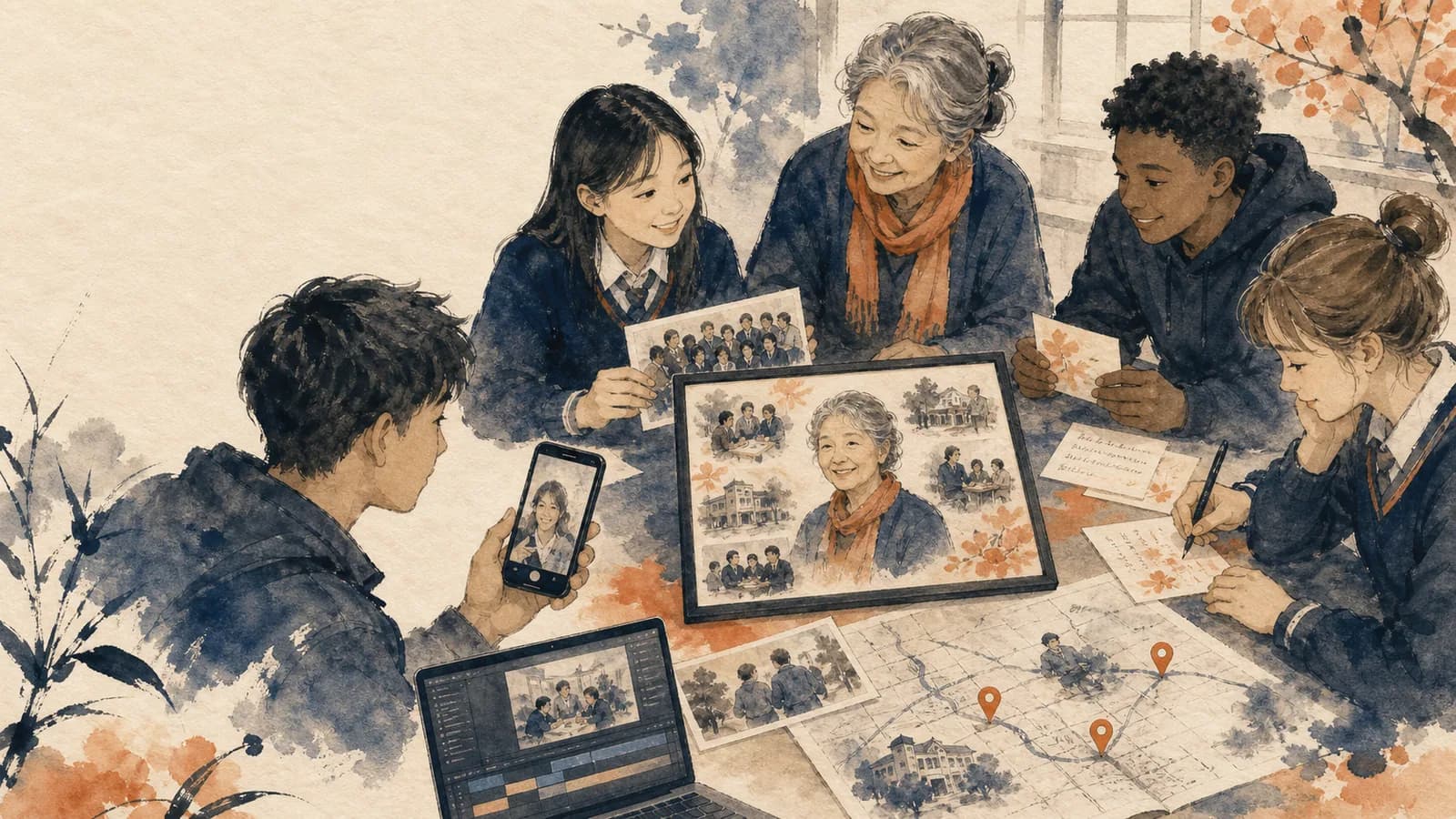
AlbumMap can help when those locations create a useful path through the year. Approved contributors can add photos, short videos, written reflections, and places. The finished story can move between those locations on a map.
For a class route, use approved broad labels for the school, a field trip, a performance and the final celebration. Keep home memories within a separately approved family version, and leave household locations unpinned. Every class stop should explain a shared learning chapter.
Do not add precise locations when privacy or safety makes them unsuitable. A general school or city location may be enough. The map should support the memory without revealing private routines.
Idea card 10 of 13
Add Music, Captions, and Simple Design
Choose music that supports the tone without covering student voices. Keep it soft under speech. Use tracks that you have permission to include in the planned sharing setting.
Add captions for recorded messages when possible. Captions help people in noisy rooms and support viewers with hearing differences. They also make quiet student recordings easier to follow.
Use readable title cards with short phrases. Good chapter labels include “First Days,” “What We Learned,” “Working Together,” and “Looking Ahead.” Avoid long paragraphs on screen.
Preview the video on a phone and a larger screen. Small text, vertical clips, and low sound may behave differently across devices. Fix these issues before the event.
Idea card 11 of 13
A Simple Two-Week Production Plan
| Relative date | Work |
|---|---|
| T−14 to T−13 days | Set scope, audience, school approval, organizer and contribution format. |
| T−12 days | Send the request with a T−7 deadline, clock time and time zone. |
| T−7 days | Close main collection and resolve permission gaps. |
| T−6 to T−4 days | Create the rough cut and representation sheet. |
| T−3 days | Have another authorized adult review the actual cut. |
| T−2 days | Apply corrections, export and save an independent backup. |
| T−1 day | Rehearse on the planned display and test recipient access. |
| T | Show only the approved version. |
A contribution arriving after review belongs in a later version unless there is enough time to repeat the necessary checks. Keep collection, editing, approval and rehearsal as separate dates; a submission deadline is not an export-ready deadline.
Idea card 12 of 13
Examples You Can Copy
Copy-ready request for families
Hello families. We are creating a short year-end class recap for [Class or Grade]. Please send one approved photo, a video clip within the agreed six-second class slot, or a short written reflection by [date]. Students may answer: What are you proud of learning this year? The finished video will be shown to [audience] through [viewing method]. Participation is optional. Please upload contributions here: [link].
Copy-ready prompt for one student
Think about the start of the year. What felt new or difficult? Now think about today. What can you do, understand, or enjoy that changed during the year? Answer in two or three sentences.
Copy-ready first-day and last-day voiceover
On the first day, [Name] felt excited about [detail] and unsure about [detail]. Over the year, they tried [activity], learned [skill], and found joy in [memory]. By the last day, they were proud of [specific change].
Copy-ready class opening
This was a year of questions, practice, friendship, and growth. We did not all learn in the same way or at the same speed. These moments show what our class built together.
Copy-ready student time-capsule message
My name is [first name], and I am in [grade]. This year I am proud that I [achievement or change]. I want to remember [specific moment]. Next year, I hope to [goal].
Copy-ready location request for an AlbumMap project
Please share one approved place connected to this school year. It might be the school, library, sports field, theatre, or field-trip location. Add one photo, clip, or sentence that explains what happened there. Do not include a private home address or student routine.
Idea card 13 of 13
Final Thoughts
A strong year-end recap is not a record of every school day. It is a short story about learning, people, effort, and change. Choose a clear purpose, invite specific reflections, represent the group fairly, and protect student privacy. When meaningful places help shape the story, AlbumMap can connect approved photos, clips, messages, and locations in one map-based keepsake.
For production mechanics, use the short recording checklist and group-video assembly guide. Apply the school’s service and permission decisions before using a collection product.
For capturing the start of the next school year, use the back-to-school video plan. Keep its family audience and location choices separate from this class recap.
Your shortlist
Ideas you saved
Tap “Save to shortlist” on any idea card and it lands here, ready to compare.
- Choose a family, class or school-wide version
- A four-minute class recap with a representation sheet
- Choose the Purpose and Audience First
- School Year Recap Video Ideas for Different Stories
- Use Prompts That Lead to Specific Memories
- Make a Family Recap Feel Personal
- Make a Class or School Recap Feel Fair
- Protect Student Privacy Before You Share
- When a Map-Based School Story Adds Meaning
- Add Music, Captions, and Simple Design
- A Simple Two-Week Production Plan
- Examples You Can Copy
- Final Thoughts
Helpful answers
Frequently asked questions
How long should a school year recap video be?
A family recap can often stay between three and six minutes. A class or school video may be longer, depending on the audience and event schedule. Ask most contributors for clips of 10 to 20 seconds and remove repeated material.
What should students say in an end-of-year recap video?
Ask students to share one proud moment, favorite memory, helpful person, hard-won skill, or hope for next year. Specific prompts work better than asking them to summarize the whole year.
What if we do not have photos from every month?
Organize the story by themes instead of months. Chapters can cover learning, friendships, projects, activities, special events, and looking ahead. Written reflections, artwork, and voiceovers can also fill useful gaps.
Can students take part without appearing on camera?
Yes. They can contribute an approved project photo, artwork, written reflection, audio recording, or group item. Follow school policy and make participation optional.
Can a school post the finished recap on social media?
Only when school policy and the required permissions cover that exact use. Consent for a private class event may not include public posting. Review the final cut and its audience before sharing.
How can families help with a class recap?
Families can send approved photos, short reflections, or examples of growth noticed at home. Give everyone the same request, deadline, upload method, audience information, and privacy rules.
When does AlbumMap fit a school recap?
AlbumMap fits when places add meaning to the story. A route can connect the school, library, field, theatre, or approved trip locations with photos, clips, and reflections. Avoid precise locations that create privacy concerns.