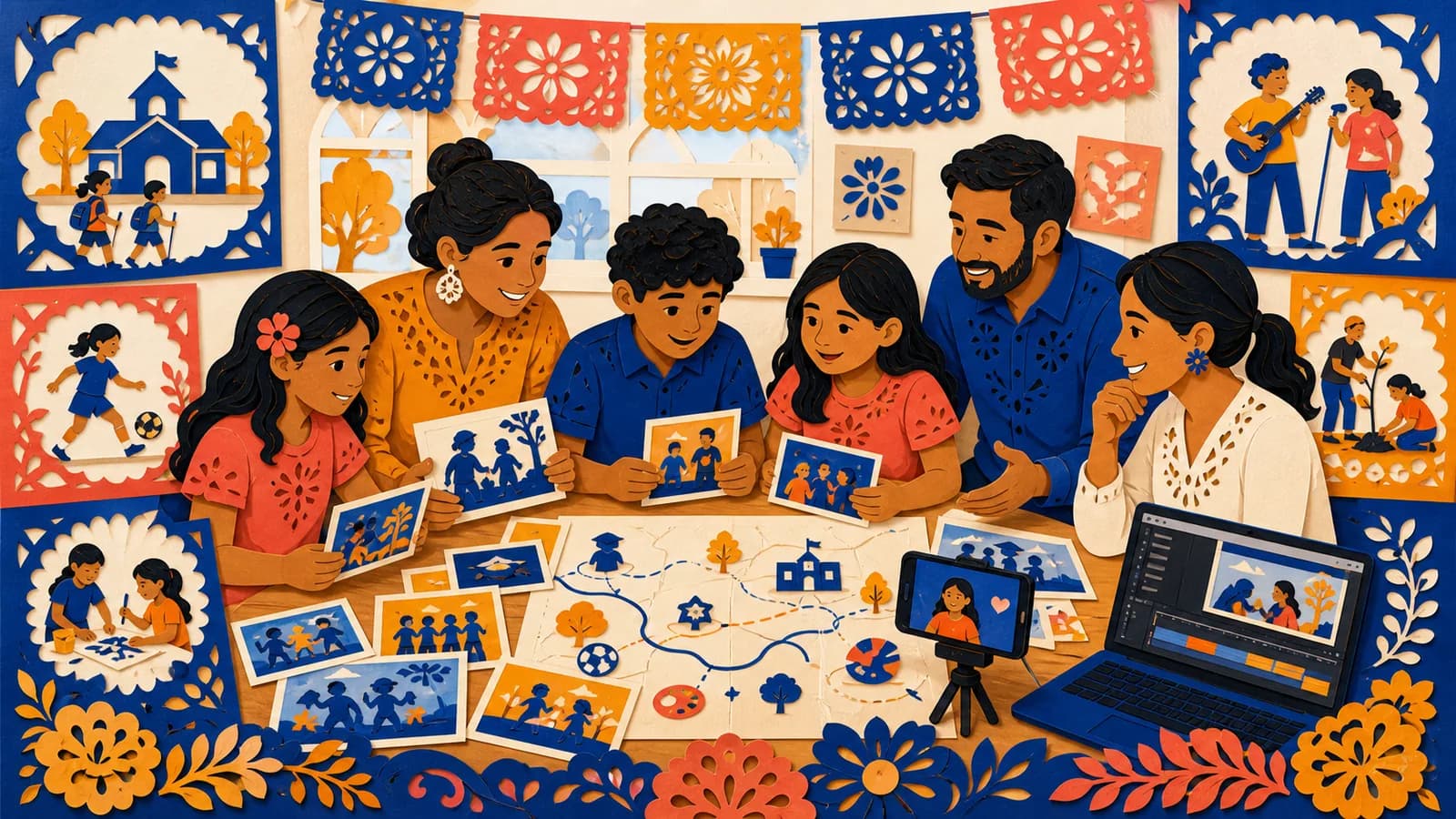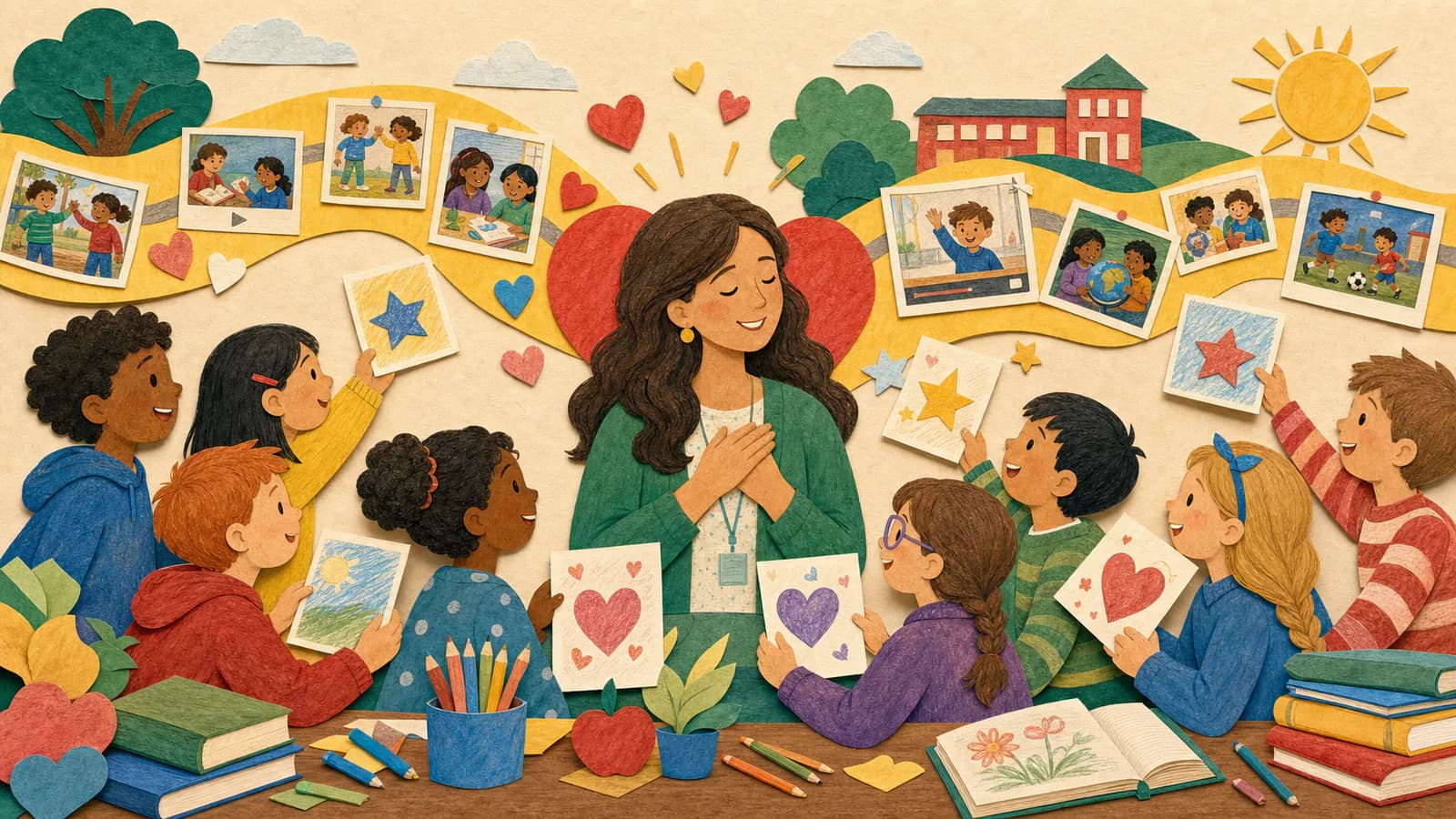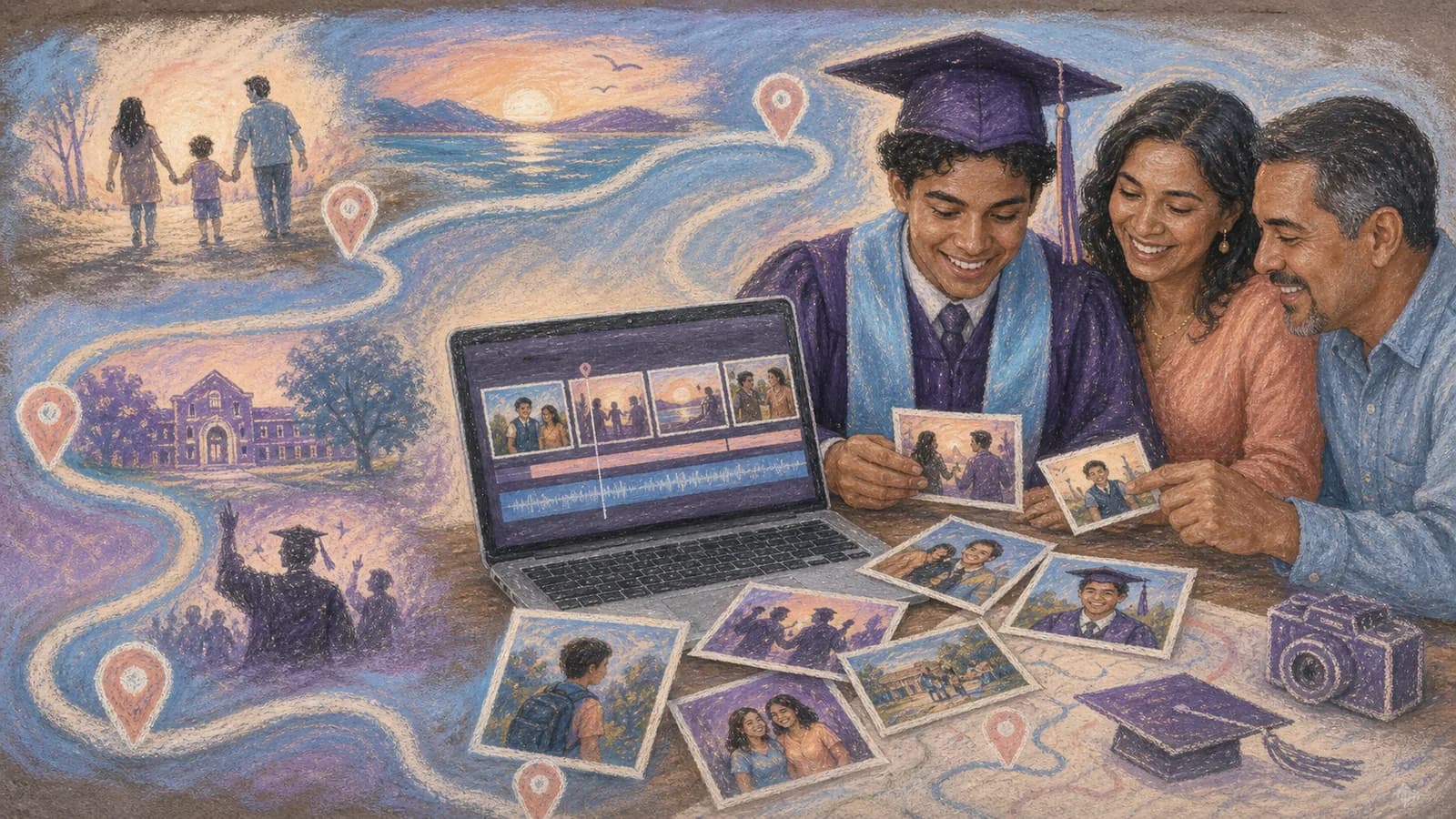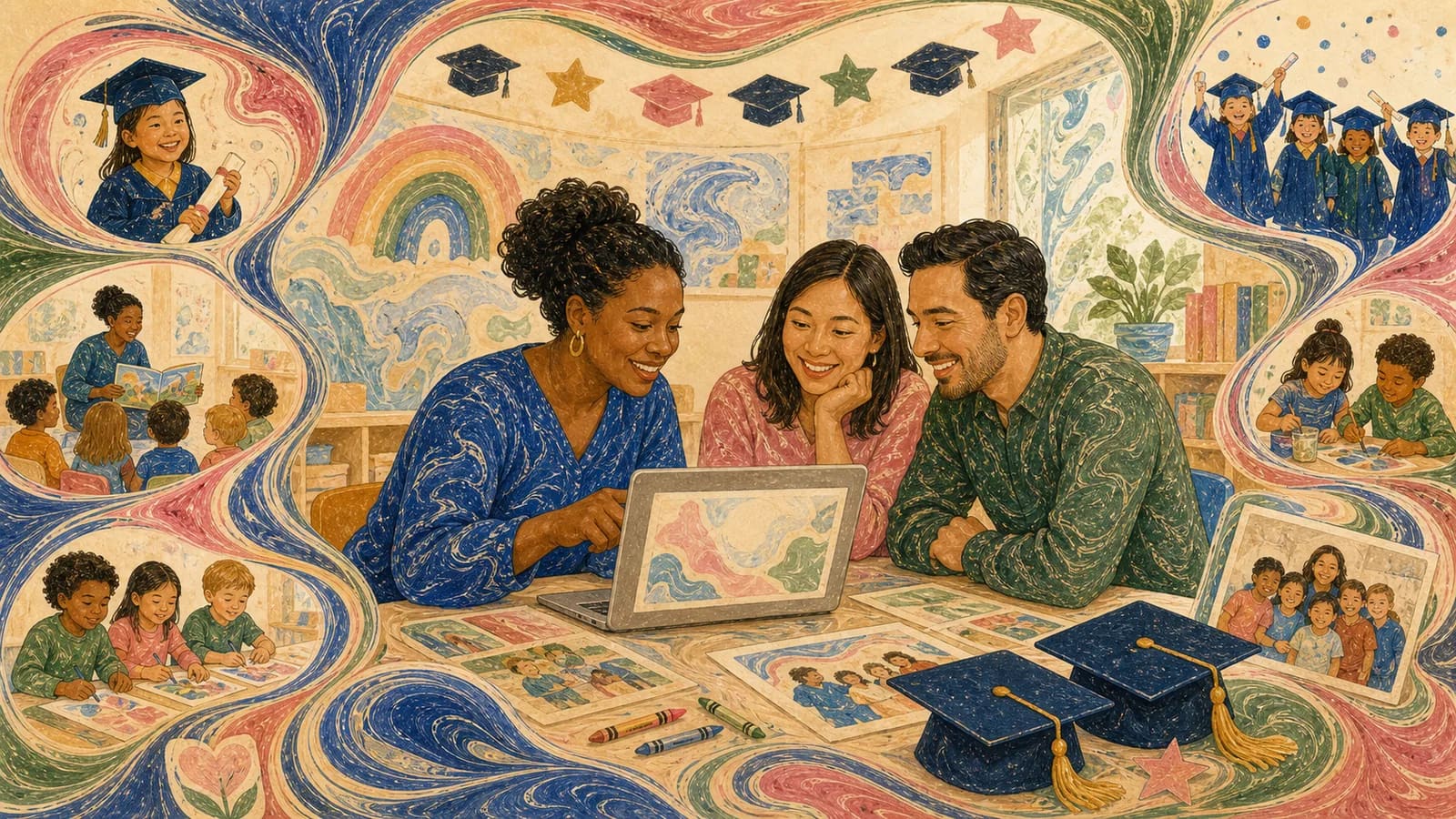
A kindergarten graduation slideshow can show how much children learned, tried, and changed during one school year while giving families a keepsake of moments they may not have seen. The best version is fair, warm, easy for young children to follow, and careful about permissions. This guide includes six story formats, a one-week checklist, family prompts, privacy checks, pacing, music, and presentation-day testing. For a broader editing workflow, see how to make a graduation slideshow with photos and music.
Idea card 1 of 10
A 24-child, three-minute-twenty-second plan
Use this example only when 24 children have an approved way to participate. A dedicated scene can show a photograph, permitted artwork or an approved short written line. No child has to appear on camera. If a child opts out of all representation, omit that slot without announcing the reason and recalculate the duration.
| Timeline | Material |
|---|---|
| 00:00–00:10 | Welcome title and class theme. |
| 00:10–00:30 | Four early-days images × 5 seconds. |
| 00:30–00:50 | Four learning or project images × 5 seconds. |
| 00:50–02:50 | Twenty-four dedicated student contributions × 5 seconds. |
| 02:50–03:10 | Four shared artwork or classroom-detail images × 5 seconds. |
| 03:10–03:20 | Moving-up wish and closing card. |
10 + 20 + 20 + 120 + 20 + 10 = 200 seconds. Titles and transitions must fit within these slots. For the five-second student scenes, favor one image and a very short caption; a 15-second speaking clip will not fit. Keep longer greetings in a separate approved family keepsake if wanted.
Download the private appearance tracker. It uses K01–K24 rather than publishing a class roster. Add group-photo appearances during review, and confirm that the permission covers faces, names, voices or work as applicable.
Idea card 2 of 10
Choose the purpose before choosing photos
First, decide who the slideshow celebrates. A family version can follow one child from the first day to graduation. A teacher's version must represent the whole class with care. These projects need different plans.
For one child, ask relatives for early photos, short congratulations, and favorite memories. For a class, start with school-approved media. Decide how each child will be included before collecting extra material.
Also decide where people will watch. A short ceremony feature needs a clear beginning and ending. A slideshow running during refreshments can use a gentle loop. A private family keepsake can include more personal details than a school presentation.
Idea card 3 of 10
Six kindergarten graduation slideshow ideas
1. The year in four chapters. Divide the story into meeting our class, learning together, trying new things, and moving up. This simple order works well for teachers because it covers the full year without needing a complex plot.
2. First day and graduation day. Pair an early photo with a recent one. Add one short line about a new skill or source of confidence. Families can use baby photos, but teachers should only use media cleared for the class project.
3. Every child shines. Give each student the same basic format: name or approved label, one photo, one strength, and one favorite memory. Equal space helps the class graduation slideshow feel fair.
4. Our favorite moments. Build short groups around art, reading, play, performances, field trips, classroom routines, and friendships. Mix special events with ordinary moments. The ordinary moments often feel most personal later.
5. Little voices, big plans. Record each child answering one easy prompt. Try, What did you enjoy learning? What made you laugh? or What would you like to learn next? A written answer or drawing can replace a recording.
6. Places from our year. Use school-approved locations such as the classroom, library, playground, garden, or museum visit. Connect each place to one photo and one sentence. Never map student homes or private family locations in a class project.
Idea card 4 of 10
Collect family photos and messages without confusion
Send one request with a firm deadline. Explain what families may submit, where to send it, who will watch the slideshow, and whether it will be available afterward. Include the privacy plan in the first message, not after files arrive. A family making a separate keepsake can also use this graduation video gift guide to coordinate contributions from relatives and friends.
Give families a small task. For the class cut above, ask for one photo, one very short written line or approved artwork. A speaking clip is optional only if it fits its five-second slot. A narrow request produces more useful replies than asking everyone to send anything they like.
Offer choices. Some families may not want to share a photo or record a child. They could submit artwork, an approved written memory, or nothing at all. Teachers should plan an equal alternative that does not draw attention to the choice.
Use a checklist to track permission, spelling, media received, and final placement. Store files only in a school-approved or family-approved location. Do not post the finished slideshow publicly unless every required permission covers public sharing.
Idea card 5 of 10
Make the class version fair, private, and comfortable
Count each child's clear appearances before finishing a class version. A few children may appear often because they enjoy the camera. Others may appear less. Balance the final choices so no child seems forgotten.
Avoid awards, jokes, labels, or photos that could embarrass a child. Use kind facts about effort, curiosity, creativity, helpfulness, or growth. Check names and captions with another adult before the event.
Keep sensitive details off the screen. Do not show addresses, schedules, medical information, family circumstances, or unapproved school records. Crop or replace images that reveal private material in the background.
Accessibility matters too. Use large type, strong contrast, captions for spoken clips, and calm transitions. Keep music below any voices. Avoid fast flashes and crowded slides. Ask the school about any other needs in the audience.
Idea card 6 of 10
Set a child-friendly pace and choose music carefully
Most photos need enough time for a child to find familiar faces. Start with about four seconds per photo, then adjust after a test. Keep captions short so adults and early readers can follow them.
Short video clips add energy, but they do not need to show a full performance. A clear five-to-ten-second moment is often enough. Trim long pauses and check that every voice can be heard.
Choose one or two cheerful, gentle tracks that fit the class, use music you have permission to include, and keep it below spoken clips. School rules and the sharing plan may affect which tracks are suitable. This guide to music for a graduation slideshow offers a practical way to match the song to the audience and presentation format.
Watch the full presentation without editing. If a section feels slow, remove repeated media before speeding everything up. If children cannot read a caption, shorten it or leave it on screen longer.
Idea card 7 of 10
Prepare for graduation day and sharing
Export or finish the presentation early enough to test it. Play it on the same computer, screen, speakers, and internet connection planned for the event. Check sound, picture shape, captions, and the final slide.
Keep a backup that follows school policy. If the presentation needs the internet, prepare a suitable offline option when possible. Turn off pop-ups and private notifications before families enter the room.
Decide whether the slideshow is a featured part of the ceremony or background media. A featured show should be brief and watched together. A loop can be longer, but its start and finish should still connect smoothly.
Share the finished version only through an approved method. Tell families whether they may download it, forward it, or post clips. A private link does not remove the need for clear permission.
Idea card 8 of 10
A simple one-week plan
| Relative to screening | Task |
|---|---|
| T−7 days | Confirm school permission process, audience, participating formats and organizer. |
| T−6 days | Invite families through the approved route. |
| T−4 days | Submission deadline; check missing permission and any essential replacements. |
| T−3 to T−2 days | Assemble and review appearances, names, captions and background details. |
| T−1 day | Finish corrections, export and rehearse the actual file with a second adult. |
| T: screening | Use the approved final file; keep the tested backup available. |
These dates count backward from the screening, not from an unspecified deadline. Start earlier if the school’s permission process cannot fit into the first days. A late contribution can go into a later approved keepsake rather than bypassing review.
Idea card 9 of 10
Examples You Can Copy
Copy-ready request from a teacher
Hello families. We are creating a short kindergarten moving-up slideshow for our class celebration. If you would like to take part, please send one approved photo or a brief written memory by [date]. The slideshow will be shown [describe audience and setting]. Please review the attached permission details before sending anything. You may also choose the artwork or no-photo option.
Copy-ready request for one child
We are making a graduation keepsake for [Child's Name]. Please send one favorite photo, a short video under 15 seconds, or one kind sentence by [date]. You can answer this prompt: What made you proud of [Child's Name] this year? If a place is part of the memory, please include it only if you are comfortable doing so.
Copy-ready child prompt
My favorite part of kindergarten was [activity or memory]. I learned how to [new skill]. In first grade, I hope to [simple wish].
Copy-ready student spotlight
[First name or approved label] brought [kind quality] to our class. A favorite moment was [school-approved memory]. We are excited to see what comes next.
Copy-ready closing message
We learned, played, helped one another, and grew in many ways. Congratulations to our kindergarten class. Your next adventure is ready for you.
Idea card 10 of 10
Final Thoughts
A good kindergarten graduation keepsake should help children feel proud and included. Begin with a clear purpose, keep the story short, and represent each approved child with care. Ask families for small, specific contributions. Then check privacy, captions, music, timing, and equipment before the event. If photos, messages, clips, and safe locations all matter to the story, AlbumMap can connect them in a map video that families can watch again.
Your shortlist
Ideas you saved
Tap “Save to shortlist” on any idea card and it lands here, ready to compare.
- A 24-child, three-minute-twenty-second plan
- Choose the purpose before choosing photos
- Six kindergarten graduation slideshow ideas
- Collect family photos and messages without confusion
- Make the class version fair, private, and comfortable
- Set a child-friendly pace and choose music carefully
- Prepare for graduation day and sharing
- A simple one-week plan
- Examples You Can Copy
- Final Thoughts
Helpful answers
Frequently asked questions
How long should a kindergarten graduation slideshow be?
For a featured part of a ceremony, aim for about three to six minutes. A small family keepsake can be longer. A large class may need extra time to represent each child fairly. Test the full show with another adult and remove repeated photos before making every slide faster.
How many photos should be included?
Use only enough photos to tell the story clearly. A family version might use 25 to 50 strong images. A teacher should plan by student and section instead of using one fixed total. Count each child's appearances so the class version stays balanced.
What should teachers include in a class graduation slideshow?
Useful sections include the first weeks, learning activities, play, artwork, class routines, special events, friendships, individual spotlights, a teacher message, and a closing class photo. Include only material covered by school policy and the required permissions.
What can a family submit if it does not want to share a child's photo?
Offer an equal alternative, such as artwork, an approved written memory, a teacher-selected classroom image, or no individual slide. Explain the choices privately and avoid language that makes a child or family feel singled out.
What music works for a kindergarten graduation video?
Choose cheerful or gentle music that does not overpower the children. Use a track you have permission to include. Consider the lyrics, audience, school rules, and sharing method. Instrumental music can make spoken clips and captions easier to follow.
Can families share the finished class slideshow online?
Only when school policy and every required permission allow that form of sharing. A presentation approved for a private ceremony may not be approved for social media. Teachers should state the sharing rules clearly before collecting media.
How can AlbumMap fit a kindergarten graduation project?
AlbumMap is useful when the story includes shared photos, short clips, written messages, and meaningful places. A family can also collect wishes from relatives in different cities. Class organizers should use only school-approved locations and media, with the required permissions.