How to Collect Photos, Videos, Messages, and Locations from Friends
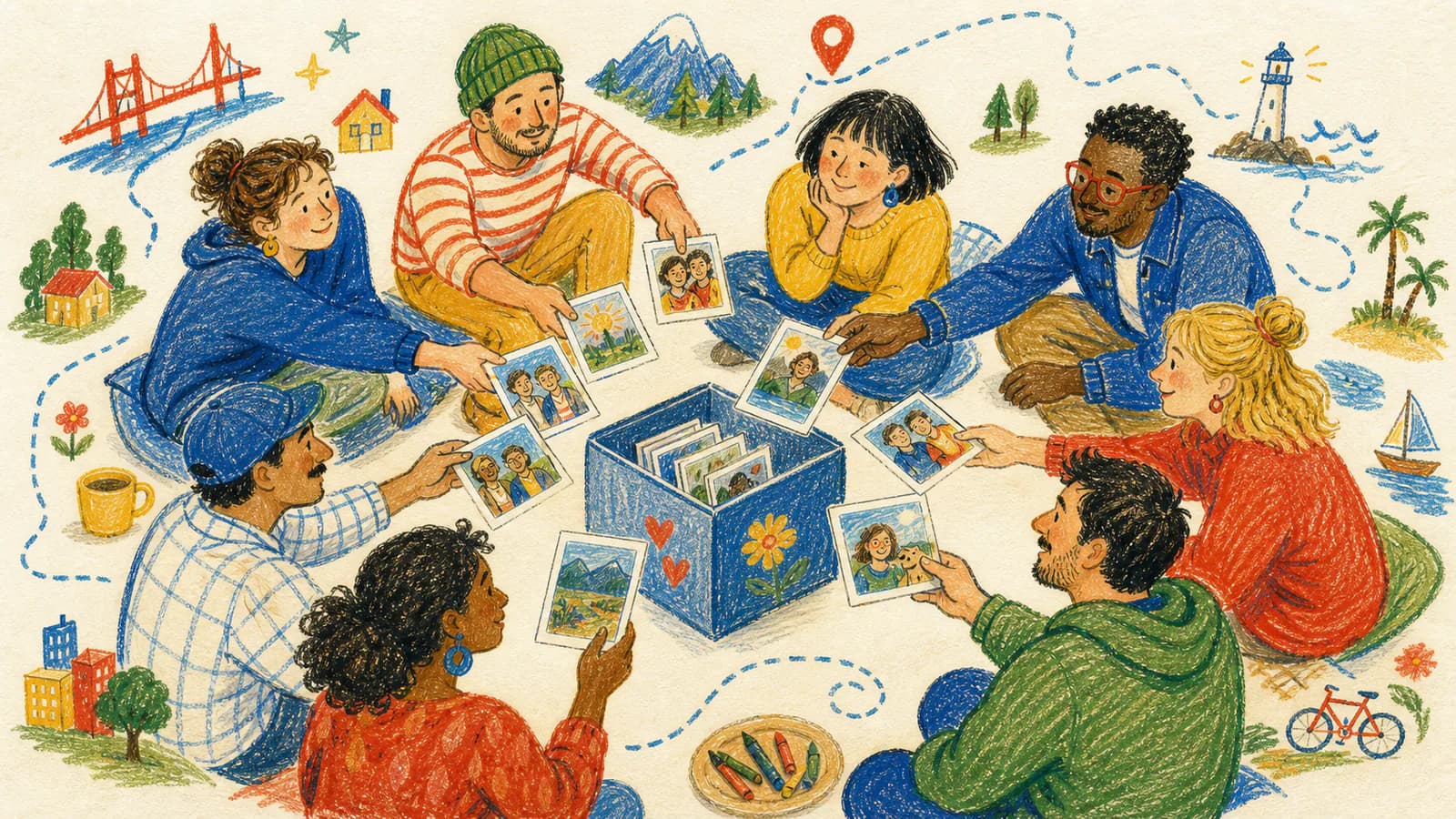
Making a group memory video sounds fun. But collecting everything can be hard.
One person sends a photo by text. Another person sends a video by email. Someone forgets to add their name. Someone else sends a file that is hard to find.
This can get messy fast.
The best way is to make the process simple from the start.
Start With One Clear Plan
Before you ask friends for photos or videos, decide what you need.
Ask yourself: Who is the gift for? What is the event? When do I need the final video? How many people do I want to include? Do I need photos, videos, messages, locations, or all of them?
Once you know this, you can write a clear message.
People are more likely to help when the steps are easy.
What Should You Ask Friends to Send?
For a memory video, ask for a few simple things.
- Their name
- Their city or special location
- One photo
- One short video
- One written message
You do not need too much from each person. One strong memory is better than ten random photos.
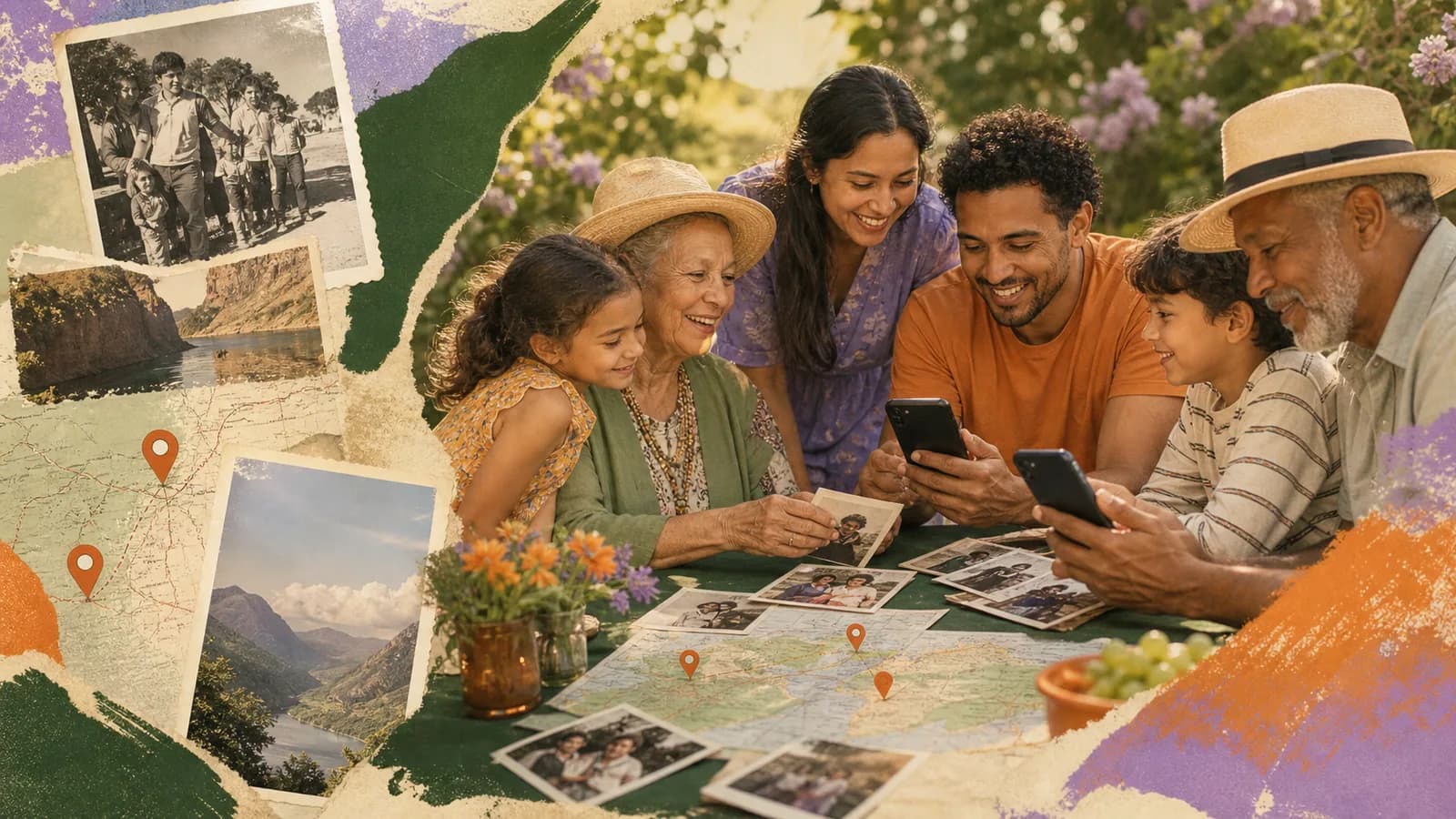
If the gift is a map video, the location is important. It helps place each memory on the map.
Give People a Simple Prompt
Many people want to help, but they do not know what to say.
Give them a question.
- For a birthday, ask: What is your favorite memory with this person?
- For an anniversary, ask: What do you love about this couple?
- For a wedding, ask: What wish do you have for the couple?
- For a graduation, ask: What are you proud of?
- For a goodbye gift, ask: What will you miss most?
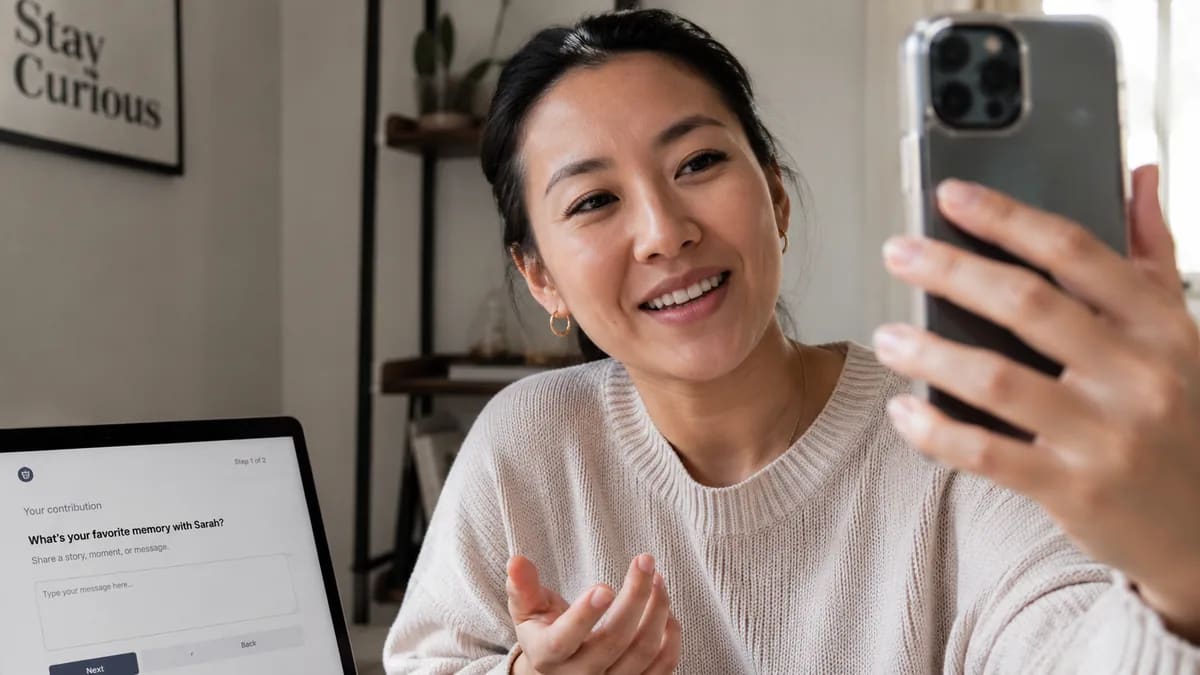
A prompt helps people send better messages.
Tell People How Long the Video Should Be
Short video messages are easier to collect and easier to watch.
Ask people to keep videos short. A good length is about 10 to 30 seconds.
Tell them they can record on their phone. They do not need a fancy camera. They do not need perfect lighting. They just need to speak clearly and send a kind message.
Ask for Locations the Easy Way
For a map-based memory video, each person should add a place.
- A city
- A hometown
- A school
- A wedding venue
- A favorite park
- A restaurant
- A travel spot
- A family home
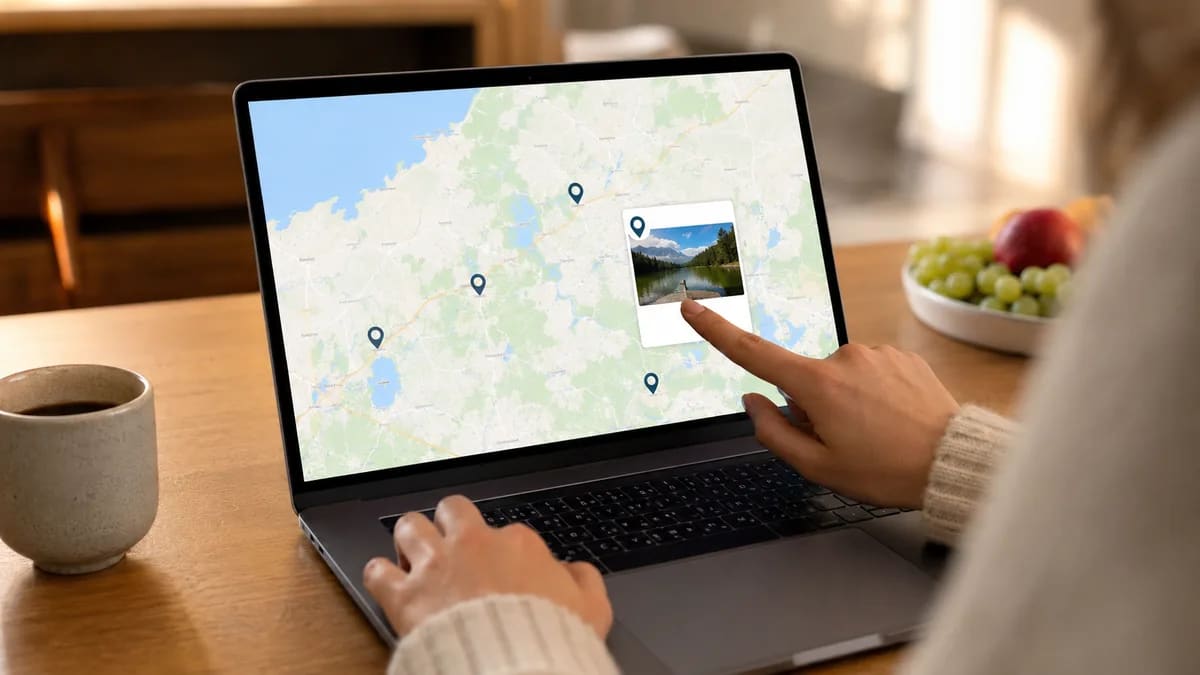
Do not make it too hard. A city is usually enough.
The location helps the final video feel like a journey.
Set a Clear Deadline
A deadline is very important.
Do not say, Send it when you can.
Instead, say: Please send your photo, video, message, and location by Friday.
This helps people know what to do. It also gives you time to review everything before the event.
Send a Message People Can Copy
Here is a simple message you can send.
Hi! I am making a surprise memory video for [Name]. Please send one short video message, one photo, and one location that reminds you of them. Your video can be 10 to 30 seconds. You can share a favorite memory, a kind wish, or something funny. Please send it by [Date]. Thank you!
This message is short and clear. You can change it for birthdays, anniversaries, weddings, or graduations.
Keep Everything in One Place
Try not to collect files in too many apps.
If you use text, email, social media, and cloud links all at once, things can get lost.
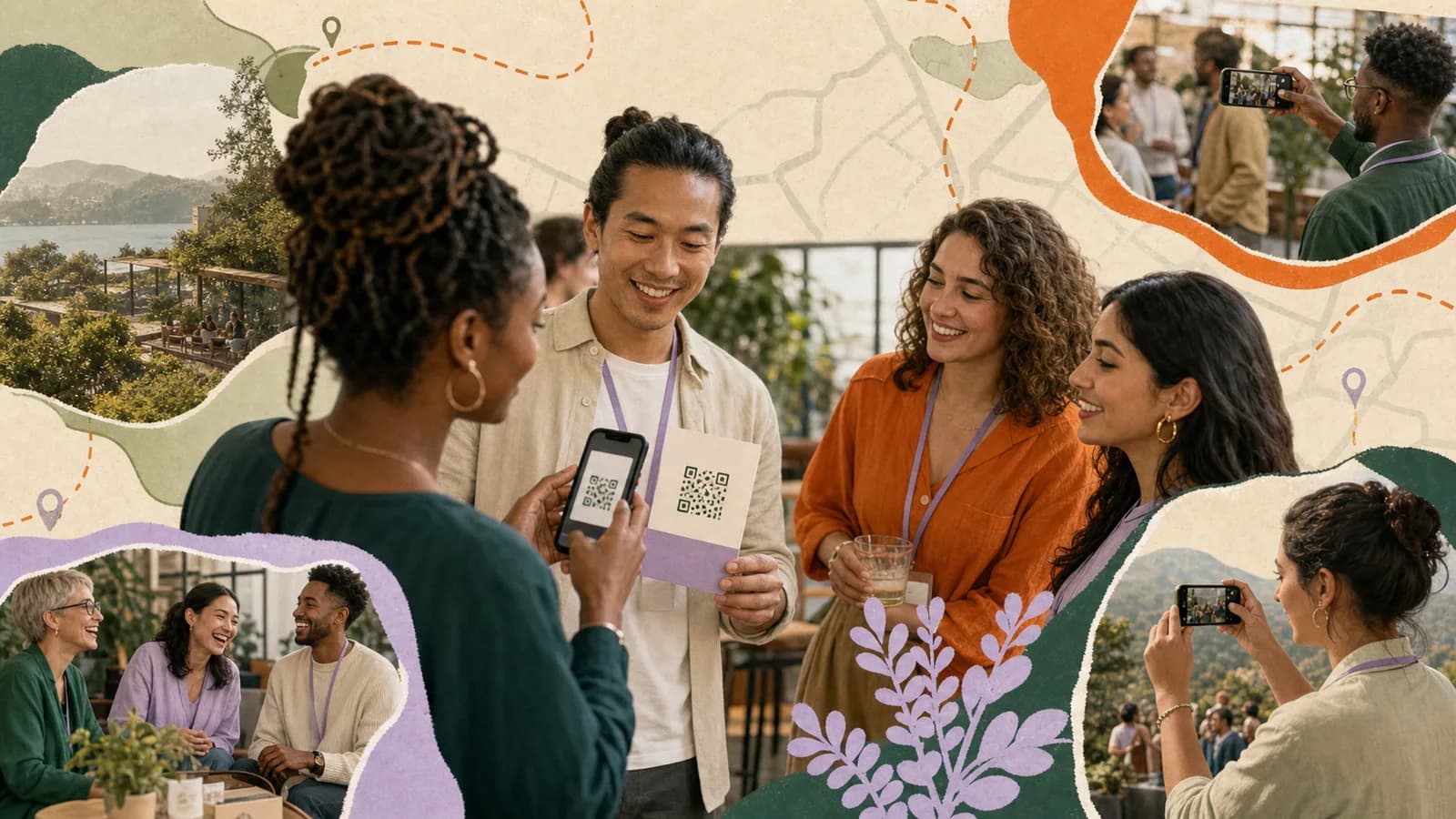
Use one memory collection link if you can. This makes it easier for friends to upload their part. It also makes it easier for you to review the files later.
A simple upload link can save a lot of time.
Review Before You Make the Final Video
After people send their memories, check everything.
- A name
- A photo or video
- A message
- A location
You can also remove repeats or unclear clips. The final video will feel better when it is clean and easy to follow.
Make Collecting Memories Easier
Collecting photos, videos, messages, and locations from friends does not have to be stressful.
Use one clear ask. Use one deadline. Use one upload link. Keep each message short. Make the final gift about the person.
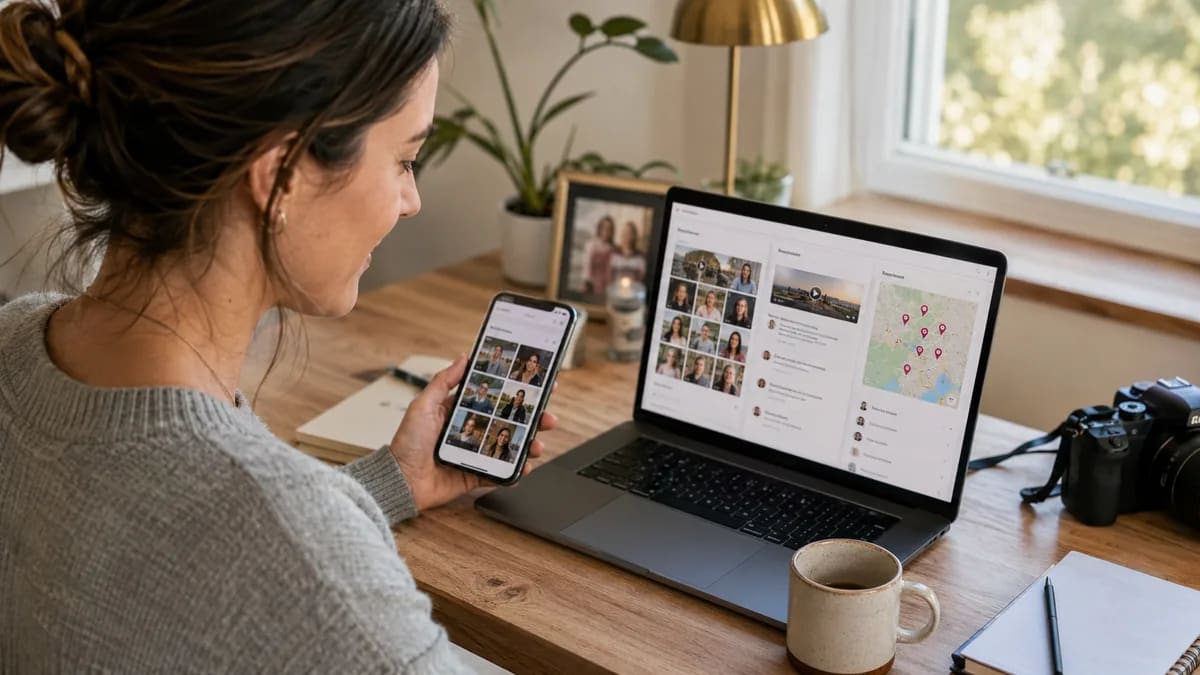
With AlbumMap, you can collect guest contributions in one place and turn them into a map-based memory video.
Try albummap.com. AlbumMap is free to try, and it can help you collect memories from friends and family without making the process hard.