The best wedding video montage ideas do more than place clips in a row. They reveal something true about the couple. A montage can trace their shared journey, bring in people who cannot attend, or preserve stories that rarely make it into formal wedding films. You do not need advanced editing skills to make one feel personal. You need a clear theme, a useful plan, and material that supports the story. This guide offers ten practical concepts, copy-ready requests, and simple editing steps.
Choose one main idea, then adapt it to the couple's style and the moment when they will watch it.
Idea card 1 of 8
Choose the concept for the actual viewing moment
| Concept | Best fit | Material to request | Boundary |
|---|---|---|---|
| How we met | Reception screening | Two perspectives and a few approved early photos | Confirm details with both people. |
| People who helped us here | Reception or private gift | Four distinct memories from different relationships | Avoid repeating the same congratulations. |
| Ordinary days together | Private viewing | Shared routines and one narrated letter | Private humor may not suit a room of guests. |
| The wedding weekend | After the event | Selected event photos and clips | Wedding-day material cannot be in a pre-event final export. |
Idea card 2 of 8
A complete three-minute reception plan
Fictional example: Jamie and Rowan approve a warm pre-wedding story for a reception audience. It uses existing photos and pre-collected messages; the wedding-day recap will be a separate later edit.
| Timeline | Material |
|---|---|
| 00:00–00:10 | Title and recent portrait: “Jamie and Rowan, with love from your people.” |
| 00:10–00:40 | Six early photos × 5 seconds, with names and approximate years checked. |
| 00:40–01:20 | Eight shared-life photos × 5 seconds; captions explain one ordinary habit or memory. |
| 01:20–02:40 | Four different messages × 20 seconds, including each speaker’s name card within the slot. |
| 02:40–03:00 | Three final photos × 5 seconds, then a 5-second closing: “Here’s to the days you choose together.” |
10 + 30 + 40 + 80 + 20 = 180 seconds. Ask the four speakers for one 20-second thought, not a long speech that the editor must rescue. This hard-cut plan includes all titles and captions. If music, dissolves or map motion need more time, replace part of a slot or announce a revised duration.
Idea card 3 of 8
Choose the viewing moment before choosing an idea
First, decide when and where the couple will watch the montage. A reception video must work in a busy room. A private gift can move more slowly and include longer messages. A rehearsal dinner may suit family stories that need a quieter setting.
Ask what the video should make the couple feel. It might help them laugh, understand how others see their relationship, or revisit places that shaped their lives. A clear purpose makes every later choice easier.
Also decide whether the montage is a surprise. If it is, use a separate contributor chat and choose one organizer. That person should collect files, answer questions, and keep the couple out of project messages.
Idea card 4 of 8
10 wedding video montage ideas with a clear story
1. Two lives, one story: Begin with a few childhood photos of each partner. Move into early friendship or dating, shared trips, the proposal, and the wedding. Keep the two sides balanced so the montage celebrates both people.
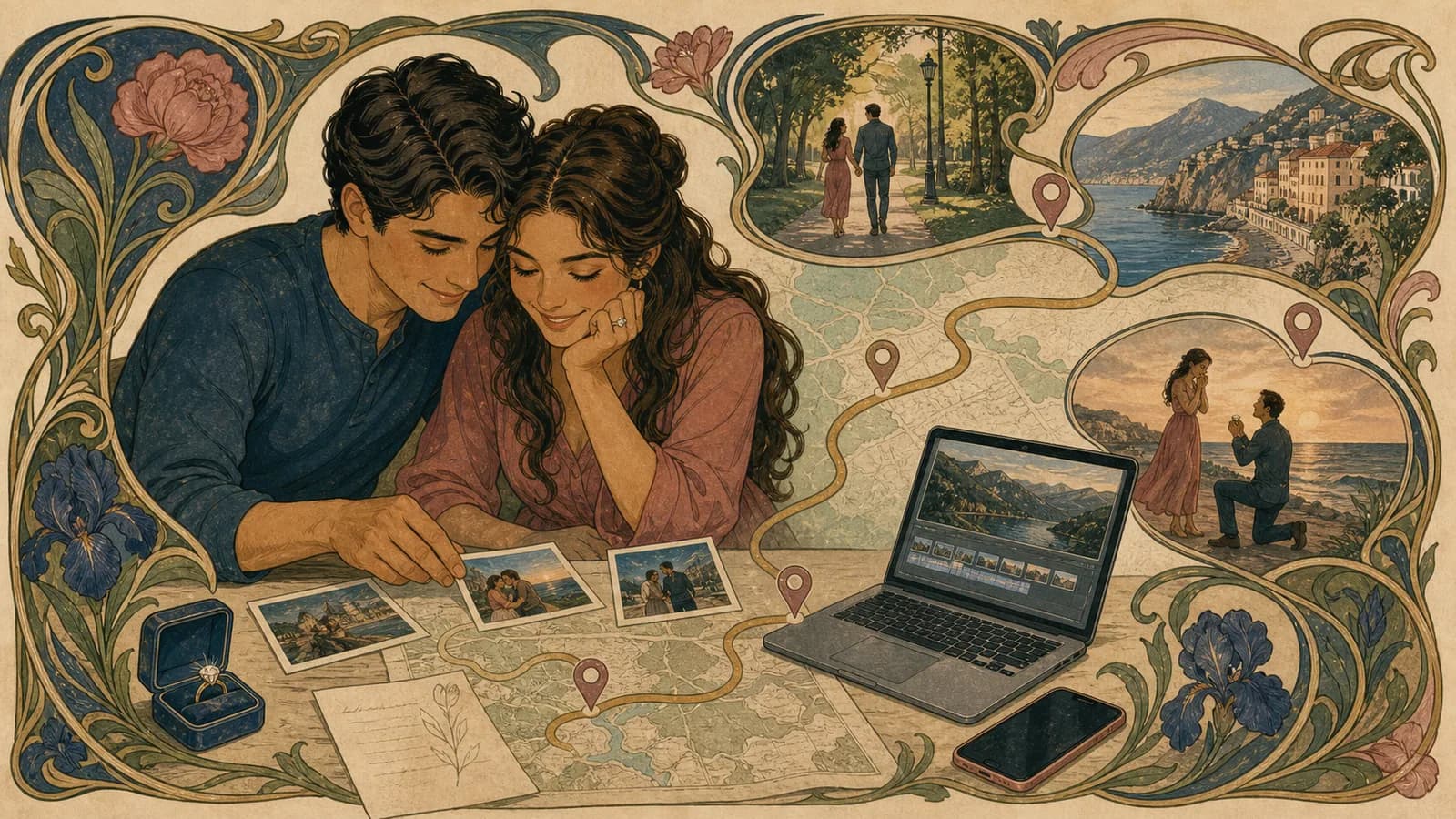
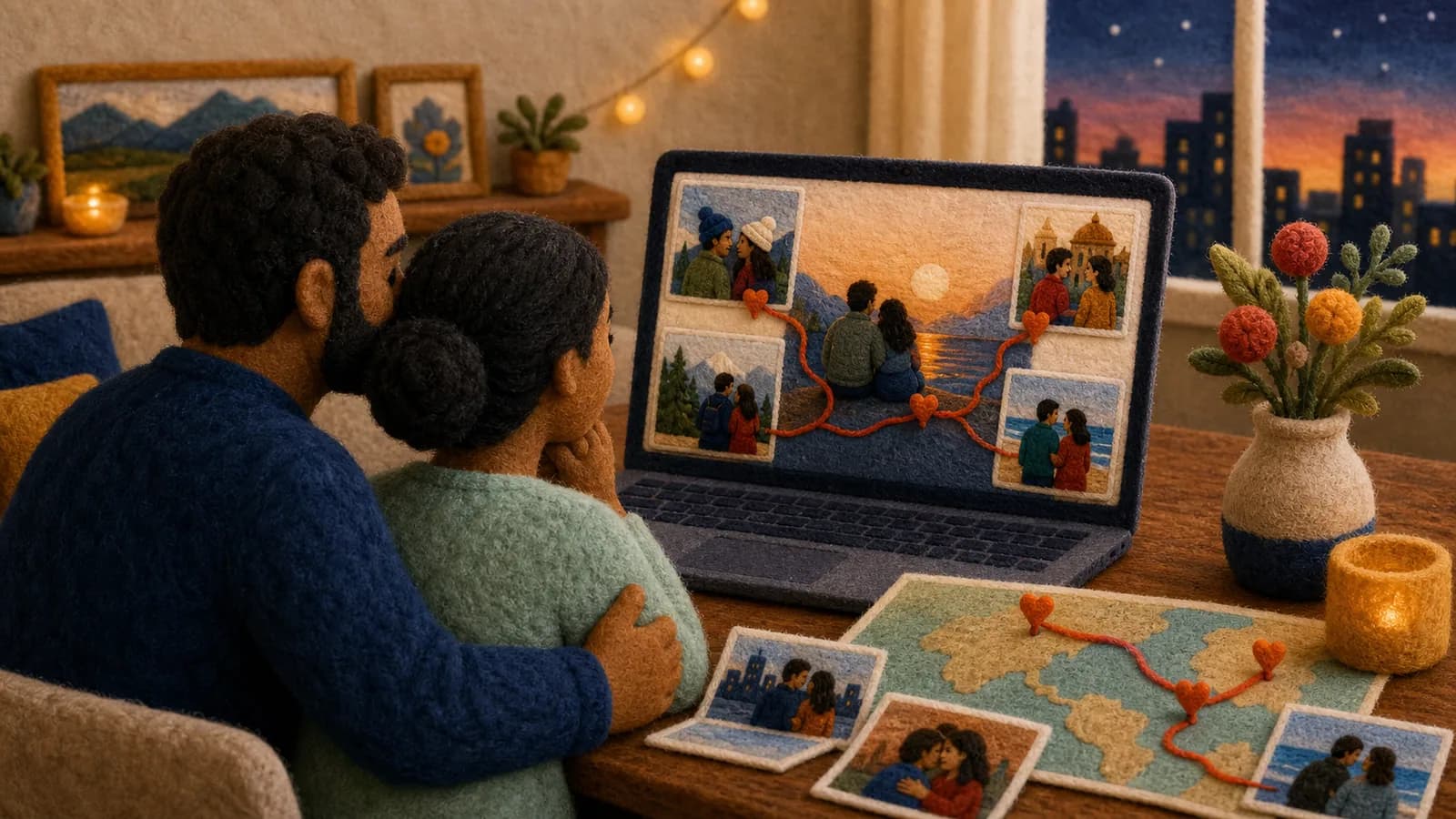
2. The places that brought them together: Build the story around meaningful locations. These could include hometowns, a school, the place they met, a favorite trip, the proposal spot, and the wedding venue. Add one photo, clip, or message for each place.
3. Voices from every chapter: Invite people from different periods of the couple's lives. A sibling, school friend, coworker, travel companion, and new relative can each explain what they saw during that chapter. Arrange the messages in time order.
4. The story from both families: Ask each family for photos, small traditions, and short memories. Alternate between the two sides before bringing everyone together near the end. This can work well at a rehearsal dinner.
5. A wedding morning message: Collect calm, brief notes from the people closest to the couple. Ask for encouragement, a favorite quality, or one hope for the day. Keep the tone warm and avoid making an already emotional morning feel heavy.
6. Messages from people who cannot attend: Give remote friends and relatives a clear way to take part. Ask them to say where they are recording and share one specific memory or wish. Their locations can become part of the story rather than a reason they feel absent.
7. Advice through the years: Invite couples at different stages of marriage to share one useful lesson. Mix sincere advice with light moments. Avoid presenting anyone's experience as a rule the newlyweds must follow.
8. The moments the couple missed: Gather candid clips from preparations, guest arrivals, table conversations, and the dance floor. This wedding reception video can show the celebration from the guests' view. Keep it separate from the professional film's formal coverage.
9. Then, now, and next: Divide the montage into three short chapters. Use older memories for Then, current wedding moments for Now, and messages about the future for Next. The structure works with photos, videos, narration, or written captions.
10. A one-year time capsule: Make a short version for the wedding, then save selected messages for the first anniversary. Ask contributors to offer a wish or prediction that will still be interesting a year later. Tell the couple if any material is being held back.
Idea card 5 of 8
Use meaningful locations when place is part of the relationship
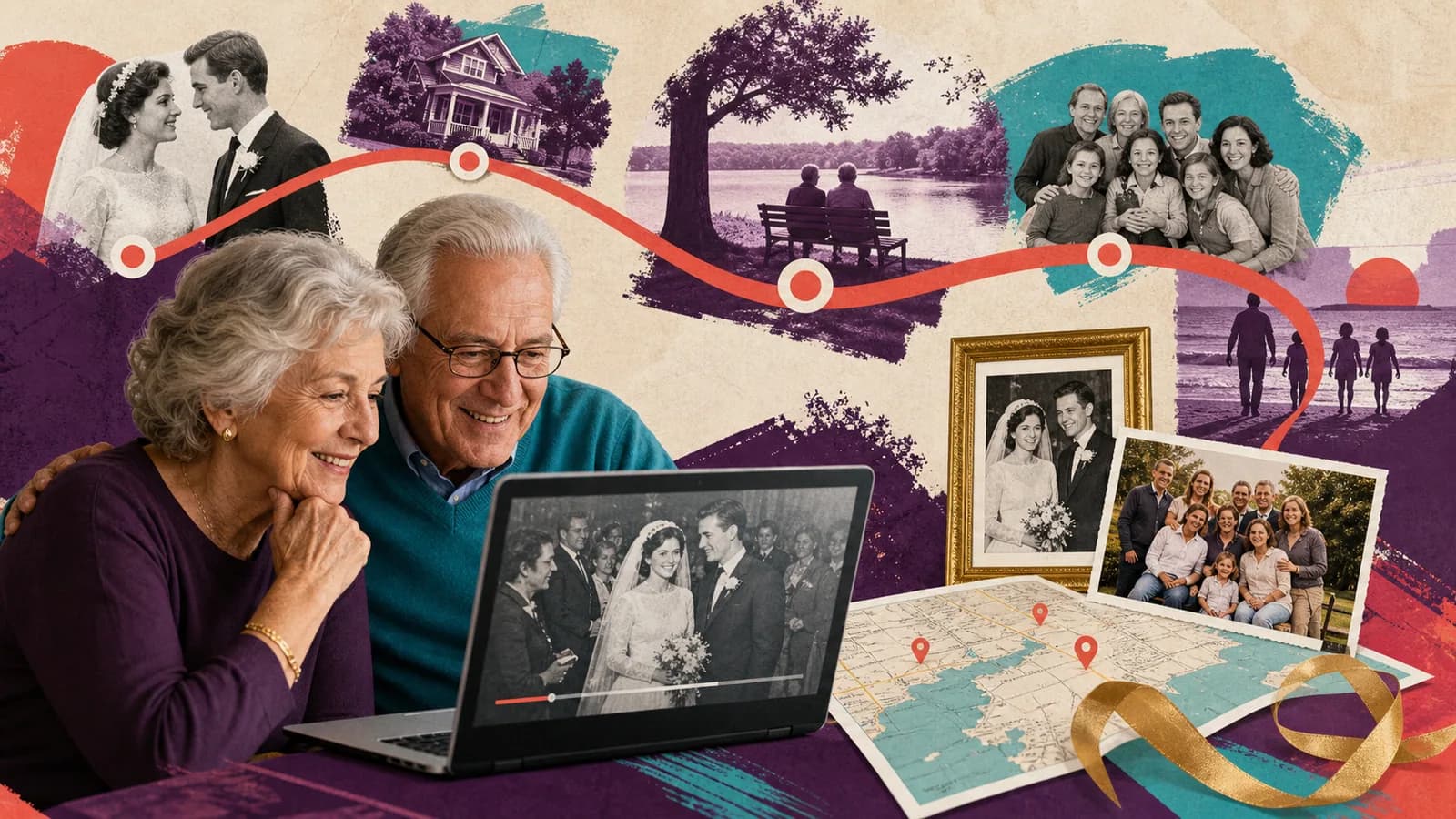
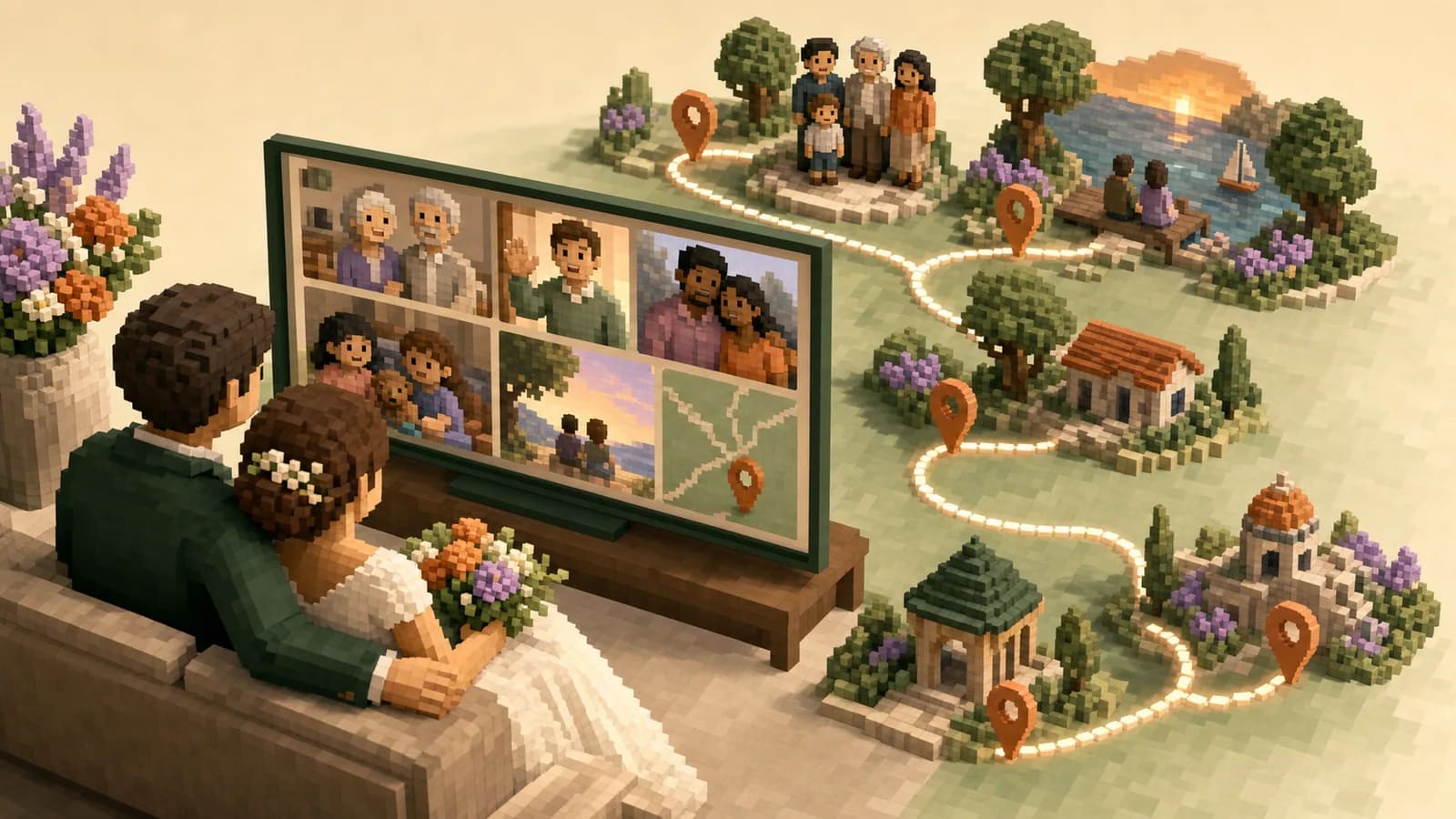
Locations can give unrelated files a natural order. A route may begin in two hometowns, meet at the couple's first shared place, and finish at the wedding venue. Each stop should add a real memory rather than act as decoration.
AlbumMap can bring shared photos, short videos, written messages, and locations into one map-based video. This can help when friends and relatives are contributing from many places or when travel shaped the relationship.
For example, a college friend could add a campus memory. A parent might share a photo from the family home. A travel friend could recall a trip, while a remote relative records from another city. The route connects those voices without making every contributor tell the same kind of story.
Use location only when it helps. If the couple's story is not closely tied to places, a timeline or theme-based structure may feel more natural.
Idea card 6 of 8
Present the montage without creating wedding-day stress
Ask the planner or venue when the montage fits naturally. A rehearsal dinner, welcome event, reception break, or private morning viewing can all work. Avoid placing it where it delays food service or interrupts an important transition.
Test the exact screen, speakers, cable, file type, and playback device. Download the video instead of relying only on venue internet. Keep a second copy on another device and give it to one trusted person.
Introduce the montage in one or two sentences. Explain who organized it and what the couple is about to see. Do not reveal every surprise before the video begins.
If the montage includes emotional or private material, consider showing it to the couple alone first. A meaningful gift does not have to become a public performance.
Idea card 7 of 8
Examples You Can Copy
Contributor invitation
We are creating a surprise video montage for [Name] and [Name]. Please send one short video, photo, or written message by [date]. Share a specific memory, a hope for their marriage, or a place that reminds you of them. Please keep this project out of any chat that includes the couple.
Simple recording prompt
In about 20 seconds, share one specific moment when you saw [Name] and [Name] understand or support each other. Use only a story both people would welcome in this audience.
Location-based request
Which place belongs in their story? Send a photo, short clip, or message about that location. It might be a hometown, school, first apartment, trip, proposal spot, or wedding venue.
Opening narration
Their story began in two different places, grew through the people gathered here, and brought all of us to this day.
Chapter transition
The places changed, but one thing stayed the same: they kept choosing the next chapter together.
Reception introduction
Friends and family near and far helped create this short story for [Name] and [Name]. It holds a few of the places, memories, and voices that brought them here.
Closing narration
May these memories remind you where your story began, who helped shape it, and how many people are cheering for everything that comes next.
Idea card 8 of 8
Final Thoughts
The most meaningful montage is not always the longest or most polished one. It is the version that feels true to the couple. Choose one clear idea, collect specific material, and give every photo or message a purpose. Protect private stories and test the final playback before the wedding. If places are central to the relationship, a map-based structure can connect distant people and shared memories. If not, a simple timeline may be enough. Let familiar faces, voices, and details carry the emotion.
Use the contribution request templates, sound-balancing guide and TV playback checklist for those production tasks. Rehearse the actual reception file with the venue and keep an offline copy.
Your shortlist
Ideas you saved
Tap “Save to shortlist” on any idea card and it lands here, ready to compare.
- Choose the concept for the actual viewing moment
- A complete three-minute reception plan
- Choose the viewing moment before choosing an idea
- 10 wedding video montage ideas with a clear story
- Use meaningful locations when place is part of the relationship
- Present the montage without creating wedding-day stress
- Examples You Can Copy
- Final Thoughts
Helpful answers
Frequently asked questions
What should a wedding video montage include?
Include only material that supports the chosen story. Useful options are childhood photos, shared memories, short video messages, proposal or travel clips, wedding-day moments, written wishes, and meaningful locations. A focused selection is usually stronger than every available file.
How long should a wedding montage be?
Match the length to the viewing moment. A reception version often works best when it is brief and easy for a room to follow. A private keepsake can include longer messages. If you have a lot of strong material, make a short event edit and a longer private version.
What should friends and family say in wedding video messages?
Ask for one specific memory, a quality they admire in the couple, a useful wish, or a place tied to the relationship. Clear prompts work better than asking people to say anything they want.
How many photos and clips should I use?
There is no fixed number. Choose enough material to develop the story without repeating the same point. In a rough edit, remove duplicates and anything that does not add a new person, place, feeling, or part of the timeline.
Can I use any song in a wedding montage?
Use music you have permission to include. Music played at a private event may still create problems if the video is later uploaded to a public platform. Choose licensed music or a track supplied for permitted use, and keep it quiet beneath spoken messages.
Can a montage replace a professional wedding film?
They serve different purposes. A wedding film usually records the ceremony and planned parts of the day. A montage can bring together older memories, guest messages, remote relatives, and meaningful places. The two formats can complement each other.
How can locations become part of the montage?
Choose a few places that shaped the relationship, then connect each location to a photo, clip, or message. A route might move from hometowns to the place the couple met, a favorite trip, the proposal, and the wedding venue.
When should I start making the montage?
Begin about four weeks before you need the finished video when possible. This allows time to invite contributors, send one reminder, edit carefully, confirm permissions, and test the exact playback equipment.