Short answer
Use fit when the whole photograph matters
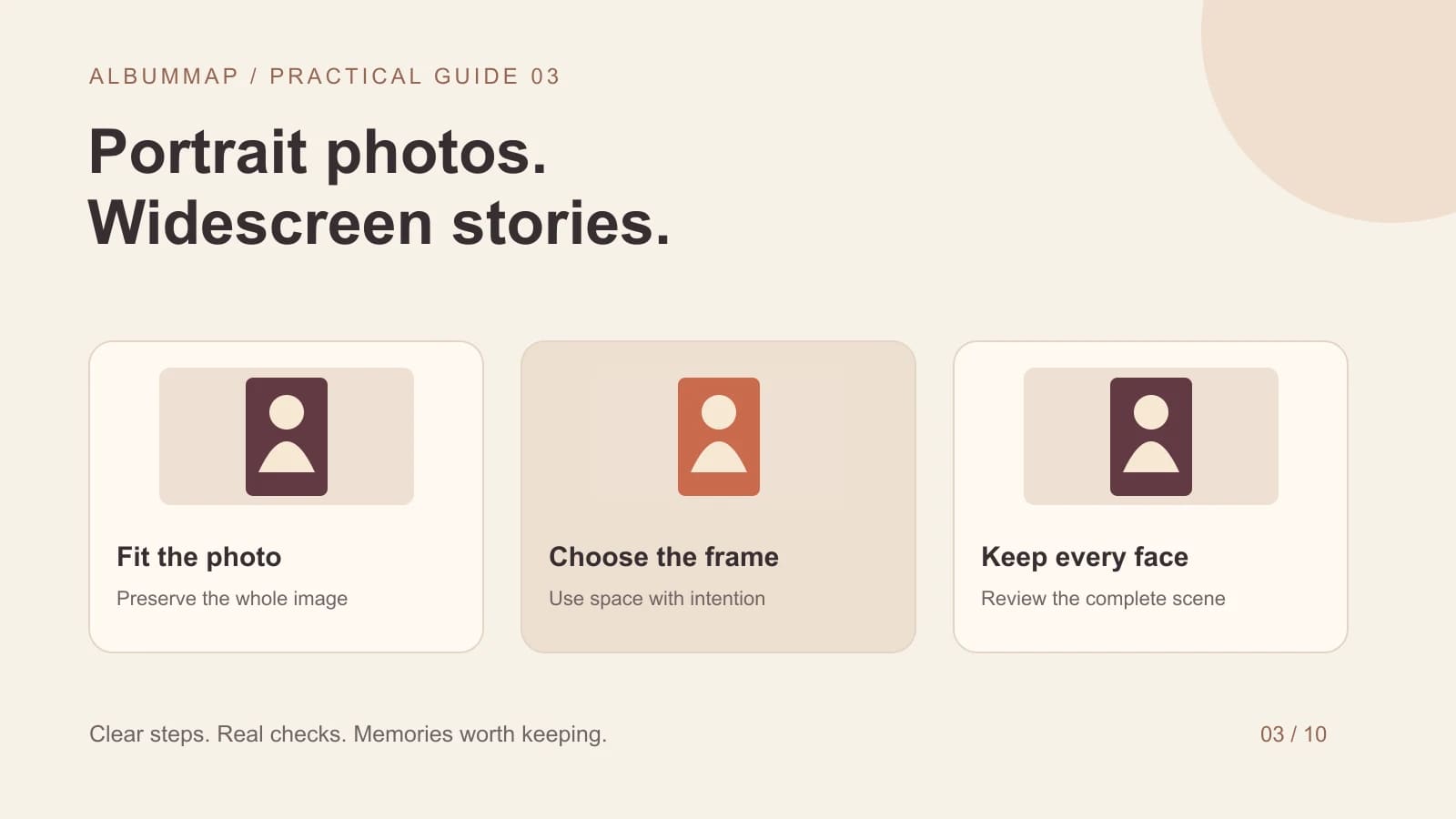
To put a portrait photo in a landscape slideshow without cutting off faces, fit the entire photo inside the horizontal frame. The unused space can remain as borders or become a restrained background. Use a crop only after checking exactly what falls outside the frame. Stretching the picture changes people's proportions.
A 9:16 portrait image and a 16:9 widescreen frame have different shapes. Filling one with the other requires either cutting material away or changing the image's proportions. Borders are often the most respectful choice for a group portrait, an old scan, or a photograph with writing near an edge.
Ticket #01
Choose a layout for the picture's content
| Layout | Best use | What to watch |
|---|---|---|
| Full photo with plain borders | Faces, documents, full-body portraits | Keep the background quiet and the photo large enough to read. |
| Full photo over a soft background | A consistent widescreen presentation | Avoid distracting details or duplicated faces behind the photo. |
| Two portraits side by side | A meaningful pair or then-and-now comparison | Do not pair unrelated images just to occupy space. |
| Careful crop to fill | A photo with spare room around one subject | Review heads, hands, dates, and important objects. |
An intentional background looks better than switching randomly between black bars, bright gradients, and busy collages. Choose one treatment for most of the video. Reserve a different layout for a story reason, such as showing two generations together.
Ticket #02
What happens to a typical portrait in widescreen?
Consider a 1080 × 1920 portrait photo in a 1920 × 1080 video. Fitting it by height gives a photo about 608 pixels wide, leaving room at the sides. Filling the frame by width makes much of the top and bottom disappear. These are layout calculations, not an error in the photo.
Do not fix the mismatch by enlarging until a face fills the whole screen. A family photo may contain people near several edges. Start with the full photograph, identify the essential people or details, and only then test a closer view.
Ticket #03
A practical fit-and-crop pass
- Set the final video shape for the actual viewing device before fine-tuning individual images.
- Review every vertical image with the entire photo visible first.
- Mark photos where cropping would lose a person, inscription, landmark, or meaningful object.
- Apply your chosen border or background treatment consistently.
- Preview any pan or zoom from start to finish so a face does not drift outside the frame.
- Export a short test and check it on the television or phone where people will watch.
In Clipchamp, Microsoft documents separate fit and fill controls and recommends reviewing clips when the project ratio changes. Other editors may use different labels. Look for the control's effect on the image rather than assuming that 'fill' preserves every detail.
Ticket #04
Keep captions and names clear
Use the empty side space for a short name or place when it helps the story. Keep a caption away from faces and leave enough time to read it. Avoid filling all unused space with text. The photograph should remain the main point of the scene.
If the problem is limited source detail, use our blurry slideshow photo guide. For the story and sequence, start with making a video from photos. A consistent layout makes photos from many contributors feel like one considered gift.
Sources and further reading
Solved?
If not, try one of these
Helpful answers
Frequently asked questions
Are black bars a sign of a poor-quality video?
No. They can preserve a photograph whose shape differs from the video. Judge whether the full photo is readable and the layout feels consistent, rather than treating every border as a fault.
Should I rotate portrait photos to make them horizontal?
Rotate only if the original orientation is wrong. Turning a correctly oriented portrait sideways does not solve the layout problem and makes people harder to view.
Can I switch the whole project to vertical?
Yes, if that suits the intended viewing device and your editor supports it. Review every scene after the change, including landscape photos, text, and map views.