Short answer
Match the voices before adding music
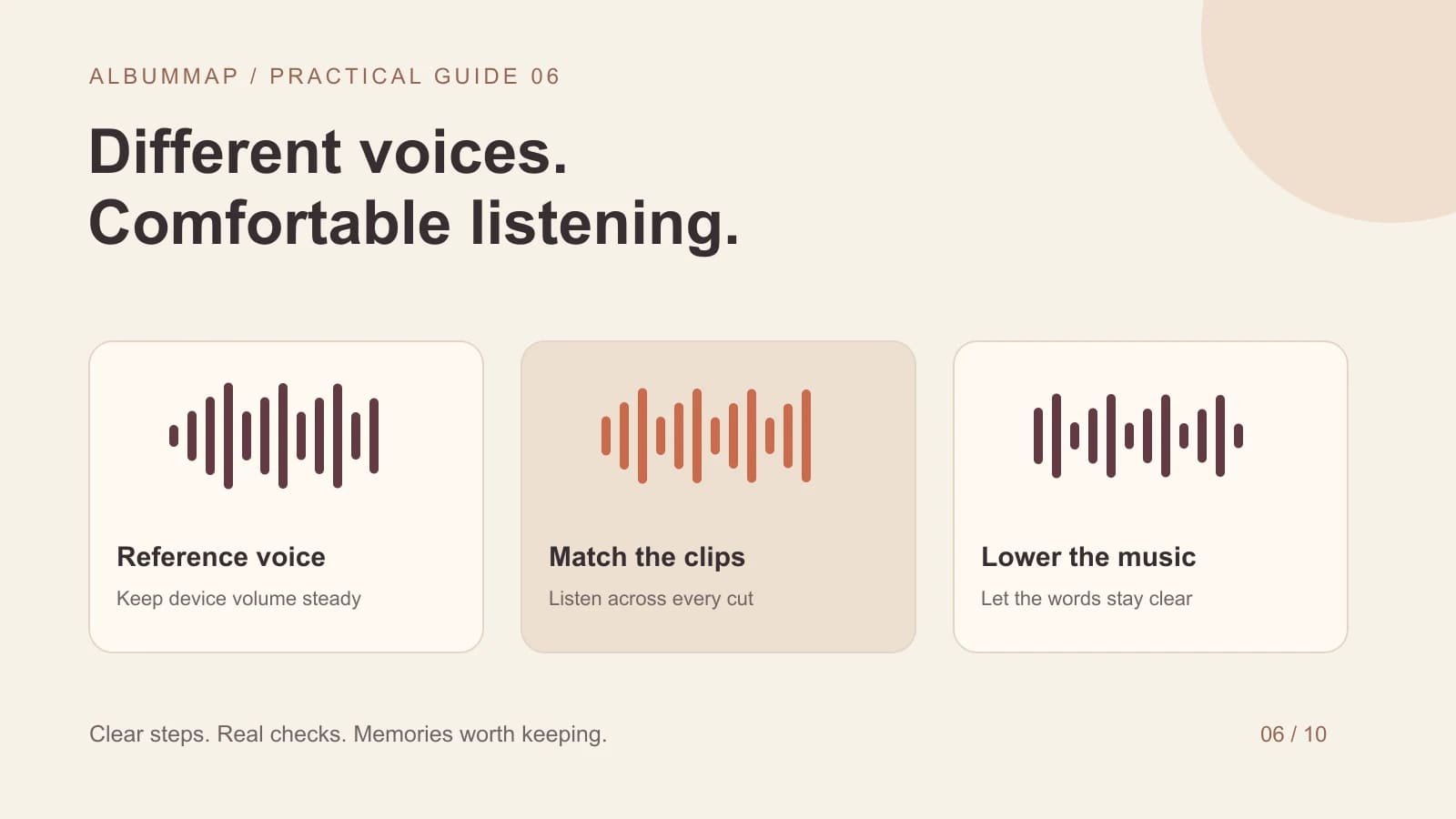
To fix uneven volume in a group video, choose one clear spoken clip as a reference, then adjust neighboring messages until the jumps feel comfortable. Lower music beneath speech afterward. Listen through the joins in the exported video. Turning up the entire project cannot fix differences between individual contributors.
Keep the listening device at a steady volume while comparing clips. Otherwise you may compensate with your phone's buttons and miss the problem in the edit. Use ordinary spoken sentences for comparison rather than laughter, a shouted greeting, or a moment of silence.
Ticket #01
Diagnose the problem before changing levels
| What you hear | First action |
|---|---|
| A clean voice is simply quieter | Adjust that clip's gain while comparing it with the reference. |
| Music hides the words | Lower the music during speech before increasing the speaker. |
| Speech is distant and full of room noise | Ask for a closer, quieter re-recording if possible. |
| Loud syllables crackle or break up | Check the original for distortion; lowering it later may not repair it. |
| A sudden jump between clips | Listen across the cut and adjust the two adjacent clips. |
A loudness control changes the whole recording, including background noise. If you raise a barely audible message and the room noise becomes distracting, a new take can be a better fix than more processing. Avoid promising that an automatic cleanup tool can recover missing or distorted speech.
A quiet original and a loud original need different treatment from music covering speech. Compare the assembly decisions in the worked message compilation, then use the music timing example to keep the soundtrack below complete spoken sentences.
Ticket #02
Run one focused voice-balancing pass
- Duplicate the project or keep the original source clips safe.
- Temporarily mute background music so you can judge speech alone.
- Pick a clear clip spoken at an ordinary conversational level.
- Compare the end of that message with the beginning of the next one.
- Adjust individual clip volume, then listen again across each cut.
- Review the quietest and loudest messages together before restoring music.
In an editor with per-clip audio controls, select the message and change its volume there. Microsoft's Clipchamp instructions document this workflow. A percentage is relative to the source clip, so using the same percentage on every clip will not necessarily make every speaker equally loud.
Ticket #03
Bring music back gently
Start with music low enough that every word remains clear. Raise it only in sections without speech if that suits the story. Use gradual level changes where your editor allows them. A dramatic song should not require the recipient to strain to hear a relative's message.
Check the actual license for the music you use. Do not assume a track from a social app can be exported into a separate private or public video. Keep a version with speech alone until you are happy with the mix.
Ticket #04
Check the exported file on the devices that matter
Listen with headphones for noise and abrupt cuts, then use a phone or the event speakers for intelligibility. Ask someone who has not memorized the messages to listen. If they miss a sentence, revisit that clip. Confirm that the export includes sound all the way through.
For new contributions, send the video recording checklist. Add captions for accessibility when needed. If you need controls beyond your gift builder, balance the clips in an audio-capable editor before assembling the final version.
Sources and further reading
Solved?
If not, try one of these
Helpful answers
Frequently asked questions
Will setting every clip to 100% make them equally loud?
No. Each percentage is relative to that recording. Compare the actual voices and adjust the individual clips instead of relying on identical slider positions.
Can I fix badly distorted speech by turning it down?
Turning it down can make it less harsh, but it cannot reliably restore detail lost in the original. Check whether the contributor can send a cleaner recording.
Should I remove all background sound?
Remove distractions when you can, but preserve natural speech. Heavy processing can make a familiar voice sound unnatural. Prioritize understandable words over a perfectly silent background.