Idea card 1 of 7
Choose the gift your partner would enjoy
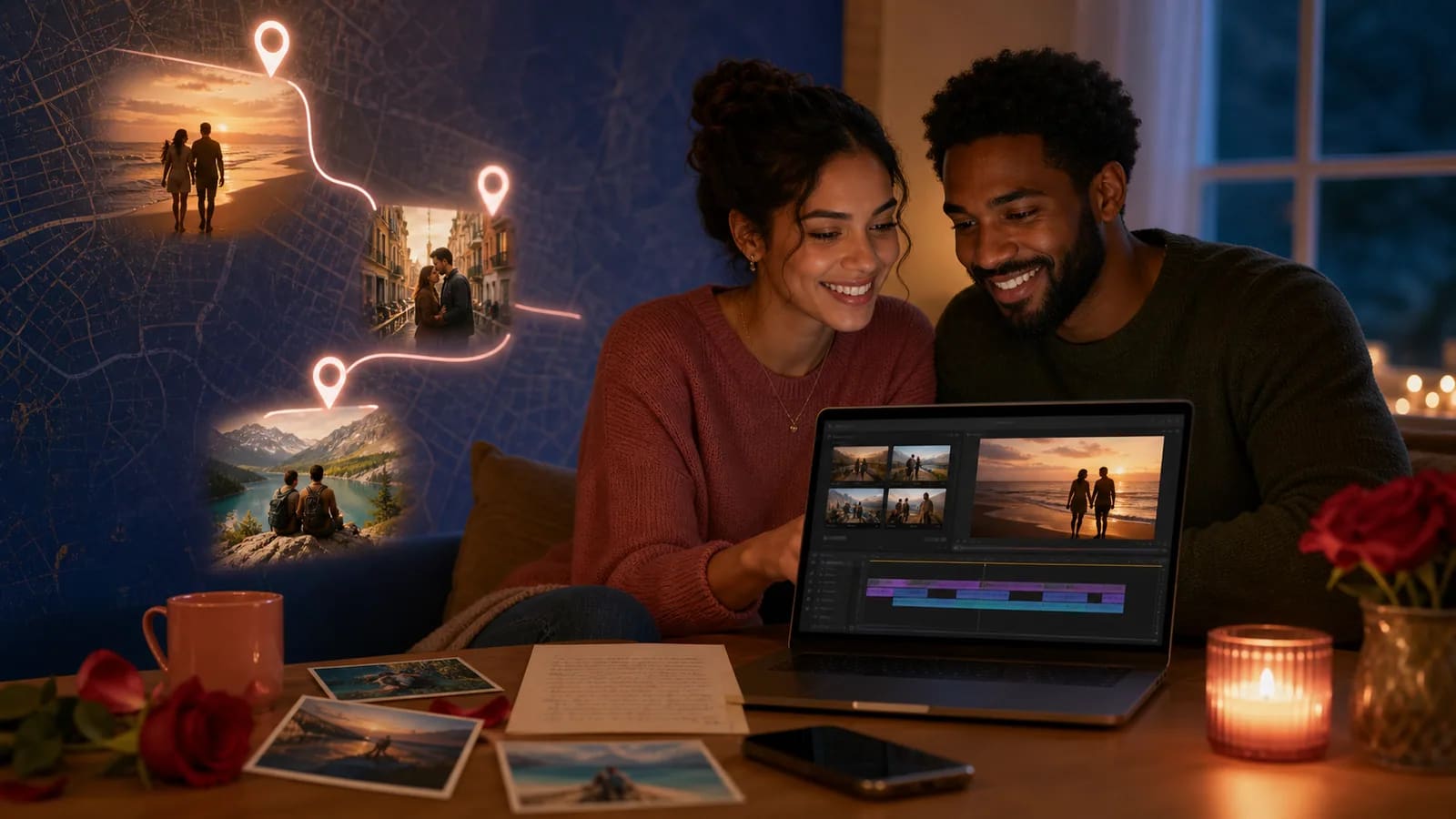
A Valentine’s Day video can be a direct message, a few everyday memories or a short story about places you share. It does not need a wedding, an engagement, a long relationship or a public surprise. Choose one idea your partner would welcome and collect only the material it needs.
This guide helps you choose a personal gift format and wording. The one-minute schedule is a calculated storyboard, not a recorded performance or tested export. A sincere message can be shorter, and a fuller memory may need longer.
For a chronological film shown to wedding guests, use the wedding relationship-timeline guide. It has milestone, caption and voice-over planning for that different audience.
Idea card 2 of 7
Compare seven Valentine video ideas
| Format | What gives it meaning | Choose it when |
|---|---|---|
| A short memory timeline | A few true moments from an early memory to today. | The change over time matters; no engagement or wedding chapter is required. |
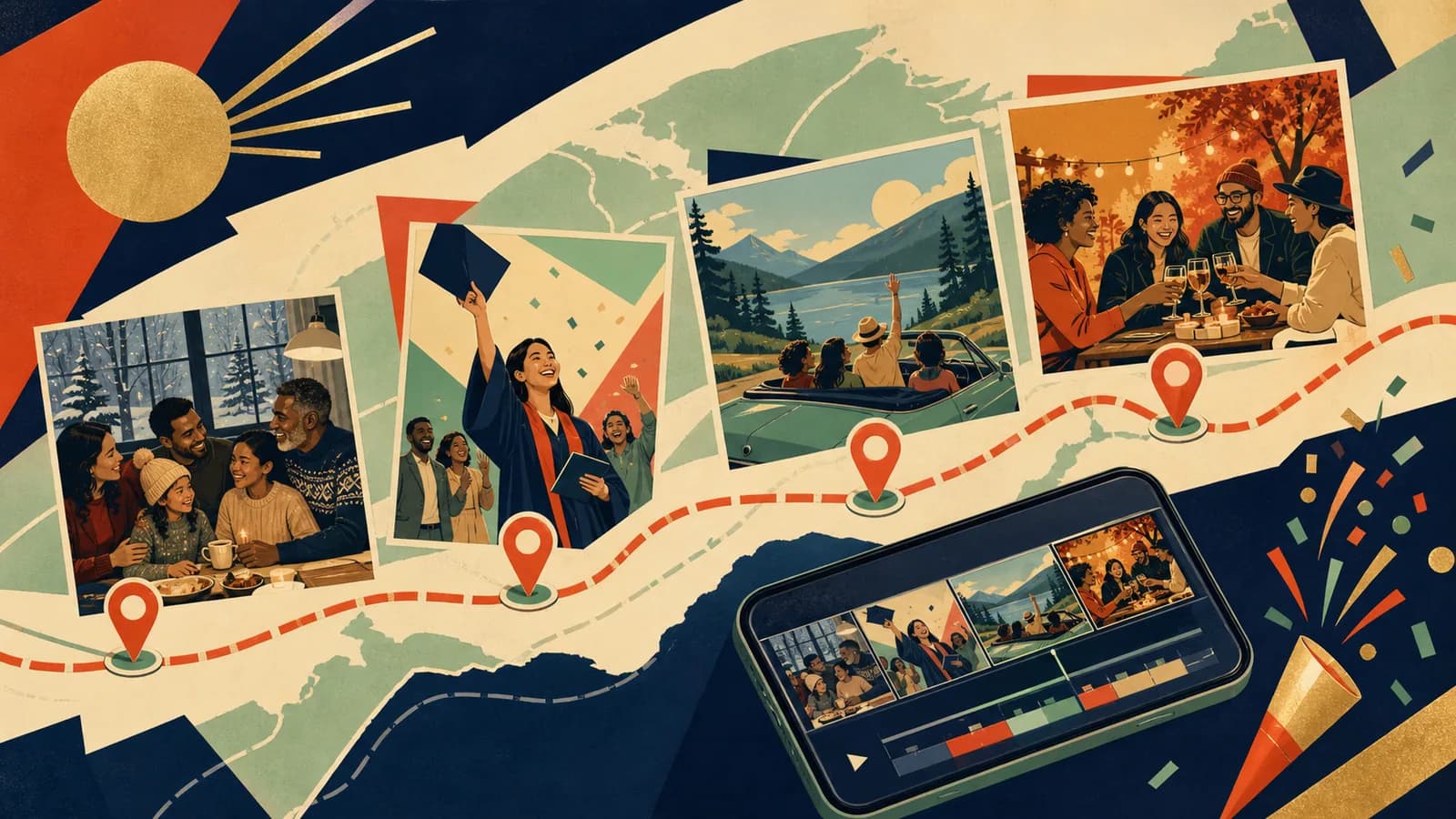
| A place-led memory story | A public place or broad city paired with one photo and a sentence. | Locations help explain the relationship; omit private addresses. |
| Small things you appreciate | Recognizable rituals, habits or ordinary acts of care. | You want to celebrate the relationship as it is today. |
| A video love letter | Your voice describing one memory, one quality and one wish. | A personal message matters more than a large photo archive. |
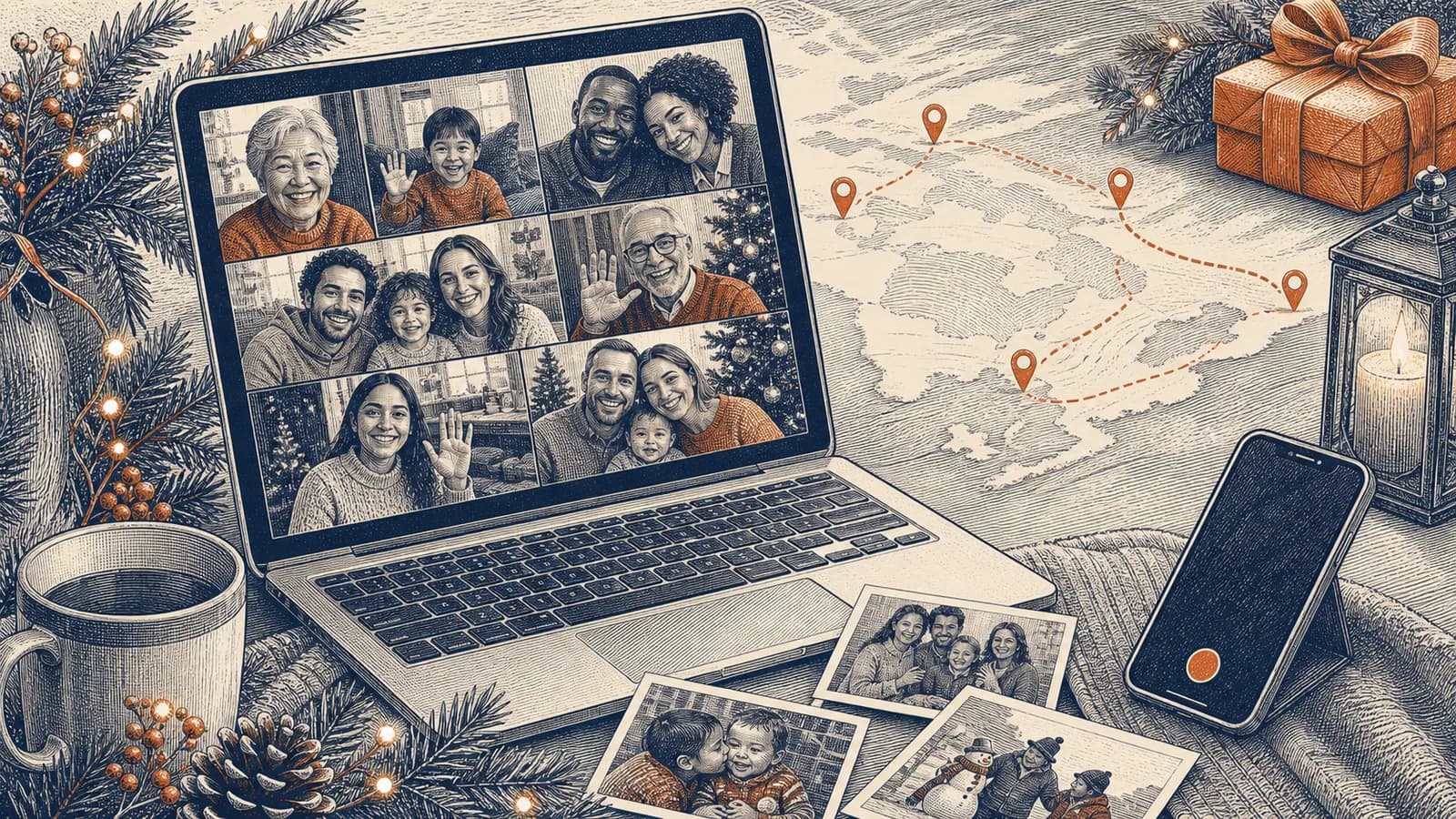
| A long-distance greeting | A shared memory and a viewing plan both people can use. | You may watch in different places or at different times. |
| An invited-group gift | A few optional memories from people your partner would welcome. | Your partner enjoys group involvement; otherwise keep it between you. |
| A possible next chapter | A memory followed by a small invitation or shared idea. | The future idea is welcome; label a hoped-for trip as a hope, not something already booked. |
Choose one format instead of combining all seven. A recent photograph, a ticket, a recipe or an object connected to a memory can carry the story when you have few video clips. Ask before using private messages or screenshots.
Idea card 3 of 7
A one-minute gift about five small things
This fictional example uses five ten-second moments between a five-second opening and closing. Pick real details from your relationship. Every slot includes captions, image holds and transitions.
| Time | What appears | Wording to personalize |
|---|---|---|
| 00:00–00:05 | An approved photo or simple title | “Five little things I appreciate about us.” |
| 00:05–00:15 | A shared routine | “Our [real routine] gives me something to look forward to.” |
| 00:15–00:25 | A small kindness | “I remember when you [specific action].” |
| 00:25–00:35 | A welcome funny memory | “I still laugh about [a joke you both enjoy].” |
| 00:35–00:45 | A place or ordinary object | “This reminds me of [a true shared moment].” |
| 00:45–00:55 | Something you value today | “I appreciate [a specific quality or action].” |
| 00:55–01:00 | A short closing card | “Happy Valentine’s Day, [name].” |
The total is 5 + (5 × 10) + 5 = 60 seconds. These are allocations, not measured speech durations. Read the actual words aloud. Shorten a line or change the schedule if it does not fit naturally; a long love letter will not fit merely because the table says ten seconds.
The original ten-small-things idea is optional: replace each ten-second middle moment with two five-second details. Ten details × five seconds still uses fifty seconds between the opening and closing. Use short labels rather than a full spoken story in each five-second slot; fewer good details are enough.
Idea card 4 of 7
Messages and a place outline to adapt
These complete original examples are separate from the one-minute storyboard. Replace the details with something true and use the relationship language you both prefer. Their spoken duration has not been measured. You can send a longer note beside the film or give it its own time allocation.
opening for a love story video
Our story was not built from one grand moment. It grew through small days, unexpected turns, and places that became ours. I made this so we could take a short trip through a few moments I never want to forget.
place-based outline
Chapter 1: where we met. Chapter 2: our first favorite place. Chapter 3: the trip that changed us. Chapter 4: the place that feels like home. Chapter 5: where I hope we go next.
message for a long-distance partner
We may be watching from different places today, but these memories still belong to both of us. Thank you for finding ways to feel close across the distance. I cannot wait to add our next place to this story.
lighthearted message
I love our big memories, but I also love the tiny ones: your snack choices, your terrible impressions, and the way every short errand becomes an adventure. Life is more fun because I get to share it with you.
closing message
These are only a few parts of our story. My favorite part is that we are still making it. Happy Valentine’s Day, [Name]. Thank you for where we have been, where we are, and whatever comes next.
The place outline is a menu: skip a trip or home chapter when it does not fit, and distinguish a hoped-for destination from a past journey. The long-distance and next-chapter wording assumes that continuing the shared story is welcome. A small current memory is enough without promises about marriage, travel or living together.
Idea card 5 of 7
Invite other people only when that fits the gift
Start with a couple-only gift unless your partner would welcome a group contribution. If you include friends or family, give each one a specific prompt and a time allowance, state the audience and leave private relationship details out.
Invitation template: “I’m making a Valentine video for [name], for [agreed audience]. If you would like to join, please send one memory or written wish by [date, time and named time zone] through [tested route]. Aim for [allocated seconds]. Use only a story [name] would be comfortable sharing. Tell [organizer/contact] about any corrections or limits on use. A photo or location is optional.”
The group format needs its own time budget. Do not add several fifteen- or thirty-second messages to the one-minute solo plan and keep its total unchanged. A written note can replace a camera clip; send one useful reminder and stop after a submission or decline.
For testing the contribution route and tracking material, use the group-video collection guide.
Idea card 6 of 7
Record and arrange the story simply
- Choose the final viewing format first, then keep the contributions consistent. A phone can play either orientation; select dimensions for the intended display and available export.
- Record in a quiet space with the phone steady and light on your face. Speak naturally, then listen back for understandable words.
- Keep the received originals separate from working copies. Use a small selection; there is no required quota of fifteen or thirty photographs.
- Check names, dates, readable captions and sound. Use music only when its permission covers the intended use, or let your voice carry the gift.
The short-message recording guide covers recording details. A map adds value when places explain the memory; a simple photo-and-message film is complete without one.
Idea card 7 of 7
Plan a private or long-distance reveal
Choose a quiet viewing together, a link for a mutually convenient call, or an asynchronous gift the recipient can open later. Agree on a date and named time zone for a scheduled call. The surprise can be the content rather than an unexpected demand to be on camera.
Test the complete saved file or viewing link using the intended recipient route. Check who can open it, whether it expires and whether downloading is available before promising a replay. Pair a QR code in a card with a readable direct link, and keep an offline copy when available.
For a private AlbumMap gift, check current plans and the permission FAQ. Free export terms permit AlbumMap to feature the video on its public Examples page, although export does not automatically publish it. Paid exports do not require that permission. Choose an export and delivery method that fit the agreed audience.
Ask before sharing the gift or recording the recipient’s reaction for anyone else. They can pause, watch later or respond privately. A short personal film is complete when its details are true and its delivery is comfortable.
Your shortlist
Ideas you saved
Tap “Save to shortlist” on any idea card and it lands here, ready to compare.
Helpful answers
Frequently asked questions
How long should a Valentine video be?
There is no required length. This guide provides a calculated sixty-second example: five seconds of opening, five ten-second moments and five seconds of closing. Time the actual words and adjust the schedule for the material.
Do we need years of photos or major milestones?
No. Recent memories, everyday rituals, a meaningful object or one direct message can make a complete gift. You do not need an engagement, wedding or travel history.
Can I use the ten-small-things idea?
Yes. Ten five-second details fill the fifty-second middle of the one-minute example. Keep captions very short, or use fewer details and more time for each. The count is optional.
Should friends and family contribute?
Only if your partner would welcome it. State the audience, prompt and time allowance in an optional invitation. A group version needs its own schedule; it is not an extra set of clips inside the unchanged one-minute plan.
How can a long-distance couple watch?
Choose a mutually convenient call or asynchronous viewing. Test the recipient access route, expiry and any download option before promising a replay, and ask before sharing beyond the couple.