Step 1 of 7
One fictional year, seven selected moments
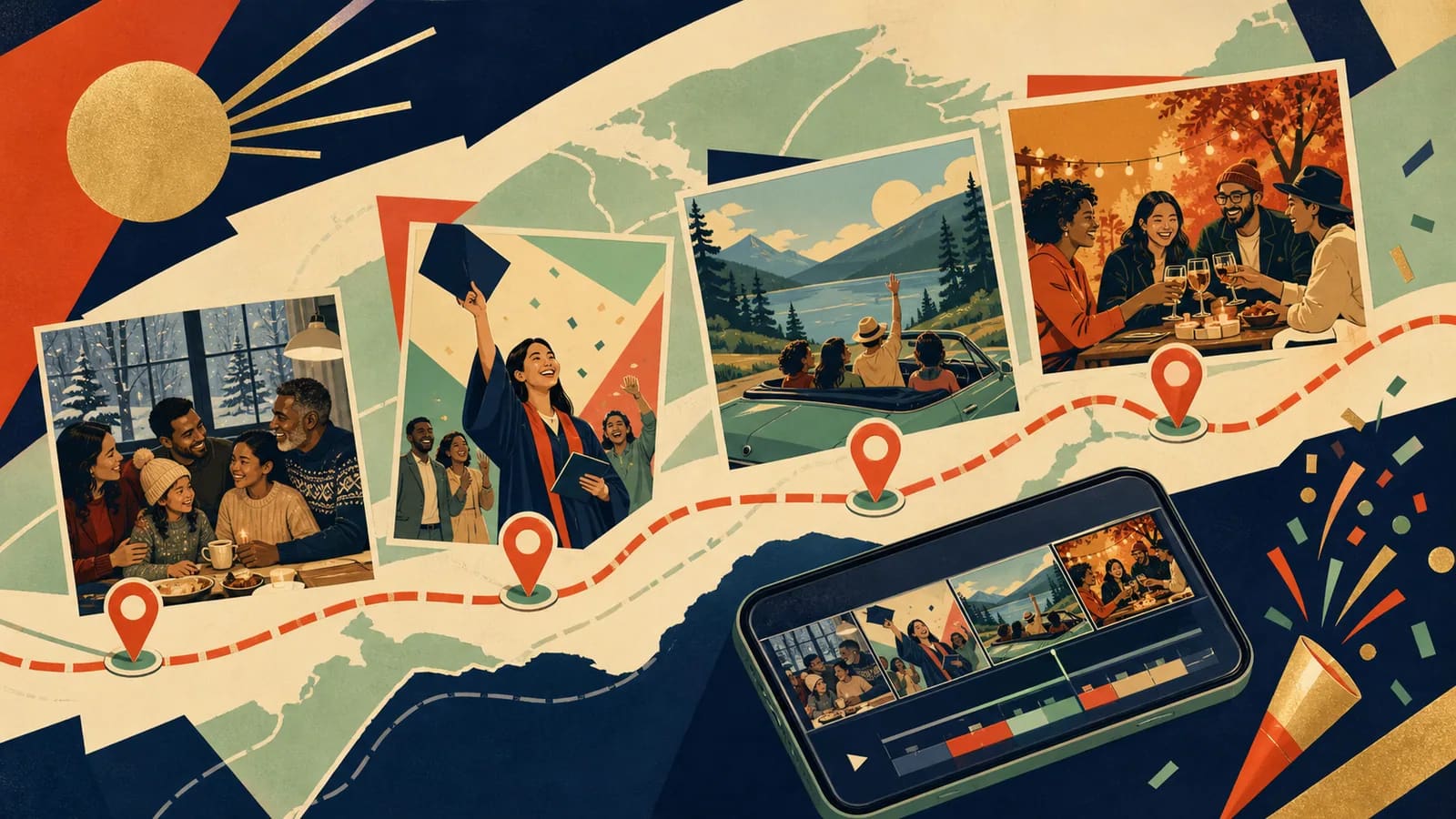
The worked example below is a fictional 2025 family-and-friends recap. The cities are real; the occasions, photographs and clips are invented teaching records. It is a finished planning example with a downloadable storyboard, not a claim that these people travelled or that these source files have been supplied.
The point of view is “we made time for each other.” That sentence decides what belongs. A familiar lunch can earn a scene; an impressive view without a connection to the story may stay in the archive. Choose the audience before asking anyone for a face, voice or private memory.
Download the seven-stop year-recap CSV and replace each teaching record with an approved original and its source note.
Step 2 of 7
The complete 90-second private version
Opening, 00:00–00:06: “Our 2025, in seven moments we chose to keep.” Each row below is a ten-second scene. Use the first two seconds for the move or place cue and eight seconds for the media: one eight-second still, two four-second stills, or a four-second clip followed by a four-second still.
| Time | Month and place | Selected media | Caption or narration | Privacy note |
|---|---|---|---|---|
| 00:06–00:16 | January 2025 · Toronto | Y01 · one kitchen-table photograph | We began with a Sunday lunch and a plan to make time for each other. | City only; the home stays private. |
| 00:16–00:26 | March 2025 · Hamilton | Y02 · four-second walking clip and one still | A short walk became our first day out together after a busy month. | General city; no habitual walking route. |
| 00:26–00:36 | May 2025 · Ottawa | Y03 · one approved group photograph | We gathered for a milestone, then stayed to hear everyone’s news. | No school, employer or invitation details. |
| 00:36–00:46 | July 2025 · Montreal | Y04 · four-second rain-on-window clip and one still | Rain changed the afternoon. The conversation became the part we kept. | A fictional memory, not a weather report. |
| 00:46–00:56 | August 2025 · Quebec City | Y05 · two landscape photographs | We slowed down enough to notice what we usually hurried past. | Broad destination, with no accommodation pin. |
| 00:56–01:06 | October 2025 · Kingston | Y06 · four-second greeting clip and one still | A visit that had waited for months finally became a day together. | Audience approval must cover the greeting and faces. |
| 01:06–01:16 | December 2025 · Toronto | Y07 · one final table photograph | Back at the table, we carried the year in seven small stories. | No location tag is needed on the original photograph. |
Closing, 01:16–01:30: “This is a selection, not the whole year. Thank you to the people who made room for these days. We are carrying the time together into the next chapter.”
Six seconds + seven scenes of ten seconds + fourteen seconds = ninety seconds. The captions are complete lines, not headings to improvise later. Read any narration aloud and allow room for natural sound. The final title can hold after the closing line; it does not need another clip to fill the space.
Step 3 of 7
Use twelve months or four quarters to choose the material
Use this planner before opening an editor. Replace the sample prompts with your own approved details. If you have fewer than twelve strong moments, use quarterly chapters or combine two months. A smaller, honest story is better than filler.
| Stop | Time or route cue | Approved media | Place detail | Narration or caption | Transition |
|---|---|---|---|---|---|
| 1 | January or opening | One photo that sets the tone | Broad city or no location | This is where the year began. | Fade in from title card |
| 2 | February or first chapter | Short clip or candid photo | Private or broad area | A small moment that changed our pace. | Simple map move |
| 3 | March or early route | Photo with a shared memory | Neighborhood or region | We kept returning to this feeling. | Hold for one beat |
| 4 | April or chapter two | One clear image | City, park, or no pin | This month gave us a reason to gather. | Music lift |
| 5 | May or milestone | Photo, message, or video | Only approved place detail | This was worth pausing for. | Text card |
| 6 | June or midpoint | Short clip with natural sound | Broad location | Halfway through, the story felt bigger. | Lower music briefly |
| 7 | July or travel start | Travel photo or road clip | Region or route stop | The map started moving here. | Route-line transition |
| 8 | August or travel stop | One photo with people | Broad destination | We made time for each other. | Map zoom or slide |
| 9 | September or return | Everyday image | No pin if sensitive | Back home, the good parts stayed with us. | Gentle dissolve |
| 10 | October or change | Photo that shows a new chapter | Broad city or no location | This was the turn we did not expect. | New music section if needed |
| 11 | November or gratitude | Message, group photo, or short clip | Approved place detail | We were grateful for this table, team, or room. | Slow map move |
| 12 | December or closing | Final group image or horizon clip | Broad region or no pin | Here is what we are carrying forward. | Pause, closing line, end card |
A monthly selection sheet does not require twelve final scenes. For a quarterly cut, choose one moment from January–March, one from April–June, one from July–September and one from October–December. If a period was quiet, a truthful everyday memory or a caption can represent it. Leave months out when there is nothing you want to share.
Step 4 of 7
Caption alternatives for a monthly or travel-led recap
A year-recap caption gives context to the selected memories; it does not promise a complete account of the year. Use these fictional alternatives when they fit your story. Replace the twelve-stop wording with your actual scene count, and replace invented travel or family details with your own.
| Use | Example to adapt |
|---|---|
| Opening card | Our year in twelve stops: small moments, long drives, and the people who made every place feel familiar. |
| Narration for a quiet month | February did not look dramatic from the outside, but this was the month we learned to slow down and make room for each other. |
| Travel transition | By July, the map carried us west. One borrowed car, two playlists, and a trip we still talk about. |
| Closing line | Twelve stops later, we are taking the stories with us and leaving room for next year's map. |
These lines replace planned captions or narration; they are not extra scenes to add to the 90-second or 30-second budgets. Read a spoken line aloud and shorten it or lengthen its scene when needed. Quiet months can stay quiet. If places tell the story more clearly than months, follow the travel route and explain that choice in the opening.
Step 5 of 7
A separate 30-second social cut
A shorter edit needs its own permission check. Use a three-second title, four six-second scenes and a three-second closing: 3 + 24 + 3 = 30 seconds. For this example choose January, May, August and December. Each six-second scene contains a one-second place cue and a five-second approved image.
These are proposed editorial timings, not a claim about a platform’s current duration limit. For a vertical version, reframe each image and check every face and caption after export. Do not simply crop the private widescreen version or assume its recipients approved a public post.
For an Instagram year recap, use the same manual source-and-permission process, then review the actual upload preview and audience setting in your account. Check that faces and captions remain visible and that the chosen sound is permitted for that publication. This article supplies an editing plan; it does not demonstrate a completed Instagram post, guarantee platform acceptance or promise automatic account import.
Step 6 of 7
Collect originals manually and keep their context
Start with a small folder or tested contribution route. For each chosen moment, record the original filename, contributor, broad place, date confidence, caption and allowed audience. Y01–Y07 are placeholder record IDs; they are not downloadable photographs. Ask the contributor when dates or places are uncertain instead of inferring a trip from a social caption.
This plan does not import Instagram posts, retrieve someone else’s account or recreate missing originals. Ask for the original from its owner. A social-media download can lose detail, and permission to view a post does not by itself settle permission to reuse every person, recording or song in a new video.
For the invitation and source sheet, use the group photo request templates. Choose fewer moments before extending the running time. Keep unselected originals in their archive; removing a scene from the recap is not a reason to delete the source.
Step 7 of 7
Sound, locations and the version you keep
Use original sound you are entitled to reuse, or music whose applicable license covers your planned edit, audience, platform and distribution. Owning a recording or paying for a streaming subscription is not the same as having the needed usage rights. Record the track, source, license terms and any required credit with the project. A silent captioned version is also a complete choice.
Map connections show the chosen sequence, not a GPS trace. Use broad locations or omit pins for homes and sensitive places. The seven-stop example makes no claim about roads, distances or travel times.
Review the exact private and social exports separately. Check captions, names, audible speech, crop, the actual audience setting and the recipient’s ability to open the delivered file. Keep a master, the editable plan, permissions and an independent copy. If you use AlbumMap’s Free export, obtain the required permission for possible public Examples use; credits, an active pass or Premium do not require that permission.
Finish line
Route complete: 7 steps
Need to check something again? Jump straight back to any stop.
- 1One fictional year, seven selected moments
- 2The complete 90-second private version
- 3Use twelve months or four quarters to choose the material
- 4Caption alternatives for a monthly or travel-led recap
- 5A separate 30-second social cut
- 6Collect originals manually and keep their context
- 7Sound, locations and the version you keep
Helpful answers
Frequently asked questions
Is the example a real family trip?
No. The 2025 memories and selected media are fictional teaching records. The downloadable output is a complete planning table; it does not contain photographs or a finished video.
Do I need one scene for every month?
No. Use the monthly table to find candidates, then select meaningful moments. Four quarterly chapters or seven chosen stops can be clearer than twelve scenes padded with filler.
How does the private version reach exactly 90 seconds?
It budgets 6 seconds for an opening, seven 10-second scenes including map moves, and 14 seconds for a closing. Actual recordings must be rehearsed and trimmed to fit those planned slots.
Can I automatically import my Instagram year?
This guide provides a manual selection and planning workflow. It does not demonstrate or promise automatic Instagram import. Obtain originals and reuse permission from their owners.