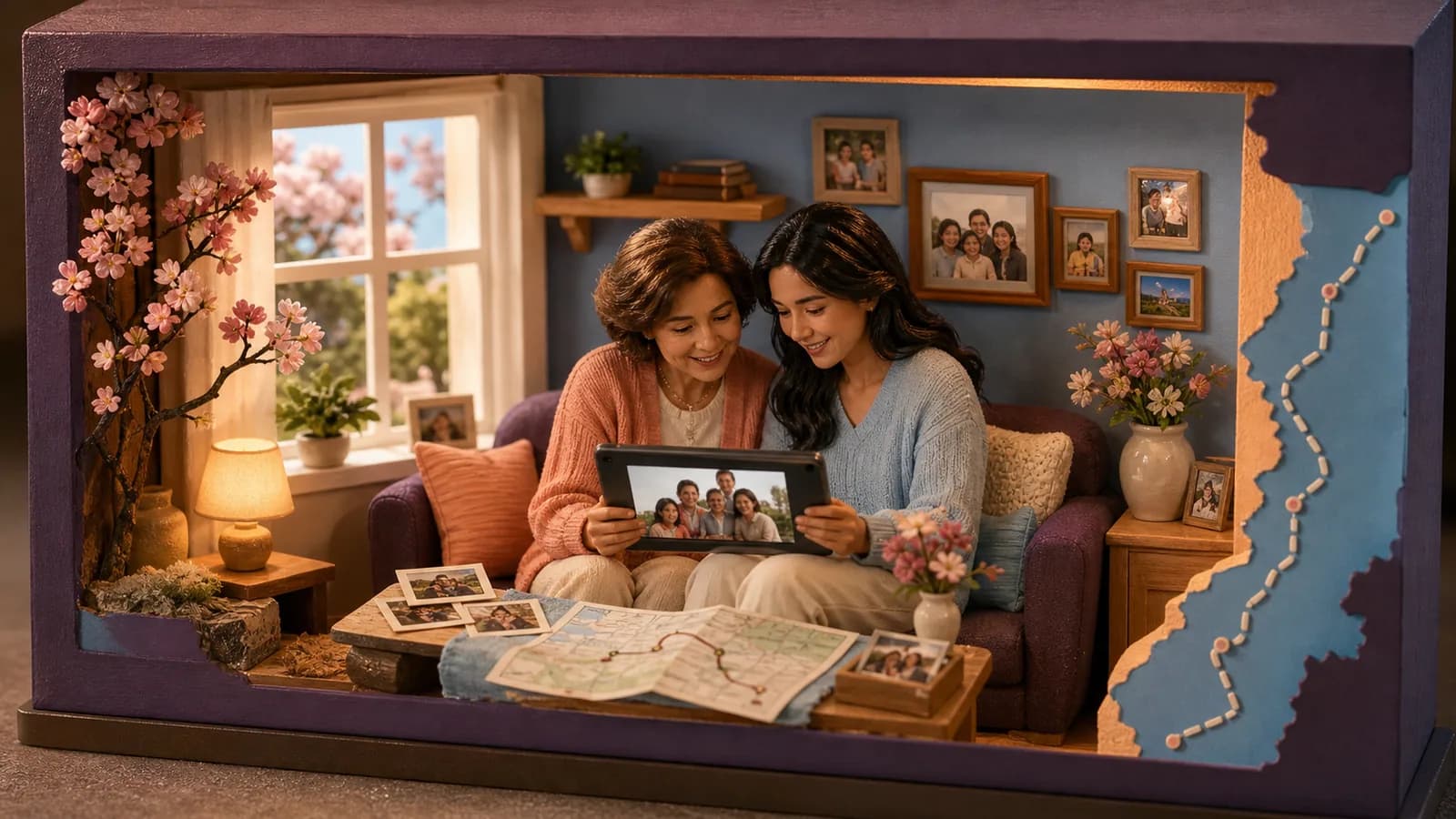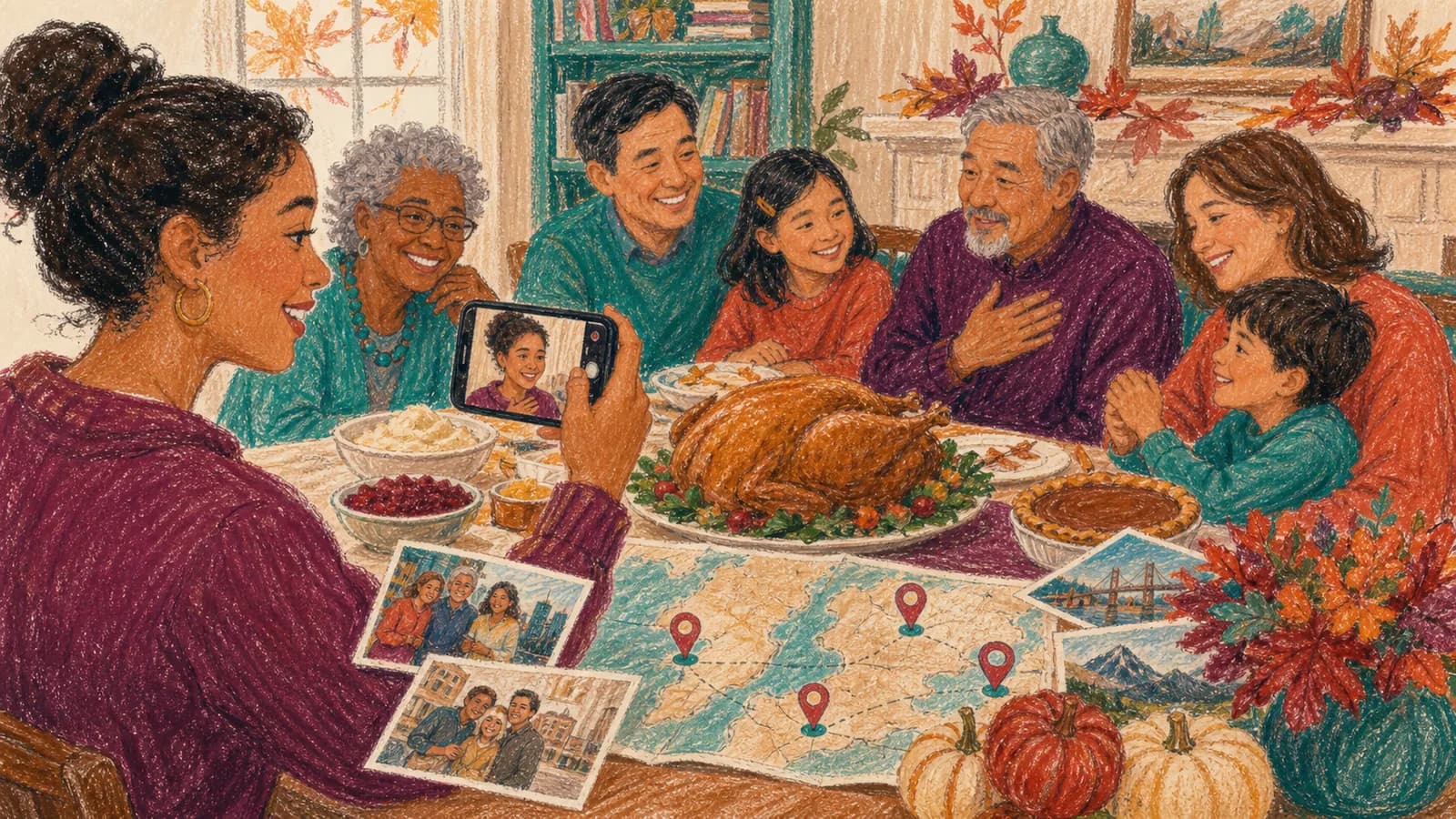
A Christmas group video brings greetings, stories, photos, and familiar faces into one gift. It is useful when family members, friends, or coworkers cannot celebrate in the same room. Each person records a small part, and the organizer joins those parts into one warm holiday video. The result can be a surprise for a grandparent, a greeting for a distant relative, a thank-you for a teacher, or a year-end message for a team.
This guide will help you choose a simple idea, invite contributors, collect better clips, and share the finished video without adding stress to a busy season.
Step 1 of 11
A complete two-minute greeting from six households
Fictional planning example: six households each choose one small memory or wish for an agreed private audience. A household can use a photo and written line instead of speaking. The selected holiday wording should match the actual group rather than assume that everyone celebrates the same occasion.
| Timeline | Content |
|---|---|
| 00:00–00:10 | Title and greeting using the group’s chosen holiday or year-end wording. |
| 00:10–01:40 | Six household contributions × 15 seconds, including labels and any place cue. |
| 01:40–02:00 | Two approved group images or message cards × 10 seconds, with a closing wish. |
10 + 90 + 20 = 120 seconds. One household slot is not fifteen seconds for every person living there. If the group changes, recalculate the plan before asking for clips. A simple scene without music can be complete.
For a viewing on T, collect by T−5 with the deadline’s date, time and named zone; edit at T−4 to T−3, review at T−2 and test the final replay at T−1. Send local-time equivalents for households in other zones, and offer asynchronous viewing.
Step 2 of 11
Invite a holiday group greeting
We are making a holiday greeting for [Person/Group]. If you would like to join, send a short greeting or a favorite moment from the year at [Link] by [Date and time zone]. Photos and written messages are welcome. We will share it with [Agreed audience].
Use the holiday wording the group prefers, allow for different observances and time zones, and agree on the viewing audience before circulating children’s or workplace media.
Step 3 of 11
Start With One Clear Purpose
Before inviting anyone, decide who will watch the video and what you want them to feel. A family video for grandparents may focus on updates and memories. A team greeting may be shorter and more playful. A thank-you video for a teacher may include one kind sentence from each student.
Choose one main idea instead of asking people to cover everything. You could collect favorite memories from the year, short seasonal wishes, family updates, funny traditions, or messages of thanks. A clear idea makes every clip easier to record. It also gives the finished video a natural shape.
Write your purpose in one sentence. For example: “We are making a two-minute holiday greeting for Grandma with one short message from every household.” Use that sentence when you invite people. It tells them what they are joining and keeps the project focused.
Step 4 of 11
Choose a Format That Fits Your Group
A simple greeting montage is often the easiest format. Each person says hello, shares one thought, and ends with a holiday wish. Put the clips in a clear order, such as by household, age, team, or location.
A year-in-review video can mix messages with photos from the past twelve months. Ask each household for one update and one favorite picture. This works well for relatives who live far apart and may have missed important moments.
A memory theme adds more feeling. Ask everyone to describe a holiday tradition, a meal, a trip, or a funny event they remember. You can also create a “from everywhere” video that shows where each greeting came from. This format is especially useful when the group spans many cities or countries.
Other easy formats include a thank-you video, a family recipe collection, a children’s message to Santa, a holiday toast, or a shared song. Choose a format that people can complete with a phone and little preparation.
Step 5 of 11
Give People Prompts That Are Easy to Answer
A blank camera can make people nervous. One or two prompts help contributors know what to say. Match the prompts to the recipient and the purpose of the video.
For a family greeting, ask: “What was one bright moment from your year?” or “Which holiday tradition always makes you think of our family?” For a gift, ask: “What do you appreciate about this person?” or “What is one memory you hope they never forget?”
For children, keep the question concrete. Ask them to show a drawing, name a favorite holiday food, tell a short joke, or share what they are excited to do. For coworkers, try: “What is one thing our team achieved this year?” or “What is one hope you have for the new year?”
Allow people to choose between speaking on camera and sending a written note or photo. Not everyone enjoys recording a video. A mix of formats can make the result more welcoming and visually varied.
Step 6 of 11
Choose Music With Care
Music can create a festive mood, but it should not cover anyone’s voice. Keep the volume low under spoken messages. You can also use music only during the opening, photo sections, and ending.
Use music you have permission to include and share. A song being easy to find online does not mean it is free to use in a video. Check the terms of your editing tool, music library, and sharing platform.
Holiday music does not need to be loud or fast. A soft instrumental track can work well for family memories. A brighter track may suit a team greeting or children’s video. Preview the full edit with headphones and speakers before sharing it.
Step 7 of 11
Make the Video Welcoming for Different Holidays
If your group celebrates more than one holiday, use language that includes everyone. The invitation might ask for a holiday or year-end greeting, a year-end reflection, or a message about the season. Contributors can name Christmas, Hanukkah, Kwanzaa, New Year’s Day, or another tradition that matters to them.
Do not treat every celebration as the same. Give people room to share their own customs and words. A mixed group video becomes stronger when each message feels real, not forced into one script.
You can organize the finished video by theme rather than holiday. Sections such as gratitude, favorite moments, family traditions, and hopes for the new year can connect different messages in a respectful way.
Step 8 of 11
Turn Places Into Part of the Story
Locations can add meaning when your group is spread out or when holiday memories are tied to special places. A message may come from a childhood home, an approved broad hometown, a first apartment, or the city where a family member now lives.
AlbumMap can collect photos, short videos, written notes, and locations through one contribution link. Those pieces can become a map-based video that moves between the places in the story. This option works best when geography adds meaning rather than acting as decoration.
For example, start at the family home, move to the cities where adult children live, and finish at a favorite holiday gathering place. Another idea is to map the places your family visited during the year. Each stop can hold one photo, update, or seasonal wish.
Step 10 of 11
Examples You Can Copy
Copy-ready invitation for family and friends
Hi! We are making a surprise holiday video for [Name]. Please record a message of up to fifteen seconds for the two-minute example sharing one favorite memory or warm wish. You may also add one photo and the city or place connected to your memory. Please upload everything here by [date, time and named time zone]: [Link]. Thank you for helping us bring everyone together!
Copy-ready reminder
A friendly reminder that messages for [Name]’s holiday video are due on [date, time and named time zone]. A simple phone clip is perfect, and it does not need to be polished. If you have already sent yours, thank you! Here is the upload link: [Link].
Copy-ready family message
Merry Christmas, [Name]! One of my favorite memories is making breakfast together at the old family house. I hope this season brings you plenty of quiet time, good food, and laughter. We love you and cannot wait to make more memories next year.
Copy-ready inclusive team message
Warm holiday wishes from [Team Name]. Thank you for the care, patience, and energy you shared this year. We hope you enjoy a restful season and begin the new year feeling proud of everything we achieved together.
Step 11 of 11
Final Thoughts
The best holiday video is not the one with the most effects. It is the one that makes people feel present, even when they are far apart. Choose one clear idea, give contributors simple prompts, and leave enough time to collect their clips. A few honest messages, familiar photos, and meaningful places can turn a seasonal greeting into a keepsake the group will want to watch again.
For individual phrasing, use the holiday message examples. For recording, use the short-message checklist. Keep season-specific scenes optional: the same December date can mean different weather and traditions across the group.
Finish line
Route complete: 11 steps
Need to check something again? Jump straight back to any stop.
- 1A complete two-minute greeting from six households
- 2Invite a holiday group greeting
- 3Start With One Clear Purpose
- 4Choose a Format That Fits Your Group
- 5Give People Prompts That Are Easy to Answer
- 6Choose Music With Care
- 7Make the Video Welcoming for Different Holidays
- 8Turn Places Into Part of the Story
- 9Share the Finished Holiday Video
- 10Examples You Can Copy
- 11Final Thoughts
Helpful answers
Frequently asked questions
How long should a holiday group video be?
Aim for two to six minutes for most families or teams. Ask each person for a 15- to 30-second clip. Larger groups may need shorter messages so the final video stays easy to watch.
How early should I start collecting Christmas video messages?
Start two to four weeks before you plan to share the video. Set the contribution deadline several days before your editing deadline. Extra time helps when someone forgets or needs to record a clearer clip.
What should people say in a group holiday video?
Give them one or two prompts. They can share a favorite memory, a moment from the year, a family tradition, a note of thanks, or a hope for the coming year. Specific prompts are easier than asking people to say anything they want.
Can people contribute without recording themselves?
Yes. Invite them to send a photo, a short written message, a drawing, or a meaningful location. Mixing these pieces with spoken clips can make the final video more varied and inclusive.
How can I make a video for people who celebrate different holidays?
Use broad themes such as gratitude, favorite moments, winter traditions, and hopes for the new year. Let each contributor name their own celebration. Avoid asking everyone to follow one religious or cultural script.
Can locations be included in a family holiday video?
Yes. Locations can show where greetings came from or where important memories happened. AlbumMap can connect photos, clips, written messages, and places in a video that moves across a map.