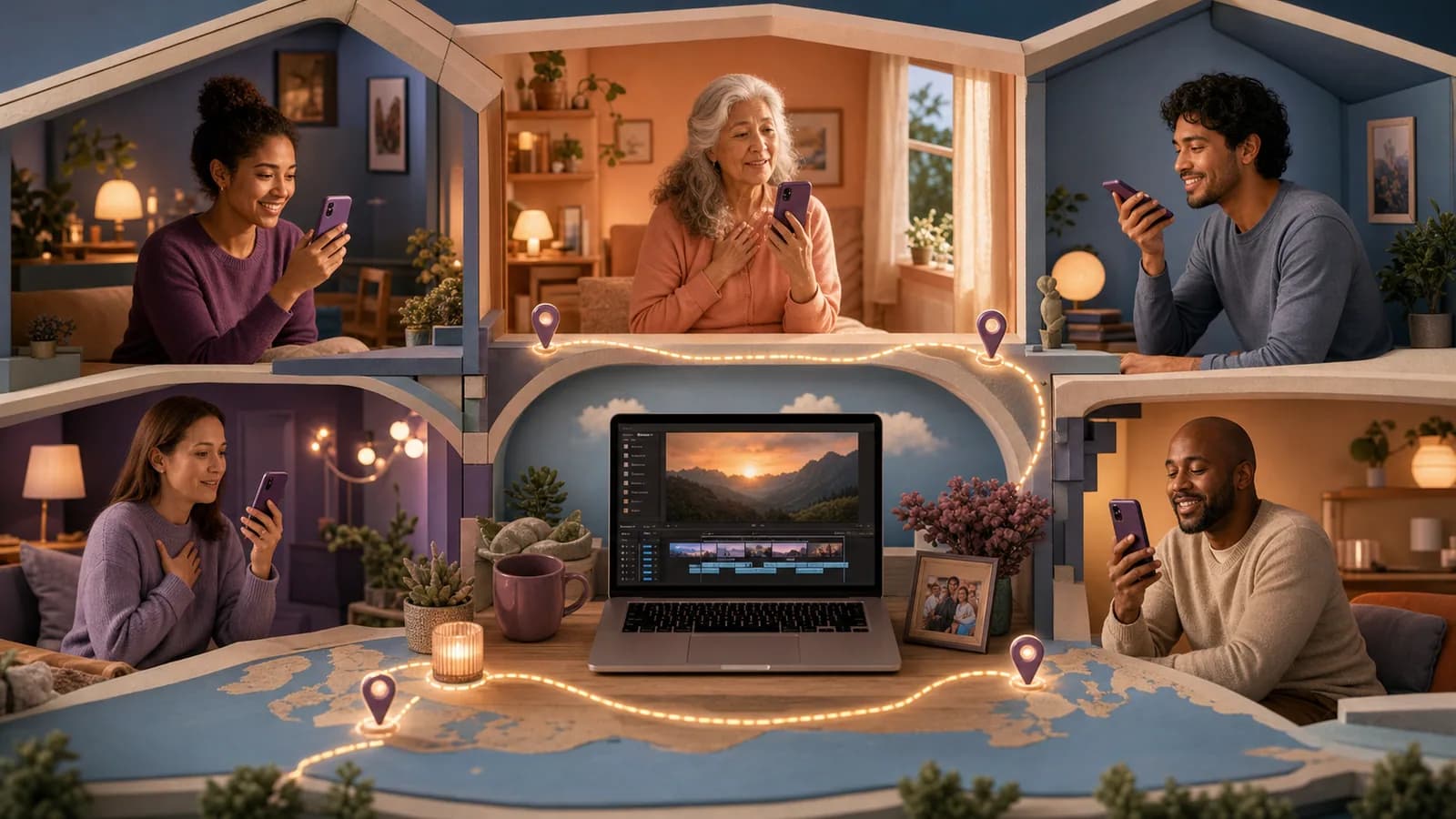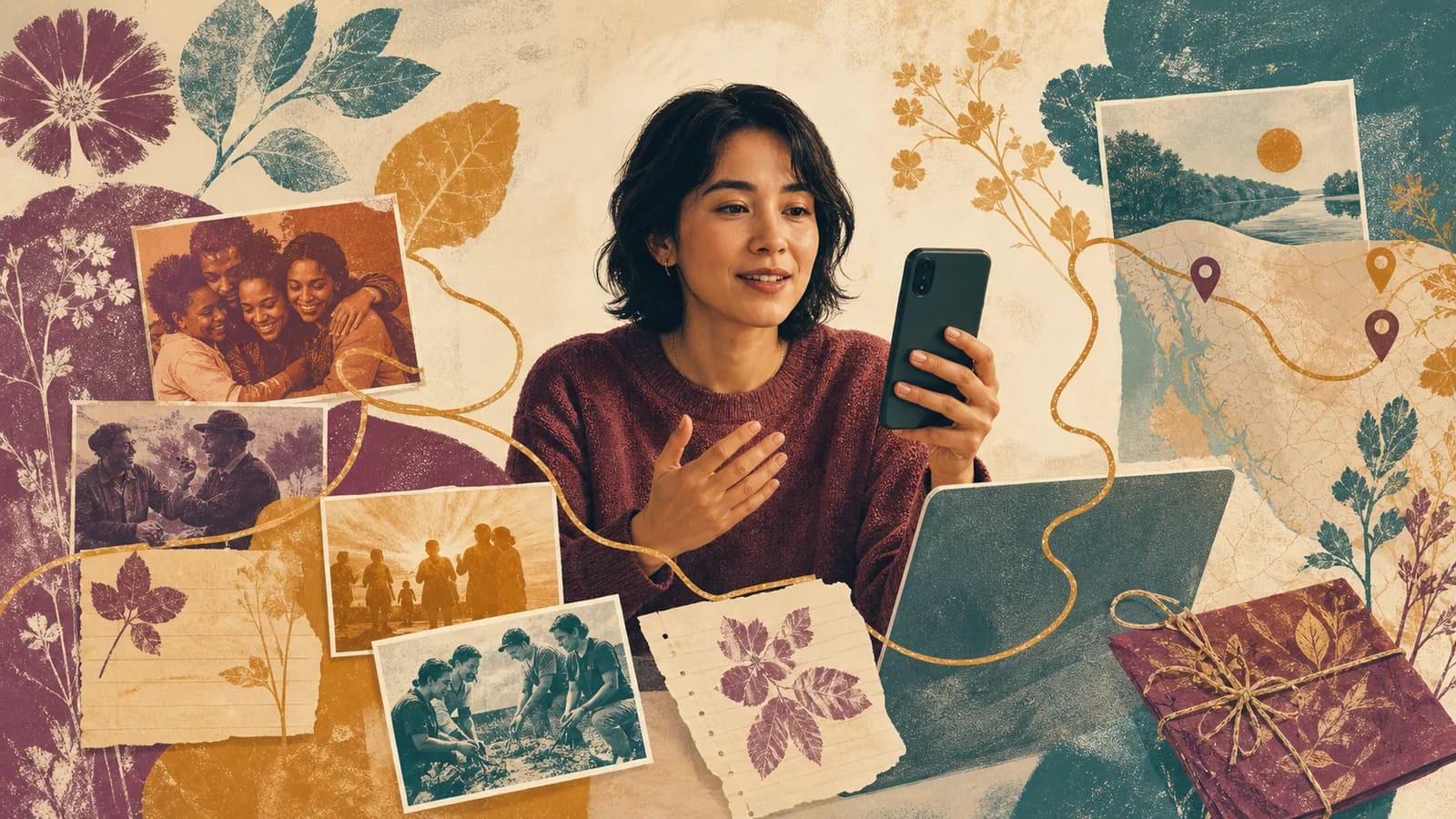
A personal thank-you video names what someone did, explains why it mattered and sounds like the people speaking. Use the wording patterns and solo example below, or choose a workplace or family activity for a group gift. The invitation, collection schedule and review steps help you turn specific memories into a finished message.
Collection 1 of 11
Thank-you message patterns to adapt
These patterns work because they connect gratitude to a real result.
Tap a message to select all of it, then copy.
Thank you for staying late to help us finish. Your calm made the whole evening manageable.
You welcomed us when everything felt unfamiliar. We still talk about that first dinner.
Thank you for teaching with patience and expecting us to keep trying.
From the whole team: your work behind the scenes made this project possible.
Collection 2 of 11
Examples You Can Copy
Copy-ready personal message
Hi [Name]. I have been thinking about the way you helped me during [specific moment]. You [specific action], and it made me feel [effect]. I still use what you taught me when [current example]. Thank you for noticing what I needed and showing up with so much care.
Copy-ready message for a mentor or teacher
Thank you for teaching me more than [subject or skill]. I still remember when you [specific action]. That moment helped me become more confident about [result]. Your patience changed the way I approach difficult things.
Copy-ready group invitation
Hi everyone. We are making a short appreciation video for [Name] to thank them for [reason]. Please record a 20- to 45-second clip answering this question: What is one specific thing [Name] did that made a difference to you? You may also send one photo or written note. Please submit everything through [link or method] by [date, time and named time zone]. The finished video will be [shared privately/shown at the event]. Participation is optional. Contact [organizer] about corrections or limits on use. Test the actual submission route before sending this invitation.
Copy-ready reminder
A friendly reminder that messages for [Name] are due on [date, time and named time zone]. One short, natural clip is perfect. Please share one memory, lesson, or action you appreciate. A photo or written note is also welcome. Submit it here: [link]. Thank you to everyone who has already contributed. Send this only to people who have not submitted or declined.
Copy-ready opening and closing
Opening: We brought together a few people, memories, and places to show what your support has meant to us. Closing: Your care reached more people than you may have realized. These stories are only a few examples. Thank you for the time, patience, and kindness you gave us.
Copy-ready location request for an AlbumMap project
Optional: please include one place connected to your memory. It could be a school, workplace, city, family home, community space, or travel stop. We are using AlbumMap to connect the messages, photos, clips, and places into one shared story. A general location is enough; please do not send a private address.
For a workplace message, use the specific employee-recognition examples; for a family-led project, the parent and grandparent contribution plan shows how different people can add different memories. Keep the thank-you itself specific instead of making a larger collection simply because more people are available.
Collection 3 of 11
A fully timed solo thank-you example
Fictional example: a former learner thanks a mentor privately. The 45-second plan has a five-second title, a 35-second spoken message and a five-second closing card. It is a script to rehearse, not a recorded performance.
00:00–00:05, title: “Thank you, Morgan.”
00:05–00:40, spoken message: “Morgan, thank you for sitting with me while I worked through the first draft. You asked one clear question at a time and gave me room to find the answer. I still use that approach when a task feels too large. Your patience helped me finish that day, and it gave me a way to begin the next difficult thing. I wanted you to know that it stayed with me.”
00:40–00:45, closing card: “With appreciation, Alex.”
Read the middle section at your natural pace. If it takes longer than 35 seconds, shorten it without changing what happened, or extend the stated duration. No music, extra photographs or map are required. Send it through the audience-approved route and do not turn a private thank-you into public praise without agreement.
Collection 4 of 11
Find the specific detail that makes it yours
Use a simple three-part message: name what happened, explain its effect, and say why you still remember it. This structure keeps the message clear without making it sound formal.
First, name the action. Instead of saying Thanks for everything, say what the person actually did. They may have driven you to appointments, taught you a skill, welcomed you to a new city, or checked in every week.
Second, describe the effect. Explain what became easier, safer, happier, or more possible because of their help. This is often the part that makes an appreciation video meaningful.
Third, connect the action to the person. You could say that their patience helped you feel confident or that their humor made a difficult season lighter. The goal is not to flatter them. It is to show that their care was seen.
If you feel stuck, list three memories without trying to write a script. Choose the one with the clearest people, place, or action. Small scenes usually lead to stronger words than broad summaries.
Collection 6 of 11
Common Mistakes That Make Gratitude Feel Generic
Avoid asking every contributor to use the same full script. Shared prompts create unity, but personal answers create meaning. Let each person use their own voice.
Do not make the introduction too long. The recipient is waiting to hear from people they know. A simple title and one clear opening line are enough.
Avoid adding every photo you receive. Choose images that support a message or reveal another part of the story. Too many similar photos can hide the strongest memories.
Do not wait until editing to think about privacy. State the sharing plan in the original invitation. This gives contributors a fair chance to decide what they want to include.
Finally, do not chase perfection. A sincere sentence with one real detail can be more moving than a flawless speech. The goal is to help someone feel seen, not to make a movie trailer.
Collection 7 of 11
World Gratitude Day: a September 21 occasion
World Gratitude Day is commonly marked on September 21. Examples include Stony Brook University’s September 21 notice and Immaculata University’s September 21, 2026 event, checked October 26, 2026. The 2026 date has passed; choose your actual date for a later activity. A thank-you need not wait for an observance.
Use the same action → effect → thanks pattern as any personal thank-you. Keep participation optional, with written or private alternatives. Do not ask people to disclose a difficult experience or publicly rank who deserves recognition.
“For our optional gratitude activity on [chosen date], we are collecting one fifteen-second message or written note about a specific helpful action. Submit through [tested route] by [date, time and named zone]. The viewers are [agreed group]. Please leave out confidential details and tell [organizer/contact] any limits on use. There is no expectation to participate or praise a manager.”
“We are making a small thank-you for [person/group] to watch within [agreed viewers]. If you want to join, send one memory, note or drawing through [tested route] by [date, time and named zone]. What small action mattered to you? Contact [organizer] for corrections; no camera or location is required.”
For an employee project with workplace review and permission details, use the employee appreciation guide. For a home gift, let the recipient choose a quiet viewing or shared moment.
The fifteen-second invitation is for a short group activity. Choose that limit or the longer 20–45-second request above before inviting people; do not send conflicting instructions. No predetermined final length is promised for either group version.
Collection 8 of 11
Workplace and family gratitude activities
Choose one activity that fits the people and the intended audience. A private note can be as complete as a group video; no one needs to disclose a difficult experience or praise someone publicly.
| Activity | One focused request | Review before sharing |
|---|---|---|
| Peer appreciation chain | Name one helpful action by a colleague and its effect. | Keep participation optional; do not turn recognition into a ranking. |
| Behind-the-scenes thank-you | Recognize a specific contribution by support staff, coordinators, volunteers or another overlooked role. | Consider the range of roles fairly; avoid a popularity contest or pressure to endorse a manager. |
| Project gratitude timeline | Choose two or three milestones and thank the people behind them. | Use approved images or screenshots without confidential material. |
| Remote-group gratitude map | Pair a message with a broad city when distance helps explain the project. | Locations are optional; do not reveal private addresses or working routines. |
| Small things at home | Describe one ordinary act of care, such as a call, shared task or walk. | Use real details without assigning a family role or demanding cheerful feelings. |
| One photo, one story | Choose an approved image and explain why the moment matters. | Children can offer a drawing or note if they want, with appropriate guardian agreement about sharing. |
| Private year-so-far reflection | Choose a few moments when someone offered support. | Include difficult experiences only when the people involved want them shared; keep the audience agreed. |
Workplace appreciation should accompany fair treatment, useful feedback and good working conditions. It does not replace them. Customer, partner or community messages should be freely offered for this purpose, with separate agreement before any public endorsement or marketing use.
At home, the recipient can choose a quiet viewing. A general city or public place is enough for a map, and a map is unnecessary when the action itself tells the story. Accept a written note or drawing; arrange a supported separate route for standalone audio if the collection form cannot accept it.
Collection 9 of 11
Work and home wording you can adapt
These original scripts are fictional wording examples. Replace the action, result and relationship with true details. Time any spoken version; the opening and closing are not included automatically in the solo example or a contributor’s time allowance.
A coworker’s message
Thank you, [Name], for [specific action]. When you did that, it helped [person or team] by [result]. Your care and steady work did not go unnoticed. I am grateful to work with you.
A message about ordinary care
One thing I appreciate about you is [ordinary action]. It may seem small, but it makes [part of daily life] feel [effect]. Thank you for the care you bring to our home.
Optional group opening and closing
Opening: Today, we are pausing to notice the people, moments, and places that made a difference. Closing: These messages are only a few examples of the care we have seen. Thank you for what you gave and for the way you helped others feel supported.
Collection 10 of 11
A seven-day group collection example
This is an illustrative schedule for an available small group, counted from the organizer’s start date. Choose actual dates, times and a named time zone before sending invitations. A larger group or workplace approval may need longer.
| Day | Task | Completion check |
|---|---|---|
| Day 1 | Choose the recipient, organizer, audience, format and contribution length. | Confirm permissions and test the guest submission route. |
| Day 2 | Send one clear request with a Day 5 deadline. | Include the prompt, length, alternative written format and review contact. |
| Days 3–4 | Collect and check contributions; send one optional reminder on Day 4. | Stop reminders after submission or a decline; track permission limits privately. |
| Day 5 | Close collection at the stated time and organize the material. | Check names and any missing permission or essential replacement. |
| Day 6 | Assemble the film, captions and any permitted music; seek review. | Remove confidential material, repeated points and abrupt sound changes. |
| Day 7 | Make corrections, test the final file or link and deliver as agreed. | Confirm recipient access and keep originals and an independent final copy when available. |
The reminder precedes the contribution deadline. Leave more time if review or corrections cannot fit; this example is not a guaranteed production turnaround. A private thank-you can be sent on any suitable date, regardless of an observance.
Collection 11 of 11
Final Thoughts
A personal gratitude video does not need perfect editing or dramatic words. It needs one clear purpose and details that only the recipient would recognize. Name what they did. Explain how it helped. Let each contributor speak in a natural voice. Then choose photos, messages, and places that support the story. When those memories come from several people or locations, AlbumMap can bring them together in one map video gift. However you make it, the most important result is simple: the recipient should finish watching and know that their care was noticed.
For a multi-person project, use the request templates, recording guide and compilation workflow. The wording here should name a real action and its effect rather than repeat broad praise.
Before you send it
Make it sound like you
- Swap in one real detail only the two of you share.
- Read it aloud once; cut any line you would never say.
- Sign it with the name they actually call you.
Helpful answers
Frequently asked questions
How long should a thank you video be?
A solo message can often fit into 30 to 90 seconds. A group video may need several minutes, depending on the number of contributors. Keep each group clip focused, remove repeated ideas, and let meaningful content determine the final length.
What should I say if I feel awkward on camera?
Use three short points: what the person did, how it helped, and why you remember it. Place a few notes near the camera and speak as if the recipient were in the room. A natural pause is better than a speech that does not sound like you.
How can I make a group thank you video feel connected?
Give everyone one shared prompt, then ask for different memories. Arrange the clips by time, theme, relationship, or location. Add a short opening that explains the purpose and a closing that brings the voices together.
Can someone contribute without recording a video?
Yes. A written note, drawing or approved photograph can replace a camera clip. If someone prefers standalone audio, check the collection form first and arrange a supported separate method when needed.
Should I add music to an appreciation video?
Music is optional. If you use it, choose a track you have permission to include and keep it quiet under speech. Clear voices and sincere details matter more than a dramatic soundtrack.
When does AlbumMap fit a gratitude video?
AlbumMap is useful when many people want to contribute or when memories are tied to meaningful places. It can bring photos, short recordings, written messages, and locations together as a map-based story.
How should I share a personal video safely?
Agree on the audience before collection, review every contribution and test the actual recipient access and download options. A link alone does not establish privacy. Obtain fresh permission before changing to public sharing, and check the export terms as well as the delivery method.
When can we use the World Gratitude Day activity?
The linked university notices mark World Gratitude Day on September 21. The workplace and family activities also work on another date your group chooses; a personal thank-you need not wait for an observance.