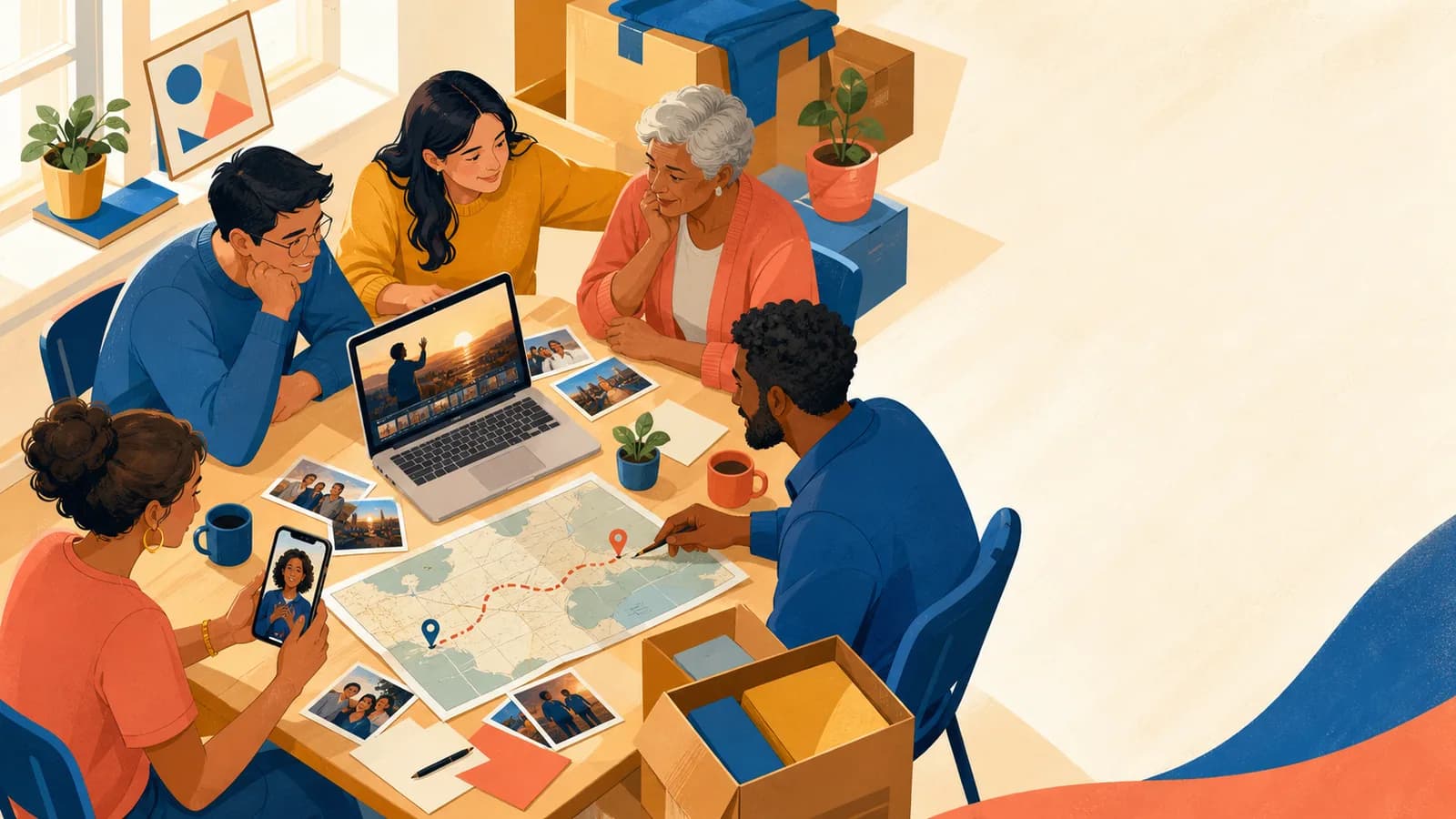
A celebration of life video can bring together memories that no one person holds alone. A sibling may have childhood photos. A friend may remember a funny road trip. A coworker may know a quiet act of kindness that the family never heard about. The goal is not to make every person sound polished. It is to collect honest details from different parts of a life. Short stories, familiar places, written notes, and simple phone recordings can form a warm group tribute. Start by deciding where the video will be shown.
A focused piece may suit a service. A longer collection may work at a reception or as a private keepsake. Then use the ideas and prompts below to invite contributions without placing more pressure on the family.
Idea card 1 of 13
A short four-voice example with distinct roles
The following is a fictional teaching plan for remembering Robin. It is not a real family’s tribute or approval. Invite only people who want to take part, let the family or chosen representative set the audience, and offer a written memory or no contribution at all.
| Time | Role and complete sample wording |
|---|---|
| 00:00–00:10 | Opening card: “Remembering Robin, through a few ordinary moments.” |
| 00:10–00:35 | Friend: “I remember how Robin made a walk feel unhurried. There was always time to stop, notice something small and ask another question. I am grateful for the conversations we shared.” |
| 00:35–01:00 | Relative or chosen family: “One memory I keep returning to is the table after dinner. Robin would stay to listen when the room had grown quiet. That small kindness remains part of how I remember our time together.” |
| 01:00–01:25 | Coworker or community friend: “Robin helped me understand a task I was finding difficult. They explained it patiently and gave me room to try. I remember that care more clearly than the task itself.” |
| 01:25–01:50 | Another close person: “I will remember Robin’s curiosity and the humor in our ordinary days. These are only a few memories, and there are many ways people will carry their own.” |
| 01:50–02:20 | Three approved photographs × 10 seconds, with brief checked captions. |
| 02:20–02:30 | Closing card: “With gratitude for the time we shared.” |
10 + four 25-second contributions + 30 seconds of photos + 10 seconds of closing = 150 seconds. The scripts may leave quiet space within their slots; do not rush a real speaker to copy an example. A shorter version is welcome if the family prefers it.
Use the memorial approval and privacy checklist before collecting stories. If the event needs a photo-led screening instead, follow the memorial slideshow workflow. Keep the four-voice remembrance as one option rather than asking the family to produce every format.
Idea card 2 of 13
A celebration of life memory invitation
With the family’s agreement, we are collecting memories of [Name]. If you feel comfortable, send one story, a quality you valued, or a photograph with names and an approximate date at [Private link] by [Date]. A written contribution is welcome. Please contact [Organizer] if you need more time or prefer not to take part.
Agree on tone, audience and family review before sending. Do not require people to record through grief or share sensitive details; provide an easy way to withdraw a contribution.
Idea card 3 of 13
1. One Memory From Every Part of Their Life
Invite people from different chapters of the person’s life. This may include relatives, school friends, neighbors, teammates, coworkers, faith-community members, and travel companions.
Ask each person for one story that only they are likely to know. A small detail often says more than broad praise. Someone might recall a weekly phone call, a familiar joke, or the way the person welcomed new coworkers.
Arrange these messages by life stage or relationship. Brief title cards can help viewers understand each speaker’s connection. Avoid ranking relationships or making one group seem more important than another.
Idea card 4 of 13
2. Ask Everyone the Same Gentle Question
One shared question can make a group memorial video feel connected. It also helps people who are unsure what to say.
Try a prompt such as, “What is one moment that shows who [Name] was?” Other useful questions include, “What did they teach you?” and “What ordinary thing will always remind you of them?”
Use the same question in the invitation. Contributors do not need to repeat it on camera. Their different answers will create variety while giving the video a clear thread.
Idea card 5 of 13
3. Build a Portrait From Everyday Details
Formal milestones matter, but daily habits often bring a person back to mind. Ask about the music they played while cooking, the chair they always chose, or the phrase they used when someone needed help.
Pair each detail with a fitting photo, short clip, recipe card, handwritten note, or object. A gardening story could appear beside a photo of their plants. A family saying could sit on screen for a few quiet seconds.
This idea works well when the available photo collection is small. The memories carry the story, so the tribute does not need hundreds of images.
Idea card 6 of 13
4. Follow the Places That Shaped Their Story
Some lives are best remembered through places. A hometown, school, first apartment, workplace, family cottage, park, or favorite trip can become a chapter.
Ask contributors to name the place connected to their memory. A general location is enough. Do not request or publish an exact private address without permission.
If geography truly matters, AlbumMap can connect those locations with contributed photos, short videos, and written messages. The map becomes a gentle route through the story. If places add little meaning, use relationships or themes instead.
Idea card 7 of 13
5. Create a Family-and-Friends Story Chain
A story chain lets each speaker lead naturally into the next. One relative may end with a memory of family holidays. The next speaker can begin with a holiday moment they shared.
Plan the chain after contributions arrive. Do not ask people to coordinate their recordings. The editor can group clips by repeated themes, places, traditions, or qualities.
Use short photo sequences between groups of speakers. This gives the audience time to absorb each set of stories and prevents the video from feeling like a row of talking faces.
Idea card 8 of 13
6. Include People Who Cannot or Do Not Want to Record
Not everyone will feel able to appear on camera. Offer a written memory, voice note, photograph, scanned letter, or song suggestion as an equal option.
A family member can read a written contribution with permission. You can also show the words on screen in short sections. Keep the text large and allow enough time to read it.
Remote contributors may value having a way to take part when travel is not possible. Tell them how the video will be used and whether their contribution will remain private.
Idea card 9 of 13
7. End With Gratitude From the Family
A brief closing message can thank the people who shared memories and those who gathered to remember. One speaker can record it, or several family members can each say one line.
The ending may include a favorite image, a familiar place, or a short saying connected to the person. Leave the final image on screen for a moment before the video ends.
Avoid making the closing too long. A simple expression of love and thanks can give the tribute a calm finish.
Idea card 10 of 13
Give Friends and Family Clear Roles
One organizer should manage the invitation, deadline, and upload link. A second person can check names, dates, privacy, and family wishes. Another trusted person can test the finished file at the venue.
Create a short contributor list by life chapter. This helps the organizer notice missing viewpoints without trying to contact everyone the person ever knew.
Give people a real deadline that leaves time for editing and review. Send one gentle reminder. If someone cannot contribute by then, accept that without pressure. Grief affects energy, focus, and comfort in different ways.
Idea card 11 of 13
Review Consent, Privacy, Music, and Playback
Tell each contributor who may watch the video. Ask before posting any part of it on a public site or social account. Permission to show a clip at a private gathering does not always mean permission to publish it online.
Check names, dates, relationships, and captions with a close family member. Remove private medical information, exact addresses, family conflicts, and stories that could cause harm.
Choose music that feels connected to the person and suits the setting. Read the lyrics. Confirm that the applicable rights cover the actual edit, export, gathering and any later distribution. Private use is not automatically a clearance for a song or recording. Keep the track’s permission and credit requirements with the project.
Add captions when audio is unclear or guests may have difficulty hearing. Keep text brief, large, and high contrast.
Watch the final export from beginning to end. Test it on the venue’s screen and speakers. Bring a downloaded copy on more than one device so playback does not depend on an internet connection.
Idea card 12 of 13
Examples You Can Copy
Copy-ready invitation for friends and family
We are creating a video to celebrate the life of [Name]. If you would like to take part, please share one short memory, photo, voice note, or video by [date]. A small story or everyday detail is perfect. Upload it here: [link]. The finished tribute will be shown at [setting] and shared with [audience].
Copy-ready shared question
What is one moment, habit, or act of kindness that shows who [Name] was? Please answer in your own words. There is no need to make the message formal.
Copy-ready recording prompt
Start with your name and how you knew [Name]. Share one clear memory or detail. Then say what that moment showed you about them. You may close with a brief message of love or support for the family.
Copy-ready option for someone who does not want to record
You do not need to appear on camera. You are welcome to send a written memory, voice note, favorite photo, scanned letter, or song suggestion instead. Please choose the format that feels most comfortable.
Copy-ready location prompt
Was your memory connected to a meaningful place? You may include the town, school, park, workplace, or travel spot. A general location is enough. Please do not send a private address without the family’s permission.
Copy-ready gentle reminder
A gentle reminder that contributions for [Name] are due on [date]. One photo or a few sincere sentences are enough. There is no pressure to record. Thank you to everyone who has already shared a memory: [link].
Copy-ready personal message example
I’m [Name], and I knew [Name of person] through [relationship or place]. I still remember when they [specific moment]. That simple act showed their [quality]. I am grateful for the time we shared, and I am sending love to everyone who misses them.
Copy-ready closing card
Thank you for the stories, laughter, care, and memories. [Name] remains part of the lives and places gathered here.
Idea card 13 of 13
Final Thoughts
The most meaningful tribute may not be the most polished one. It is the one that lets people recognize the person they knew. Give friends and family a clear prompt, several ways to contribute, and enough context to make informed privacy choices. When memories stretch across homes, schools, workplaces, and journeys, a map-based story can help connect them. AlbumMap can bring those places together with shared photos, videos, and written messages. Use that format only when the locations strengthen the story. Most of all, keep the process gentle.
One honest memory from each part of a life can create a fuller portrait than one person could make alone.
For venue playback, file preparation and backup, use the memorial slideshow guide. Keep the personal-memory invitation optional and let the chosen representative review the actual cut before it is shown.
Your shortlist
Ideas you saved
Tap “Save to shortlist” on any idea card and it lands here, ready to compare.
- A short four-voice example with distinct roles
- A celebration of life memory invitation
- 1. One Memory From Every Part of Their Life
- 2. Ask Everyone the Same Gentle Question
- 3. Build a Portrait From Everyday Details
- 4. Follow the Places That Shaped Their Story
- 5. Create a Family-and-Friends Story Chain
- 6. Include People Who Cannot or Do Not Want to Record
- 7. End With Gratitude From the Family
- Give Friends and Family Clear Roles
- Review Consent, Privacy, Music, and Playback
- Examples You Can Copy
- Final Thoughts
Helpful answers
Frequently asked questions
What should friends and family say in a celebration of life video?
Ask each person for one specific memory, habit, lesson, or act of kindness. They can introduce themselves, explain how they knew the person, and close with a short message for the family.
How long should each video message be?
A focused message of about 20 to 45 seconds is often enough for one story. Allow more time when a memory needs context, but tell contributors that short and sincere is welcome.
Can someone contribute without appearing on camera?
Yes. They can send a written memory, voice note, photograph, scanned letter, or song suggestion. A family member may read written words if the contributor gives permission.
How long should the finished tribute be?
Ask the service leader how much time is available. A video shown during a program should stay focused. A reception loop or private family keepsake can be longer and hold more contributions.
Should the video be sad or uplifting?
It can hold quiet reflection, gratitude, warmth, and gentle humor. Let the person’s character, the viewing setting, and the family’s wishes guide the tone.
How should we collect files from many people?
Use one organizer, one upload location, one clear deadline, and one reminder. Ask contributors to label original files with their names and avoid sending the same material through several apps.
Can the tribute include music?
Yes. Choose music connected to the person and review the lyrics. Confirm the required rights if the video will be streamed, posted online, or shown in another public setting.
When does an AlbumMap story fit this kind of tribute?
It fits when places are a meaningful part of the life story. A hometown, school, workplace, family gathering place, or journey can become a map stop holding related photos, clips, and messages.