Back to blog

Album Map blog

Memorial, Support, Gratitude and Farewells

Congratulations Video Ideas for Major Life Achievements

Create a congratulations video for a graduation, promotion, award, new home, or other major achievement with simple prompts and examples.

10 min read
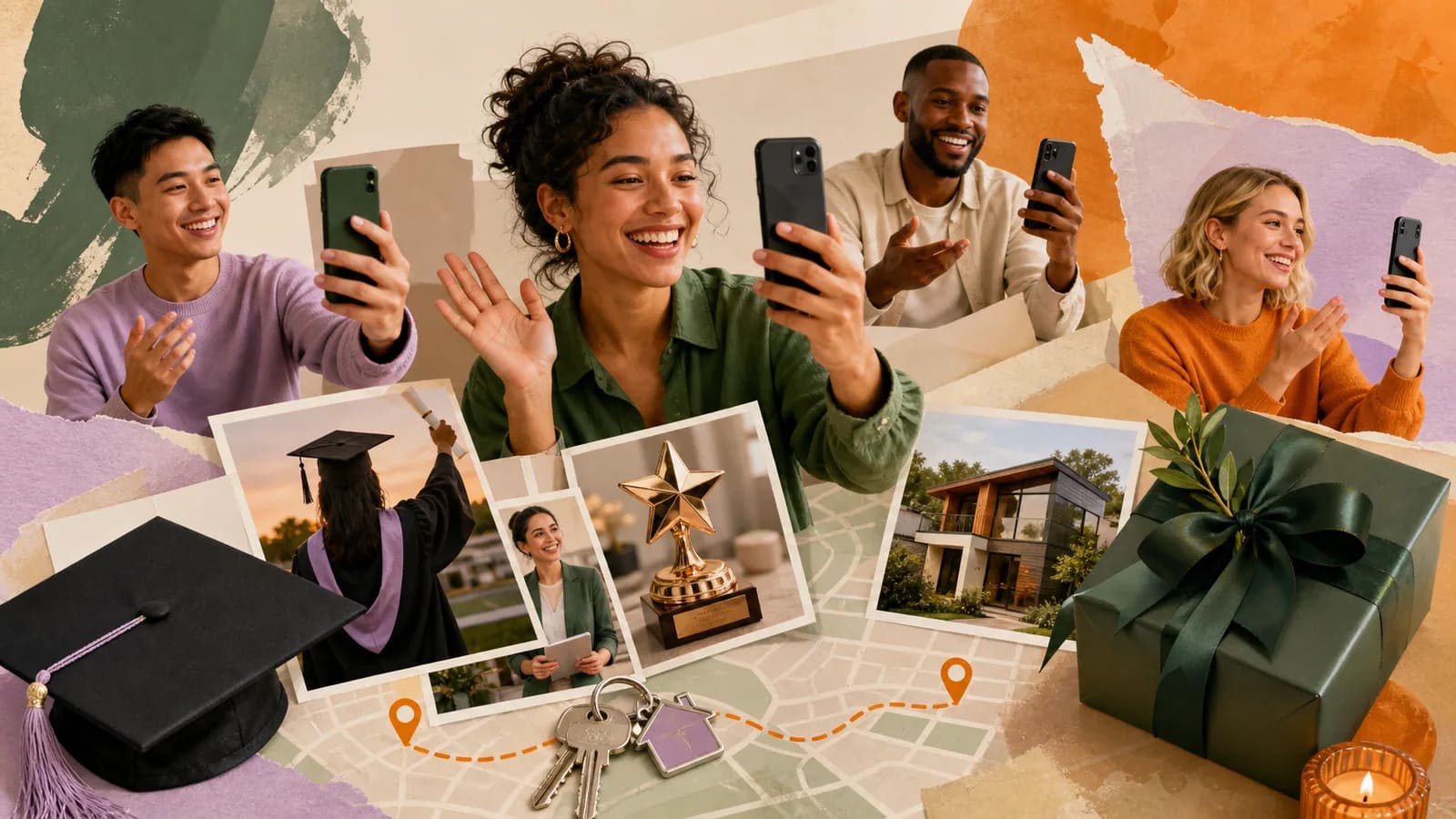
Friends recording congratulations messages beside achievement photos and a map route

Congratulations Video Ideas for Major Life Achievements

A congratulations video can make a major achievement feel seen, shared, and remembered. It works for a graduation, promotion, award, new home, business launch, retirement, or hard-won personal goal. The video does not need polished speeches or complex editing. A few honest messages, useful prompts, and well-chosen memories can be enough. This guide will help you choose a format, invite contributors, record strong clips, and arrange everything into a clear story. You will also find examples you can copy and adapt for your project.

When a Congratulations Video Is the Right Choice

A video works best when the achievement has a story behind it. It can show the effort, setbacks, people, and places that helped someone reach the moment. That makes it more personal than a quick text or social media comment.

A one-person message may be enough for a friend or coworker. A group video is useful when family, teammates, teachers, mentors, or colleagues all want to take part. It also helps distant people join the celebration.

Think about the recipient before choosing a public reveal. Some people love watching a tribute at a party. Others would rather receive it privately. The best format should suit the person, not just the event.

Congratulations Video Ideas for Different Achievements

For a graduation, invite relatives, classmates, teachers, coaches, and mentors. Ask each person to name one sign of growth they noticed. Add school photos, project clips, or campus memories between the messages.

For a promotion or new job, combine messages from current teammates, former coworkers, friends, and family. Focus on skills and character rather than job titles alone. One example of quiet leadership can say more than a list of achievements.

For an award, certification, or championship, show what happened before the result. Include practice photos, early work, team moments, or a brief story about a challenge. This gives the final win more meaning.

For a new home, major move, or citizenship milestone, connect messages to places. Friends can recall the old neighborhood while new contacts welcome the person. Photos of homes, cities, and gathering places can form a simple journey.

For a business launch or creative project, invite people who saw the idea develop. A customer, partner, teacher, friend, or family member may each know a different part of the story. Ask them to share what impressed them about the work.

For retirement or long service, build a timeline through roles, workplaces, and shared moments. Include voices from different years when possible. AlbumMap’s retirement video ideas guide offers more prompts for a career-focused tribute.

Choose One Clear Story Before Collecting Clips

A strong milestone video needs a simple idea. Without one, the finished result may feel like unrelated clips placed in a row. Decide what the video should show before sending invitations.

You could build the story around effort, growth, community, or a journey through places. For example, a graduate’s video might move from childhood to campus. A promotion video might show how the person helped others while building a career.

Write your idea in one sentence. Try: “This video will show the people and places that helped Maya become a doctor.” That sentence can guide your prompts, contributor list, photos, and final order.

Use a Simple Message Formula

People often delay recording because they do not know what to say. Give them a short formula: greet the person, name the achievement, share one specific detail, and end with a wish.

The specific detail is the most important part. It could be a memory, a quality, a difficult moment, or something the person did for others. Details help several short messages feel different from one another.

A useful prompt is: “When did you first realize they could achieve this?” Another is: “What did they do when the work became difficult?” These questions lead to stories instead of repeated praise.

Plan a Group Congratulations Video Without Chasing Files

Choose one organizer to manage invitations, deadlines, reminders, and the final order. Give contributors one upload method. Scattered email attachments and group chats make missing items hard to track.

Set the real deadline a few days before you need the clips. This gives you time to follow up and fix sound or framing problems. Tell people exactly what to send and how long their message should be.

A helpful request includes the recipient’s name, the achievement, one prompt, the clip length, the deadline, and the upload link. If you also want photos or locations, list those items clearly.

Invite people with different connections to the recipient. For a graduate, that may include family, a teacher, a classmate, and a coach. For a promotion, it may include teammates, a former manager, clients, and close friends. Variety creates a fuller picture.

Record Clear, Natural Video Messages

A phone camera is enough. Face a window or another soft light source. Keep the camera near eye level and clean the lens before recording.

Record in a quiet room. Turn off loud fans, televisions, and music. Clear speech matters more than a decorated background or a perfect camera.

Keep most clips between 20 and 60 seconds. A close relative or mentor may need longer, but every message should have one main point. Short clips are easier to combine and watch.

Ask contributors to pause before and after speaking. Those quiet seconds make editing easier. They should also check the clip once before sending it. A quick review can catch weak sound or a blocked camera.

Arrange the Video Like a Short Story

Open with the achievement and the recipient’s name. Then move through the story in a clear order. You can arrange clips by time, relationship, topic, or location.

A timeline works well for graduation, retirement, and long projects. A relationship-based order can begin with family, move to friends, and end with mentors or colleagues. A location-based order works when important moments happened in different places.

Mix spoken messages with photos, short activity clips, and simple title cards. Avoid long sections of similar content. Changing the type of material keeps the video moving.

End with a shared line or a final message from someone close to the recipient. The ending should look forward. A wish for the next chapter gives the achievement a sense of movement.

Turn Places and Memories Into an AlbumMap Story

Some achievements are closely tied to places. A school, hometown, first office, practice field, workshop, hospital, new home, or city abroad may explain part of the journey.

AlbumMap can connect those locations with photos, short videos, and written messages. The finished map-based story can move between the places that shaped the achievement. It can also show where distant contributors are celebrating from.

Ask each person for one meaningful location and one memory connected to it. A mentor might choose the first workplace. A friend might choose the café where the business plan began. A parent might choose the family home where the person studied.

This format is most useful when location adds meaning. If the story is not connected to places, keep the video simple. The goal is to support the achievement rather than force every project into a map.

Choose a Reveal That Fits the Recipient

A private link is a good choice for someone who dislikes being the center of attention. Add a short note and suggest watching when they have a quiet moment.

For a party, ceremony, team meeting, or family dinner, test the screen, sound, and internet connection first. Download the final file when possible. A backup avoids an awkward delay during the reveal.

A printed card can make a digital gift feel more physical. Add a QR code or short link that opens the video. Check the code on more than one phone before giving it.

Consider who may appear in the finished video. Ask before posting it publicly, especially when children, students, clients, or private workplaces are shown. A celebration does not remove the need for consent.

Common Mistakes to Avoid

Do not ask everyone to “say something nice” without a prompt. That request often creates vague and repeated messages. One clear question gives contributors a useful starting point.

Do not include every photo you receive. Choose items that support the story. A shorter video with strong details will usually feel more personal than a long, crowded montage.

Do not make the message only about success. Recognize effort, help from others, personal growth, and the next step. This keeps the tone warm without turning the video into an awards speech.

Do not wait until the final day to collect material. Give yourself time for reminders and replacements. Most problems are easier to solve before editing begins.

Examples You Can Copy

Copy-ready group invitation

Hi everyone. We are making a surprise video for [Name] to celebrate [achievement]. Please send a 20–60 second phone video by [date]. Share one moment that made you proud, one quality that helped them succeed, or one wish for what comes next. Upload your clip here: [link].

Copy-ready message for a graduate or certification

Congratulations, [Name]. I remember when you were working through [specific challenge]. You kept showing up, even when it was hard. That patience and effort brought you here. I am proud of what you achieved, and I hope your next chapter gives you room to use everything you learned.

Copy-ready message for a promotion or business launch

Congratulations on [promotion or launch], [Name]. I saw how you handled [specific project or moment], and your calm approach helped everyone around you. This achievement fits the work you have been doing for years. I cannot wait to see what you build next.

Copy-ready AlbumMap location prompt

Please include one place connected to [Name]’s achievement. It could be a school, workplace, hometown, practice field, studio, first home, or city. Send one photo or short clip from that place and explain why it matters to their story.

Copy-ready private reveal note

You worked hard for this moment, and many people wanted to celebrate with you. We collected a few memories and messages about the journey. Watch when you have a quiet moment. Congratulations on everything you have achieved.

Final Thoughts

A meaningful achievement video does not need perfect editing. It needs a clear story, honest details, and people who understand what the moment required. Start with one purpose, give contributors useful prompts, and choose only the memories that support the story. When important moments are connected to different places, AlbumMap can bring those photos, clips, messages, and locations into one map-based keepsake.

Helpful answers

Frequently asked questions

How long should a congratulations video be?
A one-person message can be 30–90 seconds. A group video may be three to ten minutes, depending on the number of contributors. Keep each clip focused and remove repeated material.
What should I say in a video for a major achievement?
Start with the person’s name and the achievement. Share one specific memory, quality, or challenge you witnessed. End with a sincere wish for the next chapter.
How many people should join a group congratulations video?
There is no required number. Four thoughtful messages can work better than twenty vague ones. Choose contributors who can add different memories, relationships, or views of the achievement.
How far ahead should I start collecting video messages?
Start one or two weeks ahead for a small project. Allow more time for a large group, school, or workplace. Set the contributor deadline several days before your editing deadline.
Can people contribute without recording themselves?
Yes. Someone can send a written message, voice note, photo, or meaningful location. Offering several options helps camera-shy contributors take part.
When does a map-based achievement video work best?
It works best when places help explain the journey. Useful locations include schools, hometowns, workplaces, studios, sports fields, new homes, and cities where distant supporters live.