Introduction
A sports timeline video helps people relive a finished tournament, season, tour, or championship without becoming a long list of clips. Start with the final event you want to cover. Then place each moment in date order. Add the result, a short caption, and one useful visual at every stop. A good sports timeline video is easy to follow, even for someone who missed some matches. If your story includes shared team photos, fan clips, thank-you messages, and named public venues, AlbumMap can bring those pieces into one map-led recap.
Keep each location broad and public, such as a stadium, arena, course, or host city. Build the video after the event ends, not as a live route.
What the video shows
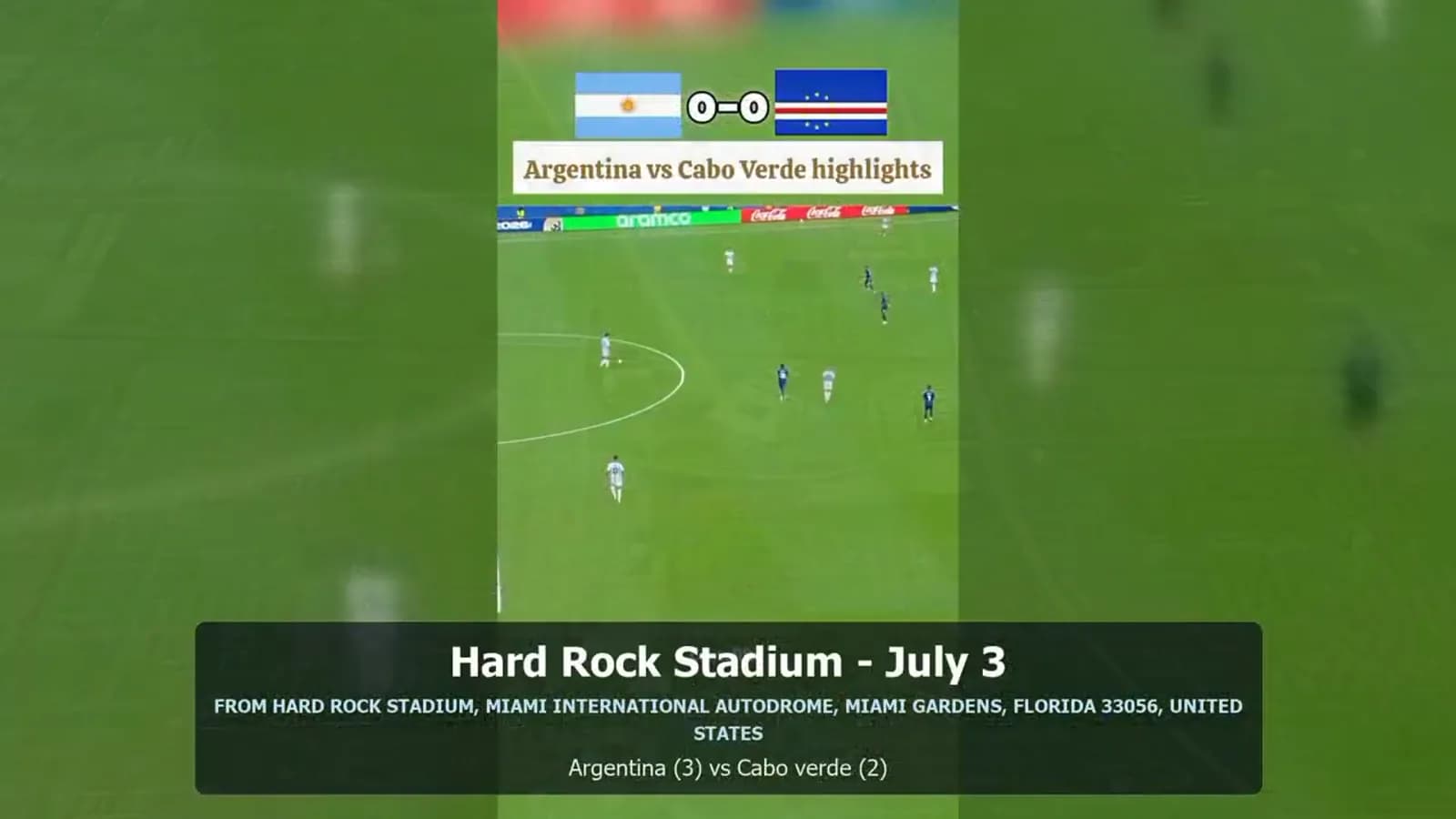
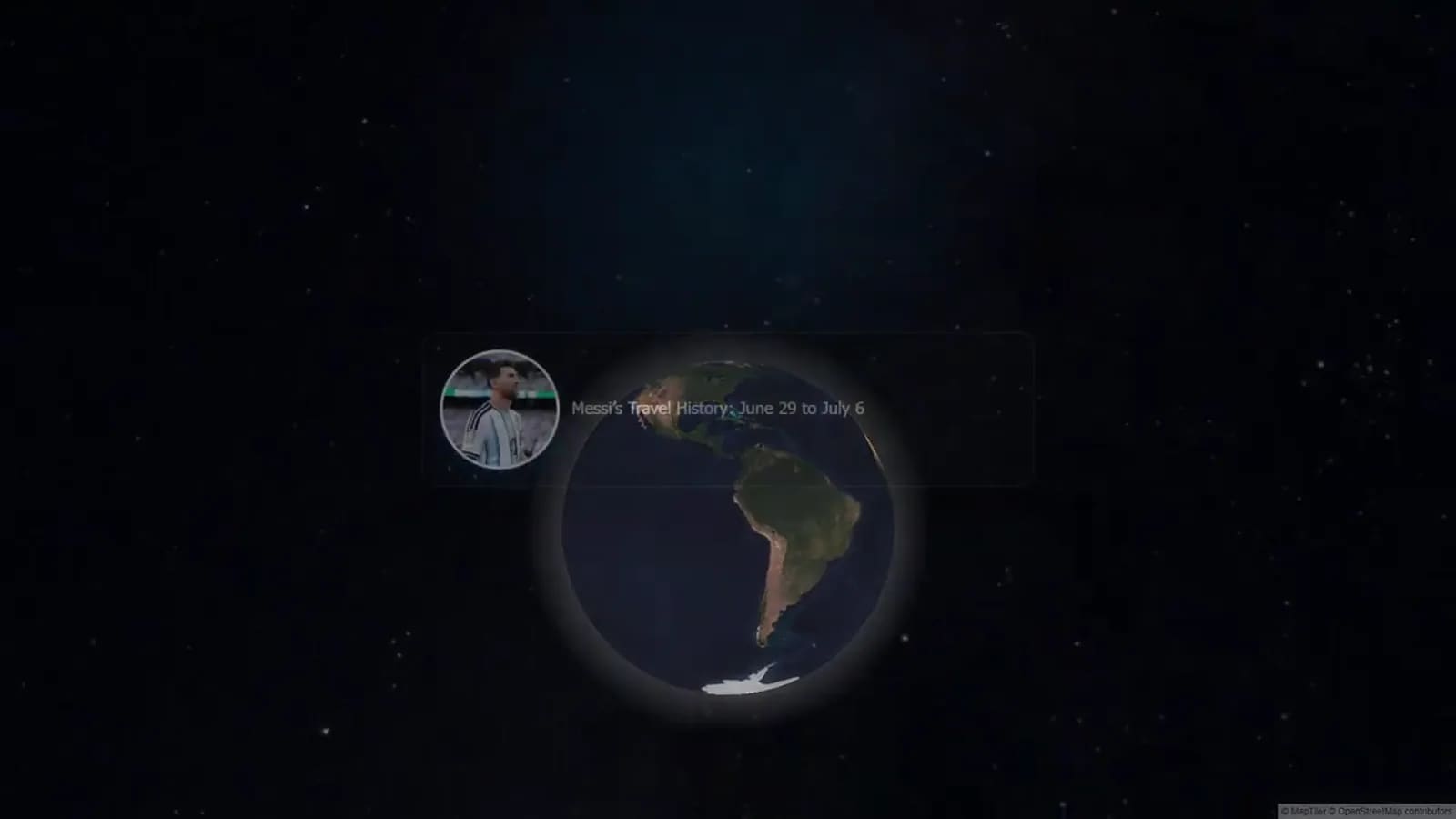
The AlbumMap video follows a finished June 29 to July 6 story through public venues and travel points. It starts with a dated map introduction. It then moves from Sporting KC Training Centre on June 29 to Kansas City International Airport on July 1. The middle shows Florida Blue Training Center on July 2 and Hard Rock Stadium on July 3. The sequence then continues through Hartsfield-Jackson Atlanta Airport on July 5 and Kennesaw State University on July 6. The lesson here is its structure. Each stop is dated, named, and placed in order.
The route does not try to show every minute. Instead, it picks a few public points that explain how the finished story moved from one stage to the next. The closing route recap gives viewers a quick view of the full journey. That approach also works for a tournament. The stops can be rounds, venues, or key match days. It works for a season too. Each chapter might be an opener, a turning point, a rivalry match, and a final.
The short transitions feel planned: show the date, set the place or event, add the proof, then move on. The example also sets a clear limit. It covers verified past appearances at named public locations. A sports recap should use completed public information and media you may use. Do not use a timeline to suggest live tracking or identify private travel. When you need a map, use broad public venues and explain why each stop belongs in the finished story.
Start with one clear sports story
Choose the story before you collect media. A tournament recap answers, “How did this event unfold?” A season recap answers, “How did the team grow over time?” A tour recap answers, “Where did the public events take place?” A championship recap answers, “What led to the final win or finish?” Write one sentence that names the beginning and end. For example: “This video follows the club from the opening tournament match to the championship final.” That sentence stops you from adding clips that are fun but do not move the story forward.
Next, decide who the video is for. A team banquet may need more faces and messages. A fan recap may need more results and context. A coach thank-you may need fewer score details and more short memories from players.
Build the sports timeline video in date order
Make a simple list before you edit. Put the date first. Then add the event, result, location, media, and one caption. Do not rely on memory alone. A short planning sheet makes it easier to spot missing dates, duplicate clips, or a result that needs checking. Use one event per card or scene. A scene can hold a score, a photo, a five-second clip, or a short voice line. For a close match, the score may be the main fact.
For a long season, a caption such as “First road win” may explain the point better than a full stat line. Keep the order honest. Show losses, delays, and comeback moments when they explain the result. A timeline feels more satisfying when it shows the path, not only the best images.
Choose the right format for a tournament, season, tour, or championship
For a tournament timeline, use rounds as your spine: opening round, quarterfinal, semifinal, and final. Add the date, opponent or event name, result, and one moment that changed the day. This works well when viewers need a fast recap of a short event. For a season, divide the year into chapters. Try opening month, first test, mid-season turn, late push, and finish. You do not need every game. Pick moments that show a change in form, mood, or standing. For a tour, let public venues lead the order. Use event dates and host cities.
Then add a photo or approved clip from each stop. A sports map animation can help viewers see the completed route. It should never suggest a current position or show a private address. For a championship, begin with the goal. Then show the pressure points that made the finish matter. Use a short setup, the major rounds or matches, the decisive moment, and the celebration or final reflection. Make the result clear on screen before the final message.
Add scores, captions, narration, and timestamps
Scores should be quick to read. Use one pattern, such as “May 12 — Tigers 3, Falcons 2.” If a score needs context, add only the detail that changes the story: overtime, a shootout, a personal best, or a playoff clinch. Captions should explain the meaning of a moment, not repeat the score. “The equalizer that kept the run alive” gives viewers a reason to care. Keep most captions to one line. Avoid tiny text or several facts on the same screen. Narration is optional, but it can join scenes that might otherwise feel separate.
Write it like a helpful guide. State what happened, why it mattered, and what came next. Leave a short pause after an important result so viewers can take it in. Use timestamps as edit markers. A five- to eight-second scene often works for a photo or score card. Give a key clip more time when the action needs context. Put the strongest moment near the middle or end, not only at the start.
Use a match-location video only when place adds meaning
A match-location video is useful when the venue explains the story. A stadium may mark a home opener. A host city may show the path of a tour. A course or arena may set a championship moment. If the location adds no meaning, use the event name instead. For shared projects, ask people for one approved photo or clip, the public venue or city, the date, and one sentence. AlbumMap is useful when those contributions come from several people and the finished story benefits from a route between public places.
A map should support the event timeline, not become the focus of every scene. Use only media you have permission to include. For minors, team members, and families, agree on who can see the finished video before sharing it. Keep location labels broad when a precise label is not needed.
Copy-ready examples
Tournament caption: “April 18 — Quarterfinal, Lakeside Arena. Northside won 2–1 after a late goal. The team had one more round to reach the final.” Season narration: “By mid-season, the team had found its rhythm. The road win in May was not the final result, but it changed what the group believed was possible.” Tour scene: “June 6 — Riverfront Stadium, public fan event. Photos from the day lead into the next confirmed event stop.” Championship closing: “June 30 — Final. The last score tells the result, but the clips before it show the work that made the moment feel earned.”
Four-format sports timeline template
Copy this template into a planning sheet. Fill each row before editing. This keeps your order, results, captions, narration, and timestamps consistent.
| Format | Order to use | Score or result | Caption and narration prompt | Suggested timestamp |
|---|---|---|---|---|
| Tournament | Opening round → later rounds → final | Show each round result; flag overtime or shootout only when it matters. | Caption: “What changed here?” Narration: “This result set up the next round.” | 0:00 title; 0:08 each round; 0:45 final recap |
| Season | Opener → early test → turning point → late push → finish | Use selected results that show progress, not every game. | Caption: “What did this match reveal?” Narration: “By this point, the team had changed.” | 0:00 title; 0:10 opener; 0:25 turn; 0:45 finish |
| Tour | Public event stop 1 → stop 2 → stop 3 → route recap | Use event date and host venue or city; add scores only if the event has one. | Caption: “Why did this public stop matter?” Narration: “The completed route continued to the next event.” | 0:00 route title; 0:07 each stop; 0:42 recap |
| Championship | Goal → key earlier moments → decisive event → celebration | Show the final score or finish clearly, then the reaction. | Caption: “What made the finish meaningful?” Narration: “The final moment reflects the work shown earlier.” | 0:00 goal; 0:12 key moments; 0:40 decision; 0:55 close |
Sources and verification
Last verified: 2026-08-09. Data cutoff: 2026-08-09. This guide covers completed public sports events only. It does not support real-time tracking or private travel inference. Review public sources, links, and the video before publishing or when this guide is materially updated.
Final thoughts
The strongest sports timeline videos make a finished event easy to revisit. Pick one format, place moments in order, and give each scene one job. Let results state the facts. Then use captions and short narration to show why those facts mattered. When a completed story includes shared photos, clips, written messages, and public venues, make the route useful rather than decorative. AlbumMap can turn approved contributions into a map-led sports recap that feels organized, personal, and safe to share.
Examples You Can Copy
Team contributor request
We are making a finished-season recap. Please send one photo or short clip you have permission to share, the date or match, the public venue or city if it matters, and one sentence about the moment. Keep your message under 20 words.
Tournament narration line
“The semifinal was the turning point. After a hard first half, the team settled in, found an equalizer, and earned a place in the final.”
Score-card format
“July 9 — Semifinal — Harbor FC 2, Valley United 1 — A late save protected the lead.”
Final Thoughts
A clear sports timeline is not about showing everything. It is about selecting the moments that explain the finished story, then giving viewers enough context to feel the journey.
Helpful answers
Frequently asked questions
What should be in a sports timeline video?
Include a clear start and finish, events in date order, selected scores or results, short captions, approved photos or clips, and optional narration. Use a location only when a public venue or host city helps explain the event.
How long should a tournament timeline video be?
A short tournament recap can work in about one to three minutes. Give each round one clear scene, then allow extra time for the decisive event and final recap.
How do I make a season timeline without including every game?
Choose moments that show a change: the opener, a difficult test, a turning point, a late push, and the final result. Add only the scores and clips that help viewers understand that path.
Can I use a map in a sports recap?
Yes, when the story involves completed public venues or host cities. Use broad public labels and a finished route. Do not use a map for live tracking, private travel, or precise personal locations.
When does AlbumMap make sense for this kind of video?
AlbumMap is most useful when several people have approved photos, clips, written messages, and meaningful public places to combine into one completed, map-led sports story.