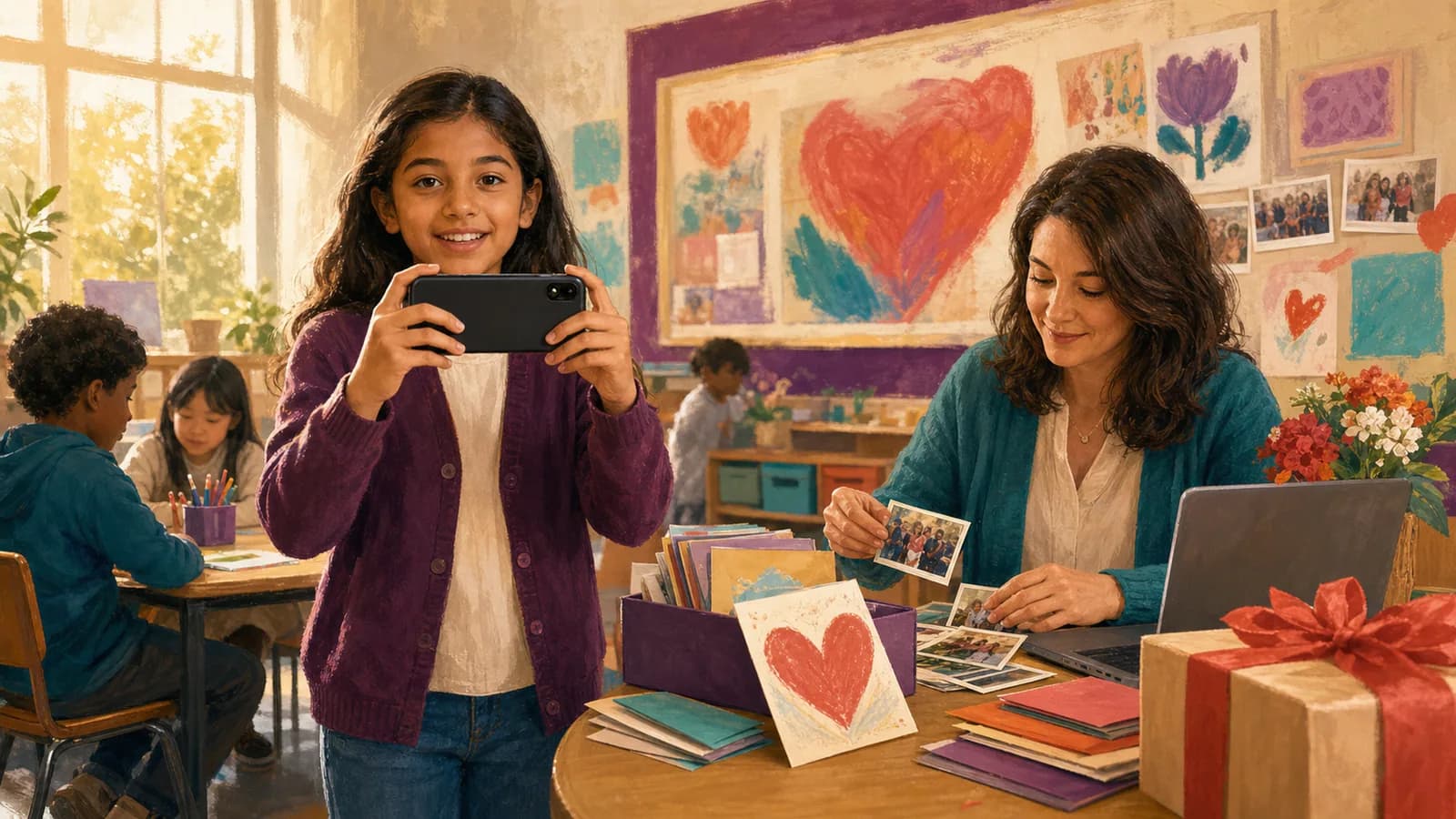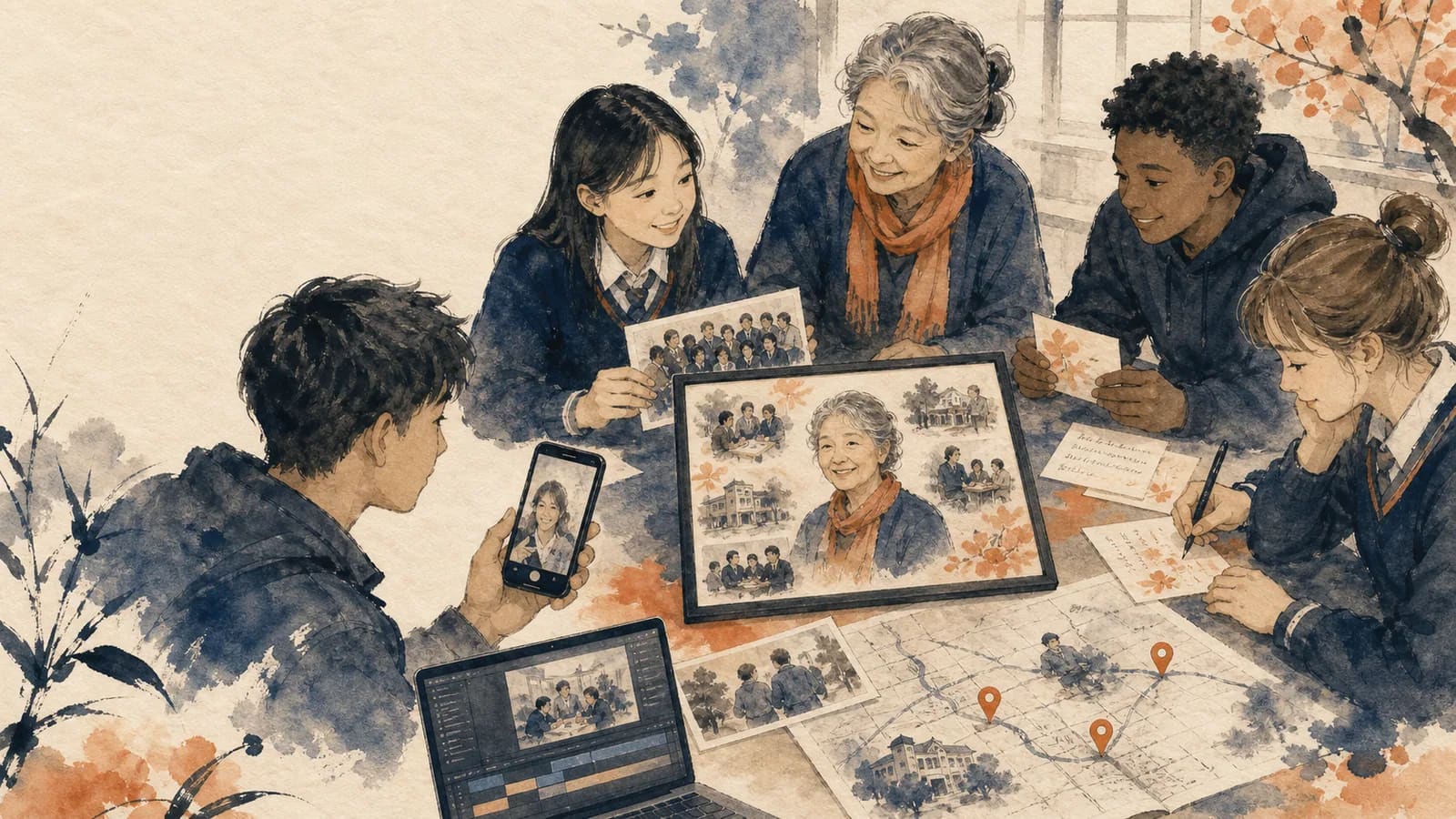
A teacher retirement video can show the real reach of a long career. Current students remember daily classroom life. Former students can explain which lessons stayed with them. Staff members can share the work, humor, and care that happened behind the scenes. The result does not need to feel like a formal award ceremony. Short, specific stories are often more moving than long speeches. This guide will help your school choose a format, invite contributors, collect useful material, and present the finished tribute with care.
Step 1 of 10
A complete three-minute school tribute
This is a fictional planning example with six current-student contributions, three alumni and two staff voices. Select participants through the school’s process and invite written or artwork-based equivalents. A small speaker sample does not claim to represent every student’s experience.
| Timeline | Role and content |
|---|---|
| 00:00–00:10 | Opening title and approved career photograph. |
| 00:10–01:10 | Six current students × 10 seconds: a different lesson or observed classroom kindness. |
| 01:10–01:55 | Three alumni × 15 seconds: one skill they still use, with no private student history. |
| 01:55–02:35 | Two staff members × 20 seconds: two different contributions to colleagues’ work. |
| 02:35–02:55 | Four cleared school or career photos × 5 seconds, with short date labels. |
| 02:55–03:00 | Closing card: “Thank you, and warm wishes for your next chapter.” |
10 + 60 + 45 + 40 + 20 + 5 = 180 seconds. Every speaker’s name and any transition belong inside their slot. Assign distinct prompts before recording; if two clips repeat the same praise, ask permission to shorten one instead of simply placing the repetition farther apart.
Step 2 of 10
Start With the Story You Want to Tell
Before requesting clips, decide what the teacher should understand after watching. You might want to show how they built confidence, strengthened the school, or shaped several generations. One clear purpose will guide every later choice.
Choose a tone that fits the retiree. A warm tribute may suit a quiet teacher. A playful video may suit someone known for safe classroom jokes. You can mix both tones, but appreciation should remain at the center.
Give the project a simple working theme. Examples include “Lessons That Stayed With Us,” “A Career in Classrooms,” “What You Taught Beyond the Subject,” or “The School Through Your Eyes.” A theme helps contributors move past general congratulations.
Step 3 of 10
Choose Contributors From Across the School Community
Current students can share recent lessons, routines, and kind moments. Former students can show the teacher’s lasting influence. Invite a few alumni from different years instead of asking one graduating class to carry the whole story.
Staff members add another side of the teacher’s career. Consider classroom teachers, educational assistants, office staff, librarians, coaches, custodians, counselors, and administrators. Each person may have seen a different kind of service.
Families can also help when the teacher had a clear effect at home. A parent might describe a child who began reading with confidence. The retiree’s family may add photos or a short message about the person beyond school.
Do not judge the project by the number of contributors. Ten specific messages can feel stronger than fifty repeated ones. Choose people who can add a memory, detail, or point of view that is not already covered.
Step 4 of 10
Use Different Prompts for Students and Staff
A blank request to “say something nice” often creates repeated clips. Give each group one or two clear prompts. Ask contributors to choose a prompt rather than answer every question.
For current students, ask: What is one lesson you will remember? What classroom moment made you laugh? When did this teacher help you feel capable? What will feel different after they retire?
For former students, ask: What do you still use from this teacher’s class? Where did life take you after school? When did you realize their lesson mattered? What would you like to thank them for now?
For staff, ask: What did this teacher bring to the school? What happened behind the scenes that students may not have seen? What habit, saying, or tradition will colleagues remember? How did they support other educators?
These questions invite short stories instead of lists of praise. A simple detail can carry real weight. The squeak of a marker cart, a patient lunch-hour explanation, or a yearly field trip may bring a whole period back to life.
Step 5 of 10
How to Plan a Teacher Retirement Video in Eight Steps
| Before the event | Organizer task |
|---|---|
| T−21 days | Confirm retiree preferences, school-approved audience, speaker groups and permission process. |
| T−18 days | Send group-specific prompts with 10-second student, 15-second alumni and 20-second staff allocations. |
| T−10 days | Close collection and request essential replacements only. |
| T−9 to T−5 days | Build the cut and captions; check factual claims and distinct memories. |
| T−4 days | School reviewer checks the exact cut and permission tracker. |
| T−3 to T−2 days | Correct and export; confirm recipient access and independent backup. |
| T−1 day | Rehearse on the event display and speakers. |
Use one private tracker with record ID, role group, original filename, exact audience, permission reference, planned seconds, actual seconds and final approval. Student permission, staff participation and the retiree’s preferences are separate entries; no one’s approval stands in for everyone else’s.
Step 6 of 10
Give Younger and Older Students Suitable Ways to Join
Younger students may feel more comfortable finishing one sentence. Try “Thank you for teaching me…,” “My favorite class memory is…,” or “I hope retirement brings you….” They can also show a drawing while an adult reads their words.
Older students can offer more reflection. Ask them to explain a skill they will carry forward or a moment when the teacher changed their view. Keep the request short so their answers remain natural.
Students do not need to appear on camera to take part. They can submit a written note, drawing, photo of a class project, or audio recording if school rules allow it. Offer this choice from the start.
Avoid forcing an emotional performance. A student may be sincere without crying, speaking at length, or sharing a private experience. The goal is a safe thank-you, not a perfect reaction.
Step 7 of 10
Protect Student Privacy and School Trust
Before collecting media, ask an administrator which school and district rules apply. Existing permission for a yearbook does not always cover a new video or online post. Check the intended use instead of assuming.
Tell families where the tribute will be shown and who will receive it. A private staff event differs from a public social post. Obtain any required parent or guardian permission before adding a student’s face, voice, name, work, or personal story.
Use first names only when that matches school guidance. Avoid showing schedules, student records, login details, addresses, or private classroom information. Review backgrounds for whiteboards, badges, and documents before approving clips.
Give contributors a non-video option. Written messages, drawings, and audio may make the project more accessible. They can also help when permission, comfort, technology, language, or disability makes a standard recording difficult.
Match the export terms to that audience before requesting student media. A classroom-limited project must not use a Free export permission for possible public Examples use unless that wider use has been separately approved through the school’s required process. Credits, an active pass or Premium avoid that required permission but do not make an unapproved school workflow acceptable.
Step 8 of 10
Make the Retirement Reveal Feel Easy and Respectful
Choose a setting the teacher will enjoy. Some retirees love an assembly with a large audience. Others would prefer a quiet staff gathering or private family viewing. Ask someone close to the teacher if you are unsure.
Introduce the tribute in one or two sentences. Explain that students, former students, staff, and families helped make it. Then let the video speak for itself.
Test sound before people enter the room. Add captions when possible, especially in a large or noisy space. Make sure the teacher can see the screen without turning away from the group.
Do not rush the reaction. Leave time for laughter, tears, or quiet conversation after the video. If the retiree agrees, share a private viewing link so they can watch it again later.
Step 9 of 10
Examples You Can Copy
Copy-ready invitation for students and families
We are creating a retirement tribute for [Teacher Name]. Please send a video within your assigned slot: ten seconds for current students or fifteen seconds for alumni by [date]. Choose one prompt: What did [Teacher Name] teach you that you will remember? What is a favorite class moment? What would you like to wish them in retirement? Written notes, drawings, and approved class photos are also welcome. The finished tribute will be shown at [event] and shared with [audience]. Upload your contribution here: [link].
Copy-ready invitation for staff
We are collecting short messages for [Teacher Name]’s retirement tribute. Please send a clip of up to twenty seconds by [date]. Share one school memory, one lesson you learned from working together, or one way [Teacher Name] strengthened the community. You may also add a photo or written note. Please avoid private student or workplace details. Upload here: [link].
Copy-ready student message
Hi [Teacher Name]. I will always remember when you helped me with [specific lesson or moment]. You made me feel [confident, welcome, curious, or supported]. Thank you for teaching me, and I hope you enjoy your retirement.
Copy-ready former-student message
Hello [Teacher Name]. I was in your [class or activity] in [year]. I still use what you taught me about [skill or life lesson]. It helped me when [brief example]. Thank you for making a difference, and congratulations on your retirement.
Copy-ready staff message
Thank you for everything you gave this school. I will remember how you [specific action or habit] and how it helped [students or staff]. Your influence will remain here long after your final day. I wish you a joyful and well-earned retirement.
Copy-ready location request for an AlbumMap story
If your memory connects to a classroom, campus, field trip, performance space, sports field, or community location, please include that place. Add one sentence explaining why it matters. We may use approved locations, photos, clips, and messages to show the path of [Teacher Name]’s career.
Step 10 of 10
Final Thoughts
A meaningful retirement tribute does not need flawless recordings. It needs real voices, clear prompts, and details that show how the teacher changed a school community. Invite students and staff with purpose, protect student privacy, and arrange the memories into a simple story. When the career is tied to several schools or special places, AlbumMap can connect those locations with approved photos, clips, and written messages.
Finish line
Route complete: 10 steps
Need to check something again? Jump straight back to any stop.
- 1A complete three-minute school tribute
- 2Start With the Story You Want to Tell
- 3Choose Contributors From Across the School Community
- 4Use Different Prompts for Students and Staff
- 5How to Plan a Teacher Retirement Video in Eight Steps
- 6Give Younger and Older Students Suitable Ways to Join
- 7Protect Student Privacy and School Trust
- 8Make the Retirement Reveal Feel Easy and Respectful
- 9Examples You Can Copy
- 10Final Thoughts
Helpful answers
Frequently asked questions
How long should a retirement video for a teacher be?
A short school tribute often works well at three to eight minutes. The best length depends on the event and contributor count. Keep most clips between 15 and 30 seconds. If you receive many strong messages, make a shorter event version and keep a longer private version for the retiree.
What should students say to a retiring teacher?
Students can share one lesson, one specific memory, or one way the teacher helped them. A simple structure works well: greeting, personal detail, thank-you, and retirement wish. Younger students can finish a sentence or show a drawing instead of recording a full message.
Who should be invited to a teacher retirement tribute?
Consider current students, former students, teaching colleagues, support staff, administrators, coaches, families, and the retiree’s relatives. Choose people who can add different memories. A smaller set of specific stories is better than many repeated congratulations.
How early should a school start collecting retirement messages?
Start two or three weeks before the event when possible. This gives former students time to respond and allows the school to check permissions. Set the contribution deadline several days before editing must begin.
Can students participate without appearing on camera?
Yes. Students may contribute a written note, drawing, approved project photo, or audio recording if school policy permits it. These options support privacy, comfort, accessibility, and different communication needs.
Can a school share the finished tribute on social media?
Only when school policy and the required permissions allow that exact use. Consent for a private event, newsletter, or yearbook may not cover public social media. Confirm the audience before collecting clips and review the final video again before any public sharing.
When does a map-based teacher retirement tribute make sense?
It works best when places help tell the career story. The route might include a first school, later campuses, field-trip locations, community projects, or performance spaces. AlbumMap can connect those places with approved photos, clips, and messages.