Page 01 / 15
Introduction
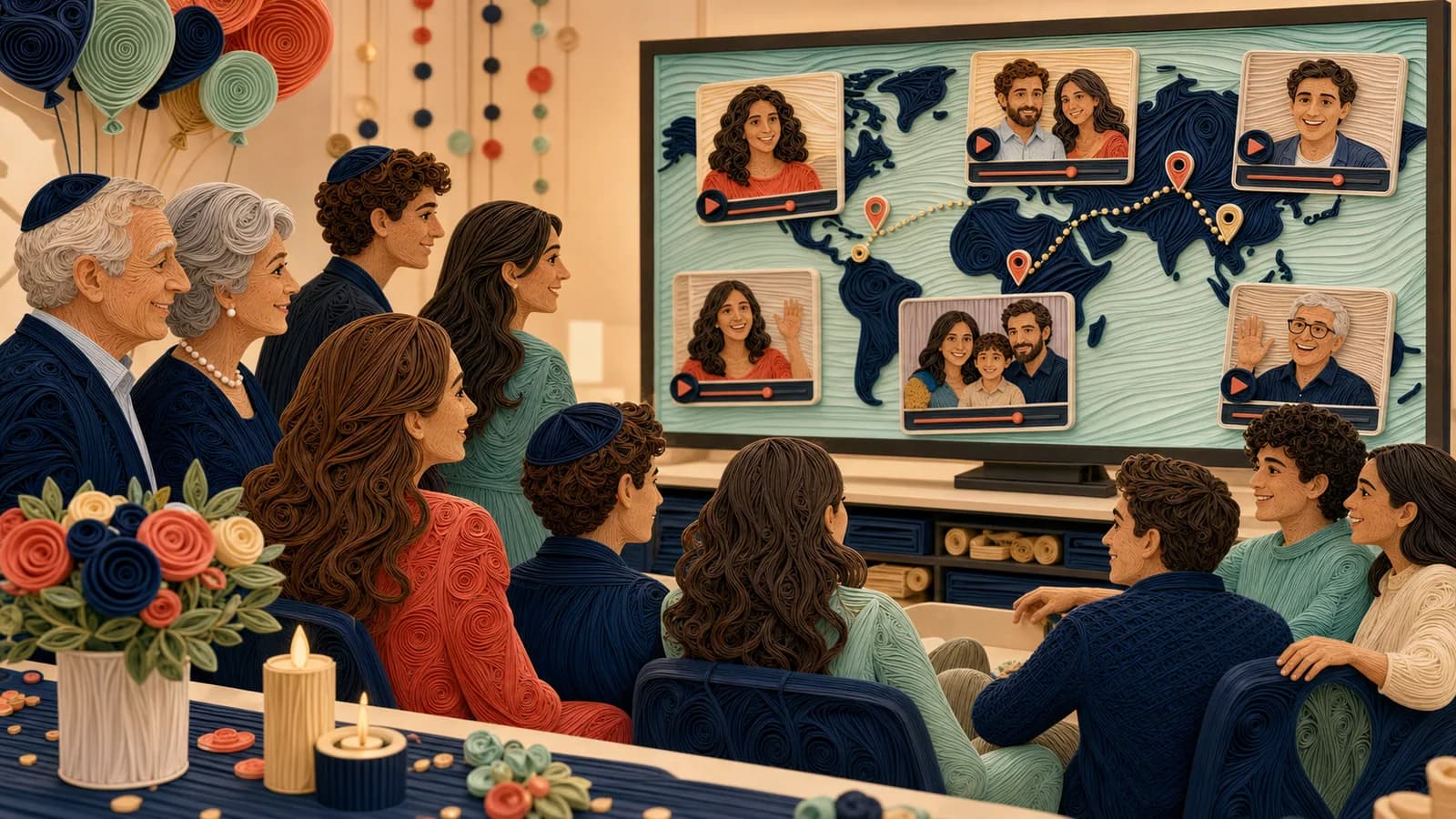
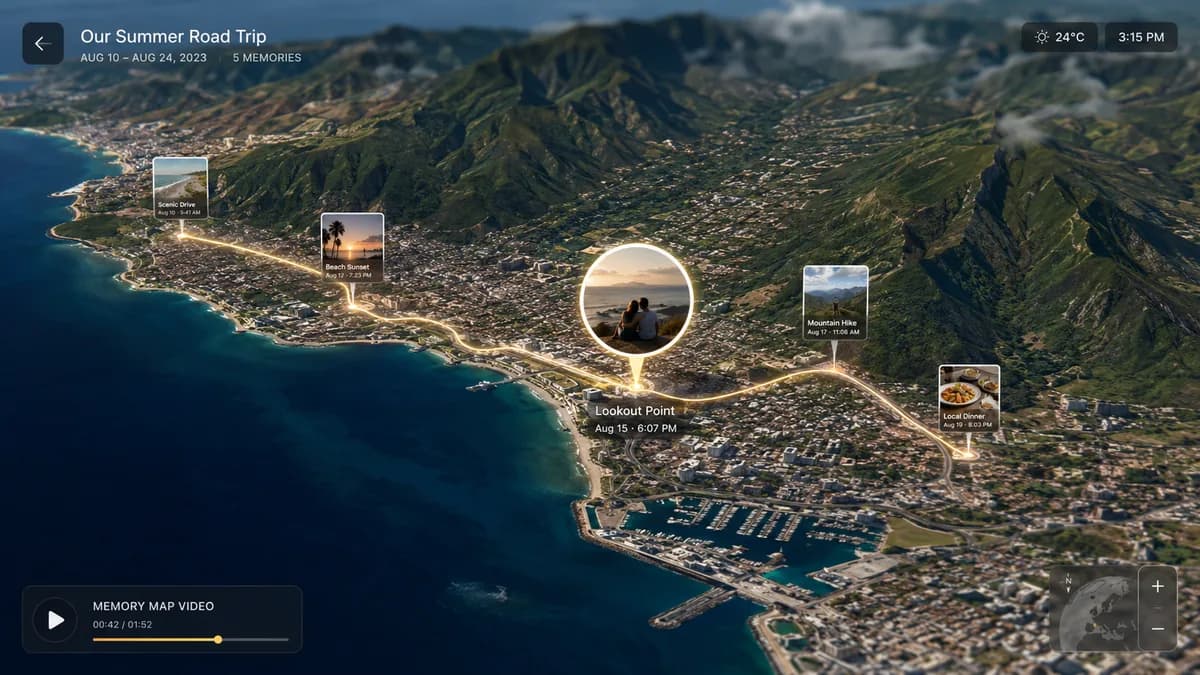
A family reunion map video can show more than where people travelled from. It can connect the places where family stories happened with the people who remember them.
One person might send a message from the city where they live now. Another might share a photograph from an old gathering. Someone unable to attend can still contribute a place and a memory.
The main editing decision is to keep those meanings clear. A current home, the location of an old photograph, and the reunion venue are three different kinds of place. Give each one a role instead of treating them as interchangeable pins.
Page 02 / 15
Choose the film's central idea
Start with one sentence that describes the gift you want the video to give the family.
For example: “These are the places our family calls home,” “Here is what we remember about gathering together,” or “Different places, one shared weekend.”
The first idea emphasizes people and their current lives. The second emphasizes memory. The third connects distance with the reunion itself.
You can combine them, but choose one as the main thread. Otherwise, the film may move from a childhood story to a present-day greeting to a travel route without explaining the change.
This guide focuses on the finished reunion film. For help with the collection stage, read family reunion photo and video collection guide.
Page 03 / 15
Pick a map structure that matches the story
There are three useful ways to organize the geography.
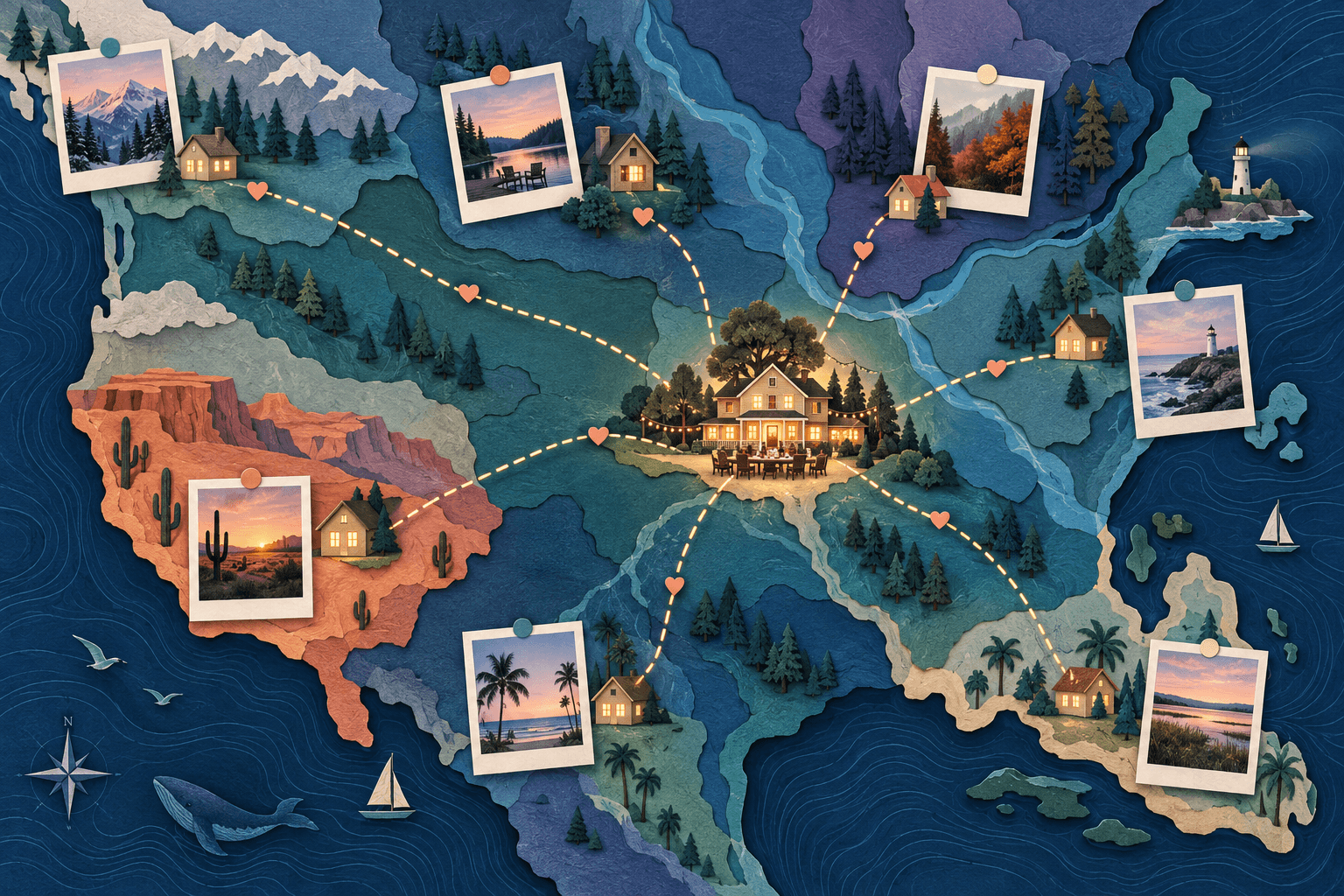
Many places, one gathering. Show each contributor's city or region, then return to the reunion location. This makes separate contributions feel connected without implying that everyone followed one shared route.
One place, many memories. Stay around a familiar area and introduce the stories attached to it. This can work for a reunion connected to a hometown or a place where gatherings happened over the years.
A sequence of family chapters. Move through meaningful locations in a stated order, such as an earlier gathering, a more recent chapter, and the present reunion. Use dates or period labels when needed to avoid suggesting that different generations were in the same place at the same time.
The map should clarify relationships between stories, not attempt to prove family history. Describe uncertain recollections as recollections rather than established facts.
Page 04 / 15
Ask for a small, specific contribution
A clear request makes the material easier to edit and gives quieter contributors a way to participate.
Ask for a short greeting, one photo they have permission to share, and a city or general area. Let people contribute a written message instead of appearing on camera.
Here is an original invitation you can adapt:
“For [reunion and date], we’re collecting one memory per household for [welcome film/after-event recap], shared with [audience] through [delivery method]. Please send one labelled photo, short written memory or clip through [tested link/contact] by [day, full date, time and time zone]. Include display names, approximate date, a broad place and any uncertainty. Contact [organizer] about permissions or access; contributing is optional.”
Add a real deadline in the invitation you send. Leave enough time to check names, review permissions, and fix missing context before the event.
AlbumMap's FAQ describes inviting people to contribute through a shared link or QR code without requiring a guest account or app. The invitation should still explain the audience and the type of material you want.
Page 05 / 15
A tested written-memory contribution
On 26 October 2026, a synthetic reunion collection used AlbumMap’s With map style. The saved owner session and a separate signed-out guest browser ran on one computer. No real household, family event or journey was represented; Toronto and Montreal were broad public-city labels.
| Step | Observed result |
|---|---|
| Open the guest invitation | The signed-out browser could open the invitation and contribution form without creating an account. |
| Choose a place and write a note | The guest selected Montreal, Quebec, Canada from the location suggestions and entered a name and written memory. Media was labelled OPTIONAL; no photo, video or avatar was attached. |
| Upload for review | The guest saw Upload complete. The owner received one pending item with the same name, selected city and complete note. |
| Approve | The pending count became zero. The saved map contained two stops: the earlier Toronto test stop and the approved Montreal contribution. The selected location and full note were preserved. |
This supports a written-memory option for the tested map form. The slideshow form behaves differently: the separate trial required a photo or video. Confirm the selected video style before telling relatives what to send, and keep a direct organizer contact as an alternative.
The owner was an administrator account displaying Premium. This trial did not test ordinary plan limits, QR scanning, physical phones, real family participation or the finished reunion export.
For the separate slideshow submission and correction cycle, see the dated collection trial. Keep guest access, owner approval and final playback as separate checks.
Page 06 / 15
Give contributors prompts that produce stories
“Say something about the family” is a broad request. A smaller question can lead to a more concrete memory.
Try prompts such as “What do you remember about the place where we used to gather?” or “Which ordinary family tradition would you like someone younger to know about?”
For people joining remotely, ask “What is one thing you wish you could do with us at the reunion?” For a photo contribution, ask “Who is in this picture, where was it taken, and what happened just before or after it?”
Do not ask everyone the same question when their connections to the family are different. Include partners, chosen family, and people whose memories do not fit a neat generational timeline.
Participation should be an invitation, not a test of belonging.
Page 07 / 15
Separate current locations from old-photo locations
Use simple labels such as “Message from…” and “Remembered in…” when the distinction matters.
For example, a relative speaking from their current city might be describing a photograph taken somewhere else. Placing that photograph on their current-home pin without explanation could confuse the story.
Create a small planning table before editing:
| Contribution | Location to display | Label needed |
|---|---|---|
| Present-day greeting | The contributor's chosen city or region | “Hello from…” |
| Old gathering photo | Where the event happened, when known | Place and approximate period |
| Remote reunion message | The sender's chosen area | “Joining us from…” |
| Closing reunion scene | The gathering location | Reunion title or date |
Use broader areas when exact locations are private or uncertain. Do not guess a historical place just to fill a pin.
Page 08 / 15
Build a running time from the contributions
Decide on the available attention before collecting long speeches. A film for a seated viewing can be different from a short background loop during a busy meal.
As an illustrative calculation, twelve messages averaging eight seconds give ninety-six seconds of speaking time. Add a twenty-second opening, twenty seconds of map transitions, and a fifteen-second ending, and the rough cut is about two and a half minutes. Photo pauses or longer stories will add to that.
The calculation is a planning example, not a rule for the perfect reunion length. Measure the actual material and revise the structure.
When the film becomes too long, group related memories or make a longer private edition. Avoid solving the problem by making every person speak unnaturally fast.
Page 09 / 15
Alternate people and places
A repeated pattern can help the audience follow a large group: introduce the place, show the contribution, then use a short map transition to the next chapter.
Do not make every transition equally elaborate. The people should receive more attention than the camera movement between them.
Open with a message that establishes the theme, not necessarily the oldest photograph or the first upload. In the middle, group material by a shared topic: gatherings, food, everyday traditions, or messages from relatives who cannot be there.
End with something shared, such as a current group photo or a sentence that includes both in-person and remote participants. The ending should feel like a gathering, not the last name on a list.
Page 10 / 15
Check permission and readability before the event
Ask contributors to confirm names and any captions attached to their stories. Do not silently change the meaning of a message to make it fit the theme.
For children, involve the appropriate parent or guardian in decisions about recording and sharing. Let anyone opt out of a public or wider-family version without needing to explain why.
Provide captions or a text version for important speech. W3C's transcript guidance explains how a descriptive transcript can include essential visual details alongside the words being spoken.
Use music only where you have the necessary permission, and keep it from overpowering voices. A meaningful sentence should not be lost under the soundtrack.
Page 11 / 15
Rehearse the actual playback
Test the exported file on the device and screen you plan to use. Check that the text is readable from the seating area and that the quietest contributor can be heard.
Keep a local copy of the final video rather than relying only on an unfamiliar internet connection. Also keep the editable project and the original contributions separately so corrections do not require starting over.
If the audience will be moving around, consider showing the main film at a designated moment. A message-led video may lose its meaning when most people cannot hear it.
Page 12 / 15
Choose a welcome film or an after-event recap
A welcome film introduces people before the main gathering. Keep it short enough to give everyone a shared starting point without delaying the event.
A reunion recap comes afterwards and includes what happened when the group met. It can begin with the separate places and end with new photographs taken together.
A message film for relatives who cannot attend has another purpose. It should make absence feel acknowledged rather than using empty spaces to imply that the gathering was incomplete. Include remote messages only with permission and use wording that fits the relationships involved.
Page 13 / 15
Keep the household record separate from the film
Use a simple planning table. The example below describes fields rather than real relatives.
| Field | Why it is useful |
|---|---|
| Contributor or household | Tracks who supplied the material |
| Display name | Prevents guesses about spelling or preferred names |
| Chosen place and meaning | Distinguishes hometowns from current locations |
| Approved media | Identifies which image or clip belongs in the edit |
| Private or public permission | Helps create the correct version |
| Review status | Shows whose contribution still needs a check |
This table is an organiser's document, not something to display publicly. Do not collect exact home addresses when a broad location serves the project.
When several households choose the same place, share the map scene rather than scattering nearly identical pins. Give each group its own photograph or greeting while keeping the geography readable.
Page 14 / 15
A welcome-film timing example
Imagine eight households, each with a ten-second chapter that includes a brief location introduction and a greeting. Add a twelve-second opening and an eight-second closing. That creates a 100-second film.
| Section | Suggested duration | Content |
|---|---|---|
| Opening | 12 seconds | State the reunion and what the locations represent |
| Eight household chapters | 80 seconds total | Give each group the same starting amount of time |
| Closing | 8 seconds | Return to a shared family photograph or reunion title |
This is a planning example, not a rule. Equal starting windows can help avoid accidentally giving the most technically confident contributors all the screen time. Adjust for clarity rather than making the film a competition for seconds.
For a large reunion, group chapters by a meaningful theme or show a short welcome version with a longer private companion film. A map crowded with every name is not automatically more inclusive than a readable sequence.
The 100-second arithmetic is an editing plan: 12 + (8 × 10) + 8. It does not establish an account’s contribution count, media limits or automatic export duration. Check the chosen plan’s current limits before collecting eight household chapters; group images or make a separate edit if needed.
Page 15 / 15
Make the distance part of the connection
A reunion video does not need to include every family fact. It needs a clear theme, enough context to follow the stories, and room for people to recognize one another.
Explore AlbumMap to build a place-based family story, and use the family reunion photo and video collection guide to begin gathering the contributions.
Summary sheet
Plan at a glance
- Introductionp.01
- Choose the film's central ideap.02
- Pick a map structure that matches the storyp.03
- Ask for a small, specific contributionp.04
- A tested written-memory contributionp.05
- Give contributors prompts that produce storiesp.06
- Separate current locations from old-photo locationsp.07
- Build a running time from the contributionsp.08
- Alternate people and placesp.09
- Check permission and readability before the eventp.10
- Rehearse the actual playbackp.11
- Choose a welcome film or an after-event recapp.12
- Keep the household record separate from the filmp.13
- A welcome-film timing examplep.14
- Make the distance part of the connectionp.15
Helpful answers
Frequently asked questions
Can people who cannot attend still be included?
Yes. Invite a photo, written memory, or recorded greeting. State where it will be shown and shared so they can make an informed choice.
Should every person get the same amount of screen time?
A broadly balanced structure is a useful starting point, but identical timing is not always necessary. Prioritize inclusion and understandable messages rather than a rigid count of seconds.
What can I do with a photo whose date or location is uncertain?
Use an honest approximate label or leave the uncertain detail out. Do not turn a guess into a factual map caption.
How is this different from a standard reunion slideshow?
The map gives each contribution geographic context and can connect people living in different places. The memories still need to carry the emotional meaning.