Idea card 1 of 11
Long-Distance Family Video Ideas That Bring Everyone Together
A long-distance family video can turn scattered updates into time spent together. It can include a live call, recorded messages, old photos, or a story told across several places. The best idea is not always the most polished one. It is the one your family will actually enjoy making and watching. This guide offers simple formats for children, grandparents, busy adults, and relatives in different time zones. You will also find recording prompts, copy-ready invitations, and a clear plan for bringing every contribution together.
Idea card 2 of 11
One weekly update from four households
Fictional example: four households choose one small update each for a private family group. Nobody must disclose a location, appear on camera or share news that feels private. A drawing, object, written line or short clip can fill a household’s slot.
| Timeline | Allocation |
|---|---|
| 00:00–00:10 | Opening: the week’s date range and a warm greeting. |
| 00:10–00:35 | Household A: one 25-second update. |
| 00:35–01:00 | Household B: one 25-second update. |
| 01:00–01:25 | Household C: one 25-second update. |
| 01:25–01:50 | Household D: one 25-second update. |
| 01:50–02:00 | Closing: next week’s optional prompt and replay note. |
10 + four 25-second slots + 10 = 120 seconds. The household decides how to share its space; larger households need not give every member a separate 25 seconds. If someone skips a week, shorten the update without calling attention to the absence.
Idea card 3 of 11
Choose the purpose before choosing the format
Start by deciding what the video should do. It might help relatives share everyday news, welcome a new baby, celebrate a family milestone, preserve stories, or support someone through a hard season. A clear purpose makes every later choice easier.
Next, decide whether the video will be live, recorded, or a mix. Live video suits games and natural conversation. Recorded video gives people time to think and makes scheduling easier. A mixed format lets everyone take part in a way that feels comfortable.
Keep the first project small. Ask for one clip from each household instead of trying to document the whole family history. A finished three-minute video creates more connection than an ambitious project that never gets completed.
Idea card 4 of 11
Long-distance family video ideas for everyday connection
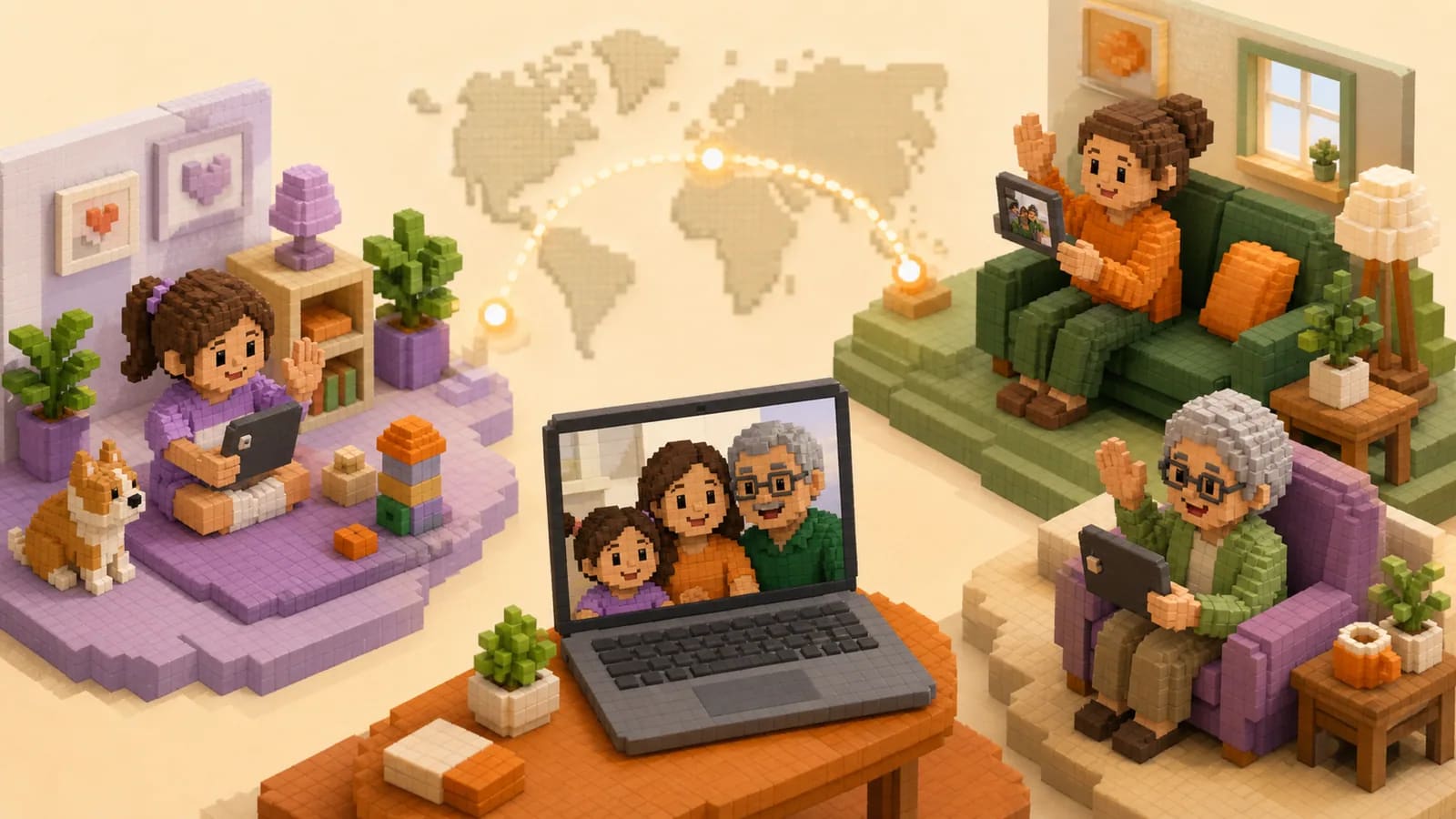
A weekly family newsreel is an easy place to begin. Each household records one short update about its week. Children can show a drawing, a new skill, or something they found outside. Adults can share a meal, a small win, or a funny moment.
Try a show-and-tell exchange for younger children. Ask each person to bring one object and explain why it matters. A grandparent might show an old photo. A cousin might introduce a pet. The objects give everyone something concrete to discuss.
You can also make a family question of the month. Choose one prompt, such as “What meal reminds you of home?” or “What did you enjoy at my age?” Collect the answers and watch them together. Over time, the clips become a simple family archive.
For a lighter idea, record the same small challenge in every home. Families might cook one recipe, sing one chorus, complete a scavenger hunt, or show the view from their window. The shared task creates a sense of doing something together.
If your family marks Thanksgiving together, use the Thanksgiving family-video ideas for recipe memories, gratitude rounds and contributions from relatives joining from afar.
Idea card 5 of 11
Build a family memory video around places
Places can give a group video a clear structure. Start with a family home, then move through schools, neighborhoods, vacation spots, and the cities where relatives live now. Each stop can hold a photo, a short clip, or a written note.
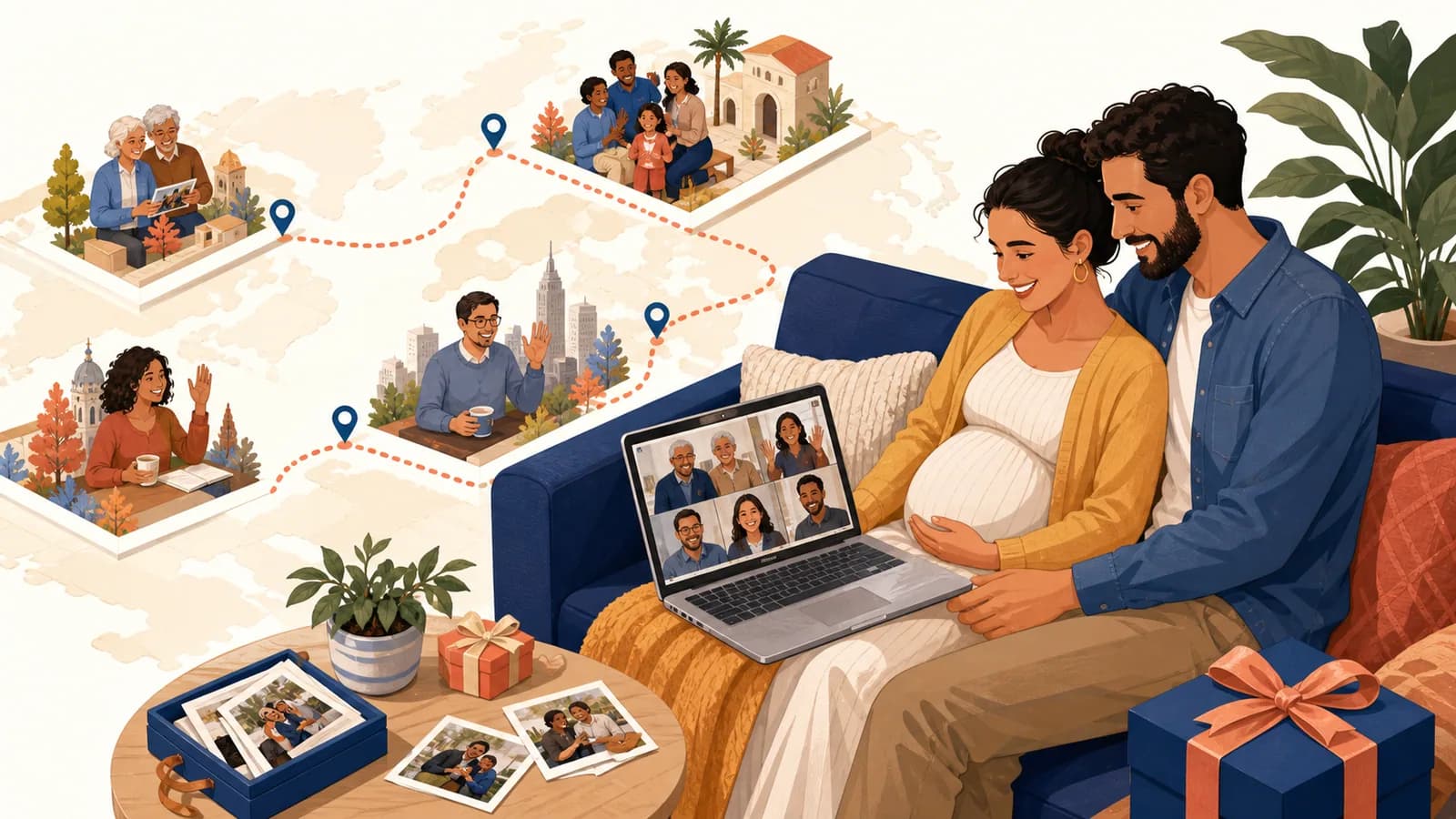
This approach is helpful when the family has moved many times or lives across several countries. Instead of treating distance as a problem, the video shows the full shape of the family. A message from each city becomes part of one shared route.
AlbumMap can help when you want to collect photos, videos, messages, and locations through one project. The finished map video can move between meaningful places, making the connection between each memory easier to follow. Use this option when location adds something real to the story, not just as decoration.
When a reunion supplies the pictures, start with the family-reunion photo-sharing workflow so names, permissions and the story behind each photograph stay with the files.
Idea card 6 of 11
Give everyone one clear recording prompt
People often delay because they do not know what to say. A short prompt removes that pressure. Ask for one idea per clip and give a suggested length. Twenty to forty seconds is enough for most updates, memories, and greetings.
Useful prompts include: “Show us one part of your day,” “Share a memory from our old family home,” and “Tell us what made you laugh this week.” For a family milestone, try: “What do you admire about this person?” or “What do you hope they enjoy next?”
Children may find a task easier than a question. Invite them to draw a picture, perform a dance, read a short page, or show a favorite toy. Older relatives may prefer telling a story or describing an old photograph.
Tell contributors that natural clips are welcome. They do not need a speech, special equipment, or a perfect background. A clear voice and a specific thought matter more than polished production.
Idea card 7 of 11
Plan a viewing that includes everyone
For a live viewing, send the call link and time early. If relatives live across many zones, choose the least difficult option and share a recording with anyone who cannot join. Do not make one household attend at an unreasonable hour every time.
Keep the call simple. Welcome everyone, explain what they will see, play the video, and leave space for conversation afterward. Use screen sharing with computer audio enabled. Test the video with one relative before the full call.
An asynchronous viewing can work just as well. Send the video with a warm note and invite people to reply when they have time. Families can post reactions in the group chat or schedule a shorter follow-up call.
For a gift or milestone, pair the link with a printed card or private message. A QR code can make the video easy to open, but include a normal link as a backup. Always think about who should have access before sharing it widely.
Ask everyone who would be captured before recording a group viewing for absentees. If anyone declines, share the approved update itself and a written summary rather than recording the call. Confirm the intended audience and whether any replay expires.
Idea card 8 of 11
Keep the project private and comfortable
Ask permission before using sensitive photos, children's clips, medical updates, or personal stories. Tell contributors who will see the final video and where it will be stored. A family project should not become a public post by accident.
Let people skip a prompt or submit a different kind of message. Some relatives enjoy being on camera, while others do not. A written memory or photograph can be just as meaningful.
Check every contribution before the group viewing. Remove private details that were shared by mistake. Make sure names are correct and the sound is clear enough to understand. Add captions when they will help relatives follow the video.
Save the finished file in a place the family controls. Keep a backup if the video holds important stories. You may also save the original clips, especially when they include grandparents, young children, or memories that cannot be recorded again.
Idea card 9 of 11
A simple seven-day family video plan
| Weekly stage | Task |
|---|---|
| Day 1 | Agree a small prompt, audience and [submission date/time/named zone]. |
| Day 2 | Send the request with each household’s local equivalent. |
| Day 5 | Submission deadline; check captions and permissions. |
| Day 6 | Assemble the short update, confirm any sensitive changes and test the replay. |
| Day 7 | Share the approved link asynchronously; offer an optional call only if convenient. |
Rotate any inconvenient live-call time instead of making the same household join late every week. The recorded update remains available within the agreed access period, so attending a call is not a condition of taking part. A delayed edit can be sent later; it does not need to become a rushed live event.
Idea card 10 of 11
Examples You Can Copy
Copy-ready invitation for an everyday family update
Hi everyone! We are making a short family update video so we can feel closer between visits. Please record a 20- to 40-second clip showing one thing from your week. A meal, pet, view, drawing, or quick story is perfect. Upload it here by [date and time zone]: [link]. Natural phone videos are welcome.
Copy-ready family memory prompt
Please choose one family place and share a short memory from it. It could be a home, school, park, restaurant, vacation spot, or hometown. Send one photo if you have one, plus a short video or written note explaining why the place matters. Please add everything here by [date, time and named time zone]: [link].
Copy-ready milestone request
We are making a family video for [person and occasion]. Please record one brief message with a favorite memory, something you admire about them, or a hope for their next chapter. Aim for 30 seconds, but do not worry about making it perfect. Upload your clip here by [date and time zone]: [link].
Copy-ready reminder
Friendly reminder that our family video clips are due on [date, time and named time zone]. A short, natural phone recording is all we need. If recording is difficult, you can send a photo or written note instead. Add your contribution here: [link]. Thank you for being part of it.
Idea card 11 of 11
Final Thoughts
Distance changes how families spend time together, but it does not have to remove the small moments that build closeness. Start with one clear purpose and one easy prompt. Make room for live calls, recorded clips, photos, stories, and written notes. Keep the project short enough to finish and personal enough to matter. When your family's story is tied to many homes, cities, or meaningful places, a map-based video can help everyone see how those separate points still belong together.
For other occasions, use the family reunion guide. For filming basics, use the short recording checklist. Keep this weekly plan focused on a small update people can choose to make.
Your shortlist
Ideas you saved
Tap “Save to shortlist” on any idea card and it lands here, ready to compare.
- Long-Distance Family Video Ideas That Bring Everyone Together
- One weekly update from four households
- Choose the purpose before choosing the format
- Long-distance family video ideas for everyday connection
- Build a family memory video around places
- Give everyone one clear recording prompt
- Plan a viewing that includes everyone
- Keep the project private and comfortable
- A simple seven-day family video plan
- Examples You Can Copy
- Final Thoughts
Helpful answers
Frequently asked questions
How long should a long-distance family video be?
For a simple update, aim for three to six minutes. A larger milestone video may run longer if every section adds something new. Ask each household for a 20- to 40-second clip. Trim long pauses and repeated greetings before removing unique stories.
What can relatives say if they feel awkward on camera?
Give them one specific prompt. They can share a small update, describe an old photo, tell a favorite memory, or offer one wish. Let them send a written note, photo, or voice recording if video feels uncomfortable.
How can we include relatives in different time zones?
Collect recorded clips first so people can contribute at a convenient time. If you plan a live viewing, include the time zone in every invitation and send the finished video to anyone who cannot attend.
What is the easiest way to collect family video clips?
Use one upload link or collection point for everyone. Send the prompt, clip length, deadline, time zone, and link in one message. Review clips as they arrive so there is time to solve any problems.
Can children and grandparents take part?
Yes. Give children a simple show-and-tell task. Invite grandparents to tell a story or explain an old photo. A relative can help with recording, and written notes or photos can replace video when needed.
When does a map-based family video make sense?
A map-based video is useful when relatives live in different places or memories are tied to homes, schools, trips, and hometowns. The map gives the video a clear path and helps viewers understand how the separate stories connect.
How should a family protect privacy?
Tell contributors who will see the video and ask permission before including sensitive material. Review every clip, use a private sharing method, and avoid posting children's videos or personal family updates publicly without clear consent.