Page 01 / 07
A graduation video gift is about the contributors’ voices
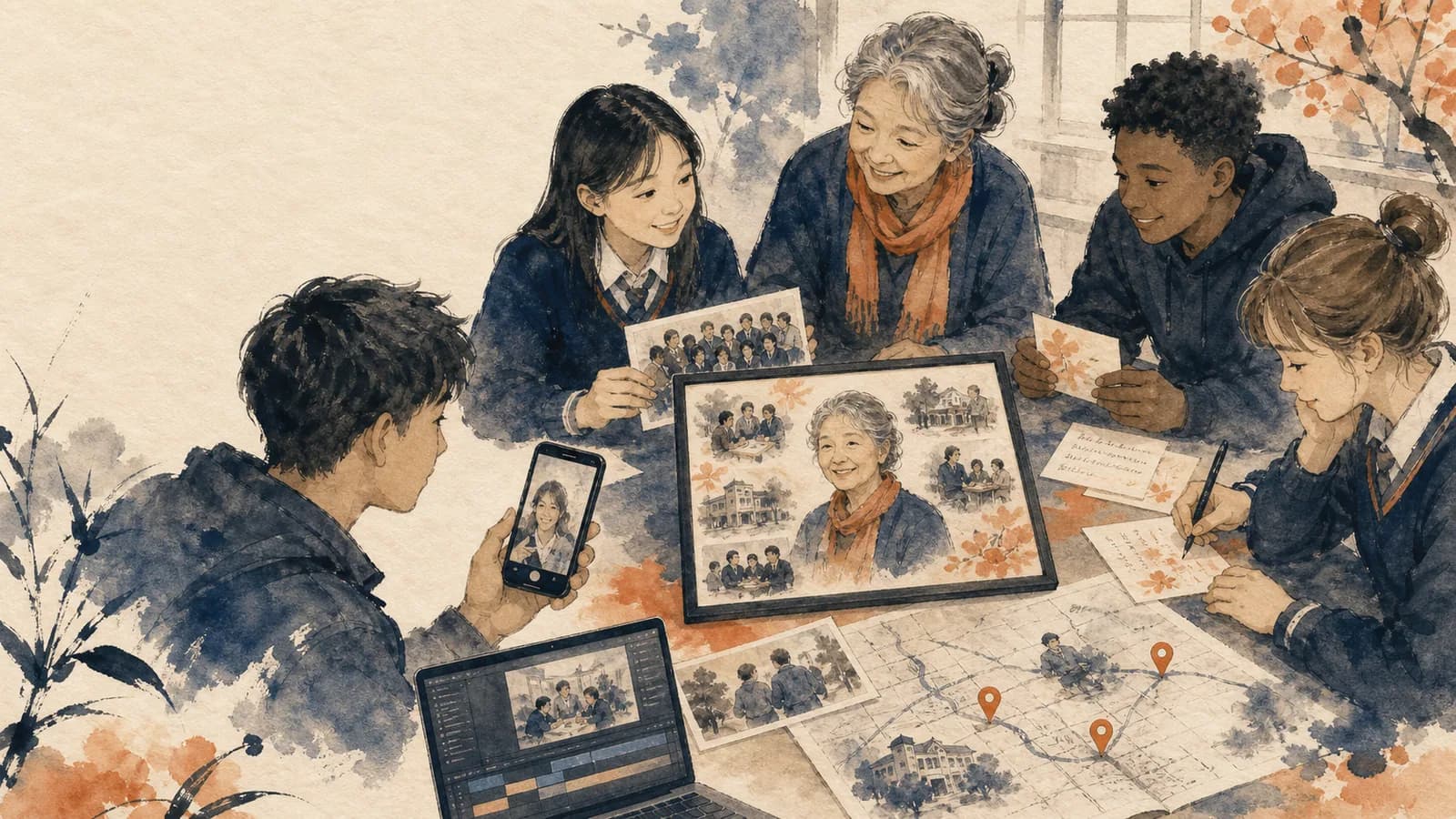
This guide is for a gift assembled from friends, family, teachers or mentors. Its central work is inviting people and giving their messages a place in one story. If your main material is photographs and you need an editing workflow, use the slideshow tutorial instead.
Choose who will watch, whether the graduate welcomes a surprise, and one person to coordinate. A private gift from six contributors can feel complete. You do not need every classmate, every photograph or a prediction of the graduate’s future.
Start with this invitation, replacing every bracketed field: “We are making a private graduation gift for [name]. Please send a 20-second message about one moment when you saw their effort, kindness or growth. Submit at [actual submission link] by [date, time and time zone]. A written note or photo is equally welcome. The audience is [named group]. Please [surprise instruction, if applicable]. Questions can come to [organizer].”
Page 02 / 07
A complete three-minute gift storyboard
This fictional planning example has six speakers, six photographs and a simple closing. It is a timing worksheet, not a claim about a tested video or automatic product timing.
| Time | Content | Purpose |
|---|---|---|
| 0–8 sec | Graduate’s name and an approved recent image | Introduce the person |
| 8–28 sec | One family message | Remember an early interest |
| 28–43 sec | Three photos at five seconds each | Show that chapter |
| 43–103 sec | Three friend or classmate messages, twenty seconds each | Bring different perspectives |
| 103–118 sec | Three photos at five seconds each | Connect the friendships to actual moments |
| 118–158 sec | Two mentor or family messages, twenty seconds each | Recognize growth and offer support |
| 158–180 sec | Closing wish and an approved image held with readable text | End without assigning a next life step |
The intervals total 180 seconds. A transition or extra title that occupies separate time must fit inside that total or extend the finished length. Let longer, meaningful messages breathe by removing weaker material rather than cutting speech mid-thought.
Page 03 / 07
Ask different people different questions
| Contributor | One useful prompt |
|---|---|
| Parent or relative | What early interest do you remember seeing develop? |
| Friend | Which ordinary shared moment would you want them to remember? |
| Classmate | What did they contribute to something you worked on together? |
| Teacher, coach or mentor | What change in their work or confidence did you observe? |
| Someone far away | What support can you offer for whatever comes next? |
Do not ask a mentor to disclose grades or a relative to narrate a private hardship. A specific kind observation is enough. For a class project involving children, arrange the appropriate school and parent/guardian permissions before collecting or screening names, images or voices.
Page 04 / 07
Receive, review and arrange the material
- Step 1Test the chosen submission route on a phone and explain any account or file requirements.
- Step 2Keep a private contributor tracker: invited, received, reviewed and approved for the intended audience.
- Step 3Play each clip promptly; check sound and ask for a replacement only when a problem prevents use.
- Step 4Keep originals separately from edits, and attach the contributor’s name and permission note.
- Step 5Arrange by story role rather than upload order, using the storyboard as a budget.
For example, label a received clip “03-Jamie-classmate-original” and its related photo with the same contributor label. Keep the backup in a separate storage location with appropriate access. The final film can contain a selection while the graduate receives a fuller private archive if contributors agreed.
Page 05 / 07
Use places only when they explain the journey
A home city, school, studio or club can connect an image to a contribution. Ask for a city or public place instead of an exact home address. Do not put a future destination on screen unless the graduate has confirmed it and is comfortable sharing it.
AlbumMap is an option when that geography belongs in the story. A conventional montage can be a better fit when the voices and photographs carry it. Check the chosen tool’s current collection, editing and export behavior rather than assuming it supplies every timeline operation.
For a university milestone, use the college variant below to connect campus memories with messages from earlier in life. If the occasion is leaving for college, use the college send-off ideas for that separate celebration.
Page 06 / 07
College variant: connect life before campus and life on campus
Give the college story two perspectives: people who knew the graduate before arrival, and people who shared the college years. A first-generation milestone may matter deeply, but use that label only if the graduate wants it included. Do not assume a job, move or further degree has been decided.
| Contributor | Specific prompt |
|---|---|
| Chosen family or earlier friend | What change did you notice, and what memory shows it? |
| Roommate or classmate | Which ordinary study-night, shared project or kind act stayed with you? |
| Professor or mentor | What concrete example of curiosity, work or growth may be shared without confidential details? |
Example friend script: “Congratulations, [Name]. I still remember [specific campus memory]. You made a difficult week lighter and noticed when someone needed help. I am proud of your work and glad we shared this chapter. I hope we can choose a time to catch up when it suits us both.”
Optional parent message, for a parent who actually shared the first campus drop-off: “Congratulations, [Name]. I still remember leaving you at [campus place] for your first semester. You were excited and nervous, but you kept moving forward. Watching you grow into the person you are now has made us deeply proud. Carry that courage into your next chapter, and remember that we are always on your side.”
This longer example is optional wording, not a promise that it fits a twenty-second slot. Select a complete shorter thought, rehearse it, or change the overall time budget. If the drop-off memory or relationship does not apply, use a true memory from a chosen supporter instead. Do not add this as a seventh speaker on top of the sample plan.
A compact map can move from broad home city to an approved campus entrance, a public study or creative space, an approved community project and the graduation venue. Put roommate messages beside public campus scenes, not room numbers or routines. Leave the next destination unpinned unless the graduate actively chooses to share it.
Keep the hub’s three-minute budget: use its six speaker slots for the perspectives that actually exist in this graduate’s life. Swap contributors or approved written cards within those slots; the college version does not require six additional speakers.
Page 07 / 07
Review the gift and test the reveal
Have a trusted reviewer check the name, qualification, captions, private stories and balance of voices. Confirm that the graduate would enjoy the viewing setting. Test the final file or link on the actual device, check sound, and keep an offline copy when the service provides one.
For photo editing, continue with the graduation slideshow workflow. For one contribution’s wording, use the graduation wishes.
If the graduate prefers a private viewing, give them the file or tested viewing link after the ceremony instead of arranging a public reaction. A QR code in a card should have a readable direct-link fallback. Keep spoken messages clear; if you add music, check that its permitted use covers the intended edit and sharing. The messages can also stand on their own without background music.
Summary sheet
Plan at a glance
- A graduation video gift is about the contributors’ voicesp.01
- A complete three-minute gift storyboardp.02
- Ask different people different questionsp.03
- Receive, review and arrange the materialp.04
- Use places only when they explain the journeyp.05
- College variant: connect life before campus and life on campusp.06
- Review the gift and test the revealp.07
Helpful answers
Frequently asked questions
How is a graduation video gift different from a slideshow?
The gift here is built around messages from contributors. A photo slideshow centers on selecting and editing images; its workflow is covered separately.
What should contributors record?
Ask for one observed moment of effort, growth, kindness or friendship. Give different people different prompts and welcome a written note instead.
How much material fits in the sample plan?
The illustrative three-minute plan includes six twenty-second messages, six photos at five seconds each, an eight-second opening and a twenty-two-second closing.
Must a graduation gift predict the next chapter?
No. Celebrate the work completed and offer support without assuming a school, job, move or other life decision.