Step 1 of 5
Ask for the original file rather than a forwarded copy
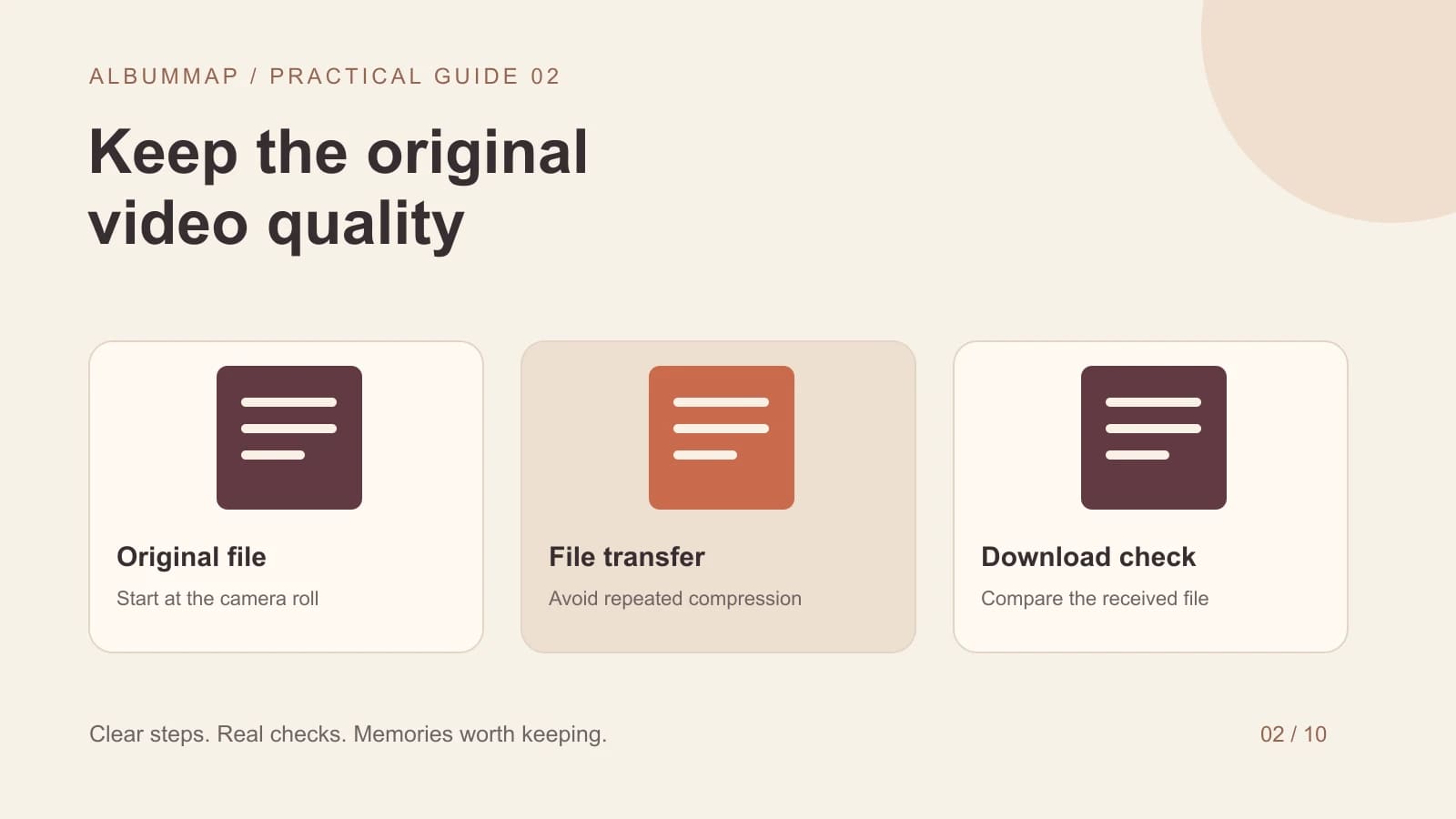
To send a video without adding avoidable quality loss, transfer the original file through a file upload or downloadable file link. Ask the recipient to download it and compare it with the source. A small or blurry streaming preview does not tell you whether the downloadable file has changed.
Start at the camera roll or the original recording folder. A clip saved from a social post or forwarded through several chats may already be compressed. Changing the delivery method cannot restore detail that disappeared earlier. For a keepsake, collect the best available source before you start editing.
Step 2 of 5
Choose a transfer method that matches the group
| Method | Useful for | Check before collecting |
|---|---|---|
| Downloadable cloud file link | A few contributors sending large originals | The recipient has download access and the file remains available. |
| Dedicated contribution page | Many people contributing to one project | It accepts the file and lets the organizer retrieve the quality needed. |
| Photo backup service | A contributor whose original is already backed up | The uploaded version and backup quality are suitable. |
| Ordinary chat attachment | Fast coordination and reminders | The received file's actual dimensions and duration, not the chat preview. |
Google Photos distinguishes Original quality from storage-saving backup options. Apple offers iCloud Links for sharing photos and videos. Neither a service name nor a share button is a substitute for checking the file you receive. Permissions, backup settings, and the contributor's source all affect the result.
Keep the original-file handoff separate from the finished viewing copy. If sending fails, use the phone upload troubleshooting steps; once the files are safely received, choose a private family delivery method for the edited video.
Step 3 of 5
Run a one-clip quality check
A different file size alone does not prove that something went wrong. Containers, metadata, and encoding can differ. Look for lost detail, reduced dimensions, stuttering, or a shortened recording. If an exact copy is essential, a matching cryptographic file hash can establish byte-for-byte identity.
Step 4 of 5
A message contributors can follow
Please upload the original video from your camera roll using [link] by [date]. Avoid forwarding a copy from a group chat or downloading your social post. After uploading, check that the full recording arrived. If it fails, tell me the filename and what the page says; keep the original on your phone.
For relatives who need help, offer to walk through one small upload. Ask people to keep their originals until the finished gift has been checked. A backup route is useful, but keep track of which version you actually use so you do not edit an older chat copy by accident.
Step 5 of 5
Keep collection quality separate from final export quality
High-quality source clips give an editor more flexibility. The finished video is normally encoded again, and its export settings may differ from the originals. Choose the final resolution for the audience and device, then inspect an actual export. Repeatedly exporting and re-importing the whole project adds unnecessary generations.
For access and download decisions, use our private family video sharing guide. For failed phone uploads, use the iPhone and Android upload checklist. AlbumMap can bring contributions into one gift; keep the source files separately as your archive.
Finish line
Route complete: 5 steps
Need to check something again? Jump straight back to any stop.
Sources and further reading
Helpful answers
Frequently asked questions
Why does my uploaded video look blurry at first?
You may be watching a lower-resolution preview or an incomplete processing result. Download the file and compare it with the original before deciding the upload damaged it.
Does sending an HD version preserve the original?
An HD label describes an option offered by that service. It does not establish that the received file is identical to the original. Compare the downloaded file and use an original-file transfer when that matters.
Should everyone record in 4K?
Choose settings the contributors' devices, upload connections, and project can handle. A clear, steady recording with understandable speech matters more than asking everyone for the largest possible file.