A Bar Mitzvah video can bring warm wishes, old photos, and family stories into one meaningful keepsake. The same approach works for a Bat Mitzvah celebration. It is especially useful when relatives live far away or cannot attend. The best videos do more than place random clips in a row. They reflect the young person's character, work, relationships, and hopes for what comes next. This guide offers practical themes, simple recording prompts, and copy-ready examples for family and friends.
Idea card 1 of 9
A fictional family-approved structure to adapt
This example is an invented planning brief for Noa’s milestone. It does not claim approval from a real family or community. In a real project, begin with the young person’s wishes, their family’s terminology and the congregation or venue’s rules for recording and playback. Do not assume ceremony recording, device use or music is permitted.
| Timeline | Content |
|---|---|
| 00:00–00:10 | Title using the honoree’s preferred name and wording. |
| 00:10–00:40 | Six approved photographs or artwork items × 5 seconds. |
| 00:40–02:00 | Four greetings × 20 seconds from people Noa wants included. |
| 02:00–02:20 | A twenty-second reflection or written card chosen by the honoree; optional. |
| 02:20–02:30 | Closing: “Mazel tov, Noa. We are glad to celebrate this milestone with you.” |
10 + 30 + 80 + 20 + 10 = 150 seconds. If the honoree prefers no personal reflection, use approved artwork or shorten the film; do not require a speech to fill the slot. Include captions, names and transitions within these allocations.
For a viewing on T, request contributions by T−10 days with a clock time and named time zone, review the rough cut by T−4, export by T−2 and rehearse at T−1. Allow more time where family or community review requires it.
Ask the family which parts of this example fit their own observance and which should be omitted. The camera-free contribution options and guest-upload consent plan help accommodate participation choices; they do not establish religious requirements or replace the family’s community guidance.
Idea card 2 of 9
Start With the Young Person, Not the Effects
Before choosing music or transitions, think about the person being celebrated. What do they care about? They may love sports, music, art, camp, reading, travel, community service, or time with cousins. Use those details to guide the video.
Ask a parent or guardian what will feel welcome. Some young people enjoy childhood photos and playful jokes. Others would rather avoid anything embarrassing. If the video is a surprise, one trusted adult can protect those boundaries without revealing the whole plan.
Follow the language the family uses for the milestone. The family may say Bar Mitzvah, Bat Mitzvah, B-Mitzvah, or another term. Careful wording helps the video feel personal and respectful.
Idea card 3 of 9
11 Bar Mitzvah Video Ideas That Family and Friends Can Make
1. A growing-up timeline: Begin with early family photos. Move through school, holidays, hobbies, trips, and recent moments. End with messages about the next chapter.
2. A chorus of congratulations: Ask each person to complete one prompt, such as “I am proud of you because...” Short answers create a clear theme without making every clip sound alike.
3. Favorite memories: Invite relatives and friends to share one specific story. A small detail often says more than a general compliment. It could be a rainy camp day, a kitchen lesson, or a kind act at school.
4. Lessons from different generations: Ask grandparents, parents, older cousins, and mentors to offer one useful thought. Encourage them to speak in their own voices rather than giving formal speeches.
5. A friends-only rapid round: Let close friends answer quick questions. Ask what always makes the honoree laugh, what skill they admire, or what adventure they hope to share next.
6. A values video: Build each part around a quality such as courage, curiosity, kindness, patience, or responsibility. Pair each quality with a story that shows it in action.
7. A hobby-themed mini story: Shape the video around a favorite interest. Teammates can share game clips, music friends can perform a short piece, or art classmates can show a group creation.
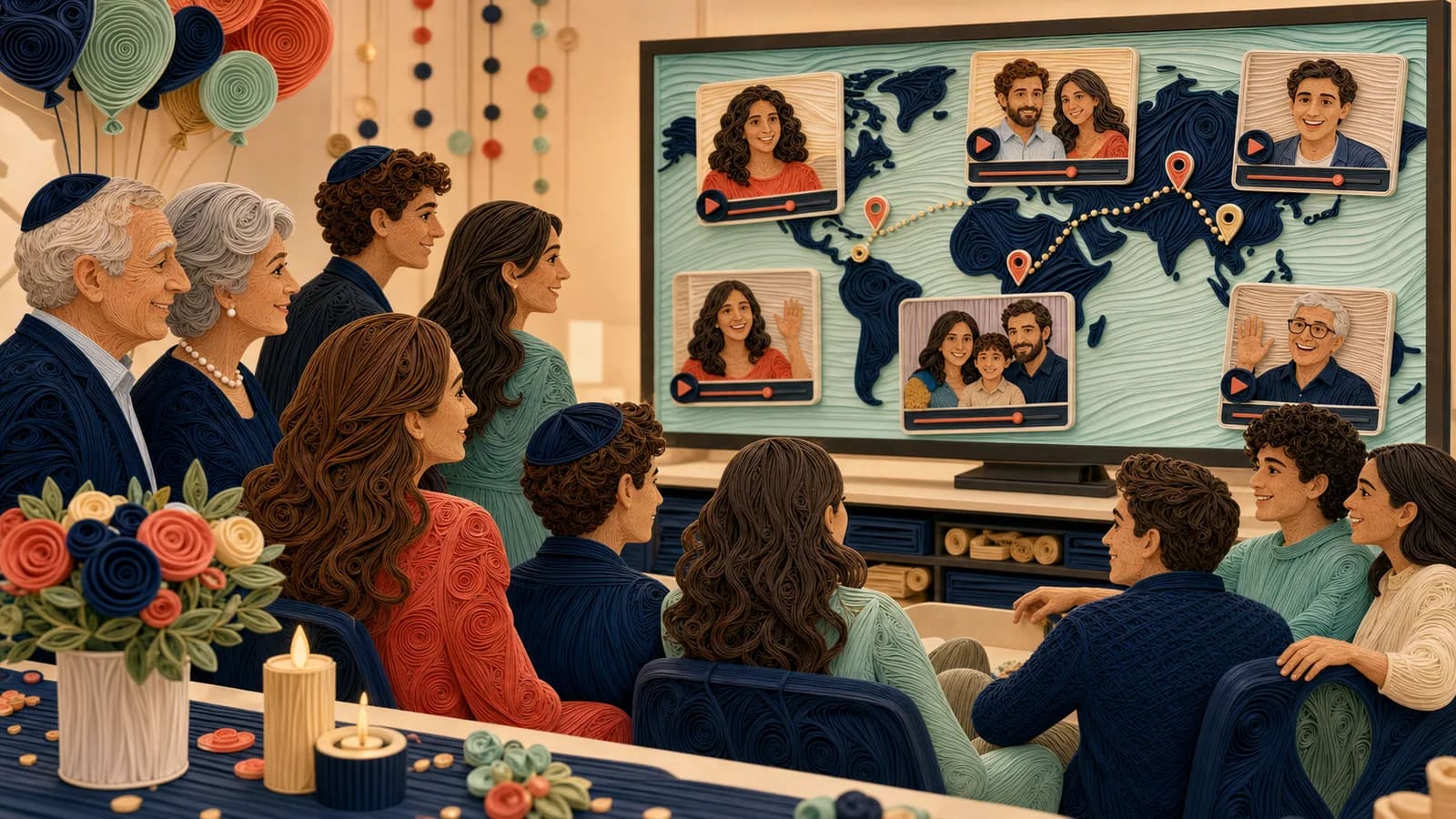
8. Messages from people who cannot attend: Include relatives, family friends, former teachers, camp friends, and others who live far away. Their presence can make the celebration feel more complete.
9. A family-history thread: Add family photos and short stories from earlier generations. Keep the focus on connection. The goal is to show that the honoree belongs to a living family story.
10. A place-based journey: Connect memories to meaningful places. Possible stops include a family home, synagogue, community center, camp, school, vacation spot, or a grandparent's city.
11. A celebration-day keepsake: Collect short guest messages and candid clips during the gathering. Keep this separate from the service unless the family and religious leaders have approved recording.
Idea card 4 of 9
Decide Who Should Contribute
Begin with the people who know the honoree well. The list might include parents, siblings, grandparents, aunts, uncles, cousins, close friends, mentors, teachers, coaches, a rabbi, or a cantor. Ask first rather than assuming anyone has time to record.
A smaller group with specific stories can be stronger than a large group repeating the same line. Give each contributor a role. One person can share a childhood memory, another can speak about character, and another can offer a wish for the future.
Include people who cannot attend in person. A simple contribution link lets them take part from home. Give everyone the same deadline, instructions, and privacy expectations.
Idea card 5 of 9
Give Contributors Easy Recording Prompts
People often delay because they do not know what to say. Send two or three prompts with the request. Let each person choose the one that feels natural.
Useful prompts include: “What is one memory that shows who they are?” “What makes you proud of them?” “What quality do you hope they carry forward?” “What is one thing you always enjoy doing together?” and “What do you wish for their next chapter?”
Ask for one specific moment rather than a full life story. A focused clip is easier to record and edit. It also gives the finished video more variety.
Idea card 6 of 9
Use Meaningful Places to Connect the Story
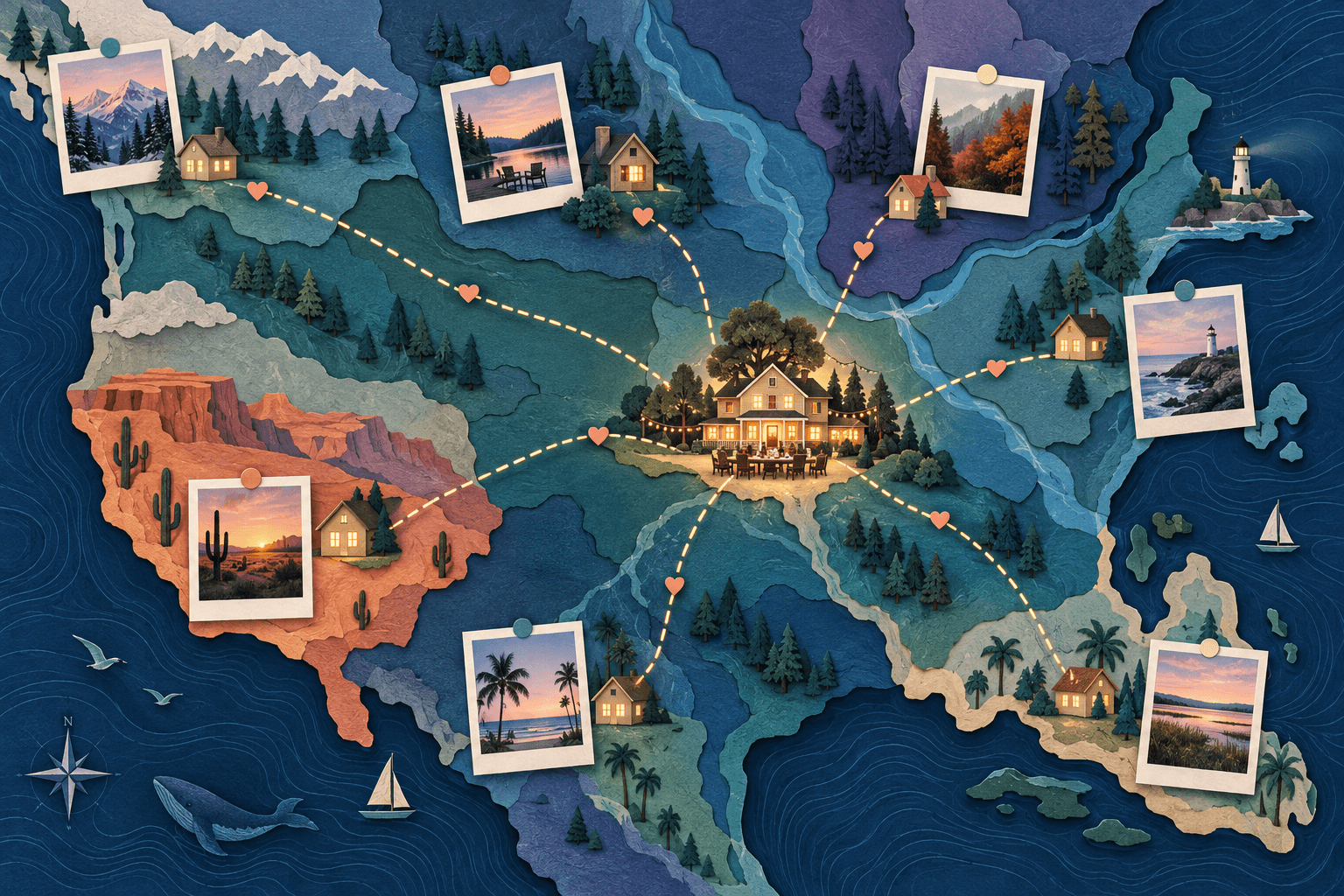
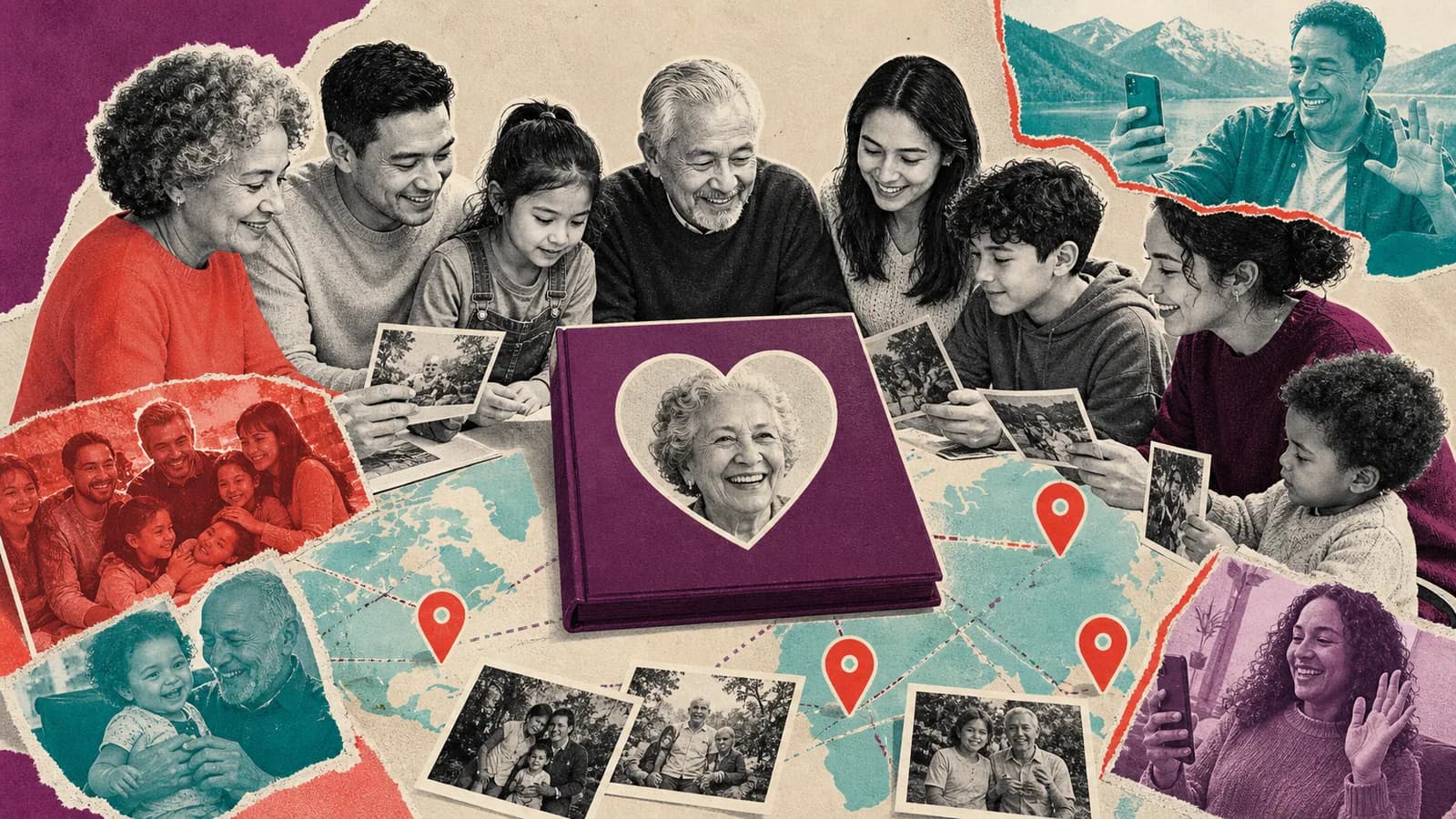
Places can give the montage a natural path. A map-based version might begin at a family home, move to a community place, visit camp or a favorite trip, and end at the celebration city. Each stop can hold a photo, clip, or written message.
AlbumMap can help when the story depends on both people and places. One contribution flow can gather photos, short videos, written wishes, and locations. The finished map video can then move between the places that shaped the honoree's story.
Do not force a map into the video when places are not important. A simple group montage may be the right choice. Use the map approach when it adds meaning or helps connect people who contributed from far away.
Idea card 8 of 9
Examples You Can Copy
Copy-ready invitation to contributors
With [honoree] and their family’s agreement, we are making a video for [preferred milestone wording] for [specific audience and setting]. Please send one greeting of up to twenty seconds, an approved photograph or a written wish at [tested link] by [date, time and named time zone]. Share one true memory or kind wish. Participation is optional. [Organizer/contact] will review the material, and corrections can be arranged before [review deadline]. Please keep it within the agreed group.
Copy-ready reminder
A friendly reminder about [Name]'s celebration video. If you would like to take part, please send your short clip, photo, or written message by [date, time and named time zone]. A simple phone recording is perfect. You can upload it here: [link].
Copy-ready message from a grandparent
Mazel tov, [Name]. I am proud of the care you have put into this day. One of my favorite memories is [specific memory]. You bring [quality] to our family, and I hope you carry that strength into every new experience.
Copy-ready message from a friend
Mazel tov, [Name]! I will always remember when we [specific moment]. You make people feel included, and that is one of the things I admire most about you. I hope we have many more adventures together.
Copy-ready location prompt
Please add one place that connects you to [Name]. It could be a city, camp, community center, family trip, or another public place tied to a good memory. Add one sentence explaining why it matters.
Copy-ready introduction for the screening
This video brings together memories and wishes from people who care about [Name], including some who could not be here today. We hope it reflects the joy, work, friendships, and family stories behind this milestone.
Idea card 9 of 9
Final Thoughts
The most meaningful video will not be the one with the most effects. It will be the one that feels true to the young person. Start with their character, invite specific stories, and keep the process easy for contributors. With clear prompts and careful editing, family and friends can create a keepsake that honors both the milestone and the person reaching it. If those memories connect to different homes, cities, schools, trips, or community places, AlbumMap can bring the photos, clips, messages, and locations together as one map-based story.
Your shortlist
Ideas you saved
Tap “Save to shortlist” on any idea card and it lands here, ready to compare.
- A fictional family-approved structure to adapt
- Start With the Young Person, Not the Effects
- 11 Bar Mitzvah Video Ideas That Family and Friends Can Make
- Decide Who Should Contribute
- Give Contributors Easy Recording Prompts
- Use Meaningful Places to Connect the Story
- Plan How You Will Share the Video
- Examples You Can Copy
- Final Thoughts
Helpful answers
Frequently asked questions
What should a Bar or Bat Mitzvah video include?
Include a short welcome, specific family stories, friend messages, photos, and wishes for the next chapter. You can also add hobbies, values, family history, or meaningful places. Choose details that fit the young person.
How long should the finished video be?
There is no single correct length. A focused video is usually easier to watch during a celebration. Choose the strongest clips, remove repeated messages, and ask the venue how much time is available before editing.
What can family and friends say in their video messages?
Ask them to share one favorite memory, one quality they admire, or one hope for the future. Specific stories feel more personal than general praise. Short prompts also make recording easier.
How can relatives who live far away contribute?
Send one upload link with a deadline and simple recording instructions. Contributors can record on a phone and add a photo, written message, or location. One reminder before the deadline is often helpful.
Can we record parts of the religious service?
Ask the family and the synagogue or other host location first. Recording practices can differ. Confirm permission with the rabbi, cantor, venue, and anyone who may appear before bringing cameras into the service.
How do we keep a video involving a young person private?
Limit identifying details, review every photo and clip, and use private sharing unless the family approves something else. Do not reveal a home address, daily route, or other sensitive location. Get permission before posting clips that show other children.
When does a map-based Mitzvah video make sense?
It works well when memories connect to places or contributors live in different cities. A map can link family homes, community spaces, camps, trips, and other meaningful locations. If place is not important to the story, a standard montage may be simpler.