A first birthday video can hold the small changes that are easy to forget: a sleepy newborn stretch, the first real smile, a favorite toy, a family visit, and the wobble before a first step. Instead of placing random clips in a slideshow, you can shape the year into a simple story. Start at birth, move through the months, and finish with the child at one. Photos and videos show how the baby changed. Short family messages add voices and feelings. Meaningful places can give the story a clear path. This guide shows you how to collect, organize, and share those memories without making the project too complicated.
Page 01 / 09
Build a simple month-by-month outline
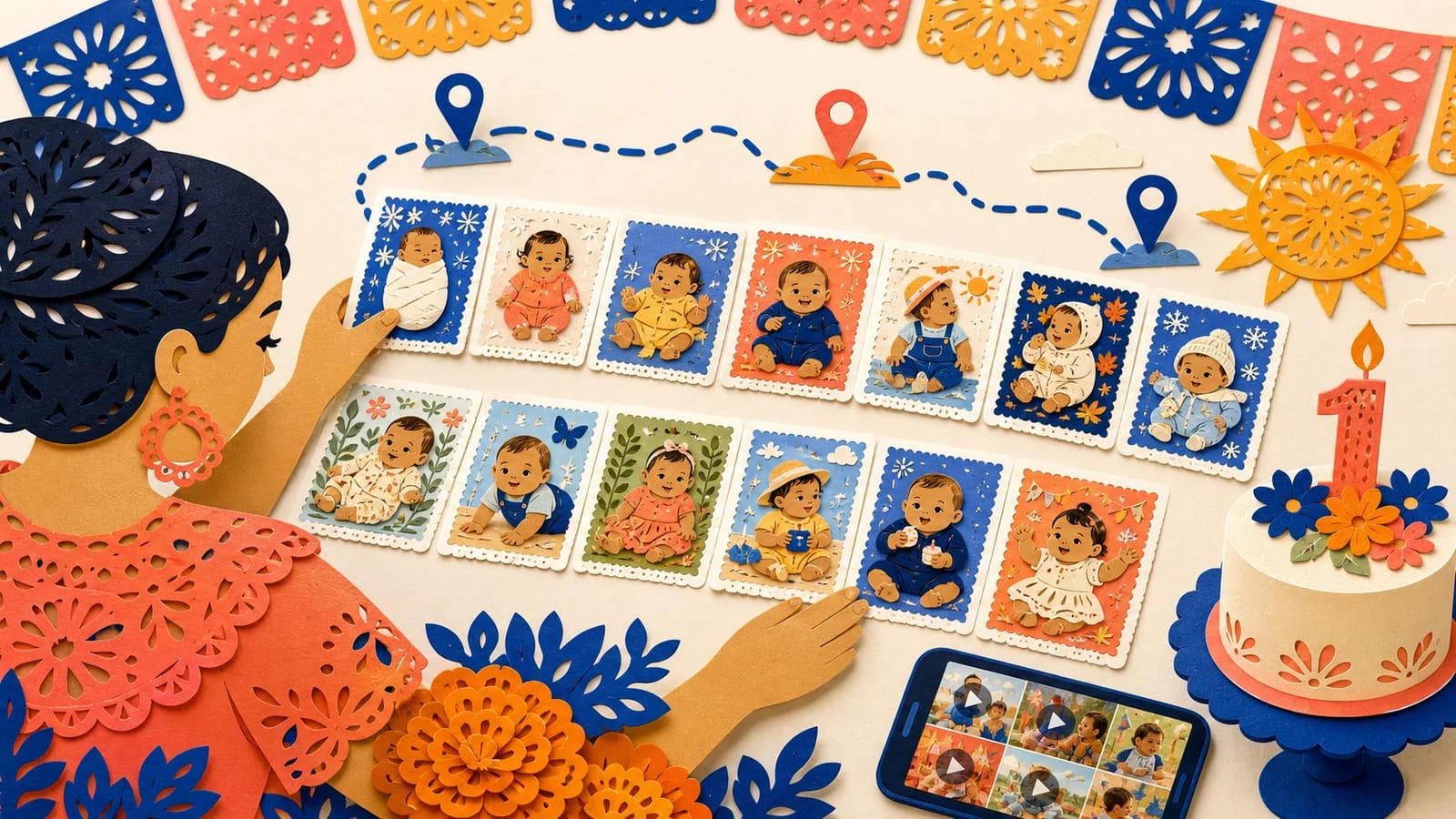
This fictional worksheet has thirteen parts: a beginning and months one through twelve. F01–F13 are invented selection IDs, not supplied photographs or developmental expectations. Use the actual child’s approved memories; there is no required milestone for any month.
| Time | Chapter | Selected media | Complete caption | Source note |
|---|---|---|---|---|
| 00:06–00:12 | Birth / beginning | F01 · one approved still or short clip | A first photograph we chose to keep. | Unpinned; confirm the month from the source or label approximate. |
| 00:12–00:18 | Month 1 | F02 · one approved still or short clip | A familiar quiet moment. | Unpinned; confirm the month from the source or label approximate. |
| 00:18–00:24 | Month 2 | F03 · one approved still or short clip | A small detail from an ordinary day. | Unpinned; confirm the month from the source or label approximate. |
| 00:24–00:30 | Month 3 | F04 · one approved still or short clip | Time with a person who cared for us. | Unpinned; confirm the month from the source or label approximate. |
| 00:30–00:36 | Month 4 | F05 · one approved still or short clip | A favorite object in this month’s picture. | Unpinned; confirm the month from the source or label approximate. |
| 00:36–00:42 | Month 5 | F06 · one approved still or short clip | A view from a day we remember. | Unpinned; confirm the month from the source or label approximate. |
| 00:42–00:48 | Month 6 | F07 · one approved still or short clip | Halfway through, with our own rhythm. | Unpinned; confirm the month from the source or label approximate. |
| 00:48–00:54 | Month 7 | F08 · one approved still or short clip | Another ordinary moment worth keeping. | Unpinned; confirm the month from the source or label approximate. |
| 00:54–01:00 | Month 8 | F09 · one approved still or short clip | A picture with a story beside it. | Unpinned; confirm the month from the source or label approximate. |
| 01:00–01:06 | Month 9 | F10 · one approved still or short clip | Time together, without a milestone checklist. | Unpinned; confirm the month from the source or label approximate. |
| 01:06–01:12 | Month 10 | F11 · one approved still or short clip | One small tradition in the making. | Unpinned; confirm the month from the source or label approximate. |
| 01:12–01:18 | Month 11 | F12 · one approved still or short clip | A familiar face and a warm memory. | Unpinned; confirm the month from the source or label approximate. |
| 01:18–01:24 | Month 12 | F13 · one approved still or short clip | One year, and a few chosen moments. | Unpinned; confirm the month from the source or label approximate. |
The full two-minute plan is six seconds of opening + thirteen six-second selections (78 seconds) + two ten-second family messages (20 seconds) + a sixteen-second closing = 120 seconds. Each selection includes its caption and any transition. If a month has no suitable image, combine it with a neighboring chapter and state the actual period.
Download the thirteen-part selection worksheet. Record original filenames, who appears, date confidence and agreed audience beside the chosen IDs. Keep the larger archive separate.
Page 02 / 09
Begin with the story you want to keep
Before opening an editor, decide what the finished video should say. A useful theme is simple: look how much happened in one year. That idea keeps the project focused when your camera roll holds hundreds of similar pictures.
Think about the people who will watch it. The video may be a party feature, a private gift for the parents, or a keepsake the child can watch later. A lively party version may need quick clips and bright music. A family keepsake can move more slowly and include longer messages.
Choose two or three words for the mood. Warm, playful, calm, curious, and grateful are good options. Use those words when selecting media. A clear mood is more helpful than adding every photo you love.
Page 03 / 09
Choose first-year moments that feel personal
Big milestones can be useful, but small details often carry more feeling. A video of a baby laughing at the same sound each day may matter more than a formal monthly portrait. A worn toy, bedtime song, or messy meal can bring the year back in an instant.
Consider moments from daily life: coming home, meeting relatives, bath time, stroller walks, story time, first foods, dancing in the kitchen, or watching a pet. Include only the events that belong to this family. There is no required checklist.
Avoid turning the video into a comparison. Babies grow at different rates. Use captions such as “You found a new way to explore” or “This became your favorite game.” These lines celebrate the child without measuring them against anyone else.
Page 04 / 09
Add places to create a first-year memory map
Some first-year memories are closely tied to places. The story might begin in the birth city, move to the first home, visit a grandparent's town, pause at a favorite park, and end at the birthday gathering. A few locations can give the video a natural route.
Use a place only when it adds meaning. A living-room floor may be where crawling began. A relative's city may mark the first family visit. A lakeside cabin may hold the first trip. You do not need a new location for every month.
Protect the child's privacy. Use a city, neighborhood, or family label instead of an exact address. Avoid showing medical records, daily schedules, school details, or other information that should stay private.
AlbumMap can help when you want photos, short videos, written notes, and places in one story. The finished video can travel between map stops as the child moves through the year. If locations are not important, a simple chronological montage is still a good choice.
Page 05 / 09
Ask family members for useful contributions
Relatives may have photos and clips that the parents never received. Ask grandparents, siblings, aunts, uncles, and close family friends to check their phones. Give them a deadline and one private place to upload everything.
Make the request specific. Ask for one favorite photo or clip, the month it was taken, and a short note about why it matters. If the memory is tied to a place, ask for the city or a broad location label too.
Invite a few people to record messages for the child. They can share what they remember about meeting the baby, a small change they noticed, or a hope for the coming year. Brief prompts usually produce warmer messages than a request to “say anything.”
When another child appears in a submitted photo or video, confirm that their parent or guardian is comfortable with its use. Keep the finished project private unless everyone involved has agreed to wider sharing.
Page 06 / 09
Review the video with care
Watch the full edit before the birthday. Check names, dates, month labels, sound levels, and the order of events. Ask another close adult to review it because they may spot a private detail or mistaken date you missed.
Look closely at the background of every image. Crop out medical forms, house numbers, name tags, screens, and private messages. Remove any scene that could embarrass the child or another person later.
Save the project files and final export in more than one secure place. Use clear filenames and keep the original media too. Technology changes, so a downloadable copy is safer than relying on one shared link.
If the video will be posted online, make a separate public version. It can use fewer locations, shorter captions, and no full dates. The private family version can hold details that should not be shared widely.
Page 07 / 09
Plan a simple birthday reveal
At a party, play the video after guests have settled but before the room becomes noisy. Test the screen, sound, internet connection, and file before people arrive. Keep a downloaded copy ready in case the connection fails.
A private viewing may feel more meaningful for the parents and close family. Watch it during breakfast, after the party, or when the house is quiet. The child may not sit through the full video, and that is fine. The keepsake is also for future years.
A QR code only encodes a destination; it does not protect private child images. Use and test the actual viewing service’s audience controls, expiry and retention settings. Print a normal fallback link, keep an independent copy and tell recipients the agreed limits on resharing.
Record the viewing only if the people who would appear agree beforehand, with appropriate guardian permission for children. Watching without a camera is a complete choice. Any later use of a reaction clip must fit the agreed audience.
Page 08 / 09
Examples You Can Copy
Copy-ready family contribution request
Hi everyone. We are creating a birth-to-one memory video for [Child's name]. Please upload one favorite photo or short clip by [date]. Add the month it was taken, one sentence about the moment, and a broad place label if the location matters. You can upload everything here: [private link]. Please do not post the project publicly.
Copy-ready video-message prompt
Please record a 15- to 30-second message for [Child's name]. You could share what you remember about meeting them, one small moment that made you smile, or something you hope to do together next year. A normal phone recording in a quiet room is perfect.
Copy-ready monthly caption template
Month [number]: This was the month you [favorite activity or small change]. You loved [person, toy, food, song, or routine], and we will always remember [specific moment].
Copy-ready place prompt
What place belongs in [Child's name]'s first-year story? Send one photo or clip from that place and tell us why it matters. A city, park, family home label, or trip destination is enough. Please do not send an exact private address.
Copy-ready grandparent message
Happy first birthday, [Name]. I still remember meeting you at [broad place or family moment]. This year, I loved watching you [specific detail]. I hope we share many more stories, walks, and laughs in the year ahead. You are deeply loved.
Copy-ready closing card
One year of small moments, favorite faces, and places that already feel like part of your story. Happy first birthday, [Name]. We cannot wait to see where the next year takes you.
Page 09 / 09
Final Thoughts
The first year does not need to be reduced to a perfect milestone list. Its meaning often lives in ordinary scenes, familiar voices, and places where the family spent time together. Choose a clear structure, keep only the strongest moments, and protect the child's privacy. A chronological slideshow can tell the story well. When locations and group contributions are important, AlbumMap can connect the photos, videos, messages, and places as one memory-map journey. The result is more than party entertainment. It is a record of how one small person changed through a full year.
Summary sheet
Plan at a glance
- Build a simple month-by-month outlinep.01
- Begin with the story you want to keepp.02
- Choose first-year moments that feel personalp.03
- Add places to create a first-year memory mapp.04
- Ask family members for useful contributionsp.05
- Review the video with carep.06
- Plan a simple birthday revealp.07
- Examples You Can Copyp.08
- Final Thoughtsp.09
Helpful answers
Frequently asked questions
How long should a first birthday memory video be?
Three to six minutes is a practical length for a party or family viewing. Create a longer private archive if you have extra footage. Short clips and one main moment per month will help the video move well.
What should I include from each month?
Try one strong photo, one brief clip, and one sentence about the month. You can skip a piece when you do not have it. The goal is a clear family story, not a complete record of every day.
What if I do not have photos from every month?
Group the year by themes instead. Use sections such as favorite faces, new tastes, quiet routines, family visits, and little adventures. You can also use a written month card when no suitable image exists.
Which places work in a first-year memory map?
Use places that changed or supported the story, such as the birth city, first home, a grandparent's town, a favorite park, or a family trip. Broad labels are usually enough. Keep exact addresses and private medical details out of the video.
How can relatives contribute without making the project confusing?
Send one private upload link, one deadline, and a short request. Ask each person for a favorite photo or clip, the month, a sentence of context, and an optional place. Track submissions in a simple checklist.
Can I share the finished baby video online?
Make a separate public version if you want to post it. Remove exact dates, addresses, medical details, routine information, and images of other children without permission. Keep the full family version in private storage.