Back to blog

Album Map blog

Retirement, Workplace and Recognition

How to Make a Farewell Video for a Coworker

A farewell video for coworker send-offs can be easy to plan. Learn how to collect clips, choose prompts, edit the story, and share it well.

12 min read
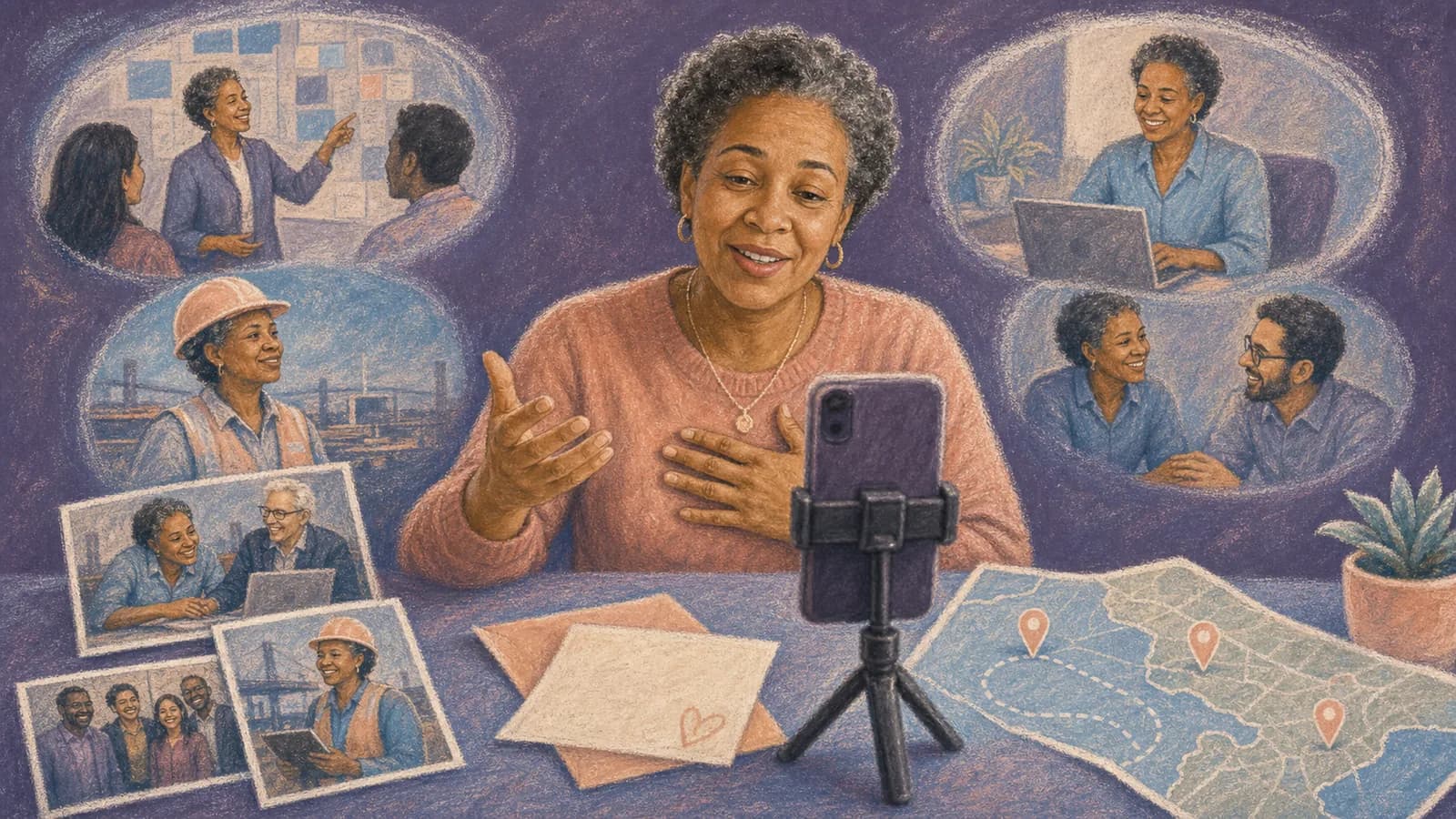
Coworkers planning a farewell video with team photos, messages, and work locations

How to Make a Farewell Video for a Coworker

Planning a farewell video for coworker send-offs can feel like a large job. You may need to contact a busy team, collect many file types, and finish before the person’s last day. The good news is that the video does not need complex effects. It needs specific memories, clear instructions, and a simple story. This guide covers the whole process. You will learn how to choose a theme, invite contributors, record useful clips, edit the video, and plan the reveal. You will also find prompts and messages that coworkers can copy or adapt.

Start With the Reason for the Farewell

First, confirm why the coworker is leaving. They may be starting a new job, moving to another office, changing teams, relocating, taking a career break, or retiring. The reason will shape the tone.

A new role may call for an upbeat video about growth. A relocation can focus on shared places and long-distance friendship. Retirement may need a wider career story. A difficult departure may call for a quiet, respectful thank-you.

Choose one main goal. For example, the video could thank the person, record team memories, celebrate their impact, or help remote coworkers join the goodbye. One clear goal keeps the final video from feeling random.

Also ask whether the video should be a surprise. A surprise can be lovely, but it can make permissions harder. If you need personal photos or career dates, involve a trusted friend or teammate.

How to Plan a Farewell Video for Coworker Send-Offs

Use these eight steps to keep the project manageable. One organizer should own the schedule and final decisions.

1. Set the reveal date. Work backward from the last day, party, team call, or private delivery. Leave time for late clips and a full test.

2. Choose a simple format. You might make a message montage, team timeline, mock awards show, project highlights reel, or map-based career journey.

3. Build the contributor list. Include current teammates, former coworkers, managers, mentors, and close work friends. Invite clients only when company policy and the relationship make that appropriate.

4. Send one request. State the deadline, target clip length, recording tips, prompt, and upload method. Avoid spreading files across email, chat, and text messages.

5. Track replies. A basic list can show who was invited, who responded, and who needs one reminder. Do not pressure anyone who prefers not to record.

6. Sort the material. Group clips by time, team, project, theme, or location. Remove repeats and place similar messages apart.

7. Edit and review. Add a short opening, arrange the strongest material, check names and captions, and ask one trusted person to watch the full cut.

8. Test the reveal. Check the screen, sound, link, captions, and internet connection. Keep a downloaded backup when the event setup allows it.

Choose a Format That Fits the Coworker

A simple group farewell video works for most teams. Each person shares one memory, one thank-you, and one wish. This format is easy to collect and works for remote contributors.

A team timeline is useful when the person stayed for several years. Begin with early photos, move through major projects, and end with current messages. Keep private business details out of the story.

A light awards format can suit a playful team. Use kind titles such as “Calmest Person During a Deadline” or “Best Meeting Rescue.” Avoid jokes about age, health, pay, performance, or personal topics.

A location-based format can follow offices, work sites, conferences, team trips, or cities. It gives the farewell video montage a clear path instead of placing unrelated clips in a row.

Send Prompts That Lead to Better Farewell Video Messages

A request to “say something nice” often creates repeated messages. Specific prompts make it easier for people to begin. Give contributors two or three choices instead of a long list.

Useful prompts include: What did this person teach you? Which shared moment still makes you smile? How did they make work easier or kinder? What will the team miss? Which project best shows their impact? What do you hope they enjoy next?

Ask each person to choose one prompt. A clear 20-to-40-second answer is usually more useful than a long speech. Contributors can add a short greeting and closing wish.

Encourage real details. “You always helped us” is kind but broad. “You stayed calm during the launch and helped me fix the final report” gives the recipient a memory they can keep.

Give Everyone Simple Recording Instructions

Ask people to record in a quiet place with light facing them. They should place the camera near eye level and clean the lens. A phone is enough.

Choose one phone direction for the whole group. Horizontal clips often fit a video shown on a large screen. Vertical clips may suit a mobile-first project. Consistency makes editing easier.

Ask contributors to pause before and after speaking. That gives the editor room to make a clean cut. They should also check the clip once before uploading it.

Offer another way to join. Camera-shy coworkers may prefer a written note, voice recording, photo, or short caption. These options can make the group video more welcoming.

Collect Clips Without Chasing the Team

Send the first request about two weeks before the reveal when possible. Set the contribution deadline several days before the editing deadline. A single upload link is easier to manage than many email threads.

Keep the invitation short. Put the action, deadline, clip length, prompt, and link near the top. Tell people whether the project is a surprise.

Send one friendly reminder halfway through the collection period. Send a final reminder one or two days before the deadline. A useful reminder includes the prompt again, so people do not need to find the first message.

Do not wait for every reply before editing. Start sorting photos and completed clips as they arrive. This makes gaps easier to spot.

Edit the Farewell Video Into a Clear Story

Begin with a simple title, the coworker’s name, and a team photo when you have permission. The opening only needs a few seconds.

Next, set the context. A manager or close teammate can explain why everyone has gathered. Keep this introduction warm and brief.

Mix sincere clips, light memories, photos, and written notes. Avoid placing five similar thank-you messages together. Changing the pace helps the video feel natural.

Trim long pauses and repeated lines, but do not remove every laugh or small stumble. Those details can make the messages feel real. Use captions when audio is unclear or accessibility requires them.

End with one strong message or a short group goodbye. You can also show a final photo and a simple wish for the coworker’s next chapter. Review the full video for private information before sharing it.

Use Music, Captions, and Humor With Care

Music should support the messages, not cover them. Keep it quiet under speech. Use music you have permission to include, especially if the video may be posted online.

Captions can show names, teams, dates, or places. Keep them short and easy to read. Check spelling with the people involved.

Humor works when the person leaving would enjoy it. Use familiar, safe jokes about shared routines or harmless habits. Do not turn the video into a roast unless the recipient clearly likes that style.

Leave out confidential projects, customer information, private messages, performance details, and stories that could embarrass someone. When unsure, ask or remove the detail.

Make Remote and Hybrid Coworkers Feel Included

A group farewell video is useful when the team works across cities or time zones. People can record when their schedule allows, and the recipient can hear from coworkers who cannot attend live.

Give remote contributors the same prompt and deadline as local staff. Do not make their clips feel like an extra section. Mix them throughout the story.

For a live online reveal, share the video from a stable connection and enable computer audio. Test it with one coworker first. Send the final link afterward so the departing person can watch again.

When a Map-Based Farewell Story Adds Value

A standard montage is enough when the farewell centers on one small team. A map-based video becomes more useful when the coworker’s story crosses many places.

You might include the first office, a project site, a conference city, a branch they helped open, a team retreat, or the place connected to a favorite memory. Remote teammates can also add the city where they worked together from afar.

AlbumMap can bring those locations together with photos, short clips, and written messages. Each map stop can represent one chapter. This creates a route through the person’s work story instead of a loose set of files.

Ask contributors to name a place with their memory. For example: “This photo is from the Montreal conference where Priya helped our new team feel welcome.” Only include work sites or location details that are safe to share.

Follow a Simple Two-Week Schedule

Two weeks before the farewell, choose the format, confirm the recipient list, and send the invitation. Ten days before, check the first responses and gather team photos.

One week before, send a reminder and begin sorting the material. Four days before, close submissions and build the first edit.

Two days before, ask one trusted coworker to review names, tone, privacy, and timing. The day before, export the final version and test the full setup.

If you have less time, reduce the scope. Five thoughtful clips can make a better goodbye video for a colleague than twenty rushed messages.

Plan the Reveal and Final Handoff

At an in-person farewell, test the room sound and screen before guests arrive. Tell the host how the video will begin. Keep a second copy available.

For a private gift, send the link with a short note explaining who contributed. If the video is a surprise, give the recipient time to react before moving to the next event item.

Ask before posting the video on a public company page or social account. A video made for a small team may contain photos and stories that were never meant for a broad audience.

Examples You Can Copy

Copy-ready invitation to coworkers

Hi everyone, we are making a farewell video for [Name] before [his/her/their] last day. Please send a 20-to-40-second clip by [date]. Share one memory, one thing [Name] taught you, or one wish for the next chapter. Record in a quiet, well-lit place and upload your clip here: [link]. Photos and written notes are welcome too. Please keep this a surprise.

Copy-ready reminder

A quick reminder that farewell messages for [Name] are due on [date]. A simple phone recording is perfect. If you are unsure what to say, answer this: What is one thing you will always remember about working with [Name]? Upload your contribution here: [link]. Thank you.

Short sincere farewell message

Hi [Name]. I will always remember how calmly you guided us through [specific project]. You made difficult days easier, and you helped new people feel welcome. I will miss working with you. I hope your next chapter brings good people, meaningful work, and plenty of time to enjoy it.

Light and friendly farewell message

[Name], meetings will be shorter without your stories, but they will not be nearly as fun. Thank you for the advice, the laughs, and the emergency snacks. We will miss you. Good luck with everything ahead.

Copy-ready location prompt for an AlbumMap project

If your memory connects to an office, city, project site, conference, team trip, or remote work location, please include that place with your photo, clip, or message. Add only locations and work details that are safe to share.

Final Thoughts

A strong coworker farewell video is not about perfect editing. It is about helping someone see the mark they left on a team. Choose one clear format, ask for short and specific memories, and make it easy for everyone to join. When the story includes several offices, cities, trips, or remote teammates, AlbumMap can connect those places with the people and moments that made them meaningful.

Helpful answers

Frequently asked questions

How long should a coworker farewell video be?
About three to six minutes works well for many teams. A small group may need less time. If many people contribute, make a shorter version for the live event and share a longer version privately.
How long should each farewell message be?
Ask most contributors for 20 to 40 seconds. That is enough time for one memory, one thank-you, and one closing wish. A strong story can run longer, but repeated or general messages should stay short.
What should I say in a farewell video for a coworker?
Use the coworker’s name, mention one specific memory or quality, explain why it mattered, and end with a kind wish. Speak as you normally would. A clear, honest message is better than a formal speech.
How early should I start collecting clips?
Start about two weeks before the farewell when possible. Set the submission deadline three or four days before the reveal. This leaves time to follow up, edit, review, and test the finished video.
Can coworkers contribute without appearing on camera?
Yes. Invite written notes, voice messages, photos, or captions. These options help shy contributors and people with accessibility needs take part without recording a standard video clip.
How do I make the video funny without embarrassing the coworker?
Use kind jokes about shared routines, familiar phrases, or harmless team habits. Avoid sensitive topics, private stories, performance issues, and jokes aimed at someone’s identity, health, age, or next job.
When should I use a map-based farewell video?
A map-based format works well when the person worked in several offices, traveled for projects, moved between teams, or collaborated with people in many cities. Each place can hold a related photo, message, or clip.