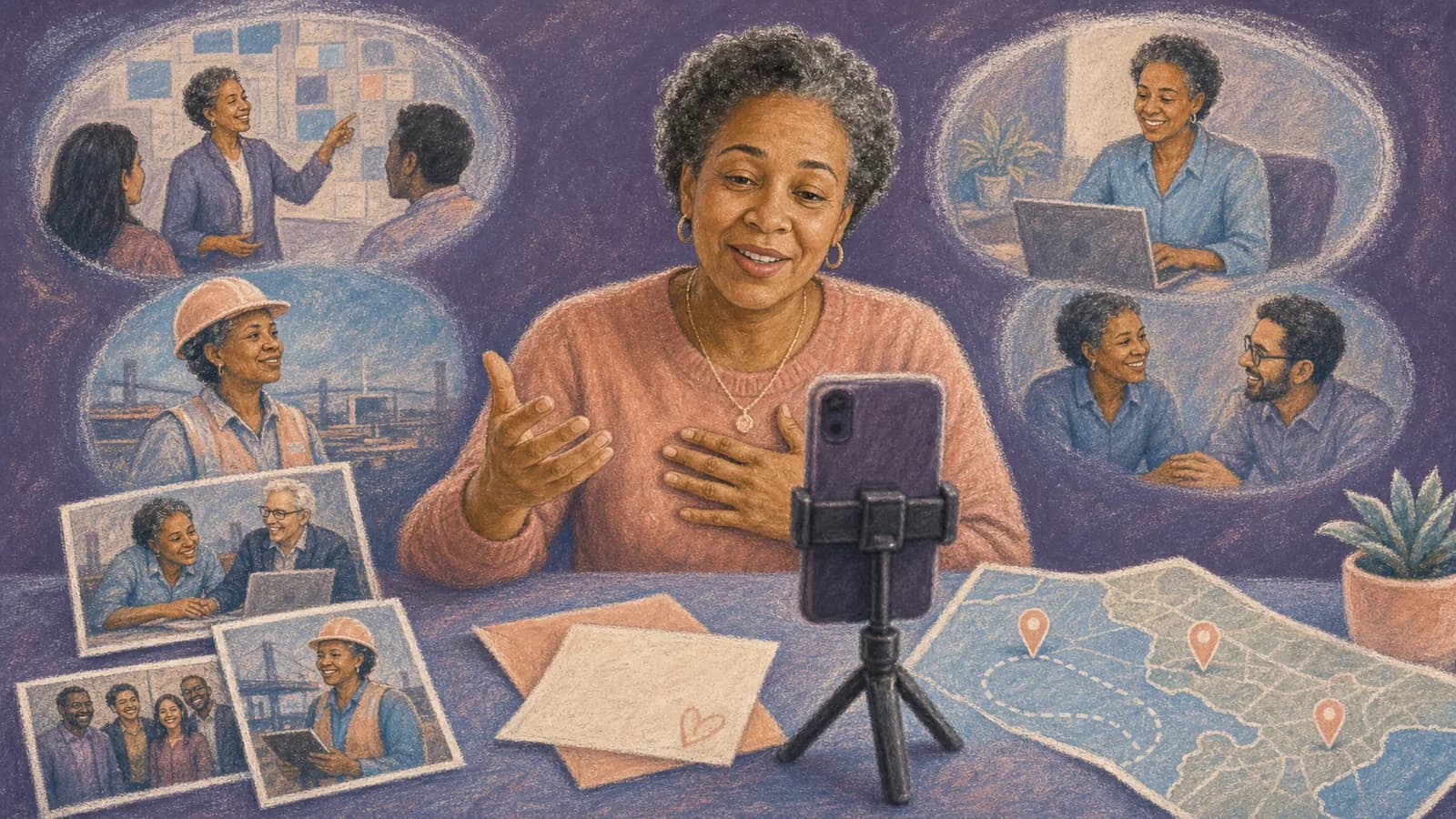
The best retirement video ideas do more than list achievements. They show how one person shaped a team, family, or community. A thoughtful video can hold sincere thanks, funny memories, old photos, and hopes for the next chapter. It also gives distant coworkers, former teammates, friends, and relatives a way to join the send-off. You do not need professional equipment or a complex script. Start with one clear idea, invite the right people, and give them useful prompts.
The guide below will help you choose a format and turn many separate contributions into one warm story.
Retirement Video Ideas for Different Kinds of Send-Offs
1. Make a career timeline. Start with the retiree's early days and move through key roles, teams, and milestones. Add photos, short captions, and messages from people connected to each chapter. This format works well for a long career with clear stages.
2. Build a thank-you montage. Ask each person to name one thing they value about the retiree. A specific lesson, kind action, or shared moment will feel more personal than broad praise.
3. Collect favorite stories. Invite contributors to tell one brief story that shows the retiree's character. Mix sincere memories with safe humor so the finished video feels warm and natural.
4. Create a lessons-and-legacy video. Ask people what the retiree taught them. The answers may cover work skills, leadership, patience, courage, or everyday kindness. This is a strong choice for a mentor, teacher, manager, coach, or volunteer.
5. Try a then-and-now slideshow. Pair early career photos with recent images from the same team, role, or location. Short voice clips can explain what changed and what stayed the same.
6. Film a light office documentary. Show the retiree's desk, favorite lunch spot, regular meeting room, or final walk through the workplace. Add brief comments from people they meet along the way. Get permission before filming anyone.
7. Make a retirement forecast. Ask contributors to imagine the retiree's first week, first trip, or ideal day after work. Keep the guesses kind and suited to the person's real interests.
8. Use one prompt for everyone. Ask the same question, such as, What will you always remember about working with Alex? Different answers create a simple structure and make editing easier.
9. Invite people from every chapter. Current coworkers can cover recent years. Former teammates, family members, clients who have permission, and community contacts can add a wider view. The result feels like a life transition instead of only a last day at work.
10. Tell the story through places. Use offices, schools, work sites, cities, conferences, and team trips as chapters. This approach is especially useful when location is part of the retiree's story.
Choose One Main Feeling Before You Collect Clips
Decide how you want the retiree to feel when the video ends. They may feel appreciated, proud, amused, connected, or excited for what comes next. One main feeling will guide your prompts, music, images, and final order.
Match the tone to the person. A quiet and private colleague may prefer sincere messages over a public roast. A playful teammate may enjoy gentle jokes. Humor should never target age, health, money, family, or a private workplace issue.
You can mix moods without losing focus. Start with a light memory, move into gratitude, and close with hopeful wishes. This creates a natural emotional path without making every clip sound alike.
Plan the Retirement Video in Seven Simple Steps
First, choose the main format. Pick a timeline, message montage, story collection, place-based journey, or another idea from the list above. Write your choice in one sentence so contributors understand the plan.
Second, make a contributor list. Include the people who represent different parts of the retiree's career and life. Check names with another organizer so an important person is not missed.
Third, set a deadline that leaves time for reminders and editing. Send the first request early. Plan one friendly reminder halfway through and a final reminder shortly before the deadline.
Fourth, give contributors one or two prompts. Tell them the preferred clip length, recording direction, deadline, and upload method. Let people send a written note or photo if they do not want to appear on camera.
Fifth, gather photos and short video clips. Look for early career images, team events, ordinary workdays, milestone moments, and pictures that show real relationships. Ask before using personal images.
Sixth, arrange the material into a clear beginning, middle, and end. Remove repeated stories and overly long pauses. Keep small natural moments because they help the video feel human.
Seventh, watch the full video before the event. Check names, dates, captions, sound levels, and private details. Test the link or file on the screen and speakers you will use.
Use Prompts That Lead to Personal Retirement Video Messages
A request to say something nice often leads to vague clips. A focused prompt helps people remember a real moment. Offer a few choices, but ask each person to answer only one or two.
Useful prompts include: What did this person teach you? When did they make work easier for someone else? What ordinary moment will you miss? Which project or trip still makes you smile? What quality should the next generation learn from them? What do you hope they enjoy in retirement?
Ask for details, not long speeches. One clear story is usually stronger than a list of compliments. Contributors can use a simple shape: greet the retiree, share one memory or thank-you, and close with a wish.
Make the process inclusive. Some people may prefer a written message, voice recording, or photo with a caption. These contributions can add welcome variety to the final retirement video montage.
Give Contributors Clear Recording Instructions
Ask people to record in a quiet place with light facing them. They should place the phone on a steady surface and look toward the camera. A plain background is fine. Clear sound matters more than a decorated room.
Choose one phone direction for the whole project. Horizontal clips often suit a television or meeting-room screen. Vertical clips may suit a mobile-first video. State the choice in the invitation so the final layout stays consistent.
Suggest a short target, such as 20 to 40 seconds. A strong story can run longer, but most clips should stay focused. Ask people to pause briefly before and after speaking. Those quiet seconds make editing easier.
Do not make technical skill a requirement. A sincere phone clip can be more effective than a polished speech. Offer help to anyone who is unsure how to record or upload a file.
Turn Separate Contributions Into One Clear Story
Open with the retiree's name, the occasion, and one strong image. Then establish the story with an early photo, a short welcome, or a simple line about the career being celebrated.
Group the middle by time, team, theme, or place. A timeline is easy to follow. Team chapters work well when many departments contribute. Themes such as lessons, laughter, and gratitude create variety.
Alternate talking clips with photos, captions, and short pieces of existing video. This gives the viewer a visual break. It also lets written messages and camera-shy contributors become part of the story.
End with the present team, family, or a group message. A final image of the retirement gathering can bring the story into the present. Close with a simple wish for the next chapter rather than another long speech.
When a Map-Based Retirement Video Makes Sense
Some careers are closely tied to places. A teacher may have served several schools. A nurse may have worked in different hospitals. A sales leader may remember branches, client cities, and team trips. A volunteer may have helped communities across a region.
For this kind of story, each location can become a chapter. Add a photo, short clip, and message to the place where it happened. The route might begin at the first workplace, visit major projects, and finish at the retirement celebration.
AlbumMap can bring those locations, photos, videos, and written messages into one map-based story. It is most useful when many people want to contribute or when the retiree's impact stretches across cities and teams.
Do not add a location only to fill space. Choose places that carry a real memory. Ask each contributor to explain why the place matters so the map supports the story instead of becoming a list of pins.
Edit for Warmth, Pace, and Accessibility
Keep the opening brief. Viewers want to reach the people and memories quickly. Remove repeated greetings, long gaps, and technical mistakes that distract from the message.
Use captions for names, teams, dates, and spoken words when possible. Captions help people follow the video in a noisy room. They also support viewers who are deaf or hard of hearing.
Choose music that fits the retiree and does not cover anyone's voice. Use music you have permission to include. Lower the volume during spoken clips and check the sound on ordinary speakers.
There is no perfect length. A small group may need only a few minutes. A large group may need more time. The best test is whether each part adds something new. If two clips make the same point, keep the stronger or more specific one.
Protect Privacy and Avoid Awkward Surprises
Ask permission before using private photos, personal contact details, client material, or recordings from a workplace. Follow the employer's rules for logos, offices, uniforms, and confidential projects.
Review jokes with care. An inside joke may confuse family members or make the retiree uncomfortable in a mixed audience. If you would not explain it to the whole room, leave it out.
Check the spelling and pronunciation of names. Confirm dates and job titles when they appear on screen. Small errors can pull attention away from an otherwise thoughtful tribute.
Decide who may view or download the final video. If contributors expected a private gift, do not post it on social media without asking them and the retiree.
Present the Video as Part of the Send-Off
At an in-person retirement party, show the video after a short welcome and before attention begins to fade. Test the screen, sound, internet connection, and backup file before guests arrive.
For a remote send-off, share the screen with computer audio and keep a downloadable backup. Leave time after the video for the retiree to respond and for guests to talk about the memories.
You can also send the video privately after the event. Include a short note explaining who helped and how the story was organized. If it follows a map, mention why each location was chosen.
Do not rush the moment. A retirement video gift may bring laughter, tears, or quiet reflection. Give the retiree room to react before moving to the next part of the event.
Common Mistakes to Avoid
Do not wait until the final week to invite contributors. People need time to remember stories, find photos, and record without pressure.
Do not ask everyone for a long speech. Short and specific clips are easier to watch and edit. They also help quieter contributors take part.
Do not turn the video into a list of formal achievements. Awards and milestones matter, but ordinary memories show who the retiree was to other people.
Do not include every file simply because someone sent it. Edit with care, keep the strongest material, and thank every contributor even if only part of a submission appears.
Do not forget the next chapter. A good send-off honors the past and also looks forward. End with wishes connected to the retiree's interests, plans, relationships, and well-earned time.
Examples You Can Copy
Copy-ready contributor invitation
Hi everyone, we are creating a retirement video for [Name]. Please send a 20-to-40-second clip by [date]. Share one memory, one thing [Name] taught you, or one wish for retirement. Please record horizontally in a quiet, well-lit place. Photos and written messages are welcome too. Upload everything here: [link]. Thank you for helping us make the send-off personal.
Copy-ready reminder
A quick reminder that retirement video messages for [Name] are due on [date]. A simple phone recording is perfect. If you are unsure what to say, answer this question: What is one thing you will always remember about [Name]? You can also send a photo or written note through [link].
Copy-ready sincere message
Hi [Name], thank you for the calm and kindness you brought to our team. I still remember how you helped me during [specific moment]. You made a real difference, and I hope retirement brings you time for [interest, person, or plan]. Congratulations on this next chapter.
Copy-ready light message
Congratulations, [Name]. We will do our best to keep [safe workplace habit] going, though we cannot promise it will meet your standards. I hope retirement brings you slow mornings, good adventures, and very few calendar invitations.
Copy-ready location request for AlbumMap
If your memory is connected to an office, school, work site, city, conference, team trip, or other meaningful place, please include that location. Add one sentence about what happened there so we can place your photo, clip, or message in the right part of the map story.
Final Thoughts
A meaningful retirement video does not need perfect footage or a large budget. It needs real people, clear prompts, and memories that feel true to the retiree. Choose one main idea, collect short contributions, and shape them into a simple story. When important memories are tied to different places, a map-based video can connect the career journey with the people who shared it.
Helpful answers
Frequently asked questions
What should be included in a retirement video?
Include a short opening, personal messages, a few career photos, specific memories, and wishes for the next chapter. Add milestones only when they help tell the person's story. A mix of voices and images usually feels warmer than a long series of speeches.
How long should each retirement video message be?
A target of 20 to 40 seconds works well for most contributors. It gives each person time to share one clear memory or thank-you. A strong story can be longer, but brief clips make a group video easier to watch and edit.
How do you ask coworkers to make a retirement video?
Send one clear invitation with the purpose, deadline, clip length, recording direction, prompts, and upload link. Offer a written message or photo option for people who do not want to record themselves.
How can you make a retirement video funny without being rude?
Use gentle humor about shared routines, familiar phrases, harmless habits, or future free time. Avoid jokes about age, health, money, family, job loss, or private mistakes. Match the humor to the retiree and the audience.
What if the retiree worked in many locations?
Organize the video around offices, schools, work sites, cities, conferences, or team trips. Each location can hold a photo, clip, and short explanation. AlbumMap can connect those place-based memories into a route that follows the career story.
Can people contribute without recording a video?
Yes. Invite written messages, voice recordings, photos, scanned notes, or short captions. Mixing formats can improve the pace and lets more people take part comfortably.