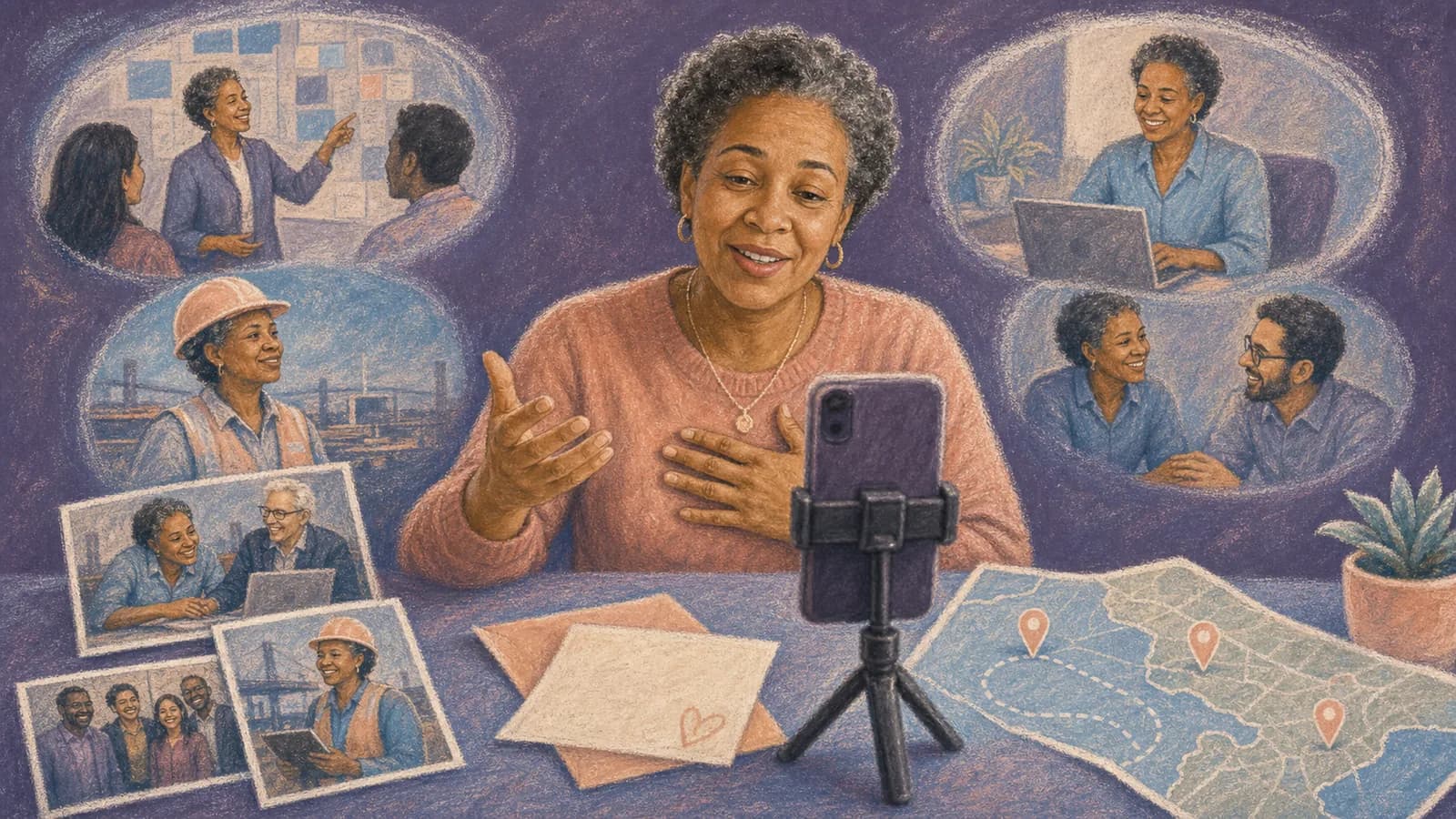
How to Make a Customer Testimonial Video
A customer testimonial video lets a real customer explain what changed after using your product or service. The best ones feel like honest stories, not polished sales speeches. This guide shows you how to choose a customer, ask useful questions, record clear footage, and shape the answers into a focused video.
What makes a testimonial useful?
A strong testimonial answers the questions a future customer already has. What problem did this person face? Why did they choose your business? What was the process like? What changed afterward?
Specific details make the story believable. “The team was great” is pleasant but vague. “The weekly update helped us make decisions before Friday” tells the viewer what the service was like.
The speaker should sound like themselves. Give them time to think, but do not force them to memorize a script. Natural pauses and everyday words often feel more trustworthy than perfect delivery.
Think of the video as a short customer story. Your brand supports that story, but the customer remains at its center.
How to plan a customer testimonial video
Start with one clear goal. You may want to explain a service, answer a common concern, or show a result. Pick one goal before you invite anyone to record.
Next, choose the format. An in-person interview gives you more control over sound and lighting. A live remote interview is easier when people are far apart. A self-recorded clip gives the customer more freedom.
You can also combine short clips from several customers. This works well when many people describe the same theme. It can show a range of uses without making one person carry the full story.
Write a simple brief with the audience, main topic, recording method, deadline, and planned channels. Share it with everyone who will review the video.
Choose the right customer and ask at the right time
Look for a customer with a clear experience to describe. They do not need to be your largest client. They need a relevant story and a genuine wish to share it.
Good moments to ask include the end of a successful project or a positive support exchange. You can also ask after the customer sends kind feedback. A recent experience is often easier to remember.
Explain why you chose that person. Tell them how long the process should take and where the finished video may appear. Make it easy for them to decline without pressure.
Get clear written permission before recording or publishing. The permission should match your planned uses, such as a website, email, social post, or advertisement. Ask for fresh approval if the use later changes.
Use prompts instead of a rigid testimonial video script
A full testimonial video script can make a customer sound stiff. Prompts give the speaker direction while leaving room for their own words. Send a short list before the interview so they can recall useful details.
Ask open questions that invite a story. Start with the situation before your product. Move to the choice, experience, and result. End with advice for someone facing the same problem.
Useful video testimonial questions include: What were you trying to solve? What worried you at first? Why did you choose us? What part of the experience stood out? What changed after you started? What would you tell someone considering the same choice?
Avoid questions that contain the answer you want. “Our support was fast, wasn’t it?” puts words in the customer’s mouth. “What was the support experience like?” leaves room for an honest response.
Prepare the speaker without over-rehearsing
Tell the customer what will happen from start to finish. Include the expected call length, recording method, questions, and publication plan. Clear steps reduce stress.
Invite the speaker to note a few facts or moments they want to remember. These notes are not lines to read. They are simple reminders that help the story stay focused.
If the interview is live, spend a few minutes talking before recording. Check how to pronounce names, confirm job titles, and ask whether any topic is private. A calm start can lead to better answers.
Remind the customer that mistakes are fine. You can repeat a question or pause between answers. The goal is a clear conversation, not a flawless performance.
Record clear sound and steady video
Viewers may accept simple phone footage, but poor sound is hard to follow. Choose a quiet room. Close noisy apps, silence alerts, and move away from fans or busy hallways.
Place the camera near eye level. Face a window or another soft light. Avoid sitting with a bright window behind the speaker because the face may look dark.
Frame the speaker with a little space above their head. Ask them to look at the interviewer or near the camera. Record a short test, then listen with headphones before the full interview.
For remote video testimonials, send the same checklist to every speaker. Ask contributors to record in a similar direction when possible. Matching horizontal or vertical clips will make editing easier.
Build a simple story in the edit
Start with the strongest clear statement. It might name the problem, result, or feeling. A useful opening gives the viewer a reason to keep watching.
Then arrange the story in a natural order: before, decision, experience, and after. Remove repeated ideas, long pauses, and answers that do not support the main goal. Do not change the meaning of what the customer said.
Add short supporting shots where they help. These may show the product in use, the team at work, a project location, or the result. Photos, screen recordings, and simple graphics can also add context.
Use captions because people may watch without sound. Check every caption by hand, especially names and technical terms. Keep music low enough that each word stays clear.
When a group or map-based customer story makes sense
One speaker is often enough. A group format becomes useful when several customers can add different parts of the same story. For example, a local program might feature a participant, a partner, and a community organizer.
Give every contributor one shared question and one role-based question. The common prompt creates a theme. The second prompt keeps the answers from feeling repeated.
AlbumMap can fit when the story depends on shared photos, short videos, messages, or places. A map-based flow could show a service reaching several communities, a project moving between locations, or customer stories gathered across regions.
Use that format only when location adds meaning. A map should clarify the story rather than decorate it. Keep customer consent, brand approval, and accurate place labels at the center of the plan.
Review the video with the customer
Send the customer a review copy before publishing. Ask them to check their name, title, company, statements, and any private details. Make changes when a cut removes needed context.
Ask another team member to review the business claims. A warm story can still contain an incorrect date, product detail, or result. Remove or correct anything you cannot support.
Keep a record of the approved version and permission. If you later make a shorter advertisement or a new edit, check whether that use was included. When in doubt, ask again.
This review protects the relationship. It also helps the finished customer story video feel fair to the person who gave their time.
Publish once, then adapt with care
Choose the main home for the full video. A product page, service page, case study, or testimonial page may fit. Place it where the customer’s story answers a real visitor question.
Create shorter clips only when each one keeps the original meaning. A strong line can work in an email or social post. Captions and a clear title help the clip make sense outside the full interview.
Write a short introduction around the video. Name the customer’s situation and what the viewer will learn. Do not repeat every point from the recording.
Thank the customer after publishing and share the live link. Tell them how to request a correction or removal. Continued care matters more than getting one extra marketing asset.
Common mistakes to avoid
Do not ask the customer to praise everything. A focused story about one problem and one change is easier to follow. It also gives the speaker room to be specific.
Do not hide the planned use. A customer who agrees to a website story may not expect to appear in a paid advertisement. Clear permission should come before wider distribution.
Do not over-edit. Removing every pause can make speech feel rushed. Changing the order of small clips can also change the meaning, so review each transition carefully.
Do not let branding cover the customer’s face or words. Keep logos, titles, and music simple. The person and their experience are the main content.
A quick production checklist
Before recording: choose one goal, invite a suitable customer, share prompts, confirm the format, and get permission. Check the speaker’s name, role, and preferred description.
During recording: test sound, check light, ask open questions, listen for useful details, and leave quiet space between answers. Invite the speaker to repeat an answer when it is unclear.
During editing: build a before-and-after story, add only useful supporting media, check captions, and keep claims in context. Create a review copy for the customer and your team.
Before publishing: record approval, verify the final destination, add accessible captions, test the video on mobile, and prepare a respectful thank-you message.
Examples You Can Copy
Copy-ready customer invitation email
Subject: Would you share your experience in a short video? Hi [Name], thank you for working with us on [project or product]. Your experience with [specific part] could help other people understand what the process is really like. Would you be open to a short video interview? It should take about [time], and we would send the final edit for your review before publishing. We plan to use it on [channels]. There is no pressure to take part. If you are interested, I can send the questions and recording details. Thank you, [Your name].
Copy-ready interview question set
1. Please introduce yourself and describe what you do. 2. What problem were you trying to solve? 3. What had you tried before? 4. What made you consider our product or service? 5. Was there anything you were unsure about? 6. What was the experience like? 7. Can you share one specific moment or result that stood out? 8. What changed for you or your team? 9. Who would you recommend this to, and why? 10. Is there anything important that I did not ask?
Copy-ready 60-second story outline
Opening, 0–10 seconds: “We needed a better way to [problem].” Before, 10–20 seconds: “The main challenge was [specific detail].” Choice, 20–30 seconds: “We chose [business or product] because [reason].” Experience, 30–45 seconds: “The part that helped most was [specific feature, action, or moment].” Result, 45–55 seconds: “Now we can [clear change or outcome].” Close, 55–60 seconds: “I would recommend it to [type of customer] who needs [relevant benefit].” Use this as a guide, not a speech to memorize.
Final Thoughts
A useful testimonial is not a perfect speech. It is a clear account of a real experience. Give the customer simple prompts, a calm recording setup, and control over the final use. Then edit for focus without changing their meaning. If several voices, shared media, or important places form the story, a group or map-based video can bring those parts together. Choose that format because it adds context, not because every testimonial needs extra effects.
Helpful answers
Frequently asked questions
- How long should a customer testimonial video be?
- Use the shortest length that tells a complete story. A focused social clip may take less than a minute. A detailed website story may need a few minutes. Remove repetition, but keep enough context to explain the problem, experience, and change.
- Should I give the customer a script?
- Give the customer prompts and a simple story outline instead of fixed lines. Let them prepare facts and examples in advance. Their own words will usually sound more natural than a memorized testimonial video script.
- What questions should I ask in a testimonial video interview?
- Ask about the customer’s situation before your product, the reason they chose you, the experience, and what changed. Request one specific example. End by asking what they would tell someone facing a similar problem.
- Can customers record their testimonials on a phone?
- Yes. A modern phone can produce a useful video in a quiet, well-lit space. Place it near eye level, clean the lens, silence notifications, and record a short sound test first.
- Do I need permission to publish a customer testimonial?
- Get clear written permission before publishing. State where the video may appear and how it may be edited. If you later want to use it in a new way, confirm that the permission covers that use or ask again.
- When should I use several customers in one video?
- Use several speakers when their experiences support one clear theme or add distinct views. Give them a shared prompt, but avoid repeated answers. A group format can work well for a program, community project, multi-location service, or customer milestone.
- Can AlbumMap be used for a customer story?
- It can fit when several people contribute or when locations are important to the story. Shared photos, clips, messages, and places can form a map-based journey. For a simple one-person interview, a standard video may be the better choice.