A volunteer appreciation video can make people feel seen because it carries real voices, faces, and memories. It does not need a large budget or a professional film crew. A few specific thank-you messages can be more meaningful than a polished speech. The main challenge is helping contributors move beyond broad praise. This guide offers personal themes, useful prompts, copy-ready examples, and a simple plan. It works for nonprofits, schools, faith groups, community programs, clubs, and other volunteer-led organizations.
Idea card 1 of 9
A fictional community-garden thank-you, in 90 seconds
This is a teaching example, not a verified service-project case study. The garden, volunteers, work records and statements below are fictional. It shows how to connect thanks to observable work without claiming beneficiary outcomes or publishing sensitive locations.
| Timeline | Contribution | Evidence to retain in a real project |
|---|---|---|
| 00:00–00:08 | Title: “Thank you to the garden setup volunteers.” | Organizer-approved project name and audience. |
| 00:08–00:28 | Coordinator: “You sorted the tools, prepared the work area and made the next session easier to begin. Thank you for the care you put into those ordinary tasks.” | Dated work log and coordinator confirmation; no unsupported attendance or impact total. |
| 00:28–00:48 | Volunteer: “I appreciated how people explained the unfamiliar tasks and checked before offering help. That made it easier for me to join in and know where to start.” | The actual speaker’s own experience and approval of the final wording. |
| 00:48–01:08 | Partner: “The labeled supplies and clear handover helped our team prepare for the following session. Thank you for leaving notes that another person could use.” | Handover notes and partner approval; no claim to speak for all participants. |
| 01:08–01:22 | Two approved tool or planter detail photographs × 7 seconds. | Originals and reuse permission; no beneficiary faces, private access details or readable records. |
| 01:22–01:30 | Closing: “Thank you for the time and care you shared.” | Final audience and organizational review. |
8 + 60 + 14 + 8 = 90 seconds. Use a broad community label or no pin, not a sensitive project address. The evidence column is a checklist for a real project; it does not suggest that fictional work logs prove real impact.
Assign one specific contribution to each speaker, as in the employee-appreciation example, and use the remote-recognition workflow if volunteers join asynchronously. Keep client stories, identifiable service users and organizational approval separate from the fictional garden brief.
Idea card 2 of 9
10 Volunteer Appreciation Video Ideas With a Personal Focus
1. One specific difference. Ask each person to describe something that became possible because volunteers helped. A clear result feels stronger than saying the volunteers were amazing.
2. A day in the project. Use photos and short clips to follow one shift, event, delivery, cleanup, class, or community activity. Add brief messages from the people who worked beside the volunteers.
3. The story behind the numbers. If your organization shares totals, connect them to people. Explain what a meal, visit, repaired space, packed box, or coached session meant to someone. Use approved details only.
4. Messages from the people closest to the work. Invite program staff, fellow volunteers, community partners, or participants to record short thank-you clips. Provide a written-message option for anyone who does not want to appear on camera.
5. A volunteer spotlight. Build the video around one person’s service journey. Include why they joined, a favorite memory, what others learned from them, and a warm closing. Ask before sharing personal history.
6. Then and now. Pair early project photos with recent images. This format can show how a garden, program, event, or team grew over time. Keep the focus on shared effort instead of claiming that one person did everything.
7. Lessons volunteers taught us. Ask contributors to name a practical lesson, habit, or value they learned from the volunteers. Answers such as patience, steady care, and creative problem-solving can lead to honest stories.
8. A place-based service story. Show the park, shelter, school, food bank, community centre, trail, or neighbourhood connected to the work. Add a memory or message at each place. Use general locations when an exact address could create a privacy concern.
9. A group sentence. Give each contributor one short part of a shared message. When the clips are joined, the group delivers one complete thank-you. Leave space for natural voices so the result does not feel stiff.
10. Looking ahead together. Thank volunteers for what they have already done, then share a hopeful message about the next chapter. Keep the invitation gentle. Appreciation should not turn into pressure to give more time.
Idea card 3 of 9
Use Prompts That Lead to Real Stories
A broad request often produces repeated lines. Instead of asking people to say something nice, give them two or three focused prompts. Let each person choose one.
Try these questions: What is one moment that shows this volunteer’s care? What became easier because they were there? What is something they did when nobody was watching? What did they teach you? Which place or project will always remind you of them?
Ask for one detail in every message. A name, task, place, small habit, or remembered moment can make a short clip feel personal. Contributors should still avoid private information that the volunteer has not agreed to share.
Idea card 4 of 9
Arrange the Video So Every Volunteer Feels Included
Open with a direct thank-you and a photo or clip that represents the group. The first few seconds should explain who is being recognized and why.
Mix speakers, photos, written notes, and project footage. Avoid placing every leader first and every volunteer last. If the video thanks a large group, include several roles, schedules, ages, and types of service.
End with a shared message, group wave, project photo, or simple title card. Check that no one person receives most of the attention unless the video is an individual spotlight.
Idea card 5 of 9
Protect Privacy and Avoid Uncomfortable Recognition
Ask before using a person’s image, full name, story, or service details. Public recognition is not comfortable or safe for everyone. A private version may be the better choice.
Do not show client information, private records, home addresses, vehicle plates, access codes, or identifying details in the background. Follow your organization’s rules for children and vulnerable people.
Use accurate language. Do not share medical, financial, immigration, or personal hardship stories without clear permission. When in doubt, thank the volunteer for the action you directly observed.
Check pronunciation, names, captions, and titles. Provide a transcript when useful. These small steps show the same care that the video is meant to express.
Idea card 6 of 9
When AlbumMap Adds Something Useful
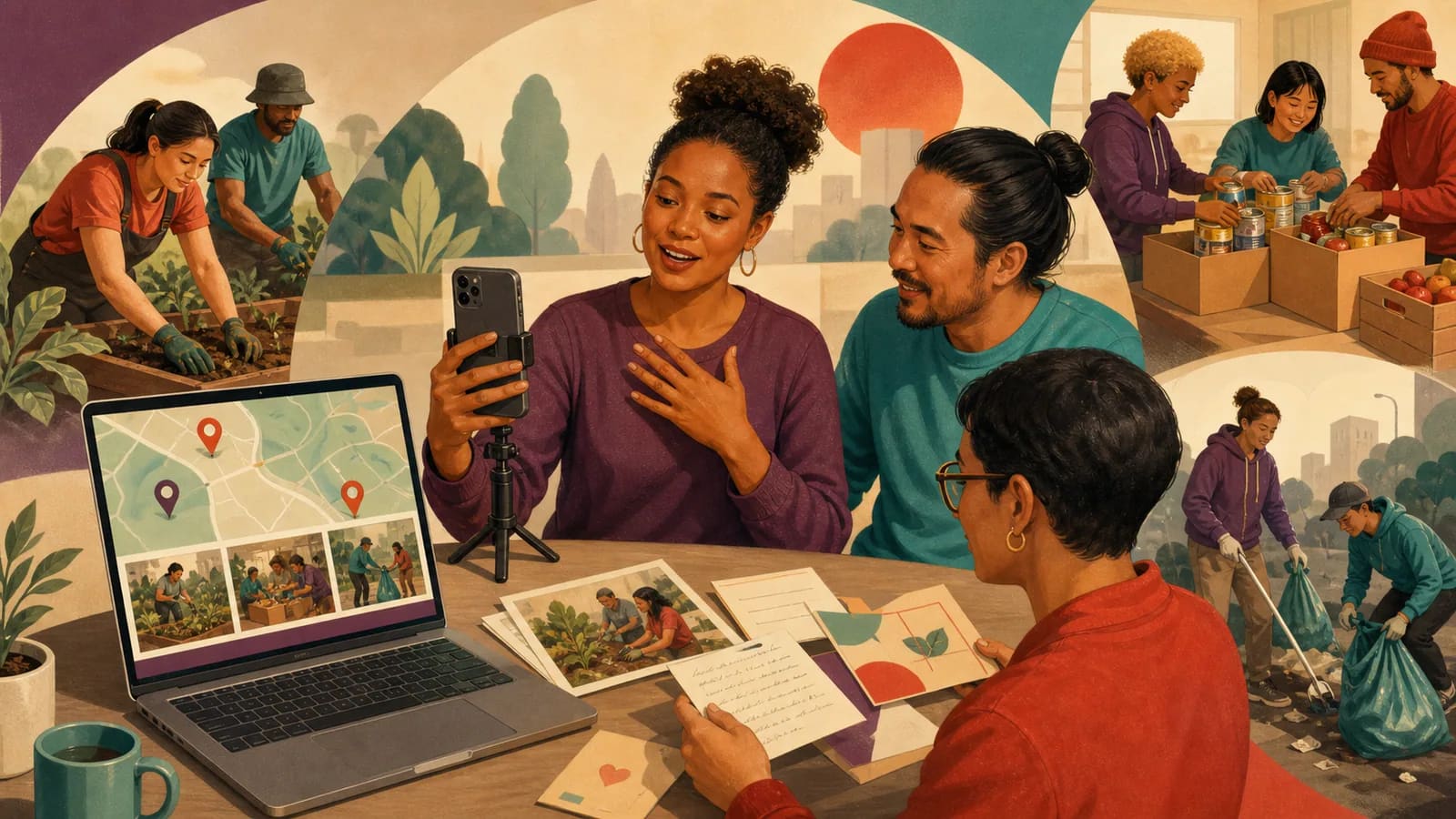
AlbumMap fits when the volunteer story is tied to several people and places. A community group could connect messages to a garden, school, shelter, event venue, trail, or neighbourhood project. Remote contributors can also add thanks from the places where they now live.
The organizer can collect approved photos, short videos, written notes, and locations in one project. The final map-based story can move between service sites and the memories connected to them.
Use this approach only when places help tell the story. A simple message montage may be better if the work happened in one location or if mapping sites could create a privacy risk. General city or neighbourhood labels can replace exact addresses.
Idea card 7 of 9
One schedule, with a separate review and rehearsal
| Before the viewing | Task |
|---|---|
| T−14 days | Confirm audience, organization approval, organizer and three distinct speakers. |
| T−13 days | Send requests with a T−7 deadline, time and time zone. |
| T−7 days | Close collection; confirm claims, source records and permission. |
| T−6 to T−4 days | Assemble the short cut and captions. |
| T−3 days | Have the organization and represented speakers review their actual material. |
| T−2 days | Make corrections, export and save independent copies. |
| T−1 day | Test final playback and recipient access. |
This allows six days for responses and separate time for review. If only a week is available, use already approved material or a smaller written thank-you rather than pretending the same collection window still fits.
Idea card 8 of 9
Examples You Can Copy
Copy-ready invitation for contributors
Hi everyone. We are creating a short thank-you video for our volunteers. Please send a clip of up to twenty seconds for the worked example by [date, time and time zone]. Choose one prompt: What is one moment that showed their care? What became possible because they helped? What did you learn from them? The video will be [shared privately/shown at our event/posted publicly]. You may send a written message or approved photo instead.
Short message for one volunteer
Hi [Name]. Thank you for showing up every week with patience and care. I still remember how you stayed late to help us finish [specific task]. You made a hard day feel manageable, and we are grateful for you.
Message for a whole volunteer team
To every volunteer who gave time to [project], thank you. You welcomed people, solved problems, carried supplies, and kept going when the days were busy. This work felt possible because you were part of it.
Message from a program leader
Your help did more than fill a schedule. You brought calm, kindness, and steady support to [program]. The care you showed during [specific moment] is something our team will remember.
Place-based contribution request
Please include one place connected to your memory, such as a project site, park, school, community centre, or city. Send a short message explaining what happened there. Use a general location if an exact address should remain private.
Copy-ready closing message
Thank you for the time, skill, and care you shared with our community. Each person brought something different, and together you made [specific result] possible. We hope this video shows how much your contribution has meant.
Idea card 9 of 9
Final Thoughts
The best volunteer appreciation video is not the most polished one. It is the one that notices real effort. Choose a focused theme, ask for specific stories, and make it easy for different people to contribute. Protect privacy and match the sharing plan to the volunteers’ comfort. When the story includes several service sites, photos, messages, and remote contributors, AlbumMap can connect those pieces through the places that shaped the work.
For recording mechanics, use the short-message guide. A volunteer’s effort can be recognized without promising that it changed a life; use only outcomes supported by the organization’s records and the people whose experience is described.
Your shortlist
Ideas you saved
Tap “Save to shortlist” on any idea card and it lands here, ready to compare.
- A fictional community-garden thank-you, in 90 seconds
- 10 Volunteer Appreciation Video Ideas With a Personal Focus
- Use Prompts That Lead to Real Stories
- Arrange the Video So Every Volunteer Feels Included
- Protect Privacy and Avoid Uncomfortable Recognition
- When AlbumMap Adds Something Useful
- One schedule, with a separate review and rehearsal
- Examples You Can Copy
- Final Thoughts
Helpful answers
Frequently asked questions
How long should a volunteer appreciation video be?
Two to five minutes works for many small groups. A video for a large volunteer base may be longer, but each message should usually stay between 15 and 30 seconds. Remove repeated comments and keep the pace varied.
What should people say in a volunteer thank-you video?
Use a greeting, one specific example, and a clear thank-you. Contributors can describe a moment they remember, something the volunteer made possible, or a lesson they learned from working together.
How can we include volunteers who do not want to appear on camera?
Invite written notes, approved photos, drawings, or voice recordings. A person can also help choose memories or review the final video without being shown. Respecting that choice is part of meaningful recognition.
Can we post the appreciation video on social media?
Only post it when the people and organization involved have approved public sharing. Check names, images, background details, music, client information, and rules concerning children or vulnerable people first.
When is AlbumMap useful for a volunteer recognition video?
AlbumMap is useful when the story includes several contributors, service locations, photos, short clips, and written messages. A map can connect those pieces when the places add meaning. Use broader location labels when exact sites should remain private.