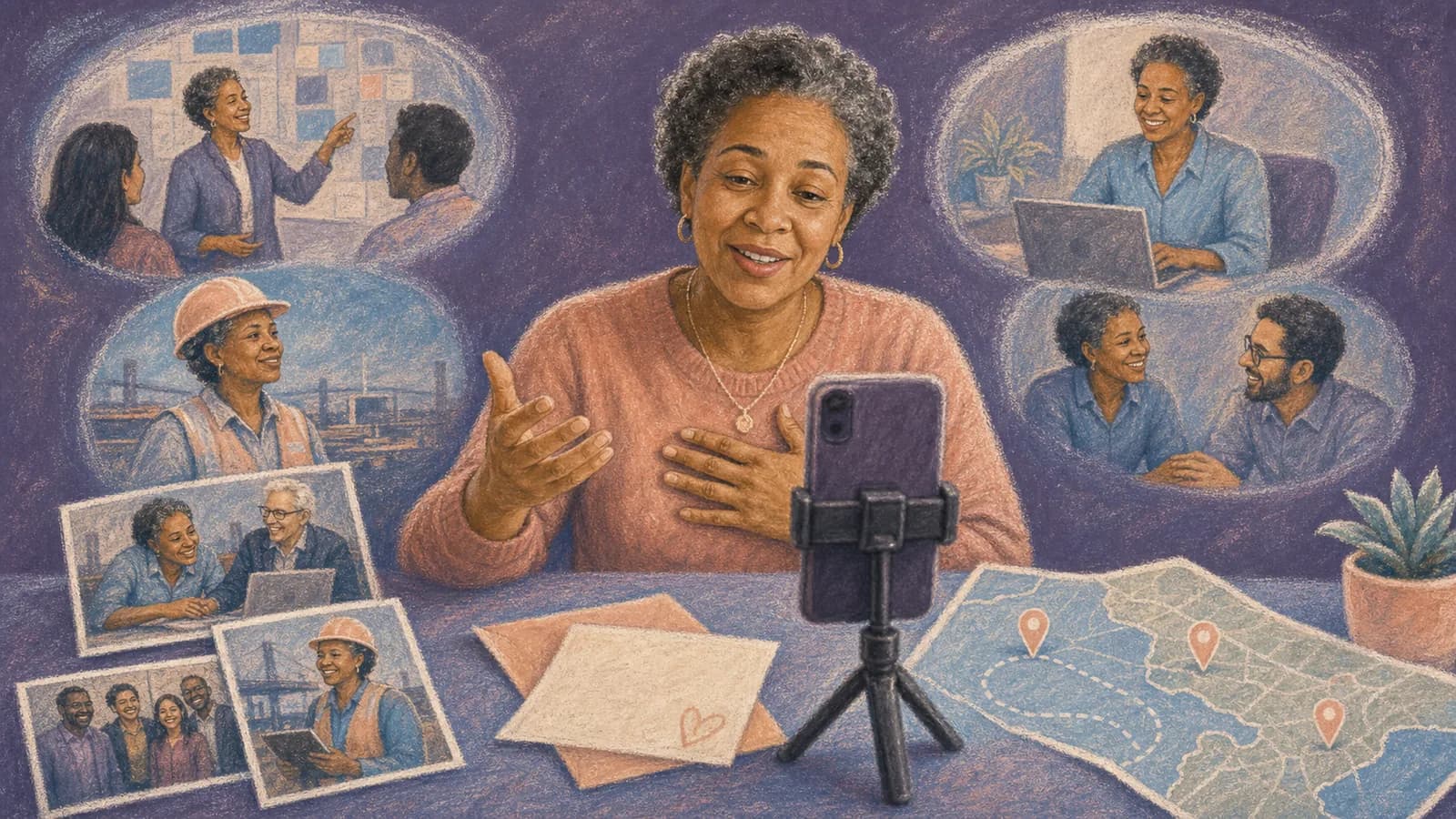
A company anniversary video should do more than display a logo and a list of dates. It should show how the business began, who helped it grow, and why the work still matters. The best version feels like a short story, not a formal report. This guide offers practical ideas, a simple planning process, useful prompts, and examples you can adapt for your team.
Idea card 1 of 9
A complete fictional 90-second business story
Northstar Repair is an invented teaching business. Its dates, people and records are fictional; this example is not a customer story, business testimonial or evidence of commercial results. It uses three modest milestones that can be traced to the accompanying teaching notes.
| Timeline | Complete narration and picture plan |
|---|---|
| 00:00–00:10 | Title and workshop-detail card: “Northstar Repair: ten years of learning together.” |
| 00:10–00:30 | 2016 card: “Our imagined story begins with a small workshop and a shared place to learn. The first chapter is about the people who made time to explain a task and ask a useful question.” |
| 00:30–00:50 | 2020 checklist-detail card: “The next chapter is a clearer handover. The team wrote down the questions that kept returning, so the next person could begin with useful notes instead of starting from nothing.” |
| 00:50–01:10 | 2024 practice-session card: “Later, colleagues made time to practice together. Experience moved between people through patient explanation, questions and another attempt at the task. That is the habit this fictional anniversary story chooses to recognize.” |
| 01:10–01:20 | Two approved present-day detail images × 5 seconds, or simple text cards in the teaching version. |
| 01:20–01:30 | Closing: “Thank you to the people who shared their time and knowledge. We want to keep making room to learn.” |
10 + 20 + 20 + 20 + 10 + 10 = 90 seconds. This is a script and planning example, not a rendered company film. Use the actual organization’s language and evidence rather than borrowing these invented milestones.
Idea card 2 of 9
Tie each milestone to its source before recording
| Year | Claim | Teaching source | Real evidence needed |
|---|---|---|---|
| 2016 | Opened a small repair workshop | Fictional source note S01: the teaching story begins with a shared workspace. | Real equivalent: dated opening record and authorized reviewer. |
| 2020 | Wrote a clearer handover checklist | Fictional source note S02: the teaching team recorded repeated setup questions. | Real equivalent: versioned checklist and confirmation of who contributed. |
| 2024 | Started internal practice sessions | Fictional source note S03: experienced and new colleagues practiced a repair together. | Real equivalent: dated session record and permission for any named participants. |
Download the milestone worksheet and the explicitly fictional source notes. For a real company, add the original record, reviewer, date checked, uncertainty and permission reference. Leave unsupported figures or customer outcomes out.
For customer statements, follow the testimonial-video approval and attribution guide. Employee participation does not authorize a customer claim, and a plausible anniversary story is not evidence of a financial or social result.
Idea card 3 of 9
A dated production schedule for the teaching brief
| Example date | Owner and task |
|---|---|
| 2 November 2026 | Organizer confirms the internal audience, scope and reviewer. |
| 3–5 November | Archive owner checks milestone records and image rights. |
| 6 November | Send targeted requests for missing material. |
| 12 November, 17:00 America/Toronto | Submission deadline; confirm the equivalent local time for each contributor. |
| 13–16 November | Editor assembles the short cut and captions. |
| 17 November | Authorized reviewers check claims, names and exact media. |
| 18 November | Apply corrections and export. |
| 19 November | Rehearse playback and recipient access; save independent copy. |
| 20 November | Agreed screening of the approved version. |
These are illustrative future dates for this fictional brief. They assume reviewers are available and source records exist; move the deadline earlier when that is not true. A late unverified milestone should be omitted from the screening copy.
Idea card 4 of 9
Start with the story, not the anniversary number
A milestone gives you a reason to make the video. It does not give you the story. Before gathering files, decide what viewers should understand or feel when the film ends.
Your central idea may be steady service, bold change, community support, or a team that grew together. Write that idea in one sentence. Use it to decide which moments belong and which can stay in the archive.
For example, a family business might focus on trust passed between generations. A young company might show how one early problem led to a useful product. A nonprofit might follow the people and places reached through its work.
Choose a main audience too. Employees may value honest behind-the-scenes memories. Customers may need more context about the company's purpose. A public social audience may need a shorter cut than guests at an anniversary event.
Idea card 5 of 9
Company anniversary video ideas that tell a real story
1. Make an origin-to-today timeline. Open with the need or idea that started the business. Move through a few turning points, then end with the people doing the work today. Use old photos, early products, first-office footage, and short staff memories instead of a long voiceover.
2. Build the film around people. Ask founders, long-serving employees, newer team members, customers, and community partners to answer one focused question. Their different views can show how the business changed without making the film feel like a lecture.
3. Create a then-and-now story. Pair an early workspace with the current one, the first product with its latest version, or a small team photo with today's group. Explain what changed and what stayed the same.
4. Follow the places that shaped the business. Include the first office, an important store, a factory, a project site, a conference city, or a community the team serves. A route between these locations can give the story a natural order.
5. Tell one customer-impact story. Choose a clear example that you have permission to share. Show the problem, the work, and the result in plain language. Keep the anniversary in the background and let the real outcome lead.
6. Make a lessons-learned film. Ask people to share one mistake, one turning point, or one lesson they would carry into the next chapter. This approach feels honest when the answers are brief and suitable for public viewing.
7. Record a message to the future. Invite the team to describe what they hope the company protects, changes, or builds next. Mix these clips with moments from the past so the film looks forward as well as back.
8. Create a team-made montage. Give departments, branches, or remote teams one shared prompt. Combine their short clips with candid photos and simple captions. This works well when many people should be part of the celebration.
Idea card 6 of 9
Turn company locations into a clear story
Place can make a company history video easier to follow. The first home office, first shop, new branch, major project site, and current headquarters can become chapters. Each stop can hold a photo, clip, short message, or milestone.
This is where AlbumMap can be useful. A team can gather shared photos, short videos, written messages, and locations in one project. The finished map-based video can move between the places that shaped the business.
A map approach is most helpful when the company grew across cities or when remote teams want to contribute. It can also connect a business to the communities, customers, and work sites behind its history.
Do not add a location only because it exists. Give each place a purpose. Explain what began there, what changed there, or who made that chapter possible.
Idea card 8 of 9
Examples You Can Copy
Copy-ready employee contribution request
We are creating a video for [Company Name]'s [number]-year anniversary. Please send a 20- to 40-second clip by [date, time and time zone]. Answer one question: What moment best shows what this company means to you? You may also add one approved photo and the place connected to your memory.
Copy-ready customer or partner request
[Company Name] is marking [number] years, and we would be grateful to include your perspective. In a short video or written note, please share one project, result, or moment that stands out from our work together. We will confirm your approval before using your contribution.
Copy-ready opening narration
This story began in [year] with [simple need or idea]. Since then, many people and places have shaped what [Company Name] has become. These are a few of the moments that brought us here.
Copy-ready location caption
[City or site], [year]. This was where [important change] happened. [Person or team] helped turn that moment into the next chapter of our business.
Copy-ready closing narration
Thank you to the employees, customers, partners, and communities who made these [number] years possible. We are proud of what we built together, and we are ready to carry [core value] into what comes next.
Idea card 9 of 9
Final Thoughts
A strong business anniversary video does not need to cover every year. It needs a clear idea, true details, and voices that make the history feel human. Choose a few turning points, gather focused contributions, and give each photo or clip a reason to be there. If the story stretches across offices, stores, project sites, or cities, AlbumMap can connect those memories through place. The result can be more than a celebration. It can be a useful record of where the business began, who shaped it, and where it hopes to go.
Your shortlist
Ideas you saved
Tap “Save to shortlist” on any idea card and it lands here, ready to compare.
- A complete fictional 90-second business story
- Tie each milestone to its source before recording
- A dated production schedule for the teaching brief
- Start with the story, not the anniversary number
- Company anniversary video ideas that tell a real story
- Turn company locations into a clear story
- A final review before you share
- Examples You Can Copy
- Final Thoughts
Helpful answers
Frequently asked questions
What should a company anniversary video include?
Include a clear theme, a few verified milestones, employee or partner voices, approved archive material, and a short look at what comes next. Each scene should help explain how the business grew or why its work matters.
How long should a corporate anniversary video be?
Choose the length for the audience and setting. A short public cut may be one or two minutes. An event film can be longer if every chapter adds value. Make the story as short as it can be without losing its meaning.
Who should appear in a business anniversary video?
Consider founders, current and former employees, customers, partners, and community members. Use people who can tell a specific part of the story. Confirm permission before including their image, voice, name, or comments.
How can a small business make an anniversary film with a limited budget?
Start with existing photos and phone footage. Record short interviews in a quiet, well-lit room. Use a simple outline, a small group of speakers, and licensed music. Clear stories matter more than costly effects.
What questions should we ask employees?
Ask focused questions such as: What did the early days feel like? Which moment changed the company? What value have you seen in action? What should the business carry into its next chapter? Give each person one prompt and a short time limit.
How can several offices contribute to the same video?
Send one clear request with a deadline, recording tips, and a shared upload method. Ask each office to include its location and one local story. A map-based format can then connect those places in a natural order.
Can AlbumMap be used for a company history story?
AlbumMap can bring shared photos, short videos, written messages, and locations into a map-based video. It is most useful when real offices, stores, project sites, event venues, or cities are important parts of the company story.