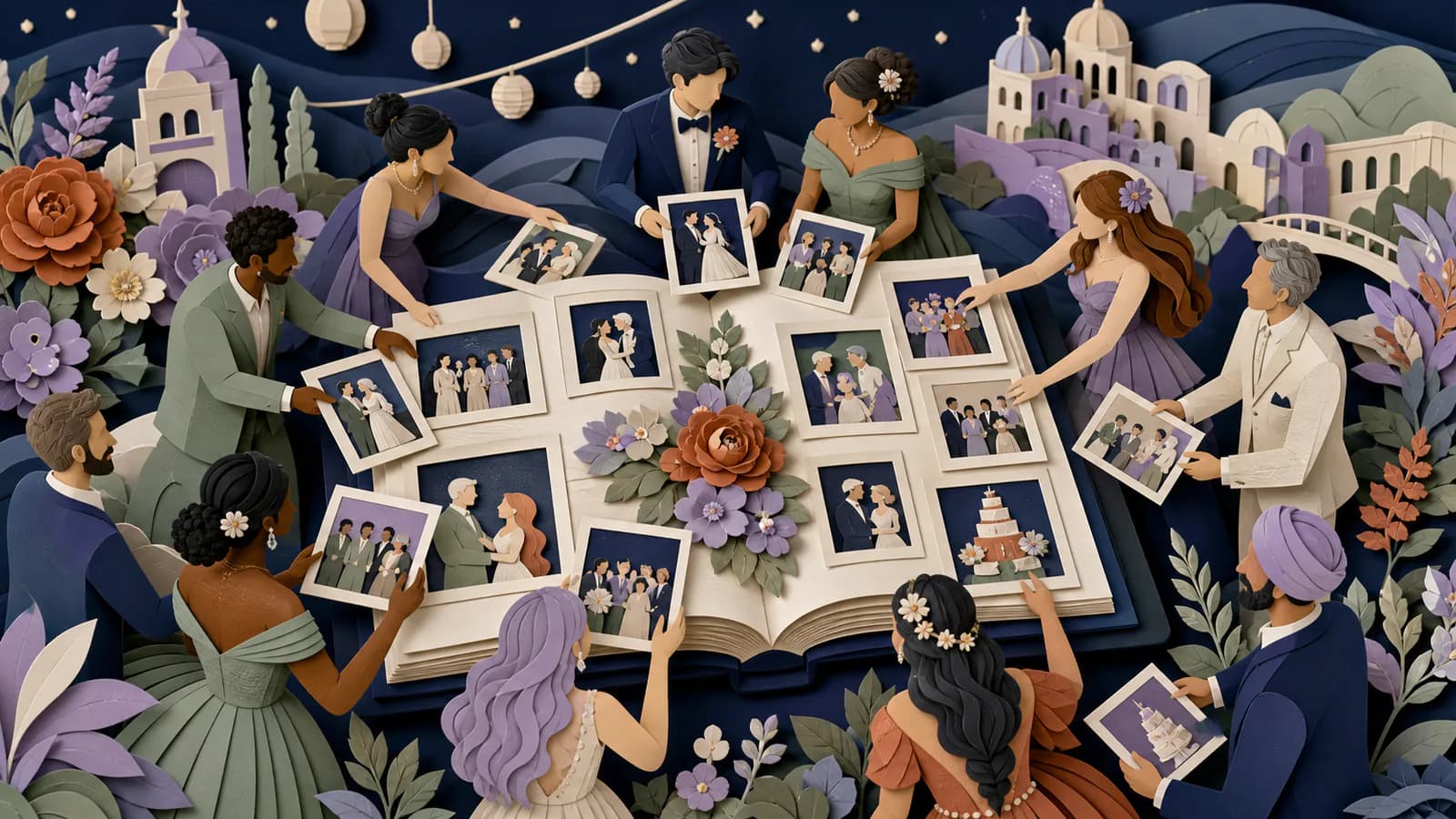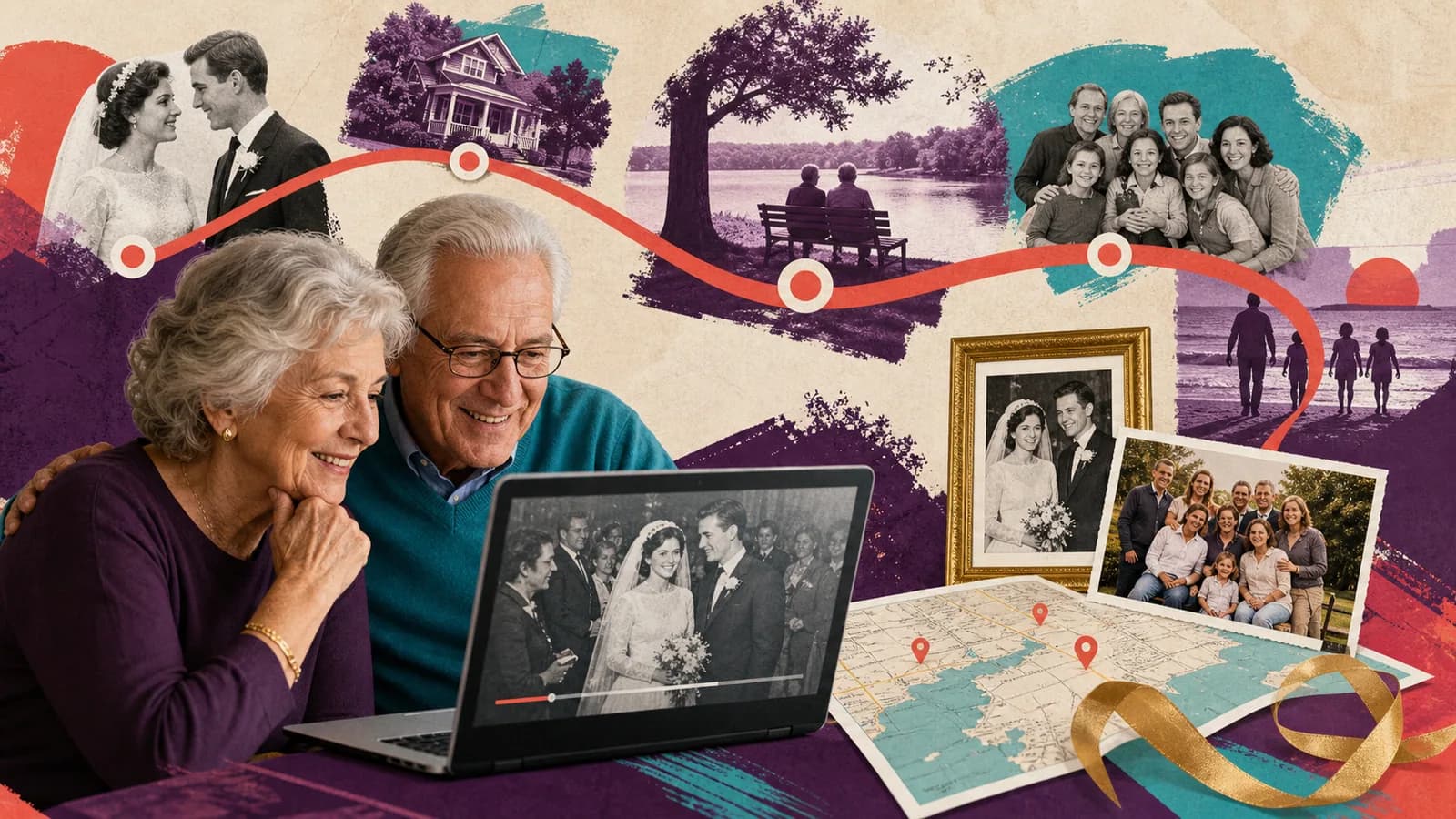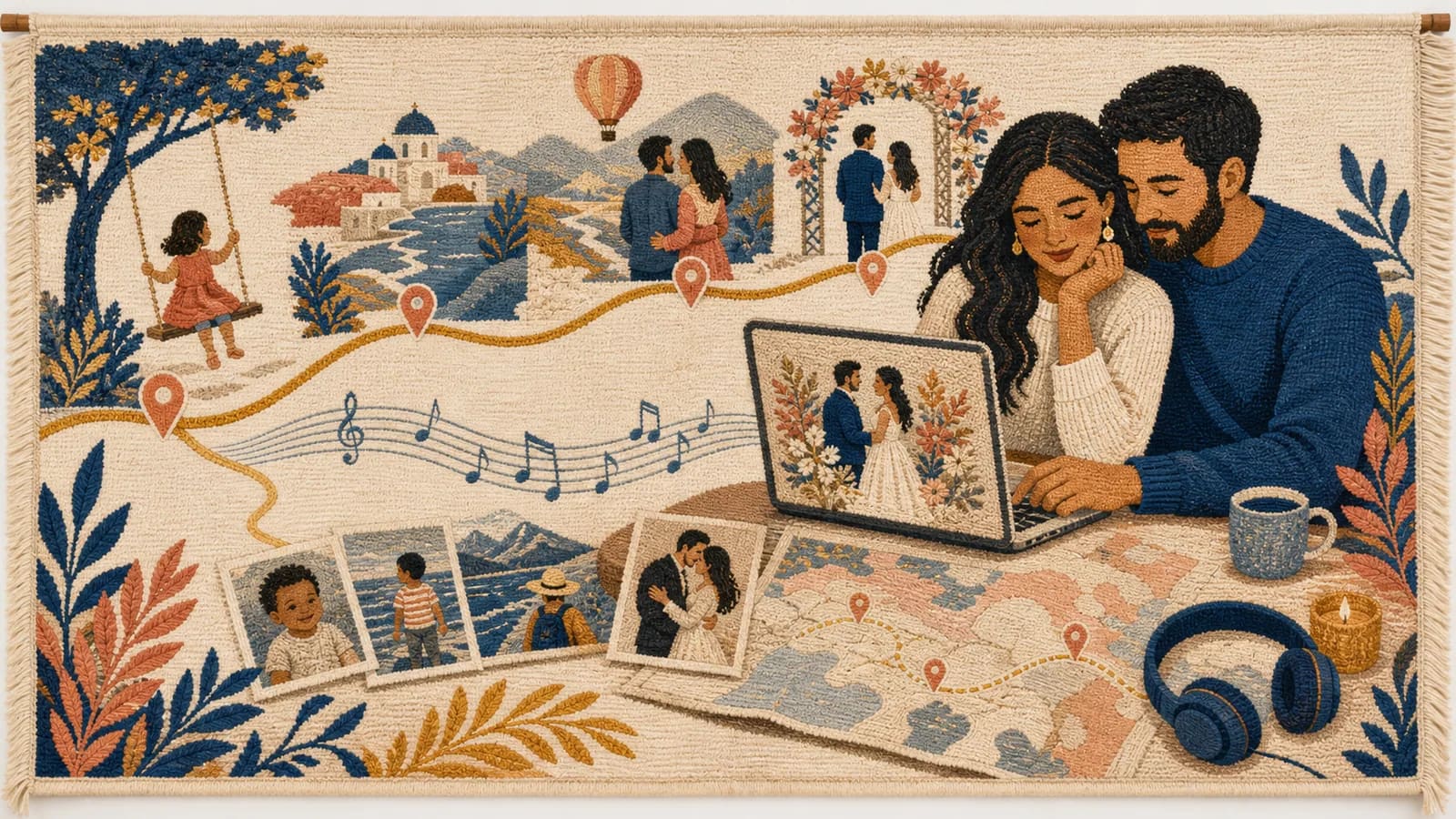
A wedding slideshow with music can tell the couple's story in a few warm, focused minutes. It may include childhood photos, early dates, family memories, trips, and the wedding itself. Music brings those moments together, but the song should support the story rather than control it. You do not need advanced editing skills. Start with a simple plan, choose only useful photos, and test the finished file before the event. The nine steps below will help you create a slideshow that feels personal and plays smoothly.
Listen to a complete sixty-second teaching cut
This fictional Lena and Chris example uses original illustration placeholders, a synthetic spoken wish and a simple original four-chord tone bed composed for the demonstration. It was rendered locally on 26 October 2026. It is not a customer wedding, a licensed pop-song example or a claim about the rights to AlbumMap’s music catalog.
Download the MP4 · Read the complete transcript · Download English captions · See exact timings and creation details.
| Time | Picture and audio |
|---|---|
| 0:00–0:08 | Opening title; original music. |
| 0:08–0:20 | Twelve-second photo slot; original music. |
| 0:20–0:36 | Sixteen-second spoken wish; the music gain is reduced by 20 dB for this entire interval. |
| 0:36–0:50 | Fourteen-second photo slot; the music returns between phrases. |
| 0:50–1:00 | Ten-second closing hold, encoded in the MP4; music fades out at the end. |
The five intervals total 60 seconds. Speech occupies its photo slot rather than extending the film. The music reduction is a setting in this example, not a universal safe level: listen to your actual voices and soundtrack together at the intended playback volume. The exported file contains both speech and the original score.
For a longer selection, use the photo-count and timing guide. Check the music-permission guide before selecting a different track. Buying a song or keeping the first showing private does not settle every use of its composition and recording.
Step 1 of 9
Decide where and when the slideshow will play
Plan the viewing moment before choosing photos. A slideshow shown during speeches needs a short, focused edit. A version that loops during cocktail hour can be longer and more relaxed.
Ask the couple, planner, DJ, or venue manager when the slideshow fits the schedule. Avoid placing it where it delays dinner or interrupts an important transition. Give the room a clear reason to watch.
Decide whether guests will watch together or see the slides in the background. A shared viewing needs a clear start, ending, and sound mix. A background loop should still make sense if someone begins watching halfway through.
Also decide whether the slideshow is a surprise. If it is, choose one organizer and keep planning messages away from the couple.
Step 2 of 9
Choose one simple story
A wedding photo slideshow is easier to follow when it has a clear shape. A timeline is often the simplest choice. Begin with each partner's early years, move into their relationship, and end with the wedding or a wish for their future.
You can also use a theme. Options include family, travel, friendship, shared hobbies, or the places that shaped the relationship. Pick one main idea instead of trying to use every theme.
Write the story in one sentence before you edit. For example: This slideshow shows how two separate lives became one shared journey. Use that sentence to judge each photo and song.
Aim for balance. Include both partners, both families, and the friends who helped shape their story. Perfect symmetry is not required, but a large imbalance can feel careless.
Step 3 of 9
Collect photos, clips, and useful details
Start with the couple's own photo libraries. Then ask parents, siblings, close friends, and the wedding party for missing moments. Older family photos may need to be scanned.
Give contributors a deadline and a focused request. Ask for original files when possible. Images copied from social media or screenshots may look soft on a large screen.
Request details with each file. Names, dates, locations, and a short note will help you understand why a photo matters. These details can also become useful captions.
Create one folder for incoming files. Inside it, make folders for each partner's early life, the relationship, family and friends, travel, engagement, and wedding. Keep a separate folder for files you may not use.
Ask before including private, awkward, or sensitive images. Take extra care with former relationships, children, illness, family conflict, and embarrassing stories.
Step 4 of 9
Choose music that fits the couple and the room
Good wedding slideshow songs feel connected to the couple. Consider music from a first date, a shared trip, a favorite concert, or an artist they both enjoy. A meaningful choice often works better than a generic love song.
Match each song to the chapter it supports. Light music may suit childhood photos. A warmer song can introduce the relationship. An upbeat ending can move the room back into the celebration.
Read the lyrics before using a song. A beautiful chorus can hide verses about loss, regret, or a breakup. Make sure the whole track fits the moment.
Think about the audience and setting. Explicit lyrics may not suit a family reception. A very quiet song may disappear beneath conversation. A fast track can make important photos pass too quickly.
Use music you have permission to include. Public uploads may need licensed or royalty-free tracks, even if the slideshow first plays at a private event. Check the rules of the editing tool and sharing platform.
Do not force every song to play from beginning to end. A clean edit can use the section that best supports the story. Use gentle fades so the change does not feel sudden.
Step 5 of 9
Pick a wedding slideshow maker
Choose a tool based on the result you need, not the number of effects it offers. A basic photo app may be enough for a short slideshow. A presentation tool or video editor gives you more control over timing, captions, music, and clips.
Before committing, confirm that the tool can export a video file the venue can play. Check whether it supports your music source, preferred screen shape, and full-resolution photos.
Make a small test with five photos and part of one song. Export it and play it on another device. This quick check can reveal watermarks, sound limits, poor image quality, or export problems.
Use one project file and create backups as you work. Keep the original photos untouched. If an edit goes wrong, you should be able to return to the source files.
Step 6 of 9
Build the wedding slideshow with music
Place the photos in story order before adding effects. Start with a strong image that introduces the couple or the first chapter. End with a wedding photo, a future-facing message, or a simple thank-you.
Keep most photos on screen long enough to understand. Four to six seconds is a useful starting point. Group photos, captions, and detailed images may need more time.
Use fewer photos than you first collect. Repeated poses, similar group shots, and weak images slow the story. Save unused files in a private album rather than forcing them into the edit.
Cut photo changes to natural musical points when possible. A new verse, chorus, or beat can mark a chapter. Do not change every slide on a strong beat, since that can become tiring.
Use simple transitions. A clean cut or short fade keeps attention on the people. Spinning frames, large graphics, and constant motion can make the slideshow feel dated.
Add short video clips only when they provide something a photo cannot. A laugh, greeting, or small candid moment can add life. Trim empty seconds and lower the music whenever someone speaks.
Step 7 of 9
Add captions without crowding the photos
Captions can explain an old image, identify a place, or introduce a new chapter. Keep them short. A location and year may be enough.
Use large text and strong contrast. Place words over a simple area or add a plain background behind them. Guests should be able to read the caption from the back of the room.
Check every name and date. Ask another person to review them if the slideshow is a surprise. Small errors can distract the people who know the story best.
Do not explain every photo. Let familiar faces and real moments carry much of the meaning. Use text when it adds context, not because the template has an empty box.
Step 8 of 9
Consider a place-based version
Some relationships are closely tied to places. Hometowns, a school, the first date, a favorite trip, the proposal spot, and the wedding venue can create a natural route through the story.
AlbumMap can combine shared photos, short videos, written messages, and locations in a map-based video. This can help when memories come from several people or the couple's story spans many cities.
For example, one section could begin at each hometown. The routes could meet where the couple first met, then continue through trips, homes, and the wedding venue. A photo or short message can give each stop meaning.
Use a map only when location helps tell the story. If place is not important to the couple, a simple timeline may feel more honest.
Step 9 of 9
Test the final slideshow before the wedding
Export the slideshow early. Ask the venue or DJ which file type, screen shape, and resolution they prefer. A common video file is often easier to play than an editable presentation.
Watch the entire export from beginning to end. Check the first and last frames, photo order, spelling, transitions, and sound. Listen for sudden changes in music volume.
Test the exact screen, speakers, cable, and playback device if possible. A slideshow that looks bright at home may look dark through a projector. Text may also appear smaller in a large room.
Download the file instead of relying only on venue internet. Keep a copy on a USB drive, a second device, and private cloud storage. Give one backup to a trusted person.
Tell the DJ or coordinator when to press play and what should happen when it ends. Include the file name in the event notes. Clear handoff details prevent a last-minute search.
Finish line
Route complete: 9 steps
Need to check something again? Jump straight back to any stop.
- 1Decide where and when the slideshow will play
- 2Choose one simple story
- 3Collect photos, clips, and useful details
- 4Choose music that fits the couple and the room
- 5Pick a wedding slideshow maker
- 6Build the wedding slideshow with music
- 7Add captions without crowding the photos
- 8Consider a place-based version
- 9Test the final slideshow before the wedding
Examples You Can Copy
Copy-ready photo request
Hi! I am making a wedding slideshow for [Name] and [Name]. Please send up to five original photos by [day, date, time and time zone]. Childhood, family, friendship, travel, and early relationship photos are welcome. Add the names, year, place, and one sentence about the memory if you know them. Please keep the slideshow a surprise.
Copy-ready story outline
Chapter 1: Two beginnings. Chapter 2: The people who shaped them. Chapter 3: How they met. Chapter 4: Trips, ordinary days, and milestones. Chapter 5: The proposal and wedding. Chapter 6: The next adventure.
Copy-ready opening card
Two lives, many places, one shared story. Celebrating [Name] and [Name] on [wedding date].
Copy-ready closing card
May the memories behind you bring joy to every place you go next. With love from your family and friends.
Copy-ready venue handoff note
File: [exact approved file name]. Please play it after [agreed event cue]. Its closing hold is already encoded; let the file finish normally. Confirm the next cue and screen state with us during rehearsal. A tested offline backup is on [named device or USB].
Copy-ready location request
Along with your photo, please name the place connected to the memory. It could be a hometown, school, first apartment, favorite trip, proposal spot, or wedding venue.
Helpful answers
Frequently asked questions
How many photos should a wedding slideshow include?
Choose photos based on the planned length and pace. At four to six seconds per image, a four-minute slideshow may use about 40 to 60 photos. Use fewer when captions or detailed group photos need more time.
How long should a wedding photo slideshow be?
Three to six minutes is a useful target for a reception viewing. A slideshow playing in the background can be longer. If you have a lot of good material, create a short event edit and a longer private version.
How many songs should I use?
One song may be enough for a short slideshow. Two or three tracks can support separate chapters in a longer story. Choose music for meaning and mood, then use clean fades between tracks.
What photos should go in a wedding slideshow?
Use a balanced mix of childhood, family, friendship, dating, travel, engagement, and wedding photos. Include both partners and their communities. Remove duplicates and any image that does not add a new moment.
Can I add video clips and messages?
Yes. Short clips can add voices, laughter, and movement. Keep them focused, trim empty time, and lower the background music beneath speech. Written messages can also work as brief title cards.
Can I use any music in the slideshow?
Use music you have permission to include. A public upload may require licensed or royalty-free music, even if the first showing is private. Review the rules for your editing tool and sharing platform.
What file should I give the wedding venue?
Ask the venue or DJ which format they prefer. Export a common video file when possible, test it on their equipment, and bring offline backup copies on more than one device.
How can AlbumMap be used for a wedding story?
AlbumMap can bring photos, short videos, written messages, and meaningful locations into a map-based video. It is useful when the couple's story spans hometowns, schools, trips, homes, or contributions from distant loved ones.