Step 1 of 13
Decide what you will finish before sorting every photo
Choose a printed book, a digital album or a short video before you collect the whole group’s files. The format tells you how many pictures you need and how people will revisit them. Start small: one trip, one shared collection and a manageable shortlist.
Step 2 of 13
Open a complete eight-picture album
“A weekend by the lake” is a finished fictional album, with eight selected images, written captions, a beginning, a changed plan and a closing. All images are original AI illustrations; all people, memories and quoted words are invented. No real family, child or trip is depicted.
Read the complete HTML album, open the eight-page PDF or download the twelve-file offline pack. Extract the pack into one folder; the album, pictures and PDF can then be opened without an account or internet connection.
| Selected picture | Finished caption |
|---|---|
| Bags at the door | We arrived with two bags and a loose plan for the weekend. For once, we left the extra jobs at home. |
| First look at the lake | The water was still when we reached the cabin. We put the bags down before deciding what to do next. |
| The slow path | Our first walk took longer than expected. We kept stopping for the river, the leaves and a bridge we wanted to cross twice. |
| Tea before the day | Two mugs waited by the window while the rest of the cabin woke up. This became our favorite unplanned pause. |
| The picture one child chose | "I chose the little boat because it looked like it was racing the leaf." We kept that sentence with the picture. |
| When the rain arrived | The long walk became a puzzle afternoon. We spread the pieces across the table and let the lake disappear behind the rain. |
| Room at the table | We came outside when the rain stopped. Four different cups, a bowl of apples and a little more time together were enough. |
| Last light | We stayed by the dock until the light began to go. The bags were ready inside; the weekend could end without another picture. |
The child’s boat choice and quoted sentence are explicitly fictional. They demonstrate how another viewpoint and the contributor’s own words can shape a selection; they do not establish permission from a real child or family. In your album, ask what a child wants included and keep their actual wording when they are comfortable sharing it.
The album source sheet records the complete captions, image descriptions and story roles. This example is an independently assembled PDF and HTML album, not a demonstration of a hosted AlbumMap collection, guest upload or access controls. Keep the original photos separately when making your own delivery copies.
Step 3 of 13
Set up your vacation photo album before the trip
Create the shared collection before anyone leaves home. Give it a clear name such as “Lopez Family — Nova Scotia — July 2026.” Add the trip dates and a short note about what belongs there. If access is private, explain who can view or add files.
Share the link through the channel the group already checks. Pin it in the trip chat. Add it to the itinerary or welcome note. If your chosen service offers a QR code, place it somewhere easy to scan. Confirm current access settings before sharing it.
Test the collection with one other traveler on a different phone. Ask that person to open the link, add a photo and short video, enter a caption, and confirm that both files appear for the organizer. Complete this test before departure so sign-in, permission, or upload problems do not become a group-wide issue during the trip.
Step 4 of 13
Use a simple plan to collect everyone’s memories
Choose one organizer and one backup helper. The organizer sends reminders and checks the collection. The helper can answer questions when the organizer is driving, hiking, or taking a break.
Use two gentle collection moments. During the trip, ask people to add a few favorites after a major day or stop. Then send one final reminder within two days of returning home. People are more likely to help while the memories are fresh.
Set a clear limit. Ask each traveler for five to ten favorites per day, plus any special group moments. Limits reduce duplicates and make choosing less stressful. Let people know they can add more when they hold the only copy of an important moment.
Do not demand perfect captions during the first upload. A place name, date, and short note are enough. You can polish the wording after the full set is collected.
Step 5 of 13
Ask for a useful mix, not hundreds of similar photos
A good group album needs variety. Ask for one strong scene-setting image from each place. Add candid moments, group photos, food, signs, rooms, transport, and small details. Include a few imperfect pictures if they carry a good memory.
Short videos can preserve sound and movement that a still image misses. A ferry horn, a stadium cheer, or a child seeing the ocean can bring the trip back at once. Keep clips brief unless a longer event truly matters.
Written memories add context. Ask each traveler for a favorite moment, funniest surprise, or one detail they do not want to forget. These notes often become the best captions. They also give quieter travelers a way to shape the story.
Location details are useful even when the phone saved them automatically. Write the town, landmark, trail, beach, restaurant, or arena in plain language. Check spellings before the final version is shared.
Step 6 of 13
Sort the collection without feeling overwhelmed
First, make a safe copy of the original files. Keep it separate from the working folder. Do not delete anyone’s upload during the first sorting pass.
Next, group files by day, destination, or activity. Use the structure that matches the trip: road trips usually work by stop, resort stays by activity, and tournaments by game, team event, and free time. Keep the original capture date and add plain-language place names before renaming files. This guide to organizing travel photos by location offers a detailed post-trip workflow.
Remove exact duplicates from the working selection before making creative choices; leave the separately archived original files intact. Then mark the clearest version from each group of similar shots. Keep a second image when it adds a new person, expression, or point of view.
Use a simple three-part rating: must include, maybe, and archive. Finish the must-include group first. If the story still has a gap, look in the maybe group. The archive keeps the remaining files safe without crowding the finished album.
Aim for balance, not equal numbers from every phone. The final collection should cover the full trip and include the people who were there. Check for anyone who appears rarely. Ask the group whether an important moment is missing before you finish.
Step 7 of 13
Let children choose a few memories in their own words
Children notice details that adults miss. Ask each child to choose three to five favorite pictures. Then ask why each moment mattered. Their answers can become captions, page titles, or a final list of trip highlights.
Keep their words natural. A caption such as I liked this beach because the sand squeaked may feel more personal than a formal description. You can also photograph a drawing, scan a travel journal page, or include a picture of a small souvenir.
For a multigenerational trip, ask older relatives for one memory too. They may explain a family connection, a place from the past, or why the journey mattered. Different voices make the book feel shared.
Step 8 of 13
Write captions that preserve what the photograph cannot
A caption should add context that the picture cannot show. Include a name, place, date, feeling, or short story. Avoid captions that only state the obvious. Instead of We stood by the lake, try We reached Lake Louise before breakfast and had the path almost to ourselves.
Use a simple formula when you feel stuck: who, where, and why it mattered. You do not need all three parts every time. One clear sentence is often enough. Longer stories can sit beside a strong picture on a quieter page.
Check the spelling of names and places. Ask relatives to confirm details when needed. This small step protects the family record and prevents an avoidable mistake from being printed.
Step 9 of 13
Turn the photos into a clear travel story
Begin with a cover image, trip name, route, and dates. Then add a short opening note. Two or three sentences can explain why the group traveled and what made the trip special.
Build the middle in a natural order. You can follow each day, move from place to place, or group related activities. Add small transitions when the setting changes. A line such as “The next morning, we drove north to the lake” keeps the reader oriented.
Mix wide scenes with close details. A mountain view shows where you were. Muddy boots, a café receipt, or a sleepy train photo shows how the day felt. Leave space around the strongest images instead of filling every page or screen.
End with the trip home, a final group image, or a short note from everyone. You can also include the route, favorite stops, or a “what we would do again” list. A clear ending makes the collection feel complete.
Step 10 of 13
Choose a format that fits the way you want to remember
A shared digital album is useful when everyone wants quick access. It can hold a larger set and may be easy to update. Check the service’s current privacy, download, file-quality, and storage terms before you rely on it.
A printed book works well when you want a physical keepsake. Choose fewer images and give the best ones room. Captions, dates, ticket scans, and route maps can turn a stack of pictures into a story.
A simple slideshow suits an informal group viewing. Use a short running time and remove repeated shots. Add music only when you have permission to use it.
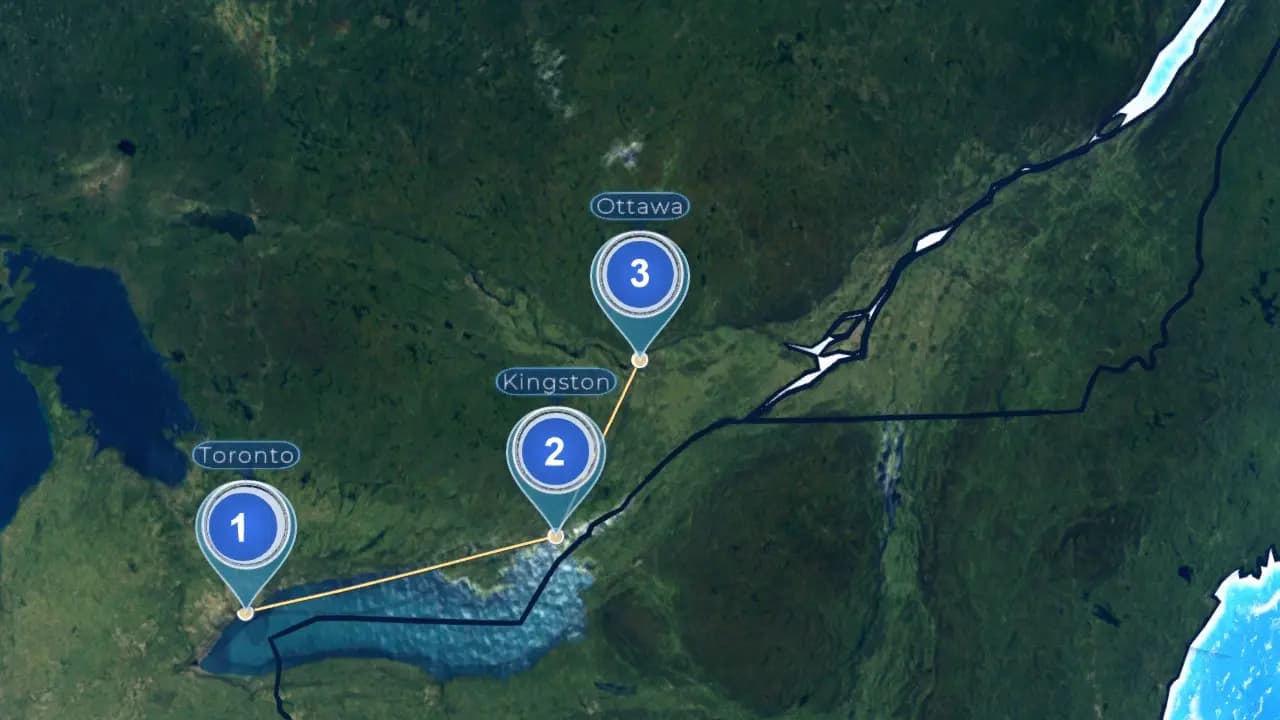
When the places are central to the memory, selected photos, short videos, written notes, and locations can become a route-based story. Use only the stops that move the trip forward, then give each one a scene-setting image, a personal detail, or a short clip. This road-trip memory map guide shows how to turn those stops into a clear journey. AlbumMap can connect the route and contributions when several travelers captured different parts of the same adventure.
Step 11 of 13
Protect privacy and preserve the original files
Before sharing the finished collection, ask whether any photo should stay private. Be careful with children, passports, tickets, room numbers, home addresses, and live location details. Do not post an image publicly just because it was added to a private group space.
Give contributors a chance to correct names and captions. Ask before using a personal written message outside the group. If the album will be a surprise gift, tell contributors who will eventually see it.
Keep at least two copies of the original files in separate places. Download a complete copy if your collection service allows it. Save a note that explains the folder order, dates, and place names. Future viewers should not need the original organizer to understand the trip.
Step 12 of 13
A 30-minute plan for an album you have been avoiding
Set a timer for ten minutes. Create one collection, name it, and send the upload request. Do not start designing yet.
Use the next ten minutes to gather your own best files. Choose a few moments from each day or place. Add rough captions only where the story would otherwise be unclear.
Spend the final ten minutes making a simple list of trip stops and missing moments. Assign each gap to the person most likely to have the file. Send one specific request, such as “Do you have the group photo from the lighthouse?”
You do not need to finish the whole keepsake today. Your first goal is to stop the memories from staying scattered. Once everything is collected, the creative work becomes much easier.
Step 13 of 13
Finish a version the group can actually open
Check names, spelling, dates and readable captions. Ask before sharing pictures of children or private moments outside the agreed audience. Keep the originals separately from the edited album and save a final copy where the group can find it. If you choose a video, review the complete export rather than only the editing preview.
Finish line
Route complete: 13 steps
Need to check something again? Jump straight back to any stop.
- 1Decide what you will finish before sorting every photo
- 2Open a complete eight-picture album
- 3Set up your vacation photo album before the trip
- 4Use a simple plan to collect everyone’s memories
- 5Ask for a useful mix, not hundreds of similar photos
- 6Sort the collection without feeling overwhelmed
- 7Let children choose a few memories in their own words
- 8Write captions that preserve what the photograph cannot
- 9Turn the photos into a clear travel story
- 10Choose a format that fits the way you want to remember
- 11Protect privacy and preserve the original files
- 12A 30-minute plan for an album you have been avoiding
- 13Finish a version the group can actually open
Helpful answers
Frequently asked questions
How do I collect vacation photos from a group?
Create one shared collection and send the link before the trip. Ask each person for a limited number of favorites, short videos, place names, and brief memories. Send one reminder during the trip and one soon after everyone returns.
When should I ask people to upload their travel photos?
Ask for a few favorites during the trip, especially after a major stop or event. Send the final request within two days of returning home. People are more likely to contribute while the trip is still fresh.
How many photos should each traveler contribute?
Five to ten favorites per day is a useful starting point. People can add more when they captured a moment nobody else has. The goal is a varied story, not an equal number from each phone.
What should I include besides scenic pictures?
Include candid moments, group shots, food, signs, transport, rooms, tickets, and small details. Short videos and written memories add sound, movement, and context. Place names help future viewers follow the journey.
Should I organize travel photos by date or location?
Use the order that best matches the trip. Dates work well for a tour with a clear daily plan. Locations suit road trips and multi-city travel. Activities may work better for a resort stay, cruise, or sports trip.
How can I make a group travel album feel like a story?
Open with the route and dates. Move through the days or places in a clear order. Mix wide scenes with personal details, add short captions, and finish with the return home or a final message from the group.
How can AlbumMap fit a group vacation project?
AlbumMap is most useful when the places form an important part of the memory. Shared photos, short videos, written messages, and locations can become a cinematic map video that follows the group’s journey.