Quick verdict
Choose for the task the group needs to complete
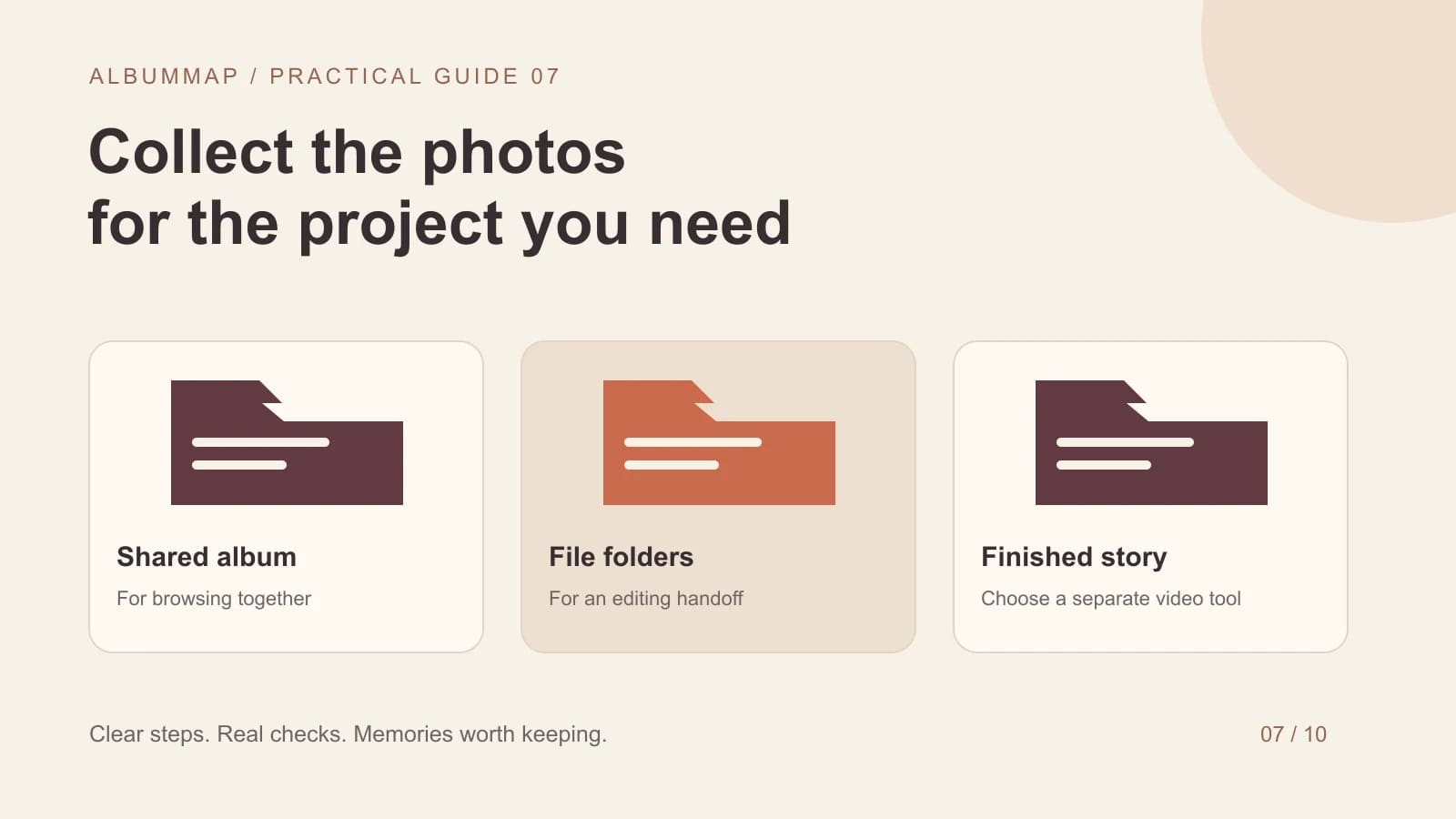
Use a Google Photos shared album when the group mainly wants to browse and contribute pictures together. Consider Google Drive when the organizer needs files arranged in folders for an editing project. Test contribution permissions before inviting people. A link that lets someone view a collection may not let them add files.
Neither option creates a finished group gift by itself. Choose the collection method first, keep your source files organized, and then assemble the selected photos and messages in a video editor or gift builder. That separation avoids mistaking a shared folder for a completed keepsake.
Compare the practical differences
| Decision | Google Photos album | Google Drive folder |
|---|---|---|
| Adding files | The owner can turn album collaboration on or off. Treat viewing a link and joining/contributing as separate steps. | A Viewer cannot add files. An Editor can add files and has broader powers over the folder. |
| Accounts | Google documents signed-in album creation and account-linked participation. Rehearse the actual contributor sign-in prompt; this article has no two-account test result. | For ordinary My Drive uploads, plan for a Google Account. Workspace visitor sharing is a distinct, administrator-controlled flow. |
| Removal | Removing an album member also removes their album contributions. Leaving the album removes the departing person’s contributions. | An editor can remove or move files from the folder. Removing someone else’s file is different from permanently deleting its owner’s file. |
| Link closure | Turning collaboration off stops additions; it does not make the album invisible. Link sharing and membership need their own review. | Review the folder’s role and inherited access; a more restrictive file setting may not override its parent. |
| Original-file evidence | Compare the actual downloaded item with the supplied original. A saved Photos library copy is not automatically a device download. | Compare the uploaded binary and downloaded file; a preview alone does not establish byte identity. |
Official documentation checked 26 October 2026: Photos sharing, Photos album controls, and Drive roles and inheritance. These are documented rules, not observations from a completed contributor comparison.
Google’s visitor-sharing guide says a verified visitor can upload to supported shared-drive folders, but cannot upload into My Drive. Do not generalize that organization feature to an ordinary personal Drive folder or promise anonymous file uploads.
Use a disposable intake folder for the rehearsal and keep your master archive elsewhere. Record the actual account type, granted role and file owner. Check removal with a harmless copy; do not test destructive actions on the only original.
Choose for the collection you will actually finish: the wedding guest-photo guide separates original files from a video keepsake, while the group-travel collection example shows how to keep each contributor’s files attached to the right place.
Test with one person outside your account
- Create a small test collection separate from the real project.
- Send the contributor the exact invitation link you plan to use.
- Ask them to open it in their own account or ordinary phone browser.
- Have them add one photo and one short video, if video is needed.
- Download the contribution as the organizer and check its filename, size, and quality.
- Ask what was confusing before writing instructions for the rest of the group.
A successful organizer preview is not a guest test. Work or school accounts can also have sharing restrictions. If someone sees an access request, resolve the intended role rather than telling everyone to keep clicking the same link.
| Record for each service | Evidence needed before calling the comparison complete |
|---|---|
| Contributor access | Account type, sign-in prompt, invitation role and successful test submission. |
| Original and retrieved file | Filename, byte size, pixel dimensions or video duration, and both SHA-256 values. |
| Removal and access | Who could remove the test item from the collection, who still owned it, and whether the closed link could still be opened. |
| Current result | Not yet observed in a two-account Photos/Drive experiment. No original-file preservation result is claimed here. |
Keep a simple file handoff for the video maker
Create a working collection with clear contributor names and short notes about what each item shows. Save a separate copy of the selected files before editing. Track missing permissions or uncertain names in a small list, then resolve them before the reveal. Avoid inviting contributors into the folder containing your only finished export.
For a larger group, appoint one organizer to reconcile the submissions. Ask people to keep their originals until you confirm receipt. Remove accidental duplicates from the working set while retaining anything you still need to review. Keep the final selection small enough to tell a coherent story.
When should you use a dedicated contribution page instead?
Consider a dedicated page when you need photos, written wishes, video messages, and contributor details in one predictable request. Check whether it supports your audience's devices and the organizer controls you need. AlbumMap is an option when those memories are intended for a video gift with people and places.
Use the group memory collection checklist to plan the request. For original file quality, see sending videos without losing quality. For a wedding, compare the workflow with a photo upload QR code.
Sources and further reading
Final whistle
Your scorecard
Pick a side in each round and the score updates here.
Helpful answers
Frequently asked questions
Can someone upload through a view-only link?
Do not assume so. Viewing and contributing are different permissions. Test the exact link and account flow with someone outside the organizer's account.
Which service preserves the original quality?
Check the actual uploaded version and downloaded file. In Photos, backup quality is relevant; in either service, an already compressed source stays compressed. A service label alone does not establish file identity.
Should I keep the shared collection as my only backup?
Keep an independent copy of important originals and the finished video. Access settings, account availability, and other contributors' actions can change over time.