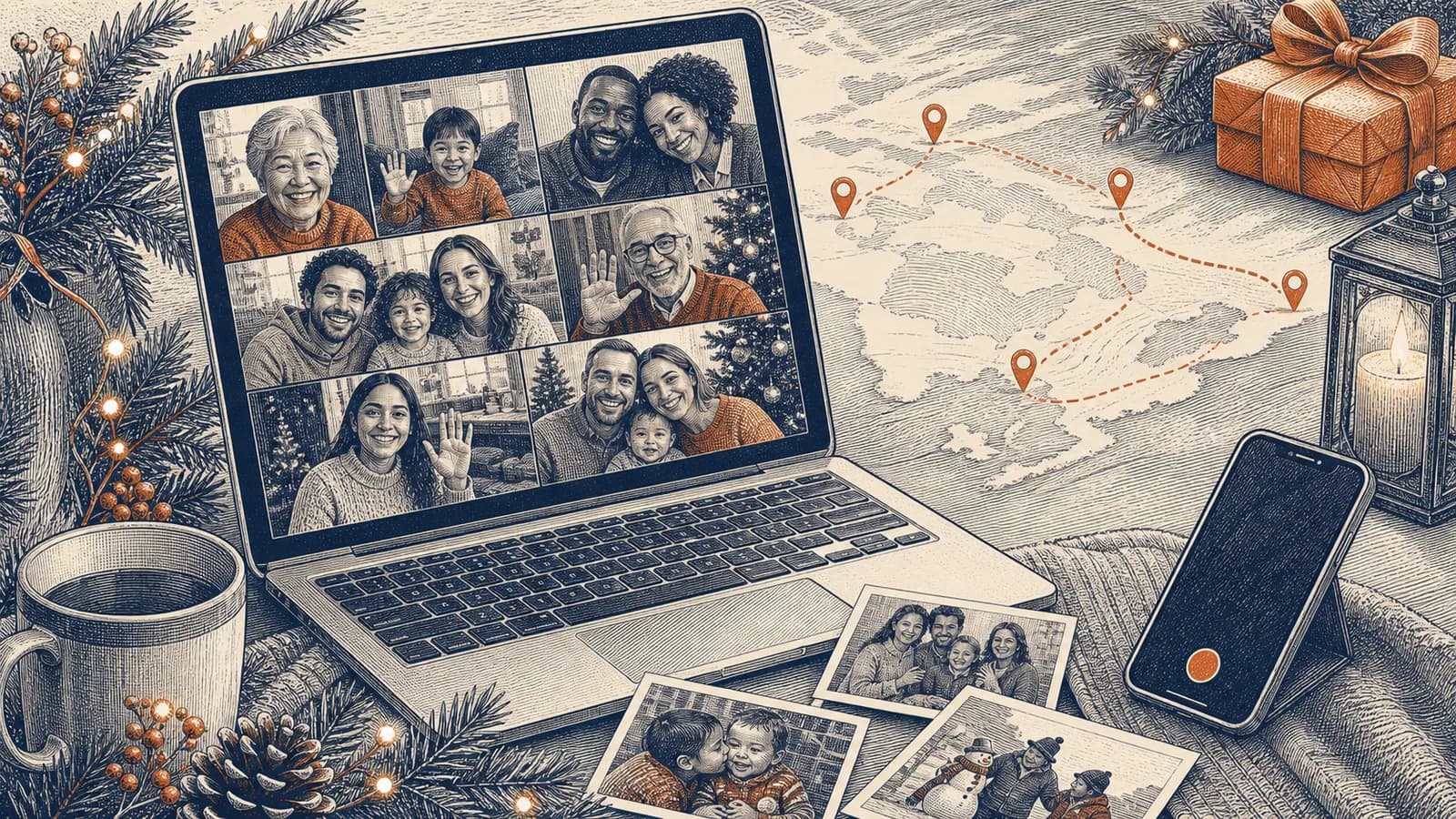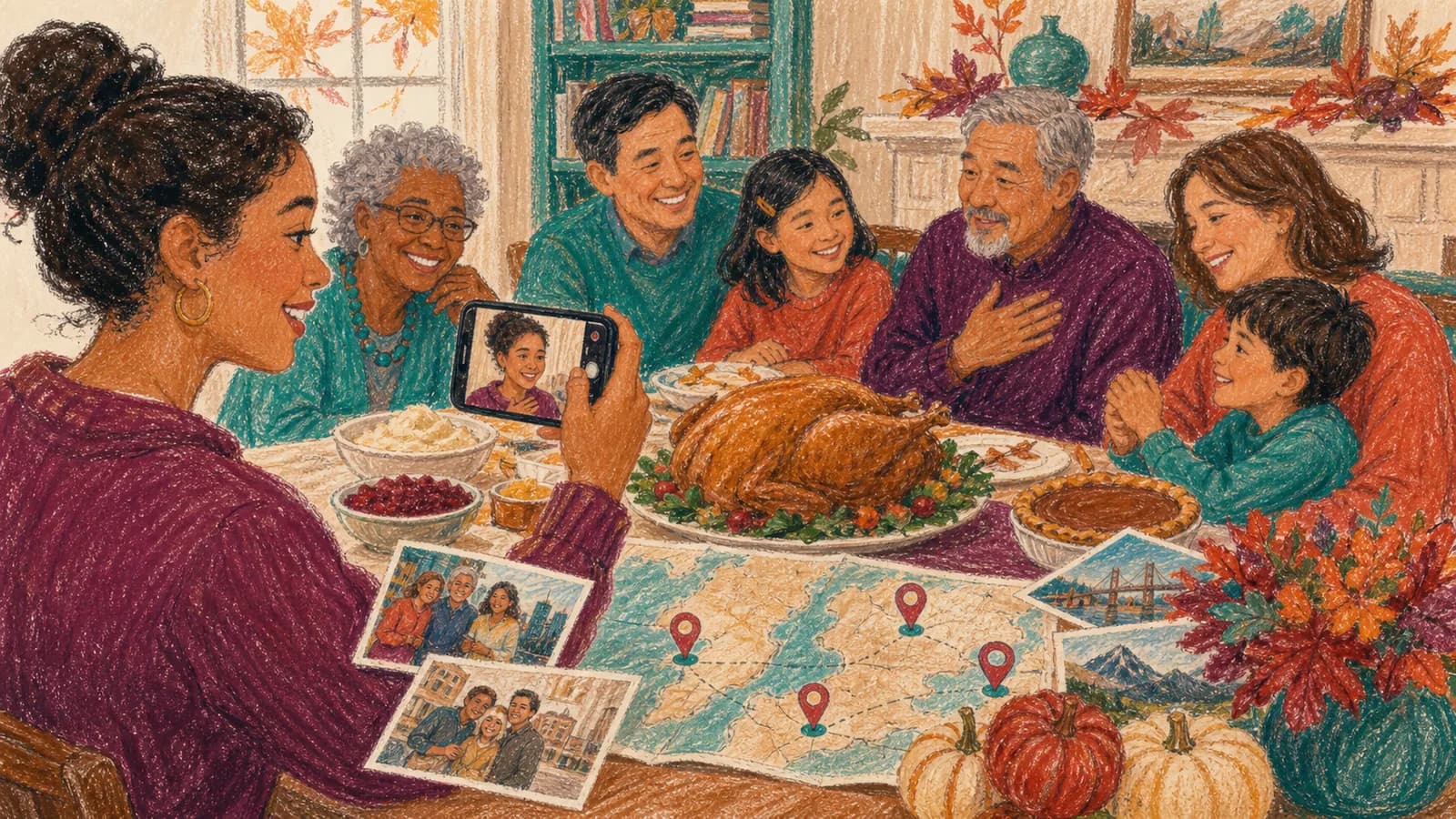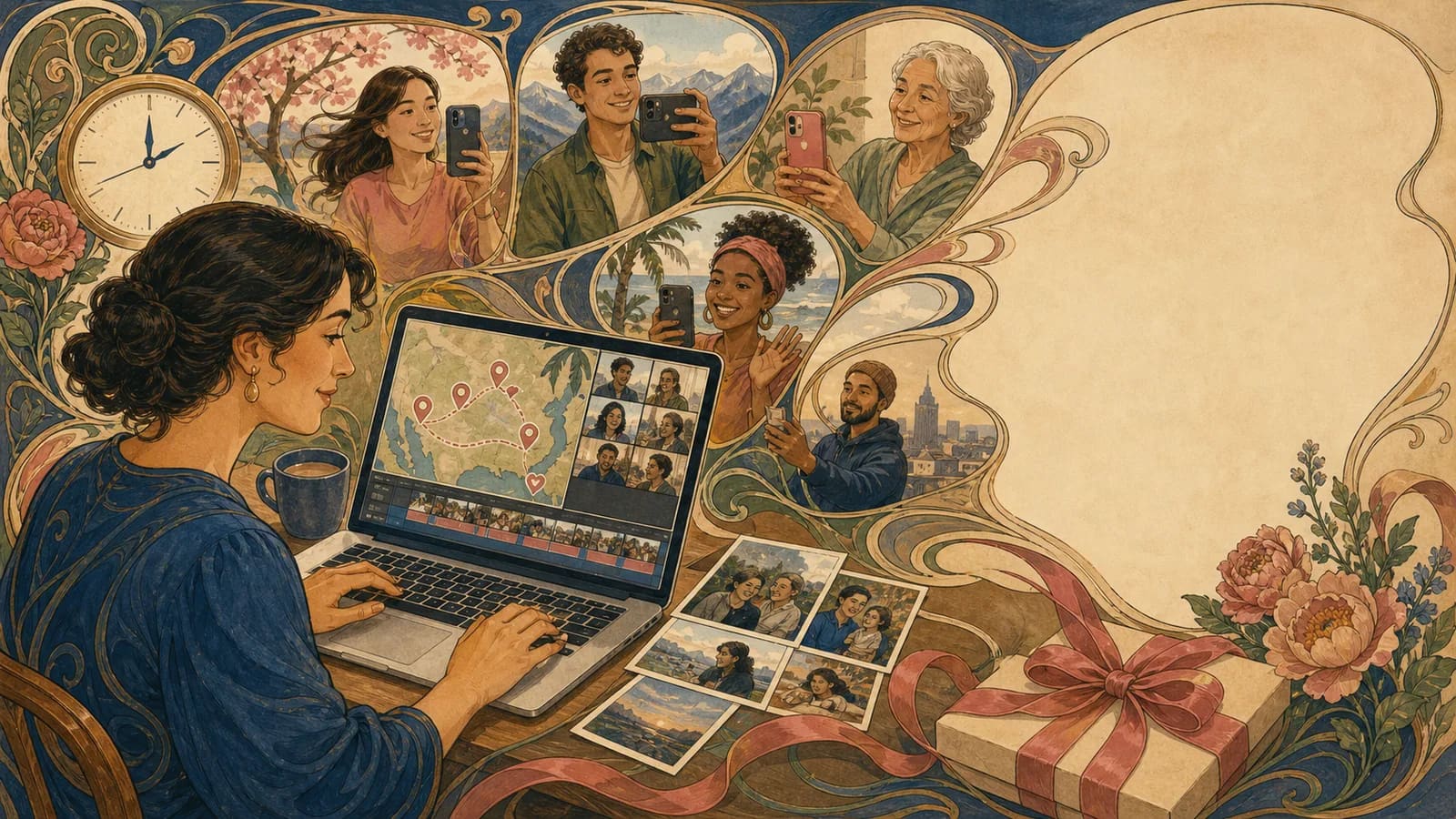
A short deadline calls for a small gift and a fallback you can deliver without waiting for other people. The two-hour plan below is a budgeting example for an editor and export route you have already tested. It is not a measured AlbumMap turnaround promise: contributor replies, uploads, rendering and access checks can take longer than the time available.
Page 01 / 11
A two-hour budget with a decision at thirty minutes
| Elapsed time | Task and fallback |
|---|---|
| 00–10 minutes | Choose the agreed audience, four fifteen-second slots and a tested delivery route. Prepare your own short note immediately. |
| 10–30 minutes | Invite up to four available contributors and collect optional clips. At minute 30, stop waiting; use only approved material already received. |
| 30–55 minutes | Trim and order the received clips; use approved message cards for gaps. |
| 55–70 minutes | Review names, captions, consent and sound. Keep music and mapping optional. |
| 70–90 minutes | Attempt the export through the route you already rehearsed. This is a time allowance, not a guarantee. |
| 90–120 minutes | Download, watch the whole file on the reveal device, test recipient access and make a separate backup. If any check fails, deliver the note or your solo message now and the group edit later. |
10 + 20 + 25 + 15 + 20 + 30 = 120 minutes. The proposed small film is a five-second opening + four fifteen-second slots + a fifteen-second closing = 80 seconds. Fewer received clips mean a shorter film, not pressure to invent messages from absent people.
An immediate fallback needs no editor: record one true memory as a short phone video, play it back, and send it through a delivery route the recipient already uses. A written note is enough if audio, upload or access fails. Do not describe a group gift as ready before the final file has played successfully.
Page 02 / 11
Choose a small group and one organizer
A large guest list may sound more impressive, but it creates more work. Choose people who know the recipient well and tend to answer quickly. A mix of family, friends, classmates, or coworkers can give the video more range.
Name one organizer. That person sends the request, answers questions, checks each file, and builds the final order. Other people can help, but one person should make the final call. This prevents two versions from being built at the same time.
Choose one backup contributor too. Ask this person to record a flexible closing message. If another clip fails, the backup can help the ending feel complete.
Page 03 / 11
Send one clear request right away
People respond faster when the request fits on one phone screen. State the recipient, occasion, clip length, prompt, deadline, and upload method. Say whether the video is a surprise. Put the deadline near the top so it cannot be missed.
Give contributors one action. Do not ask them to send a clip by text, photos by email, and a note in another app. One upload link or shared collection point saves time. It also stops files from getting lost across several chats.
Send personal requests to the most important people first. A direct message is harder to overlook than a busy group chat. You can send one group reminder later, but avoid chasing everyone many times.
Page 04 / 11
Give people prompts they can answer fast
A blank request such as “say something nice” can slow people down. Give each person one prompt. Ask for a favorite memory, one thing they admire, a short wish, or a funny moment the recipient will enjoy.
You can assign different prompts to create variety. A sibling can share an early memory. A friend can tell a recent story. A coworker can name a strength. A child can wave, draw a picture, or say one short line.
Let shy contributors send a written note or photo. Their part can appear between clips. A group gift should include people in ways that feel safe and natural, not force everyone to perform on camera.
Page 05 / 11
Collect clips without creating a file hunt
Use one place for every video, photo, and note. Give files simple names when you can, such as “Aunt-Maya-video” or “Jordan-photo.” Mark each item as received so you know who still needs a reminder.
AlbumMap can help when the group wants to add photos, clips, written messages, and places through one contribution link. Guests do not need to send each file to you in a separate chat. This can be useful when the memories come from several cities or life chapters.
If you use any online tool, check its upload, preview, privacy, and export steps before the deadline. Do not learn a complex feature during the final hour. Use the simplest workflow that you already understand.
Page 06 / 11
Build a quick story instead of a random clip pile
A clear order can make a short video feel planned. Start with the recipient’s name and the reason for the gift. Follow with two or three warm clips. Place a funny moment in the middle, then end with the strongest wish or a group sign-off.
Another easy order is past, present, and future. Begin with an old photo or early memory. Add recent messages and photos. Close with hopes for the next year or next chapter. This works for birthdays, graduations, retirements, holidays, and farewells.
Keep the finished video short enough to hold attention. Remove repeated greetings, long pauses, and private setup talk. A tight three-minute video can feel stronger than a long video with the same ideas repeated.
Page 07 / 11
Use photos and written notes to fill gaps
Photos are useful when a key person cannot record. Pair one photo with their written message. You can also use a photo as a pause between louder or more emotional clips.
Choose images that add context. A shared meal, school, home, office, or trip can explain the bond without a long caption. Avoid photos that may embarrass the recipient or reveal private details.
If one part feels empty, add a simple title card. Useful lines include “From all of us,” “A few places we still talk about,” or “One more thing we wanted you to know.” Keep the words large and brief.
Page 08 / 11
Edit with a fast quality check
Make one clean editing pass. Trim dead space, place clips in order, and lower music under every voice. Use simple cuts or one basic transition. Extra effects can take time without making the message better.
Watch the full video with headphones once. Check names, sound, clip order, and any dates. Then watch a few seconds on the device used for the reveal. A video that works on your laptop may still need a sound or screen check on a television.
Keep music optional. If you add it, use audio you have the right to use. Pick a soft track that does not fight with speech. When time is short, clear voices and a clean ending matter more than a soundtrack.
Page 09 / 11
Plan the reveal and save a backup
Choose how the recipient will watch. You can play the video on a television, send a private link during a call, or add a QR code to a card. Think about whether the person would enjoy a public reaction or a quiet viewing.
Export or finalize early enough to test the result. Save a backup link or file in a second place. Bring the right cable, charger, or account login if you will play it at an event.
Ask someone to record the reaction only if the recipient is comfortable with that. Do not post the finished gift or reaction clip without permission. Private memories should stay private unless everyone agrees to share them.
Page 10 / 11
Examples You Can Copy
Copy-ready invitation message
Hi everyone. I am making a surprise group video for [Name] and would love your help. Please send a clip of up to fifteen seconds by [full date, time and named time zone]. Share one favorite memory, one thing you value about [Name], or one wish for what comes next. Record somewhere quiet, hold your phone steady, and upload it here: [link]. The intended viewers are [agreed audience]. Tell [organizer/contact] any limits on use. We will use only material received and approved by the cutoff; a later greeting can be shared separately.
Copy-ready short reminder
Quick reminder for [Name]’s video: please add your clip by [full date, time and named time zone]. A simple 15-second message is perfect. If you cannot record, send one photo and a short written note instead. Here is the link: [link]. Thank you for helping us finish on time.
Copy-ready contributor script
Hi [Name]. I still laugh when I think about [short memory]. You make people feel [kind quality], and I am grateful for [specific reason]. I hope your next chapter brings you [warm wish]. We are all cheering for you.
Copy-ready opening and closing lines
Opening: “For [Name], with messages from people who care about you.” Closing: “Different places, different memories, one big thank-you from all of us.”
Page 11 / 11
Final Thoughts
A rushed deadline does not have to create a careless gift. Keep the group small, make the request clear, and build around real memories. Test the result before the reveal, then stop editing. The warmth comes from the people who showed up, not from perfect production.
Summary sheet
Plan at a glance
- A two-hour budget with a decision at thirty minutesp.01
- Choose a small group and one organizerp.02
- Send one clear request right awayp.03
- Give people prompts they can answer fastp.04
- Collect clips without creating a file huntp.05
- Build a quick story instead of a random clip pilep.06
- Use photos and written notes to fill gapsp.07
- Edit with a fast quality checkp.08
- Plan the reveal and save a backupp.09
- Examples You Can Copyp.10
- Final Thoughtsp.11
Helpful answers
Frequently asked questions
Can I make a last-minute video gift in a few hours?
It may be possible with a few approved files already available and an editing/export route you have rehearsed. The two-hour table is a planning budget, not a measured service guarantee. Keep an immediate solo-message or written-note fallback.
How long should each group video message be?
For the eighty-second example, ask for four contributions of up to fifteen seconds each. Use fewer slots if time is short and keep a firm dated cutoff with a named time zone.
What can someone send if they do not want to record?
They can send a written note, photo, voice clip, or drawing. Place it between video messages so their contribution still feels like part of the group.
How many people should I invite for a same-day video gift?
A group of four to eight is often manageable. Invite fewer people when you have only a few hours. Choose people who know the recipient well and tend to reply quickly.
How can I make a quick group video feel more personal?
Use specific prompts, add a few meaningful photos, and arrange the video around a simple story. If places matter, connect messages to homes, schools, workplaces, or trips through a map-based route.
What should I check before sharing the video?
Check every name, the clip order, voice volume, music level, privacy setting, and final link or file. Test it on the device used for the reveal and keep one backup.