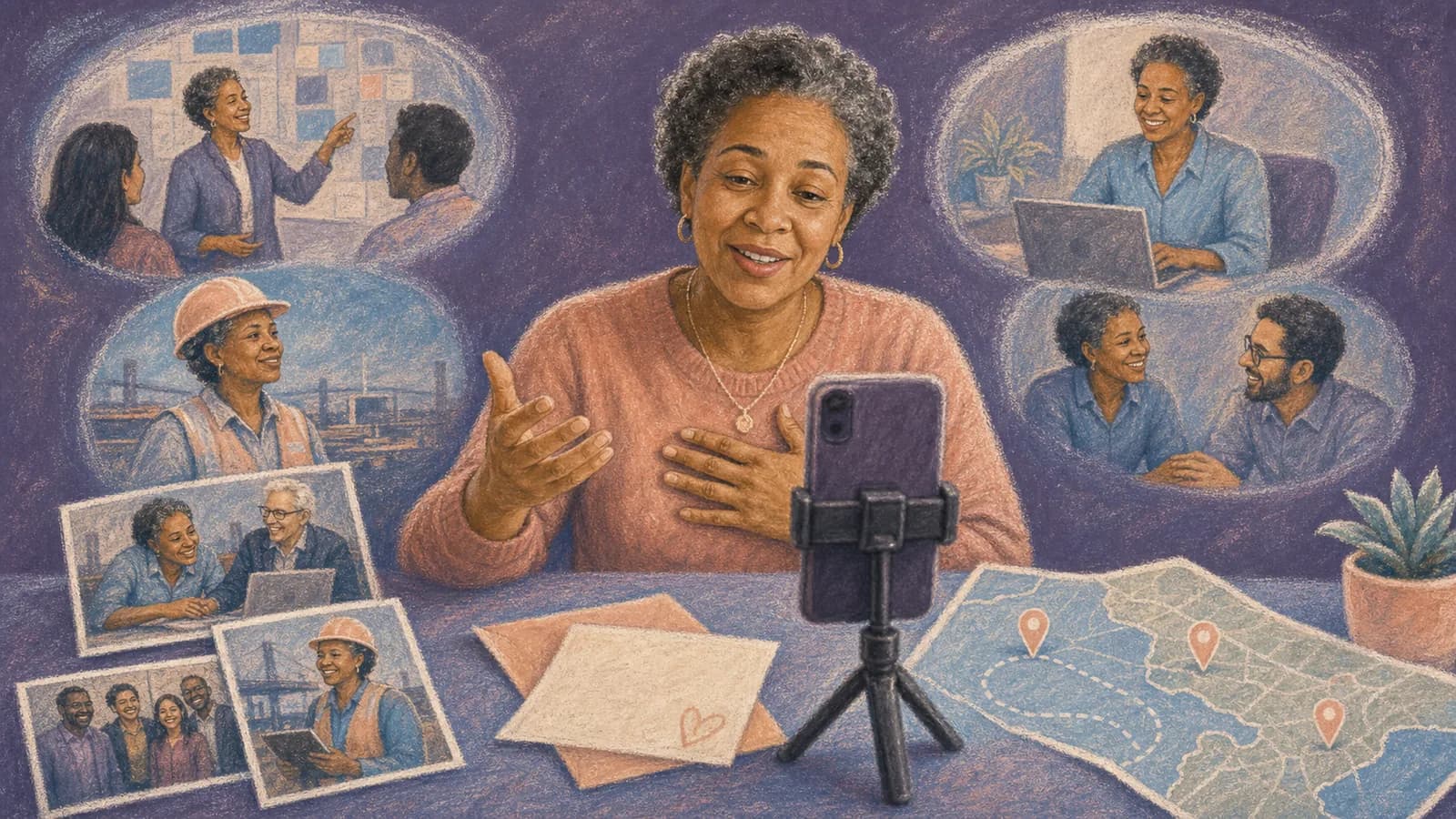
Make a retirement video by choosing one organizer, setting the audience and deadline, inviting coworkers and family, reviewing their clips, and building a clear beginning, middle and ending. This guide takes the project from the first request to the tested final copy.
Still deciding what to make? Compare the retirement video formats and complete example first, then return here for the production steps and contributor templates.
Step 1 of 13
Collect retirement messages from work and home
Gather workplace stories, career milestones, family wishes, and plans for the next chapter.
Step 2 of 13
Start With One Story and One Lead Organizer
Choose one person to manage the project. That person sets the deadline, answers questions, tracks responses, and keeps the video a surprise. A coworker often knows the work history best. A family member can help with older photos, personal stories, and retirement plans.
Agree on one main story before asking for clips. You might celebrate the retiree's impact, follow their career over time, or thank them for what they taught others. A clear direction helps contributors send useful material.
Write a short plan with the event date, final deadline, target length, contributor list, and reveal method. If two people are leading, divide the work. For example, one can contact coworkers while the other contacts family.
Step 3 of 13
How to Make a Retirement Video in Eight Steps
1. Choose the format. A message montage is simple and personal. A career timeline works well when you have older photos. A place-based story suits someone who worked in several offices, cities, schools, or project sites.
2. Build the contributor list. Include current teammates, former coworkers, managers, clients only when appropriate, close friends, and family. Ask the family contact whether an important person has been missed.
3. Send one clear request. Tell people what to record, set a 20- to 40-second target, provide one upload link, and give an exact deadline. Two or three prompts keep contributors from having to invent a speech. Use this group contribution collection plan to organize invitations, reminders, and file checks.
4. Collect more than video clips. Photos, written notes, voice recordings, awards, old team pictures, and safe workplace details can give the finished video more variety.
5. Track responses in a simple list. Mark each person as invited, received, reminded, or declined. Send one friendly reminder midway through the collection period and a final reminder shortly before the deadline.
6. Sort the material. Create groups such as early career, team memories, mentorship, family, and retirement wishes. Remove repeated stories and anything that could embarrass the retiree.
7. Build a beginning, middle, and ending. Open with the occasion and early memories. Move through the main career chapters. Place family messages near the final section to help the story turn toward the next chapter.
8. Review and test the video. Check names, sound, picture quality, permissions, and private details. Play the complete file on the same screen and speakers that will be used for the reveal.
Step 4 of 13
A practical two-week schedule
| When | Organizer’s work |
|---|---|
| About two weeks before | Agree on scope, audience, contributor list and permissions. Test the collection link. |
| First collection week | Send one request with a prompt, clip length and deadline. Review early files for problems. |
| Several days before | Close contributions, arrange the story and request any essential replacement. |
| Day before | Check names, consent, captions and the complete exported file on the venue equipment. |
| Reveal day | Keep a local playback copy and a quiet alternative if the retiree prefers a private viewing. |
Build the workback schedule using the organizer-hours versus calendar-time example. If the format is still undecided, return to the retirement ideas comparison before inviting people; changing the brief after collecting clips creates avoidable work.
Step 5 of 13
Bring Coworkers and Family Into the Same Video
Coworkers and family often know different versions of the retiree. That is useful. The goal is not to make every message sound the same. The goal is to connect those views without making the video feel random.
Ask coworkers about projects, mentorship, daily habits, or moments that shaped the team. Ask family about the support behind the career, proud milestones, hobbies, and plans for retirement. Give both groups the same target clip length.
Use a short transition between the two groups. A title card could say, "And now, a few words from home." You could also use a family photo or a brief message from the organizer. This creates a natural move from work life to what comes next.
Step 6 of 13
Use Prompts That Lead to Specific Retirement Video Messages
A broad request to say something nice often leads to repeated comments. Ask each person to answer one specific question so the finished tribute contains real examples, not a string of similar compliments. Contributors who need a starting point can adapt these retirement video message examples to their own relationship with the retiree.
Coworker prompts can include: What did this person teach you? Which project or ordinary workday do you remember most? How did they make the team better? What will feel different after they leave?
Family prompts can include: What career moment made you proud? What did people at work not always see? Which hobby, place, or plan are they excited to enjoy? What do you hope this next chapter brings?
Step 7 of 13
Help Everyone Record a Clear, Natural Clip
Ask for clips of about 20 to 40 seconds. That is enough time for one memory and one wish. Let people know that a simple phone recording is fine.
Contributors should face a window or another soft light. They should record in a quiet place and place the camera near eye level. A plain background keeps attention on the message.
Choose one video direction before sending instructions. Horizontal clips are often easier to show on a television or projector. If your editing format is vertical, tell everyone before they record.
Ask contributors to pause for a moment before and after speaking. Those quiet seconds make editing easier. Written messages and photos should remain an option for anyone who does not want to appear on camera.
Step 8 of 13
Arrange the Retirement Video So It Feels Like a Story
Begin with a simple title, the retiree's name, and the retirement date. Follow with an early photo or a short welcome from the organizer. This gives viewers time to understand what they are about to see.
Group clips by time, team, theme, or place. Avoid placing many similar talking-head clips together. Break them up with photos, short captions, voice recordings, or a brief music section.
Keep the strongest stories, not every second you receive. A focused five-minute video can feel more generous than a long video filled with repeated wishes. If many people contribute, create a shorter event version and keep the full version as a personal keepsake.
End with family messages, retirement wishes, and one clear closing line. A group wave, team photo, or final image of a meaningful place can provide a warm ending.
Step 9 of 13
Use Places When They Are Part of the Career Story
Some careers are closely tied to place. The retiree may have moved between offices, opened a branch, taught in several schools, traveled to project sites, or served different communities. Keep only locations that mark a meaningful change or story; a focused route is easier to follow than a complete travel log. This career journey map guide provides a place-based structure for retirements and farewells.
AlbumMap can connect each place with a photo, short clip, written note, or message. The story might start at the first workplace, move through major projects, and end at the retirement celebration or a favorite future destination.
A map-based video is most useful when the locations carry real meaning. If place is not an important part of the story, a simple message montage may be the better choice.
Step 10 of 13
Check Privacy, Permission, and Accessibility
Decide who will see the video. A private family viewing is different from a company event or a public social post. Tell contributors where the video will be shown before they submit a clip.
Remove client names, private company information, medical details, and jokes that need too much explanation. Ask before using material from internal meetings or workplace systems.
Add captions when possible, especially for quiet clips, strong accents, or a noisy event space. Check name spelling and use readable text with strong contrast. Give the retiree a link or file they can access after the event.
Step 11 of 13
Plan a Smooth Retirement Video Reveal
For an in-person party, show the video after a short welcome and before people become distracted. Test the screen, sound, internet connection, and backup file in advance.
For a remote reveal, set one viewing time and share the correct link with guests. Make attendance optional and let the retiree decide whether to respond; do not ask the group to wait for a reaction.
Offer the retiree time to respond if they want to. The video may bring laughter, tears, or quiet reflection. Do not rush straight into the next speech or activity.
Step 12 of 13
Examples You Can Copy
Copy-ready invitation for coworkers
Hi everyone, we are creating a retirement video for [Name]. Please send a 20-to-40-second clip by [date, time and named time zone]. Share one memory, one thing [Name] taught you, or one wish for retirement. Please record in a quiet, well-lit place and upload your clip here: [link]. Photos and written notes are welcome too.
Copy-ready invitation for family
We are adding family messages to [Name]'s retirement video. Please send a short clip by [date, time and named time zone]. You could share a proud career memory, something people at work may not know, or a wish for the next chapter. You can also upload a favorite photo or written message here: [link].
Copy-ready reminder
A quick reminder that messages for [Name]'s retirement video are due on [date, time and named time zone]. A simple phone recording is perfect. If you are unsure what to say, answer this: What is one thing you will always remember about [Name]? Upload your contribution here: [link].
Copy-ready sincere message
Hi [Name], thank you for the patience and care you brought to our team. I still remember how you helped me during [specific moment]. You made a real difference, and I hope retirement brings you time for [person, hobby, or plan]. Congratulations on this next chapter.
Copy-ready lighthearted message
Congratulations, [Name]. We will try to keep [safe team habit] going, though it may never meet your standards. I hope retirement brings slow mornings, good adventures, and very few calendar invitations.
Copy-ready location request
If your memory connects to an office, city, school, work site, conference, or team trip, please include that location with your photo, clip, or message. We may use the places to help tell the story of [Name]'s career.
Step 13 of 13
Final Thoughts
A meaningful retirement video does not need perfect footage. It needs clear planning and memories that feel true to the person. Give coworkers and family simple roles, ask for short contributions, and shape the material into one story. When important moments are tied to different locations, AlbumMap can connect those places with the photos, voices, and messages that made the career matter.
Finish line
Route complete: 13 steps
Need to check something again? Jump straight back to any stop.
- 1Collect retirement messages from work and home
- 2Start With One Story and One Lead Organizer
- 3How to Make a Retirement Video in Eight Steps
- 4A practical two-week schedule
- 5Bring Coworkers and Family Into the Same Video
- 6Use Prompts That Lead to Specific Retirement Video Messages
- 7Help Everyone Record a Clear, Natural Clip
- 8Arrange the Retirement Video So It Feels Like a Story
- 9Use Places When They Are Part of the Career Story
- 10Check Privacy, Permission, and Accessibility
- 11Plan a Smooth Retirement Video Reveal
- 12Examples You Can Copy
- 13Final Thoughts
Helpful answers
Frequently asked questions
How long should a retirement video be?
A group retirement video often works well at about three to eight minutes. A smaller group may need less time. If you receive many clips, make a shorter event version and save the full collection for the retiree.
How long should each retirement video message be?
Ask most people to record for 20 to 40 seconds. That gives them enough time for one memory, one thank-you, and one retirement wish without slowing the video.
What should coworkers say in a retirement video?
Coworkers can share a specific memory, a lesson they learned, a quality they admired, or something the team will miss. One honest example is stronger than a long list of compliments.
What should family add to a coworker retirement video?
Family can add proud career memories, older photos, a view of the support behind the career, and hopes for the next chapter. Their messages often work well near the end of the video.
How early should you start collecting retirement video clips?
Start about two to three weeks before the event when possible. Set the submission deadline several days before the reveal so there is time to organize, edit, review, and test the video.
Can people contribute without recording themselves?
Yes. Offer written messages, voice recordings, and photos as alternatives. These options make the project more inclusive and add visual variety to the finished video.
How can you make a retirement video funny without being rude?
Use gentle jokes about safe topics such as coffee, meetings, familiar habits, or turning off email. Avoid private stories, sensitive subjects, and any joke the retiree would not enjoy.
When does a map-based retirement video make sense?
A map-based story works well when the career includes meaningful offices, cities, schools, project sites, conferences, moves, or travel. Each location can hold related photos, clips, and messages.